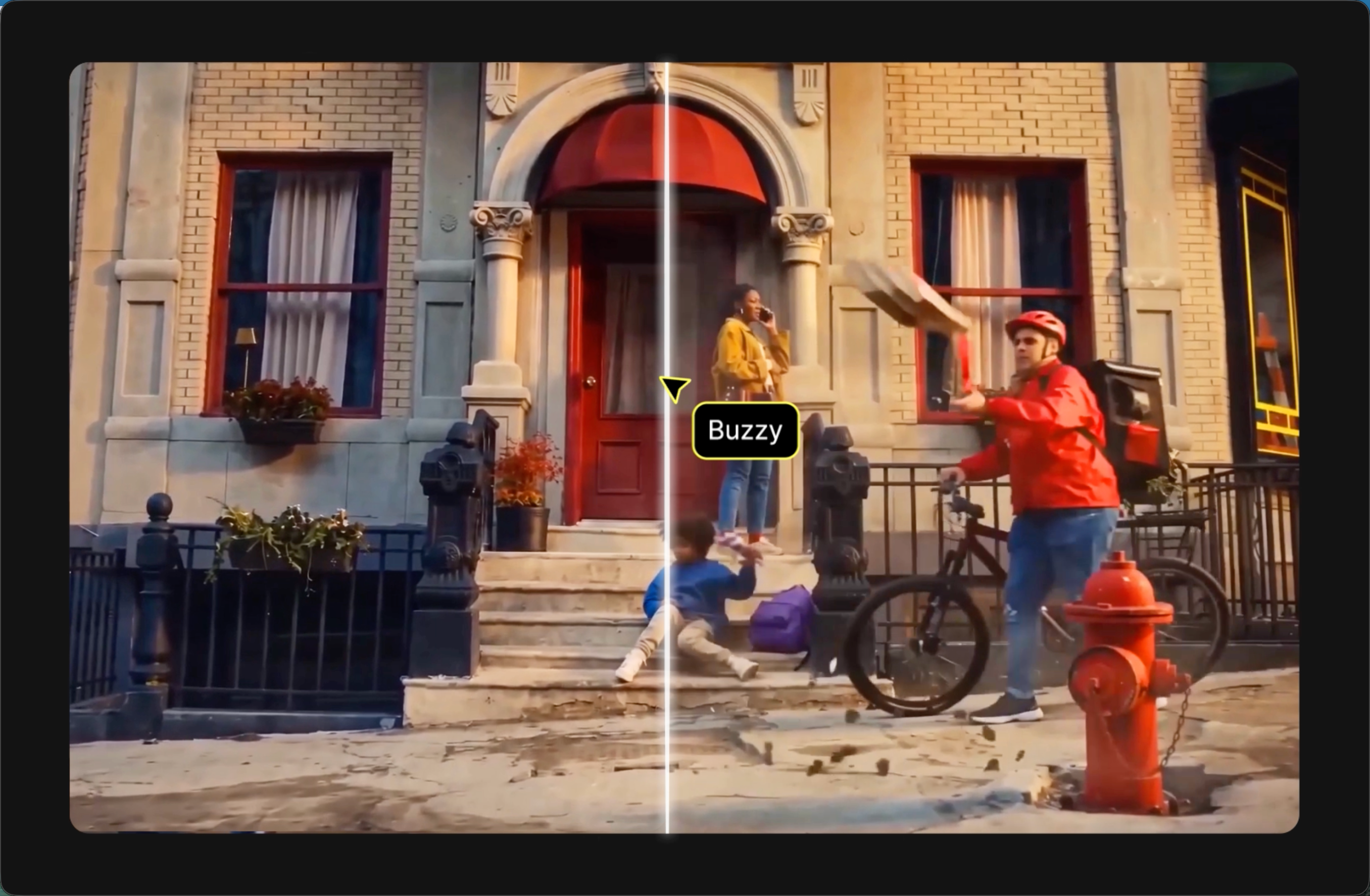
AI Video Clone for Recreating Video Popular Plot

Find the pattern before you make the new version. A useful reference has a pattern you can name. It may begin with a close detail, reveal a subject, move through two contrasting moments, and finish on a calm held frame. It may instead use fast cuts, a single camera movement, or a repeatable product sequence. Watch for the order and timing of those decisions. AI Video Clone is most useful when the reference gives you a clear creative pattern rather than a vague instruction to make something similar.

Upload an approved reference asset
New Video Brief
Describe the original subject, setting, and direction
Creative Workflow
Output Settings
Frame and Composition
Scene Length4s
4s15s
Video Clone Preview

AI Video Clone Creative Pack

NEW AI Video Clone
7-DAYUNLIMITED ACCESS
The most advanced video model. Available on presale.

AI Video Clone on Buzzy

AI Video Clone in Buzzy helps you use our Video Clone skill to recreate a reference video's structure and pacing while planning an original new brief.

AI Video Clone for Recreating Structure and Pacing

Find the pattern before you make the new version. A useful reference has a pattern you can name. It may begin with a close detail, reveal a subject, move through two contrasting moments, and finish on a calm held frame. It may instead use fast cuts, a single camera movement, or a repeatable product sequence. Watch for the order and timing of those decisions. AI Video Clone is most useful when the reference gives you a clear creative pattern rather than a vague instruction to make something similar. With AI Video Clone, the pattern is the starting point for your own direction. Keep the skill’s scope clear. Our Video Clone skill is presented for recreating a video’s structure and pacing. That is the scope to plan around on this page. It is not a promise that a new video will reproduce a person, voice, identity, brand asset, or every visual element from a source. For AI Video Clone work, put your own subject, setting, direction, and approved materials at the center of the new brief. Look at the reference for — Decide in your new brief The sequence of moments — The message and subject for your video The pace of cuts or scene changes — The timing that suits your idea The visual progression — The setting, look, and camera direction you want The ending beat — The final impression you want viewers to take away
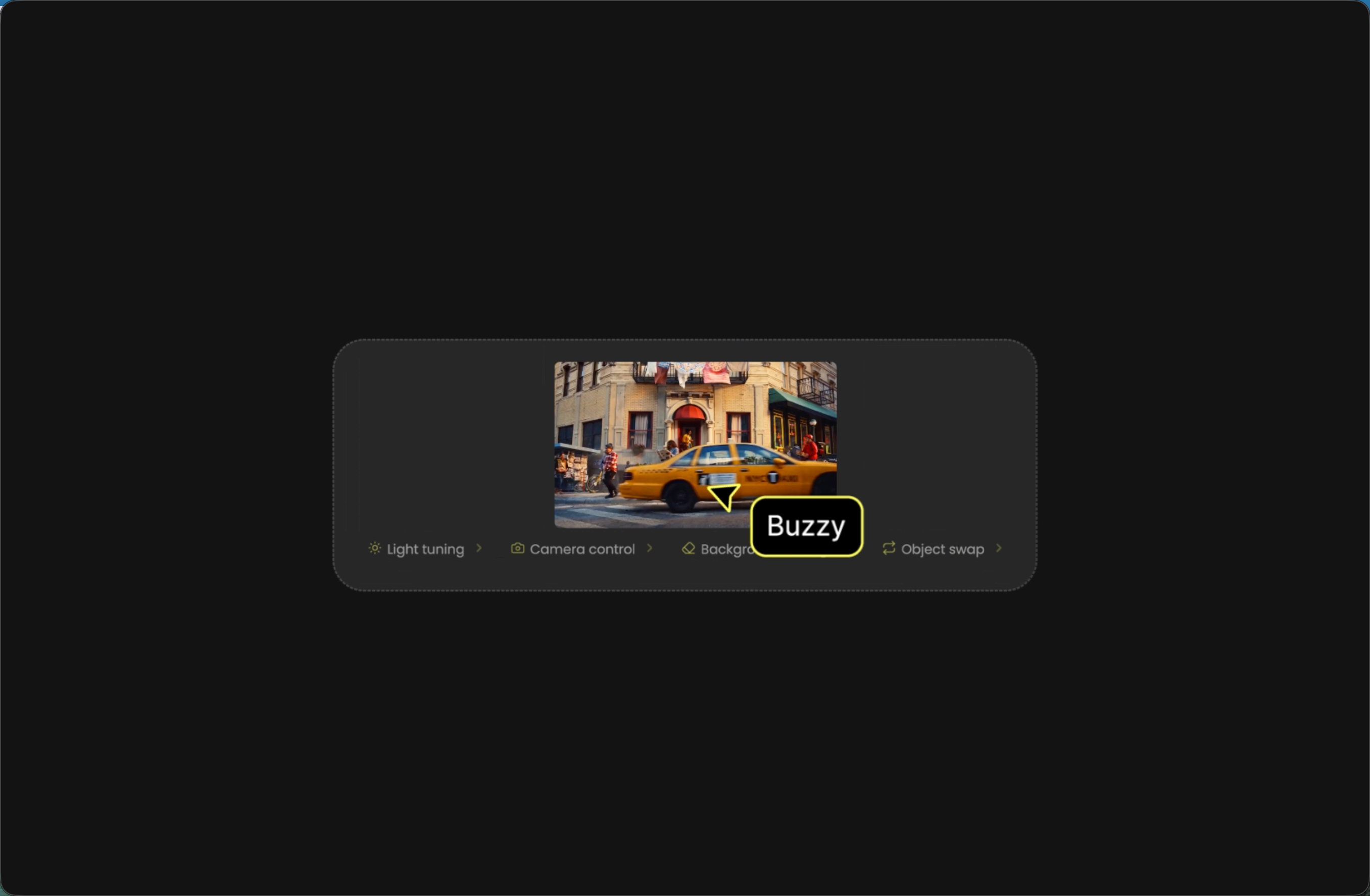
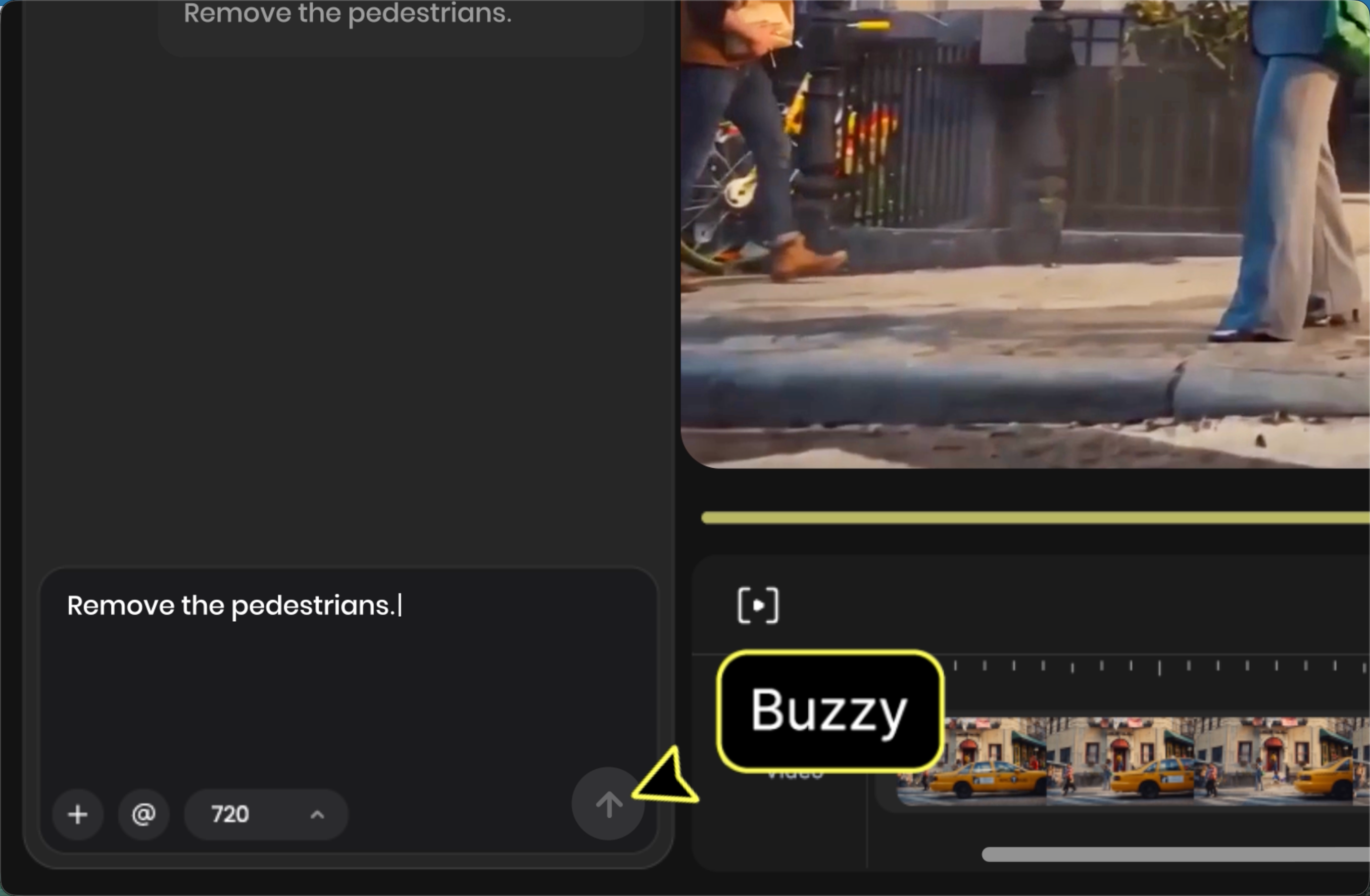
Choose a Reference You Can Explain

Begin with a specific creative observation. Before adding a reference, write one sentence about why you selected it. For example: “The opening establishes the product, the middle shows it in use, and the final moment returns to the product.” That is more actionable than “I like this video.” It also makes the AI Video Clone brief easier to evaluate, because you can check whether the structure is still serving your new idea. An AI Video Clone plan should state the new purpose in the same sentence. Separate structure from source material. A reference video can teach you how a story moves without supplying the people, products, logos, music, dialogue, or footage for a new one. List the source-specific elements that should not carry over. Then list the structural choices you do want to explore: a reveal, an escalation, a transition, a change of point of view, or a closing shot. This separation keeps your creative direction deliberate from the first prompt onward.

AI Video Clone Works From a Clear New Brief

Describe the new subject and setting. Give the new work its own center. Name the subject, what happens, where it happens, and the mood you want. Buzzy’s video guides recommend describing subject, setting, movement, style, and camera direction when writing a scene. Those details help you convert a reference-led idea into a video with a distinct purpose rather than a loose imitation. AI Video Clone keeps that new purpose visible while you develop the scene. Add references when they clarify the direction. The Ref slot is there for assets that make the visual brief easier to understand. Use only material you are comfortable using in a creative workflow. You might use a reference to establish a product, a person you have permission to depict, a layout, a color relationship, or an overall mood. AI Video Clone benefits from a focused reference choice: select the asset that explains the structure or visual anchor you actually need. Review the first result against the plan. After generating, compare the result with the observation you wrote at the start. Does the opening do its job? Does the middle move at the intended pace? Does the ending land on the right idea? If not, revise the new brief with a more concrete scene description or clearer direction. Treat each generation as a chance to clarify the video, not as a reason to add more unrelated instructions.

Plan a New Version With Video Cloning

Give the new video its own subject. Video cloning is more useful when the new version has a reason to exist. A product introduction, creative concept, visual story, or campaign idea can all require a different subject and setting even when they use a similar rhythm. In an AI Video Clone assignment, state that difference early. It gives the structure a new job and makes it easier to judge whether the new video is communicating its own message. Use pacing as a planning signal. Pacing is the relationship between moments: how long an opening holds, when a scene changes, and when the viewer receives new information. Describe the intended change in energy in plain language. A slower introduction, a quick sequence of actions, or a final pause are all creative choices you can articulate before you generate. This is the practical value of using a reference as a pacing signal instead of as a collection of surface details.

Direct the New Scene With Your Creative Brief

Make each direction specific. A focused brief reduces guesswork. Buzzy’s video creation guides encourage you to define the subject, action, environment, lighting, and camera direction. Use the details that matter to your scene, not a checklist for its own sake. Use AI Video Clone to consider whether a low-angle reveal serves your new subject. If it uses a quick transition, explain what the transition should reveal. Refine from the first pass. Review motion, timing, and scene detail one decision at a time. Revise the part of the direction that relates to the issue you noticed, such as the action, mood, or framing. AI Video Clone is a creative planning workflow, so a better result often begins with a clearer next instruction. Keep a note of the intended structure as you refine; it prevents a useful reference from being lost beneath incidental changes.

Apply Video Cloning to a Brand Story

Build an original message around the pattern. For a brand story, decide what the viewer should recognize in the first few moments and what they should understand at the end. The reference may suggest a cadence for revealing a product or moving through a story, but your message should supply the meaning. Choose your own approved product visuals, wording, and creative direction. That keeps the AI Video Clone work grounded in the story you are actually trying to tell. It also makes the AI Video Clone brief easier to share and review. Choose a format after the idea is clear. Buzzy video workflows can present settings such as duration, ratio, and resolution. Select available options to match the channel and the composition you planned. A vertical composition and a wider composition do not frame the same scene in the same way, so revisit the subject placement, action, and text needs when you make that choice. Check the settings shown in your workspace before generating rather than assuming a particular option is available.

Use Buzzy Skills Alongside Your Clone Video Workflow

Use Video Clone when structure and pacing are the starting point. Our Skills Library groups Video Clone with other video skills, including AI Film, AI Animations, AI Story, Explainer, UGC Ads, and Music Videos. Choose Video Clone when a reference video’s sequence and pace are the useful part of the assignment. This makes the starting decision easy to explain to collaborators: you are using the reference as a creative framework for a new direction. AI Video Clone remains focused on that framework. Switch the starting point when the task changes. Not every video begins with a reference. A story may begin with a concept, an explainer with an idea to clarify, and a music video with a track. If a different starting point better fits the work, explore the other video skills in our library instead of forcing every brief into video cloning. A well-chosen workflow helps keep the inputs, direction, and review criteria aligned.

Set Boundaries Before You Reference a Video

Use material you have permission to use. Only add videos, images, and other assets you have the right to use and, when people are depicted, the appropriate permission to use in your project. Do not rely on a reference workflow to grant rights in source material. Avoid presenting a recreated structure as an endorsement, partnership, or official version when it is not one. A responsible AI Video Clone process begins with that check, before you start. Understand how media is handled. Our Privacy Policy explains that Buzzy may collect face locations in uploaded pictures or video content to process content, and that images or videos containing faces can be uploaded to our backend server for processing and AI generation. It also explains that you can ask us to delete data by email request. Read our Privacy Policy before uploading material if you need to understand the policy details for your project.

How to Use AI Video Clone

Start with a clear creative decision, then develop and review the result in context.

Find the pattern before you make the new versionSTEP 01

FIND THE PATTERN BEFORE YOU MAKE THE NEW VERSION

A useful reference has a pattern you can name. It may begin with a close detail, reveal a subject, move through two contrasting moments, and finish on a calm held frame. It may instead use fast cuts, a single camera movement, or a repeatable product sequence. Watch for the order and timing of those decisions. AI Video Clone is most useful when the reference gives you a clear creative pattern rather than a vague instruction to make something similar. With AI Video Clone, the pattern is the starting point for your own direction.

Describe the new subject and settingSTEP 02

DESCRIBE THE NEW SUBJECT AND SETTING

Give the new work its own center. Name the subject, what happens, where it happens, and the mood you want. Buzzy’s video guides recommend describing subject, setting, movement, style, and camera direction when writing a scene. Those details help you convert a reference-led idea into a video with a distinct purpose rather than a loose imitation. AI Video Clone keeps that new purpose visible while you develop the scene.

Review the first result against the planSTEP 03

REVIEW THE FIRST RESULT AGAINST THE PLAN

After generating, compare the result with the observation you wrote at the start. Does the opening do its job? Does the middle move at the intended pace? Does the ending land on the right idea? If not, revise the new brief with a more concrete scene description or clearer direction. Treat each generation as a chance to clarify the video, not as a reason to add more unrelated instructions.

Get Inspirations

Why Use AI Video Clone?

Find the pattern before you make the new version

A useful reference has a pattern you can name. It may begin with a close detail, reveal a subject, move through two contrasting moments, and finish on a calm held frame. It may instead use fast cuts, a single camera movement, or a repeatable product sequence. Watch for the order and timing of those decisions.

Keep the skill’s scope clear

Our Video Clone skill is presented for recreating a video’s structure and pacing. That is the scope to plan around on this page. It is not a promise that a new video will reproduce a person, voice, identity, brand asset, or every visual element from a source. For AI Video Clone work, put your own subject, setting, direction, and approved materials at the center of the new brief.

Begin with a specific creative observation

Before adding a reference, write one sentence about why you selected it. For example: “The opening establishes the product, the middle shows it in use, and the final moment returns to the product.” That is more actionable than “I like this video.” It also makes the AI Video Clone brief easier to evaluate, because you can check whether the structure is still serving your new idea.

Separate structure from source material

A reference video can teach you how a story moves without supplying the people, products, logos, music, dialogue, or footage for a new one. List the source-specific elements that should not carry over. Then list the structural choices you do want to explore: a reveal, an escalation, a transition, a change of point of view, or a closing shot.

Describe the new subject and setting

Give the new work its own center. Name the subject, what happens, where it happens, and the mood you want. Buzzy’s video guides recommend describing subject, setting, movement, style, and camera direction when writing a scene. Those details help you convert a reference-led idea into a video with a distinct purpose rather than a loose imitation.

More Buzzy Tools to Explore

Choose the creative workflow that gives your next project a clear starting point.

Seedance 2.5
Cinematic 4K, consistent shots
Try it
Agentic Canvas
Agent-driven node canvas
Try it
Kling 4.0
3 to 30 seconds long at up to 4K quality
Try it
Nano Banana 2.1
Fast and brand level image generation
Try it
Seedance 2.0
Motion-driven video creation
Try it
Google Omni
Cinematic video generation
Try it
Kling
High-fidelity physics simulation
Try it
Runway
Next-gen creative video tools
Try it
Nano Banana 2
Lightweight video synthesis
Try it
Veo 3.1
Google's advanced video generation
Try it
GPT Image 2
Photorealistic image generation
Try it
Hailuo
Fast and expressive video drafting
Try it
Pixverse
Stylized and dynamic video generation
Try it

Frequently Asked Questions

Answers to common AI Video Clone questions.

On Buzzy, AI Video Clone refers to using our Video Clone skill as a starting point for recreating a reference video’s structure and pacing. Use it to identify the sequence and rhythm you want to explore, then write a new creative brief around your own subject, setting, and direction.

Open the Skills Library, add Video Clone, and use the Ref area if you want to bring an asset into the workspace. Before you generate, write down the structural observation that matters and describe the new video you want to create. Review the first result against that plan, then refine the direction.

You can use a reference you have the right to use as a creative input. Video cloning does not transfer rights in footage, music, likenesses, logos, or other source material. Make sure the assets and the way you plan to publish the new video are appropriate for your project.

Buzzy labels its reference area as Ref. The Skills Library interface describes dropping assets to Ref as the same as uploading to the Ref slot. Add only assets that help clarify the new brief, such as an approved visual reference or an asset you want to use in the workspace.

Confirm that you can use the reference and any assets you add, identify the structural pattern you want to explore, and write a fresh direction for the new subject and setting. Then check the settings available in your workspace and review the output for the pacing and message you planned.

Start Your AI Video Clone in Buzzy

Choose a reference with a pattern you can explain, give the new video an original purpose, and use the Video Clone skill to recreate the structure and pacing that support it. When the task calls for a different starting point, our Skills Library gives you other video skills to explore. Keep your brief clear, your assets approved, and your review focused on the video you set out to make.

25M
Customers
190 countries
#1
Product of the month
Product Hunt
4.8
G2
Buzzy