
Combina la dirección multimodal
Reúne prompts y referencias visuales en un único brief de producción enfocado.
Convierte prompts y referencias visuales en escenas cinematográficas conectadas con audio nativo.
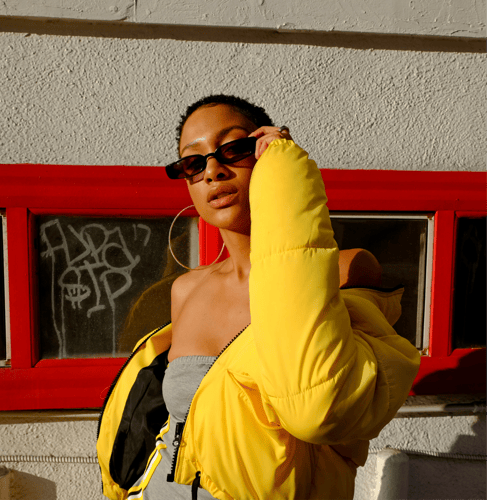
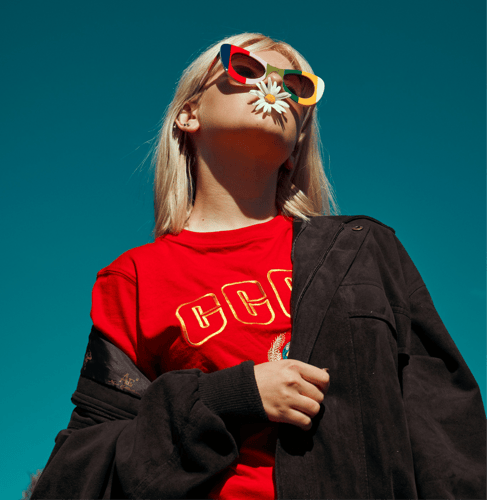

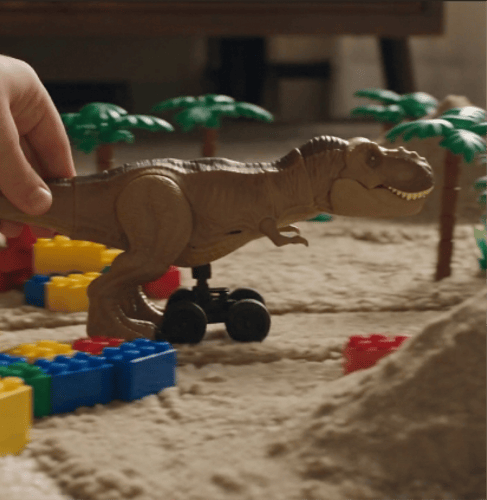
Planifica identidad, movimiento, escenas y sonido en un único brief enfocado.
Reúne prompts y referencias visuales en un único brief de producción enfocado.
Define la apertura, la acción, las transiciones y el fotograma final como momentos conectados.
Dirige la ambientación, los diálogos o la música junto con la acción visual.
Conserva la identidad, la apariencia y la voz a lo largo de escenas conectadas.
Convierte un concepto en un vídeo controlable separando entrada, dirección y revisión.
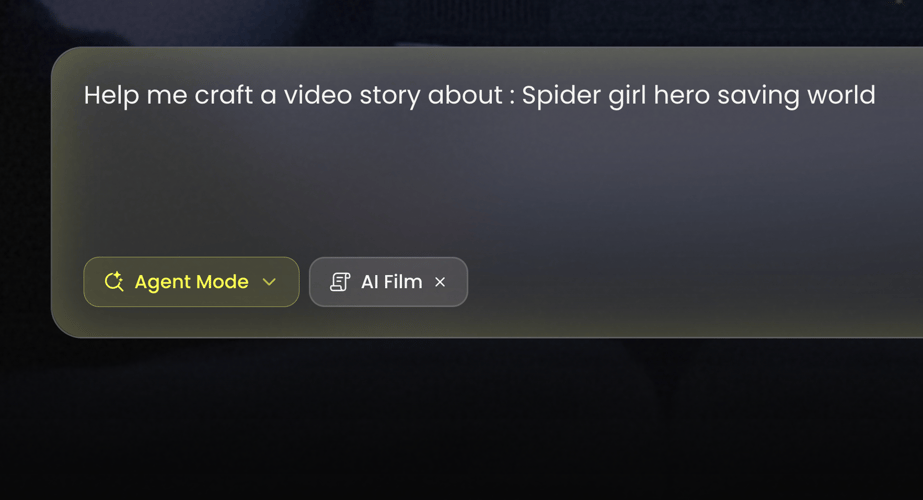 PASO 01
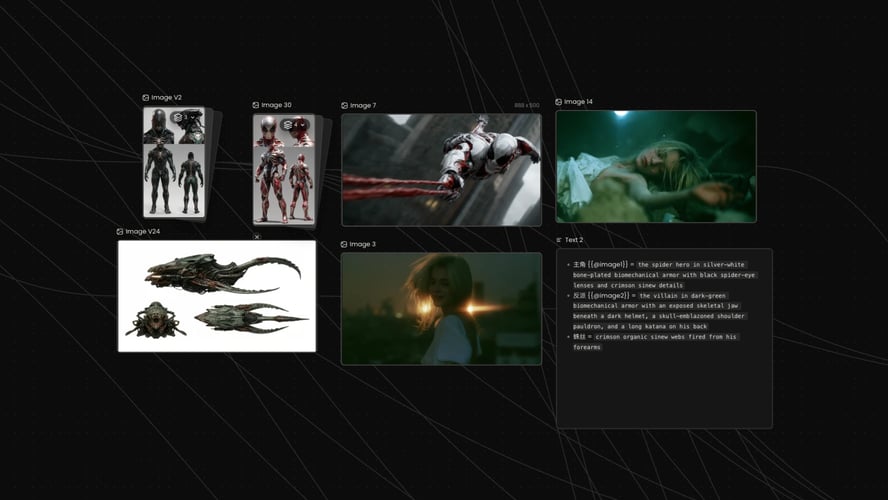
Selecciona Kling 3.0 en Buzzy. Decide si la escena parte de texto, una imagen o un conjunto más amplio de referencias multimodales disponibles en el espacio de trabajo.
 PASO 02
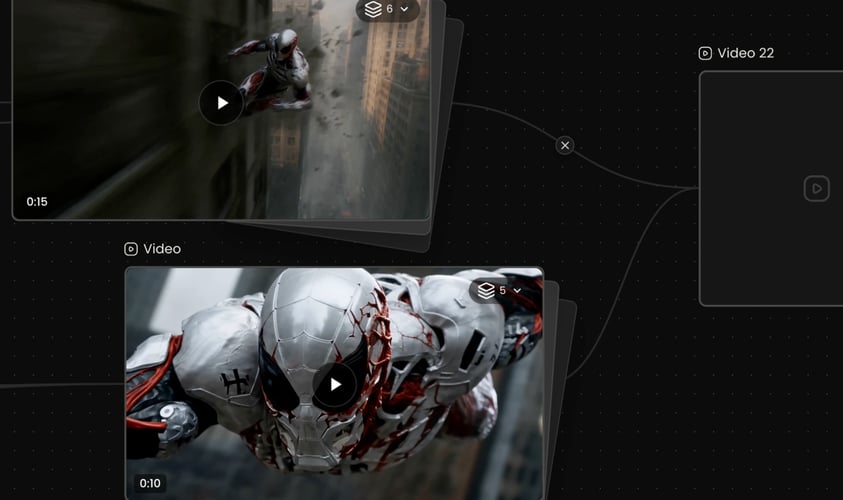
Describe lo que sucede, no solo cómo se ve el fotograma. Nombra el sujeto, el objetivo, el escenario, la acción, la cámara y el sonido.
 PASO 03
Elige los ajustes que se muestran para el modelo activo, genera y revisa el resultado completo.
Buzzy
Nombra el sujeto pronto y mantén los descriptores estables.
Cada escena debe cambiar algo significativo.
Describe el movimiento del sujeto por separado del movimiento de la cámara.
Escribe el sonido que debe acompañar a la acción.
Elige la relación de aspecto y los ajustes de salida que se muestran en Buzzy según el destino.
Conserva las partes que funcionaron y aísla el siguiente cambio.
Combina la dirección escrita con las entradas visuales relevantes en lugar de obligar al modelo a deducir qué elemento importa.
Planifica una secuencia como un pequeño número de planos con propósito.
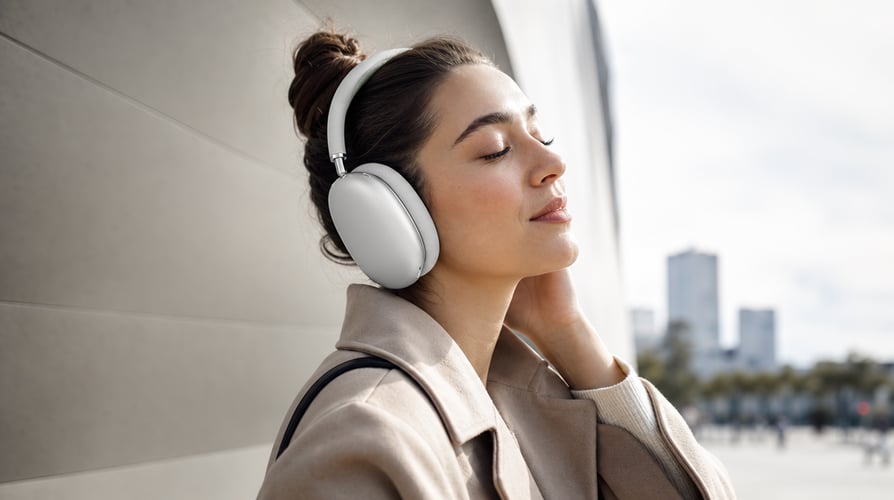
Desarrolla una escena compacta con un personaje reconocible, una motivación clara y un giro visual.
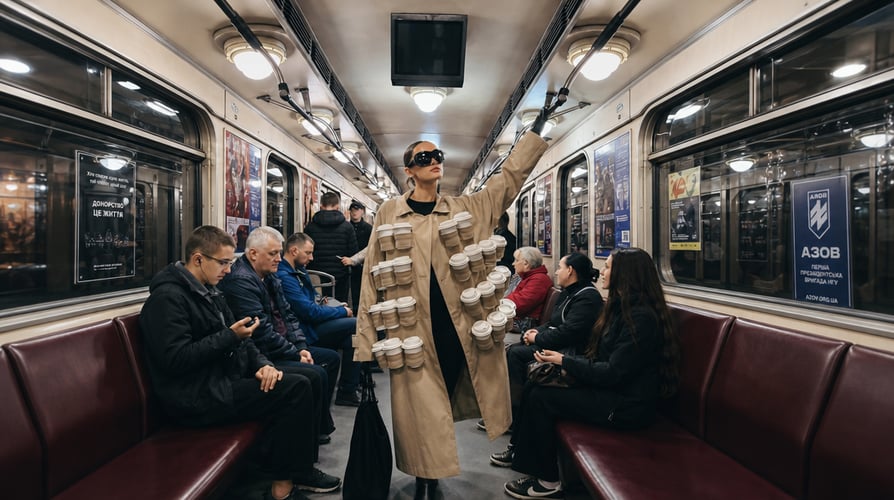
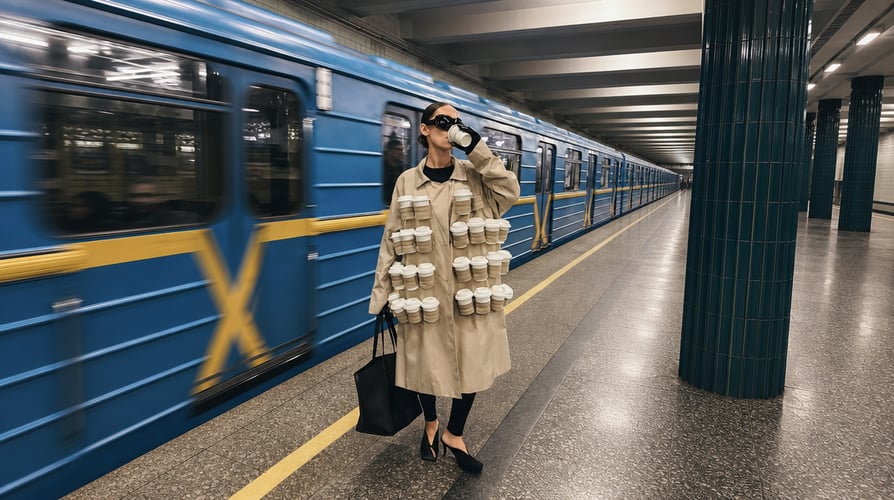
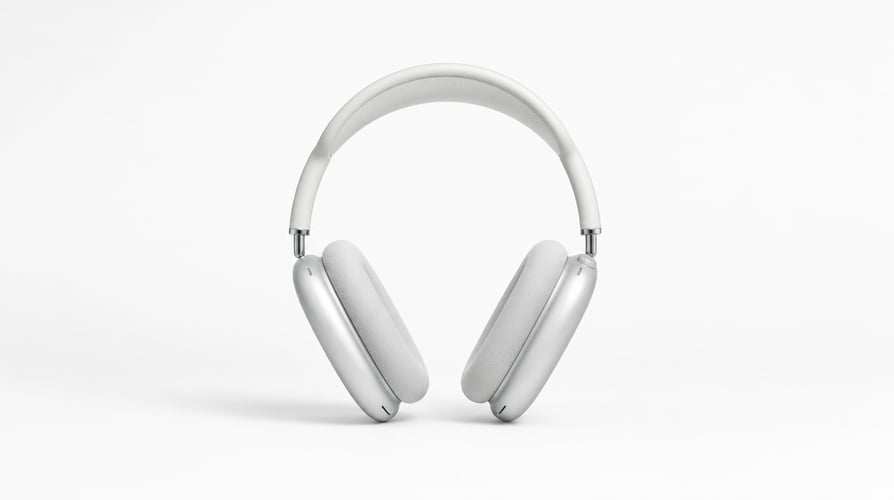
Crea un lanzamiento, una demostración, una escena de estilo de vida o un concepto de campaña.


Construye un gancho rápido, conflicto, cambio y desenlace para contenido pensado para móvil.

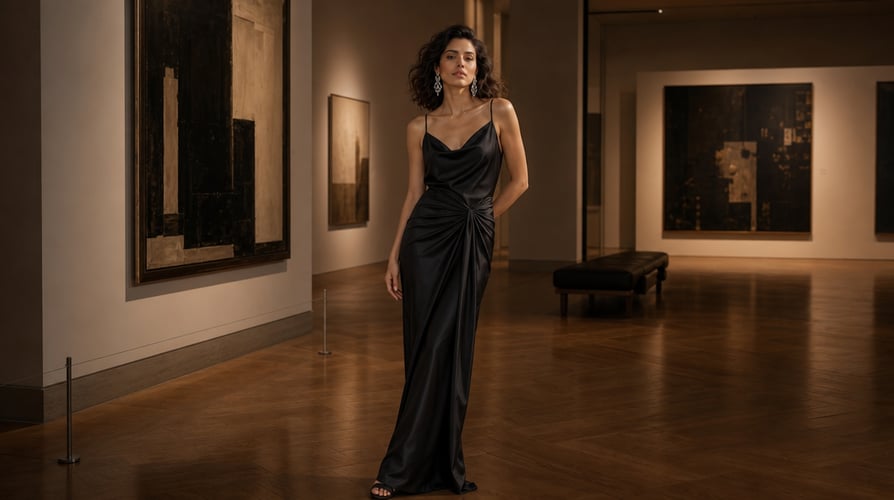
Coordina el movimiento, los cortes, la ambientación y el ritmo visual en torno a una idea musical.
Buzzy reúne los principales modelos de vídeo en un único espacio creativo conectado.
Respuestas a las preguntas habituales sobre Kling 3.0.
Kling 3.0 es la última serie de modelos de vídeo de KlingAI. Combina el análisis de instrucciones multimodales, el control de storyboard, el audio nativo, la consistencia de identidad visual, la consistencia de tono vocal y las transiciones entre múltiples escenas.
Selecciona el modelo, añade los recursos de entrada relevantes y escribe un prompt que describa el sujeto, la acción, el escenario, la cámara, el orden de las escenas y el audio.
Kling 3.0 admite el control orientado a storyboard y la generación conectada de múltiples escenas. Mantén la secuencia corta y con propósito.
Sí. El audio nativo forma parte del sistema de creación del modelo. Puedes incluir contexto de diálogo, ambientación, efectos o dirección musical en el brief.
El modelo está diseñado para mantener la identidad visual y el tono vocal a lo largo de escenas conectadas. Los buenos resultados siguen dependiendo de referencias coherentes y descripciones estables.
Úsalo para narraciones cortas, escenas de personajes, conceptos de producto, clips sociales, secuencias de marca, ideas de performance, visuales con música y pruebas de storyboard.
Escribe primero el sujeto y la acción, luego añade el orden de las escenas, el escenario, la cámara, el estilo y el audio. Separa el movimiento del sujeto del movimiento de la cámara.
Buzzy muestra en el espacio de trabajo el acceso de generación actual, los créditos y los ajustes del modelo.
Create a video from an idea, visual reference, or planned sequence without separating every creative decision into a different tool. Kling 3.0 combines multimodal instruction understanding, storyboard-level control, connected scenes, and native audio generation. Buzzy gives you one workspace for turning those capabilities into a clear production brief. Start by deciding what must remain consistent: a character, product, location, visual style, voice, or action. Then describe how the scene develops over time. Kling 3.0 is especially useful when the result needs more than generic motion—when identity, pacing, transitions, and sound must serve the same story.
Combine written direction with relevant visual inputs instead of forcing the model to infer which element matters. You can define subject identity, scene context, action, camera behavior, and mood in a connected request. Kling 3.0 parses multimodal instructions across creation tasks, making it suitable for workflows that begin with more than text alone.
Plan a sequence as a small number of purposeful shots. Establish the opening, describe the transition or action, and define the closing image. Kling 3.0 supports storyboard-oriented direction and multi-scene generation, so creators can think in beats rather than treating every clip as an unrelated experiment.
Sound can reinforce place, pace, and emotional tone. Add dialogue context, ambience, effects, or music direction when audio belongs to the concept. Kling 3.0 includes native audio generation, helping the visual and sound evolve from the same brief. Review generated speech and synchronization carefully because generative output is not a guarantee of exact delivery.
When a concept depends on a recognizable character, consistent identity matters across shots. Kling 3.0 is designed to maintain visual identity and vocal tone through connected scenes. Clear references and a stable character description reduce ambiguity, while a focused sequence prevents unrelated style shifts from competing with the subject.
Select Kling 3.0 in Buzzy. Decide whether the scene starts from text, an image, or a broader set of multimodal references available in the workspace. Use the fewest assets needed to establish the subject and style. If two references communicate conflicting identities or environments, resolve that conflict before generating.
Describe what happens, not just what the frame looks like. Name the subject, goal, setting, action, camera, and sound. For several scenes, write a simple order: opening state, change, transition, and final state. Kling 3.0 can work with sophisticated instructions, but the model still benefits from a clear hierarchy.
Choose the settings shown for the active model, generate, and review the complete result. Check subject identity, action order, camera continuity, transitions, audio, and final framing. Revise one category at a time. If character identity is strong but the pacing is wrong, preserve the identity description and change only the timing instructions.
Name the subject early and keep descriptors stable. For a person or character, focus on a few durable details rather than a long costume inventory. For a product, identify the shape, material, color, and branding elements that must remain recognizable. Kling 3.0 needs consistent guidance to preserve the same visual anchor across a sequence.
Every scene should change something meaningful. A character enters, an object transforms, the camera reveals a new environment, or a product moves from context to close-up. Avoid adding scenes simply to make the video feel larger. Storyboard control works best when the sequence has a readable cause and effect.
Describe subject motion separately from camera motion. “The runner turns toward the doorway while the camera tracks backward” is easier to interpret than a stack of cinematic labels. Kling 3.0 supports fine creative direction, but clarity still beats jargon. Use one primary camera action per shot whenever possible.
Write the sound that should accompany the action. If dialogue matters, specify the speaker, emotional delivery, and short intended line. If ambience matters more, describe the environment and timing. Native audio can strengthen the result, but always review speech, vocal identity, timing, and content before publishing.
Choose the ratio and output settings displayed in Buzzy according to the destination. Vertical composition should keep faces, products, and action inside a mobile-safe frame. Landscape composition can create more environmental context. Kling 3.0 prompts should reflect the selected frame rather than relying on later cropping.
Keep the parts that worked and isolate the next change. Replacing the entire prompt after every result makes it harder to understand which instruction improved the output. Save a stable subject and scene description, then refine pacing, camera, transition, or audio in a controlled next pass.
Combine written direction with relevant visual inputs instead of forcing the model to infer which element matters. You can define subject identity, scene context, action, camera behavior, and mood in a connected request. Kling 3.0 parses multimodal instructions across creation tasks, making it suitable for workflows that begin with more than text alone.
Plan a sequence as a small number of purposeful shots. Establish the opening, describe the transition or action, and define the closing image. Kling 3.0 supports storyboard-oriented direction and multi-scene generation, so creators can think in beats rather than treating every clip as an unrelated experiment.
Develop a compact scene with a recognizable character, clear motivation, and visual turn. Use references when identity is essential, then describe the emotional and physical progression. Connected scenes can move from setup to reaction without abandoning the same visual world.
Create a reveal, demonstration, lifestyle scene, or campaign concept. Identify the product features that must remain accurate, then use camera and environment to build attention. Kling 3.0 can support several related shots, allowing a product to move from context to detail within one planned sequence.
Build a quick hook, conflict, change, and payoff for mobile-first content. Keep the action readable without sound, then use native audio to deepen the result. A strong first frame and concise visual premise matter more than unnecessary complexity.
Coordinate movement, cuts, ambience, and visual rhythm around a musical idea. Describe the relationship between motion and sound instead of merely requesting “cinematic music.” Kling 3.0 works best when the audio direction has a role in the scene’s progression.
Kling 3.0 is the latest KlingAI video model series. It combines multimodal instruction parsing, storyboard control, native audio, visual identity consistency, vocal tone consistency, and multi-scene transitions. On Buzzy, those capabilities can be used through a focused AI video generation workflow.
Select the model, add the relevant input assets, and write a prompt that describes the subject, action, setting, camera, scene order, and audio. Choose the available ratio and output settings, generate, then review identity, motion, transitions, and sound before refining.
Kling 3.0 supports storyboard-oriented control and connected multi-scene generation. Keep the sequence short and purposeful. Define the opening, the change between scenes, and the closing state so each part advances the same concept.
Yes. Native audio is part of the model’s creation system. You can include dialogue context, ambience, effects, or music direction in the brief. Generated audio can vary, so review wording, voice, timing, and synchronization before using the clip.
The model is designed to maintain visual identity and vocal tone across connected scenes. Strong results still depend on coherent references and stable descriptions. Avoid changing defining character details between shots unless transformation is the point of the story.
Use it for short narratives, character scenes, product concepts, social clips, branded sequences, performance ideas, music-led visuals, and storyboard tests. Choose a concept where multimodal input, continuity, or native audio provides a real creative advantage.
Write the subject and action first, then add scene order, setting, camera, style, and audio. Separate subject movement from camera movement. For a sequence, use time-based language so the model understands what happens first, what changes, and how the final shot resolves.
Buzzy displays the current generation access, credits, and model settings in the workspace. Availability and pricing can change, so use the active interface as the source of truth rather than assuming a permanent free allowance.
Elige una historia, un ancla visual consistente y una secuencia clara.