
Text & Image to Animation
Start with a text prompt, reference image, or sketch and transform your idea into a vivid animated scene with characters, movement, and atmosphere in seconds.
Turn your ideas into animated stories. Create characters, shape every scene, and bring your imagination to life.
Choose a starting point, pick a style, and bring your animation to life.
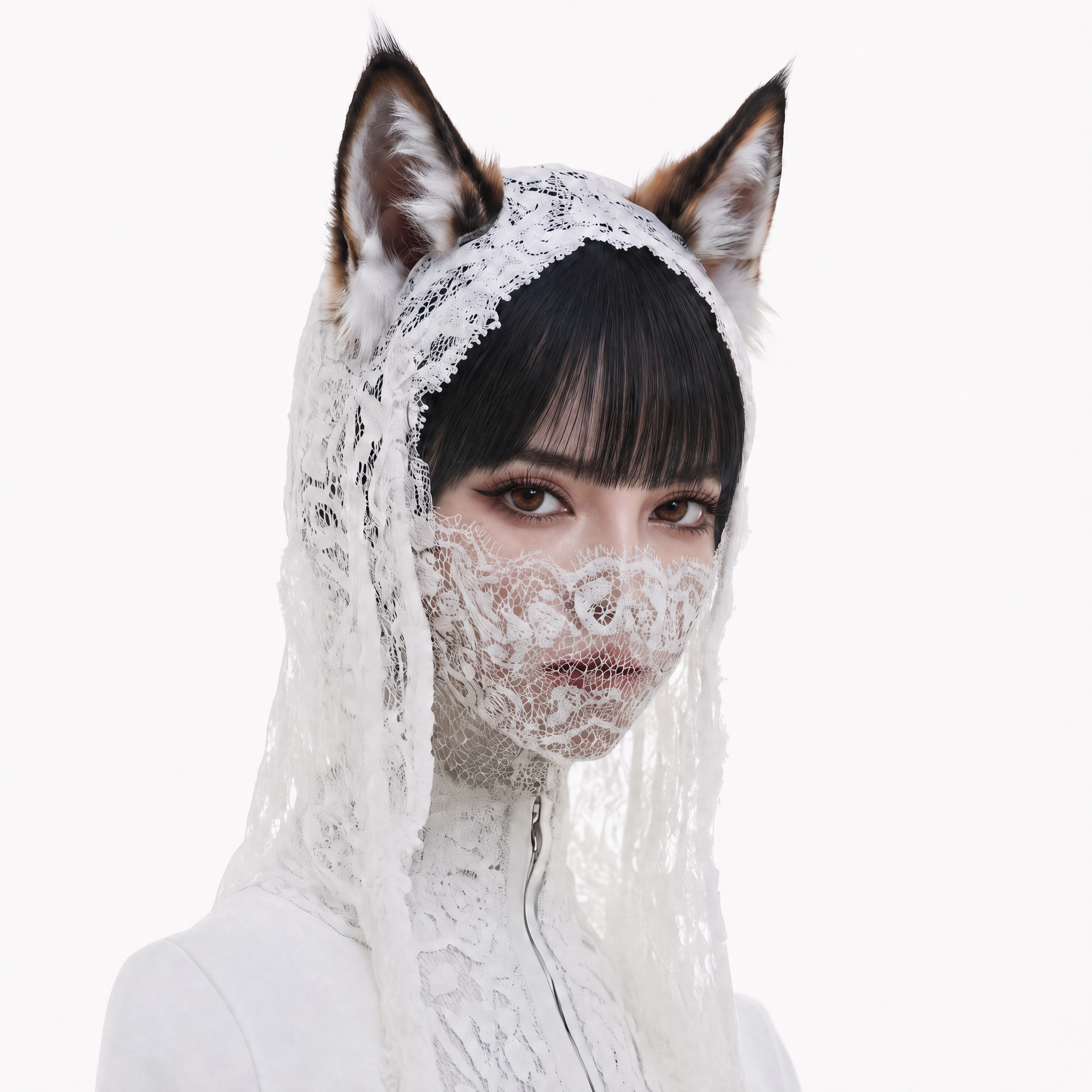
Explore cartoon, 2D, 3D, anime, pixel art, and other creative animation styles.
Start with a text prompt, reference image, or sketch and transform your idea into a vivid animated scene with characters, movement, and atmosphere in seconds.
Create in 2D cartoon, 3D animation, anime, pixel art, stop motion, cinematic, and many other visual styles to match the mood and story you want to tell.
Maintain the same character appearance, costume, environment, lighting, and visual language across every scene, then refine details or explore new takes without losing what already works.
Turn one idea into a visual plan with story beats, scene descriptions, shot compositions, character actions, and storyboard frames before bringing the animation to life.
Guide character actions, facial expressions, camera movement, animation duration, pacing, and aspect ratio so you can direct every shot with greater precision.
Create characters, plan scenes, and generate an animation with a simple workflow.
 01
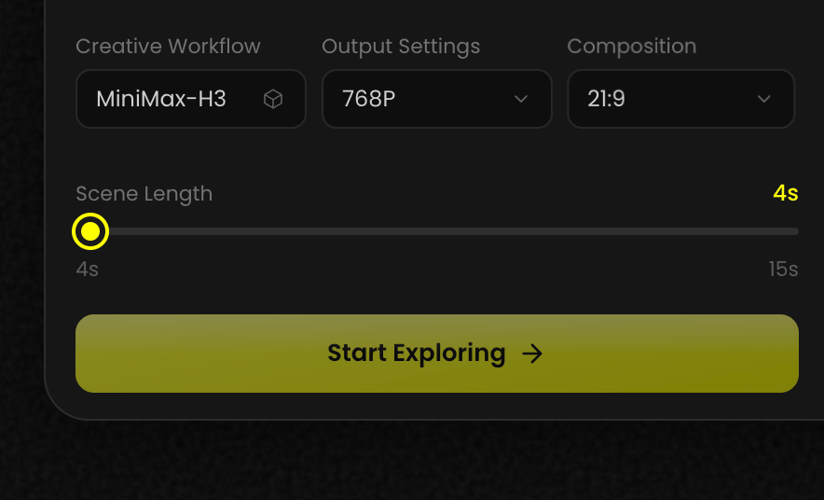
01Share a story, character, image, sketch, or simple concept. The AI turns your creative direction into an animation plan.
 02
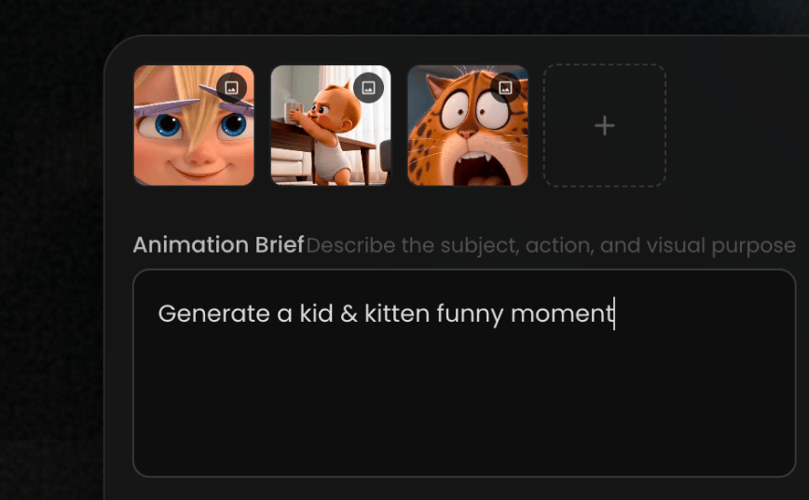
02Choose a visual style, define the characters, shape the scenes, and review the shot-by-shot storyboard before generating.
 03
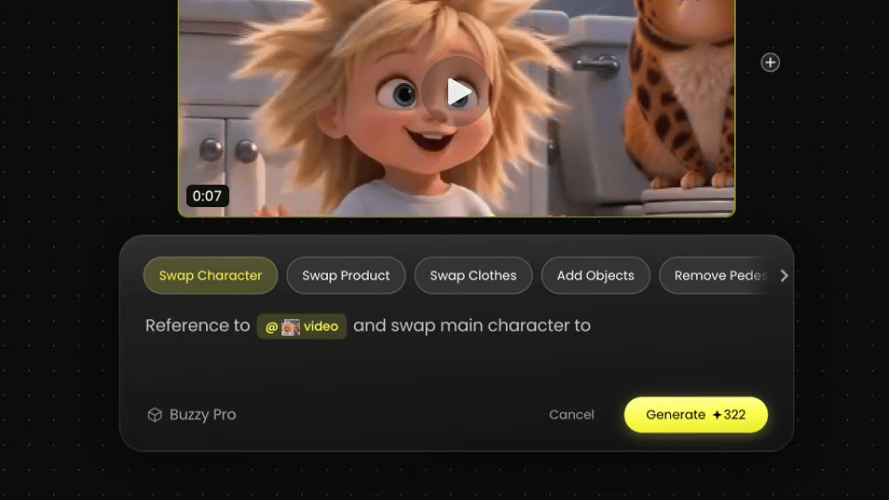
03Bring the storyboard to life, explore different takes, adjust motion and camera direction, and create your final animation.
Turn a simple idea into a polished animated concept without mastering complex animation software.
Preview your characters, scenes, actions, and visual style before investing time in a full production.
Maintain character identity, costumes, environments, and style across multiple scenes.
Try different styles, camera angles, story beats, and character performances in less time.
Develop animated stories, social content, explainers, ads, and visual concepts in the format you need.
Pick a creative direction and let AI help shape the characters, scenes, motion, and story.
Everything you need to know about creating animations with AI.
An AI animation generator turns text prompts, images, sketches, and creative direction into animated scenes, characters, and stories.
Yes. Upload a character reference, illustration, sketch, or image and use it as the visual starting point for your animation.
Create 2D cartoons, 3D animation, anime, pixel art, stop motion, motion graphics, cinematic scenes, and other guided visual styles.
Yes. Describe actions, expressions, camera angles, camera movement, pacing, duration, and aspect ratio to guide each shot.
Use character references and a consistent creative direction to help maintain the same appearance, costume, and visual identity across scenes.
Yes. Start with one idea and generate story beats, scene descriptions, shot compositions, character actions, and storyboard frames before creating the animation.
Commercial use depends on the applicable model licenses and Buzzy’s current terms. Please review the relevant commercial-use policy before publishing or distributing a project.
Turn the story in your head into an animation you can see, shape, and share.