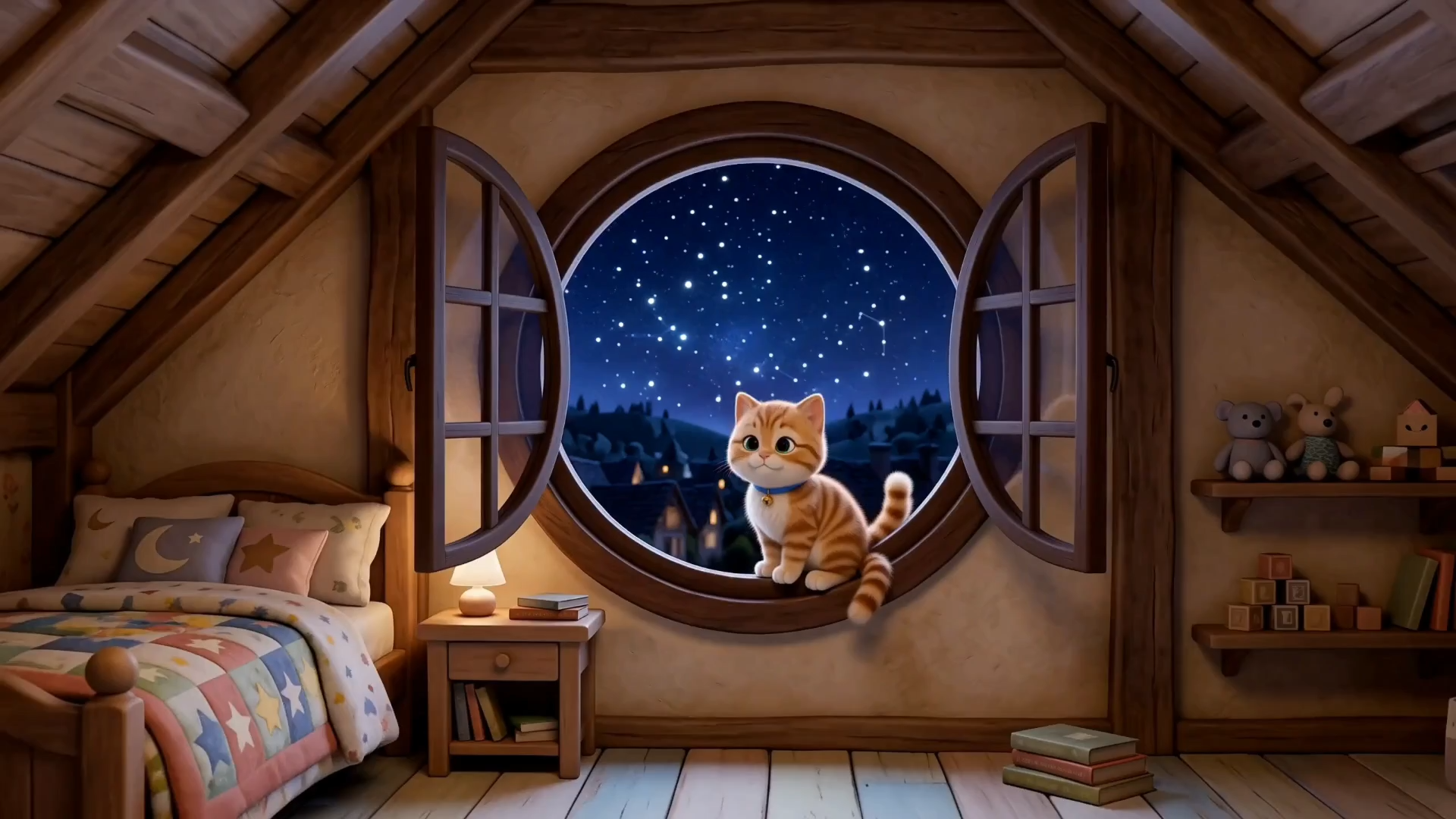
AI Kids Video Generator

Create animated kids videos faster and grow your YouTube channel with Buzzy AI—no experience needed.

Ref

Key Features of AI Kids Video Generator

Everything you need to turn a simple idea into a complete kids video.

Scale Your AI Kids YouTube Channel

Turn your ideas into animated kids videos with Buzzy's powerful skill that handles scripts, scenes, and voiceover—no experience needed. Create more, publish consistently, and grow your audience on YouTube, TikTok, and beyond.
Keep Your Channel’s Characters Consistent

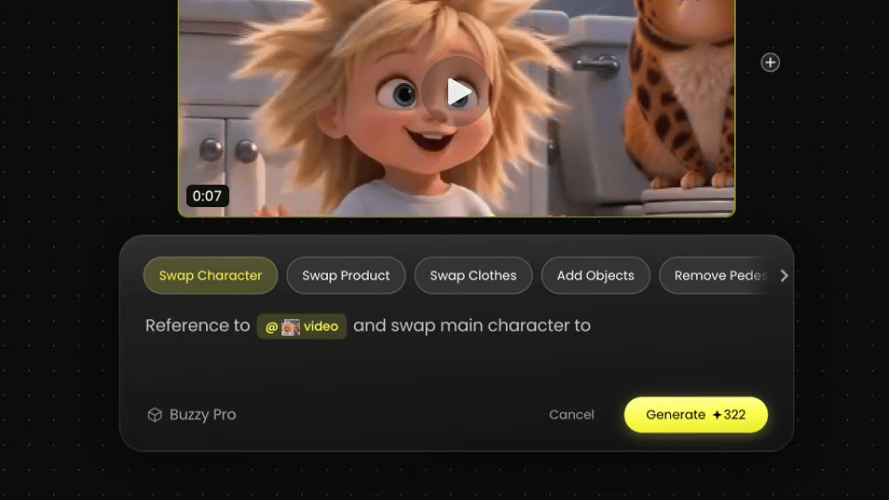
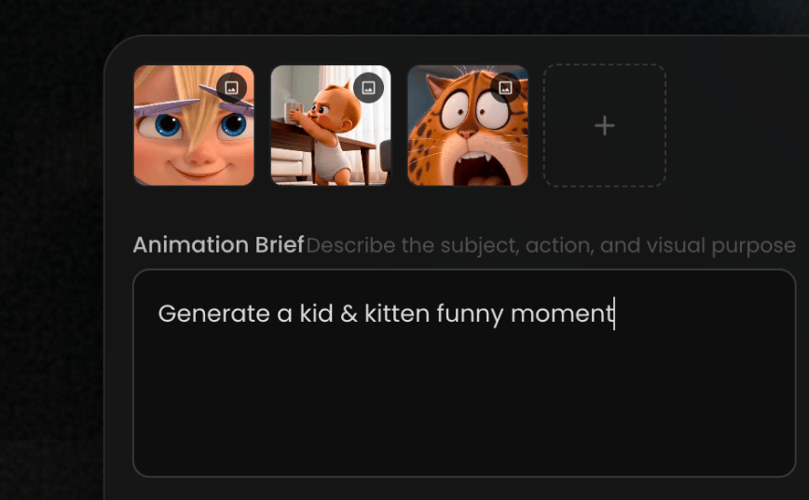
Give kids familiar faces to follow through every story. Use reference images to keep your characters’ appearance, outfits, and style consistent across scenes, helping you build a recognizable cast for your channel.

100+ Animation Styles. Infinite Kid-Friendly Directions.

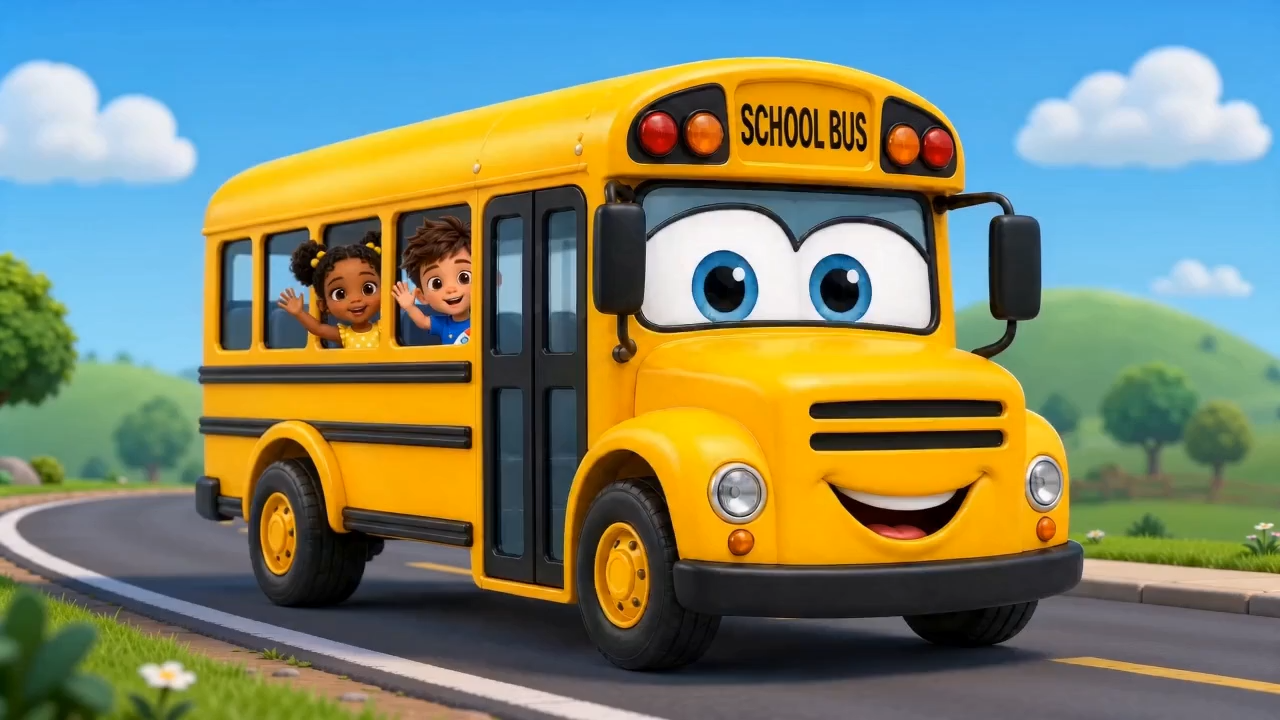
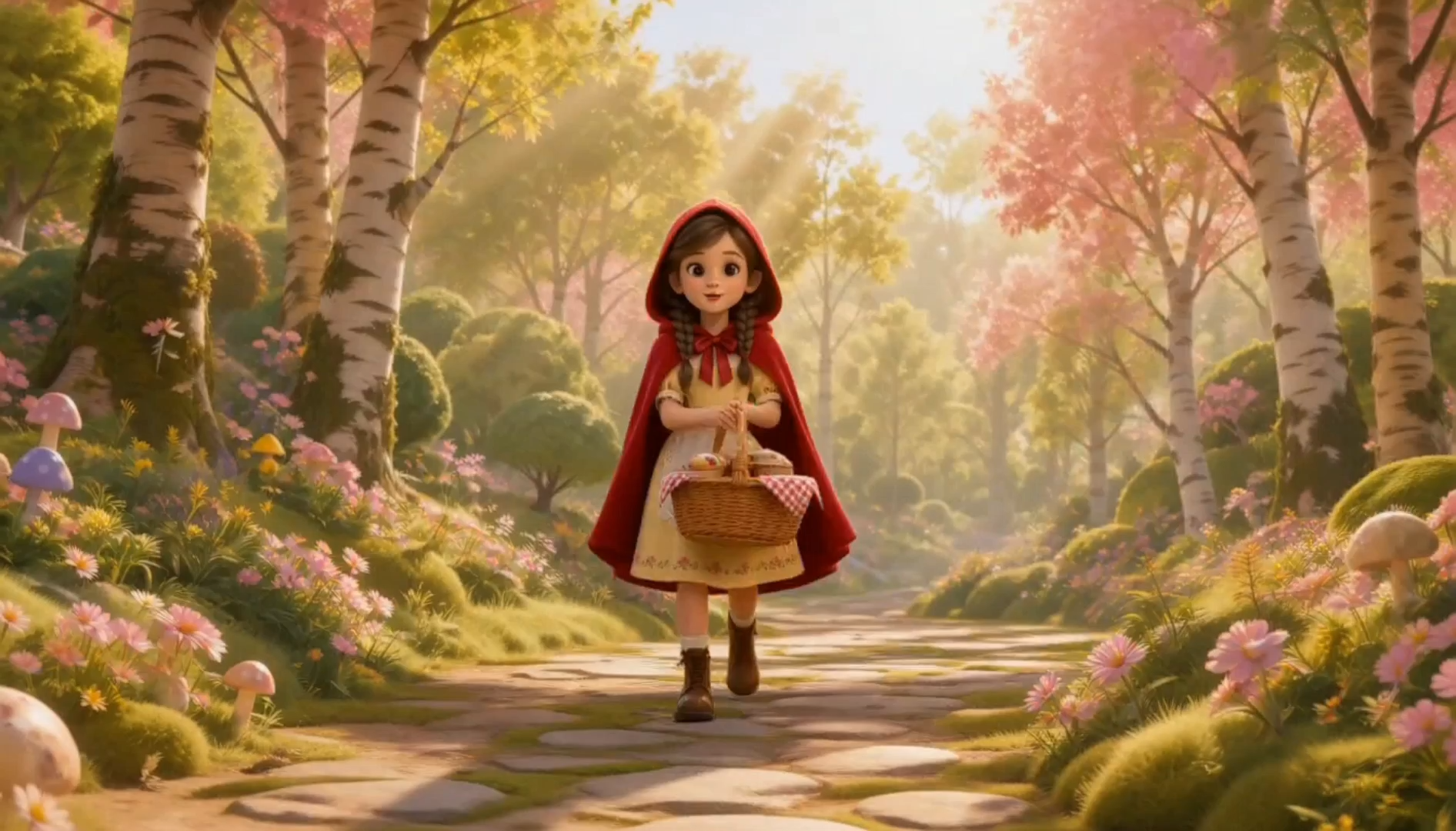
From colorful 3D cartoons to gentle storybook illustrations, find the right look for bedtime stories, learning videos, and animal adventures. Give your channel a distinctive style that brings each new story to life.

Synced Sound, Music & Sing-Along Captions

Bring animation, voices, and music together in sync. Add sing-along captions for songs and read-along subtitles for stories, making it easy for young viewers to follow the words and join in.

Edit Any Scene. Reuse Your Creative Work.

Review your storyboard, regenerate individual clips, and refine narration or captions. Reopen existing projects and adapt your creative work for the next video, reducing repetitive steps as your channel grows.

Create AI Kids Video in 3 Steps

Start with an idea and bring your story to life with Buzzy’s animation skill.

Describe Your IdeaStep 01

Describe Your Idea

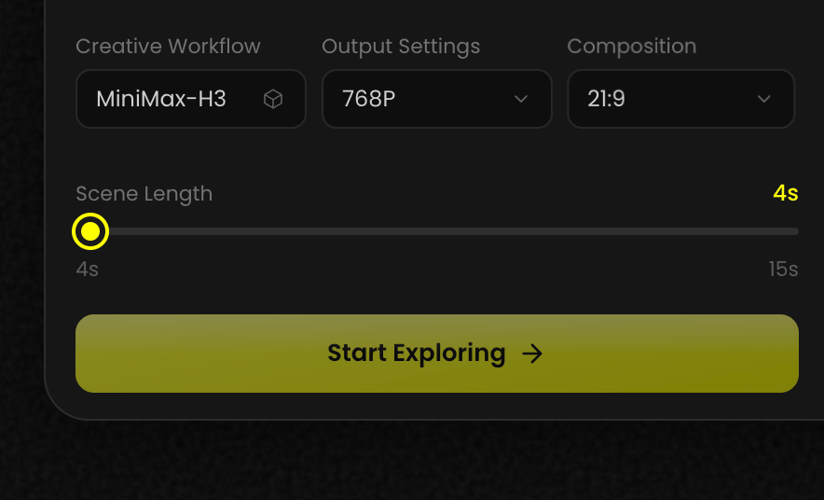
Tell Buzzy about your story, learning topic, or kids song. Choose your audience, video format, and the adventure you want to create.

Choose Your Characters & StyleStep 02

Choose Your Characters & Style

Describe your characters or add reference images. Choose an animation style and guide the look, mood, and voice of your video.

Generate, Refine & ExportStep 03

Generate, Refine & Export

Let Buzzy create the script, scenes, and voiceover. Review your video, refine individual scenes or captions, and export the final cut.

100+ Animation Styles. Infinite Kid-Friendly Directions.

Find the perfect look for your next kids story, learning adventure, or sing-along video.

  • Stick Style

  • 3D Cartoon

  • Flat 2D Modern

  • Realistic

  • Anime

  • American Comics

  • Claymation

  • Storybook Illustration

Get Inspirations

Why Use an AI Kids Video Generator?

Create Without Animation Experience

Turn a simple idea into a complete kids video—no animation skills or production team needed.

Let AI Handle the Production Work

Bring scripts, scenes, and voiceover together in one workflow, saving time on manual editing and switching tools.

Scale Your Kids YouTube Channel

Create more episodes with less repetitive work and keep your channel publishing fresh stories consistently.

Make Learning More Engaging

Bring letters, numbers, and everyday lessons to life through colorful characters, animated stories, and sing-along videos.

Reduce Video Production Costs

Create kids videos without hiring a full animation team or juggling multiple production tools. Keep costs manageable as you make more content.

More Buzzy Tools to Try

Explore more ways to create characters, animate scenes, and bring your stories to life.

Seedance 2.5
Cinematic 4K, consistent shots
Try it
Agentic Canvas
Agent-driven node canvas
Try it
Kling 4.0
3 to 30 seconds long at up to 4K quality
Try it
Nano Banana 2.1
Fast and brand level image generation
Try it
Seedance 2.0
Motion-driven video creation
Try it
Google Omni
Cinematic video generation
Try it
Kling
High-fidelity physics simulation
Try it
Runway
Next-gen creative video tools
Try it
Nano Banana 2
Lightweight video synthesis
Try it
Veo 3.1
Google's advanced video generation
Try it
GPT Image 2
Photorealistic image generation
Try it
Hailuo
Fast and expressive video drafting
Try it
Pixverse
Stylized and dynamic video generation
Try it

Frequently Asked Questions

Everything you need to know about creating kids videos with Buzzy.

It is a tool that helps turn an idea into a kids video. Buzzy’s animation skill handles scripts, scenes, and voiceover in one workflow, with options to review and refine the result.

Create animated stories, bedtime tales, learning videos, animal adventures, and sing-along videos for your channel, classroom, or family.

No. Describe your idea and let Buzzy create a first version. You can then review the storyboard, adjust scenes, and refine narration or captions.

Yes. Use reference images to guide your characters’ appearance, outfits, and visual style across scenes.

Yes. Choose a visual direction for your story, from colorful 3D cartoons to gentle storybook illustrations, and guide the colors and mood.

Yes. Bring your video together with voiceover, music, and captions, including sing-along lyrics for songs and read-along subtitles for stories.

Yes. Review the storyboard, regenerate individual clips, and adjust narration or captions. You can also reopen existing projects to continue working on them.

Yes. Create landscape, vertical, or square videos for different platforms. Available video length, resolution, and export options depend on your plan and product version.

Commercial use depends on your Buzzy plan and the rights to the music, images, characters, and other assets in your video. Check the applicable plan details and terms before publishing.

Bring Your Next Kids Story to Life

Start with an idea. Let Buzzy help create the script, animation, and voiceover—all in one workflow.

25M
Customers
190 countries
#1
Product of the month
Product Hunt
4.8
G2
Buzzy