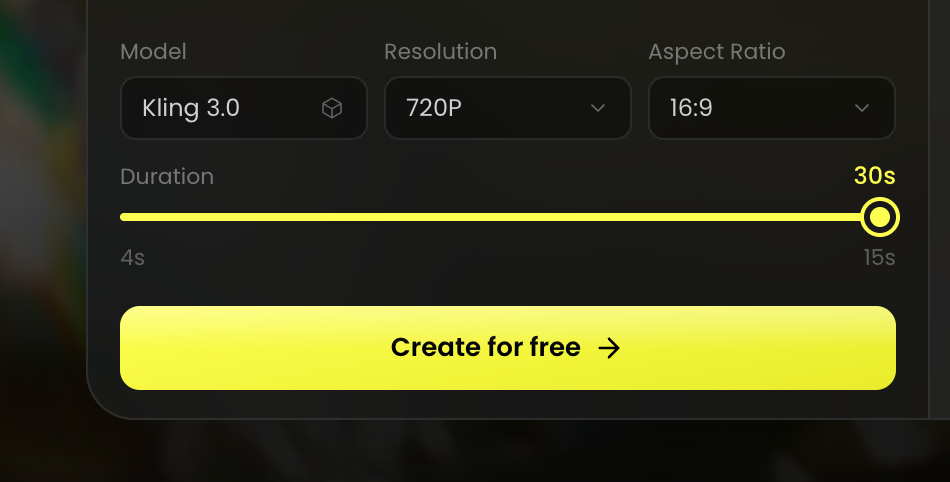
PICK THE MODEL
Select the Kling 3.0 AI video model as your starting point.
Turn your ideas into stunning AI videos using Kling 3.0 in just a few simple steps.
Select the Kling 3.0 AI video model as your starting point.
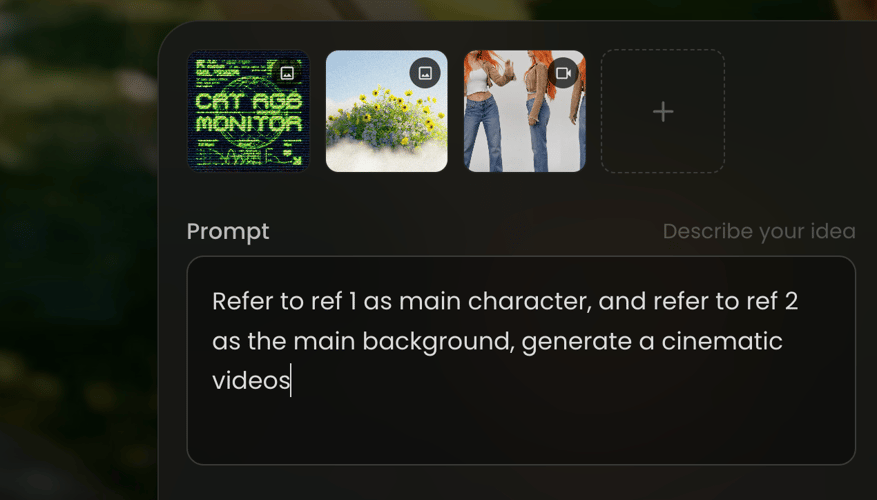
Enter a detailed prompt or upload a reference image, video, or audio file.
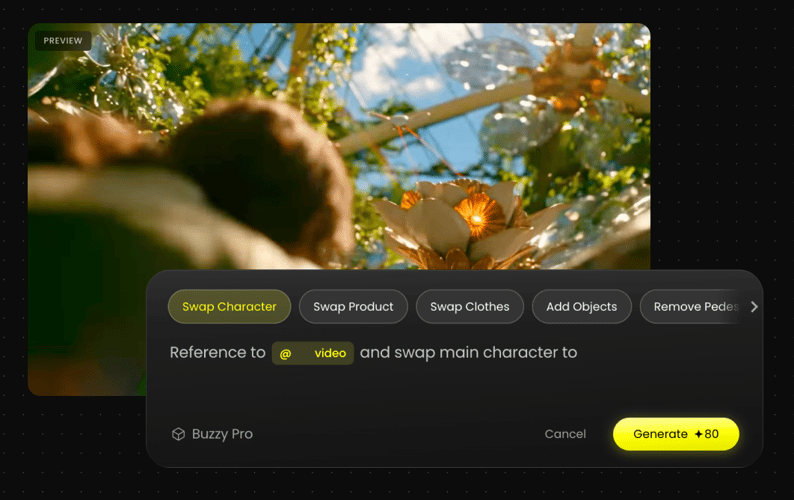
Review the generated results and adjust your prompt and style.