
Midjourney v8.2 - Unlimited for 7 Days

Explore bold aesthetics, refined detail, and images that feel unmistakably yours. Create with Midjourney v8.2 on Buzzy.

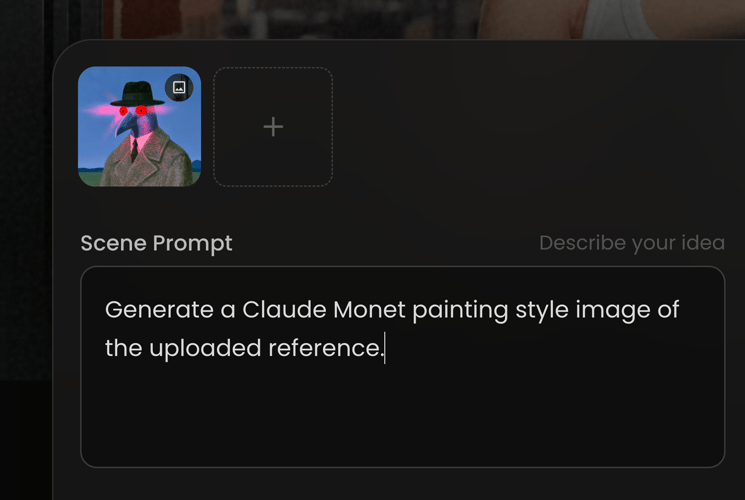
Upload character image
Scene Prompt
Describe your idea
Model
Resolution
Aspect Ratio
Preview

Key Features of Midjourney v8.2 on Buzzy

Midjourney v8.2 opens up new visual possibilities. Buzzy turns still images into moving content.

Multi-Modal Support

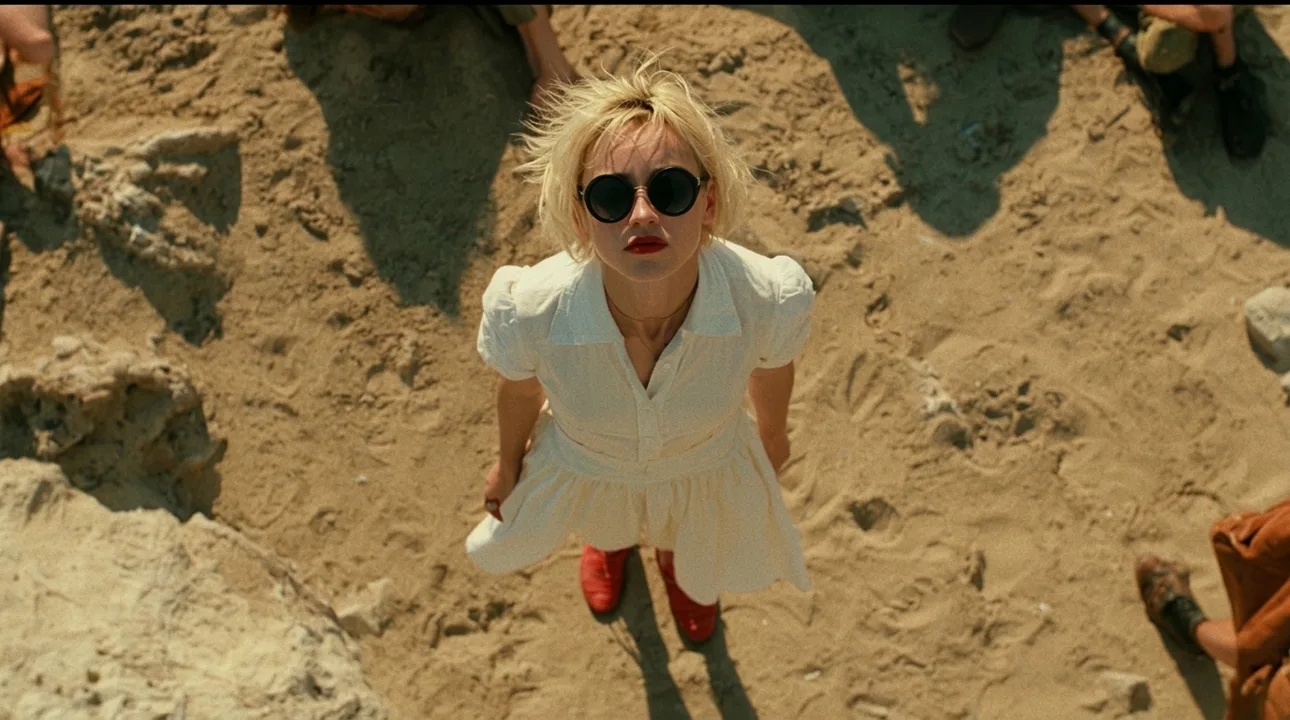
Strongest Aesthetic Model

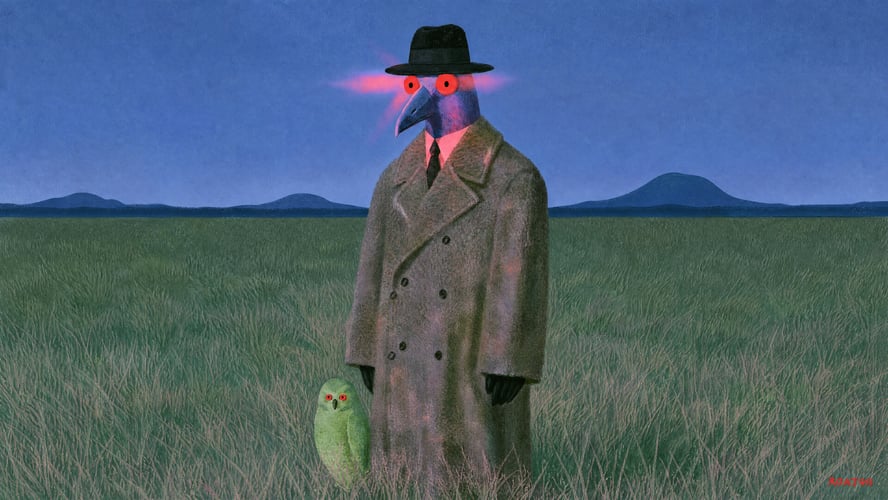
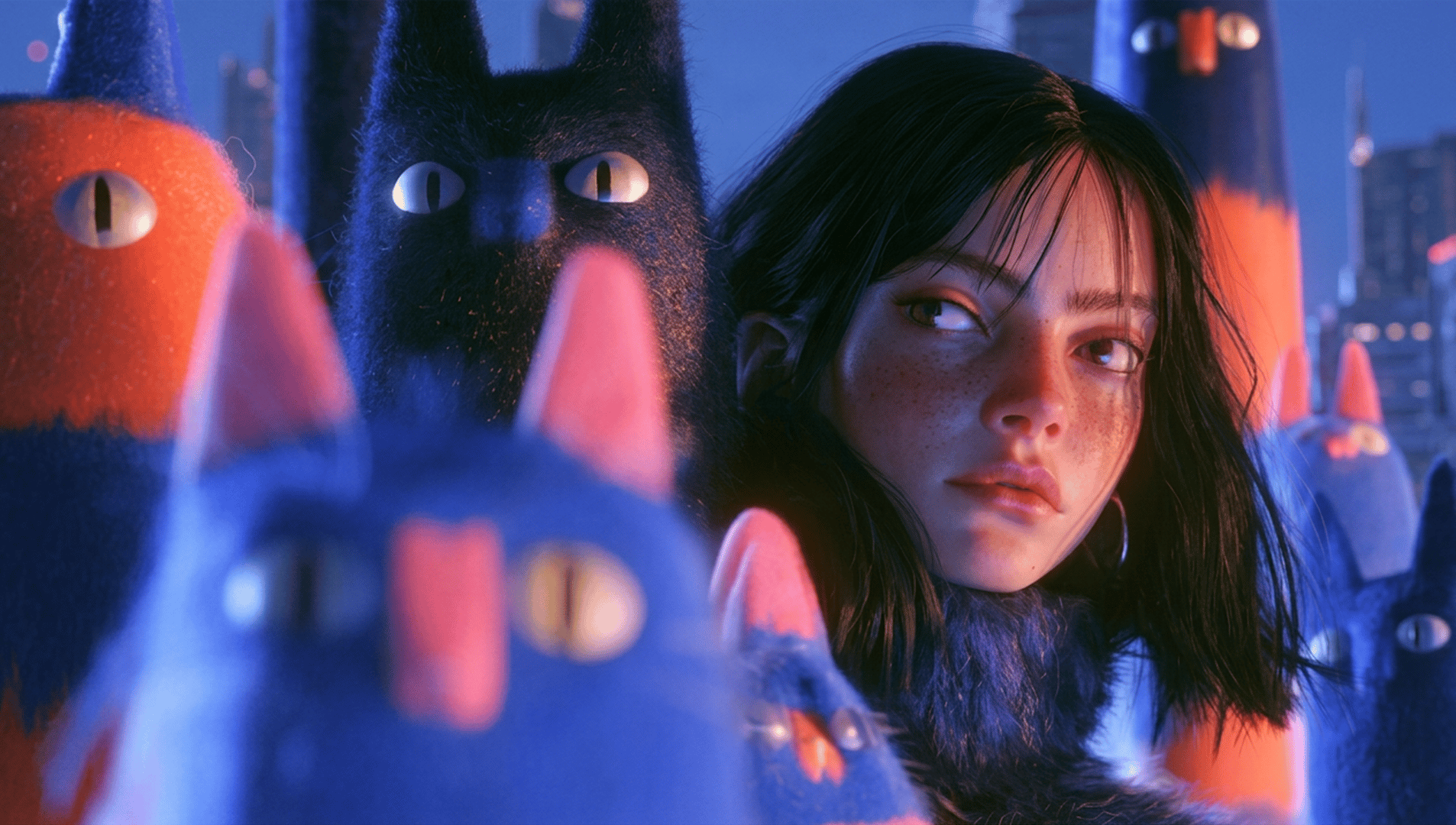
Midjourney v8.2 is built for visual quality, bold aesthetics, and personal expression. Explore more creative, confident, and refined directions. Find an image that feels right, then let Buzzy carry its subject, setting, and mood into motion.
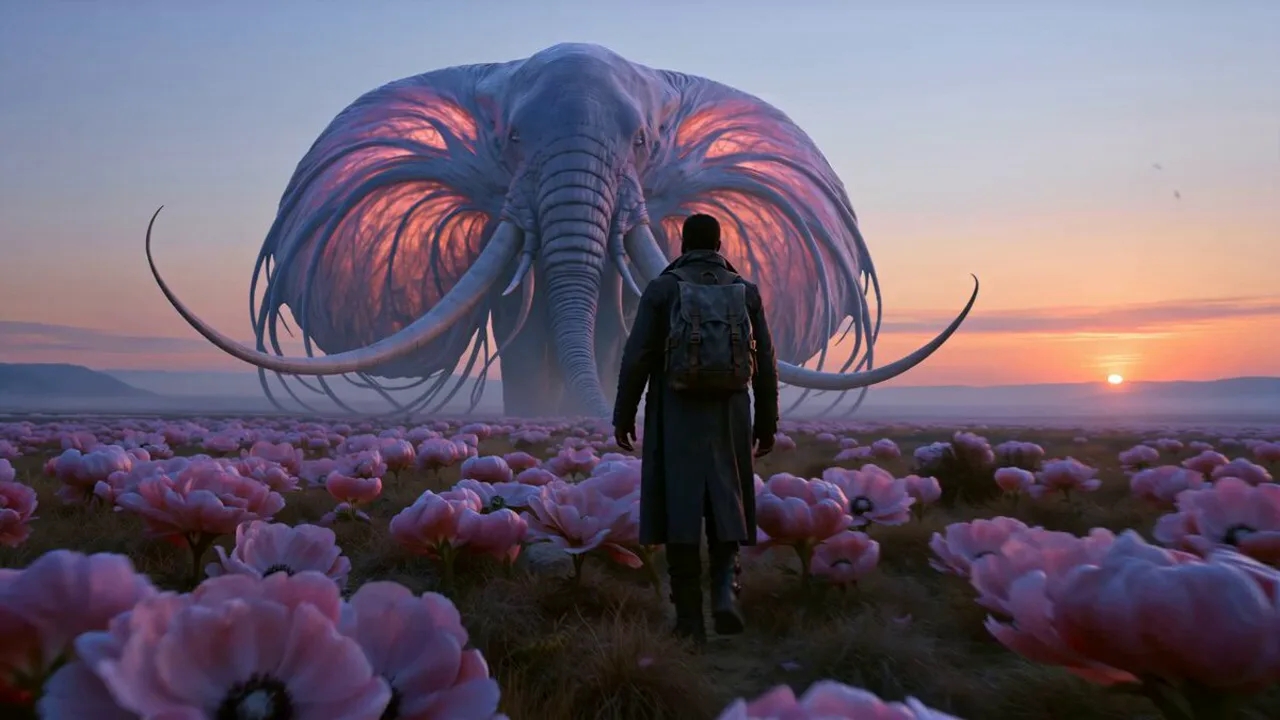
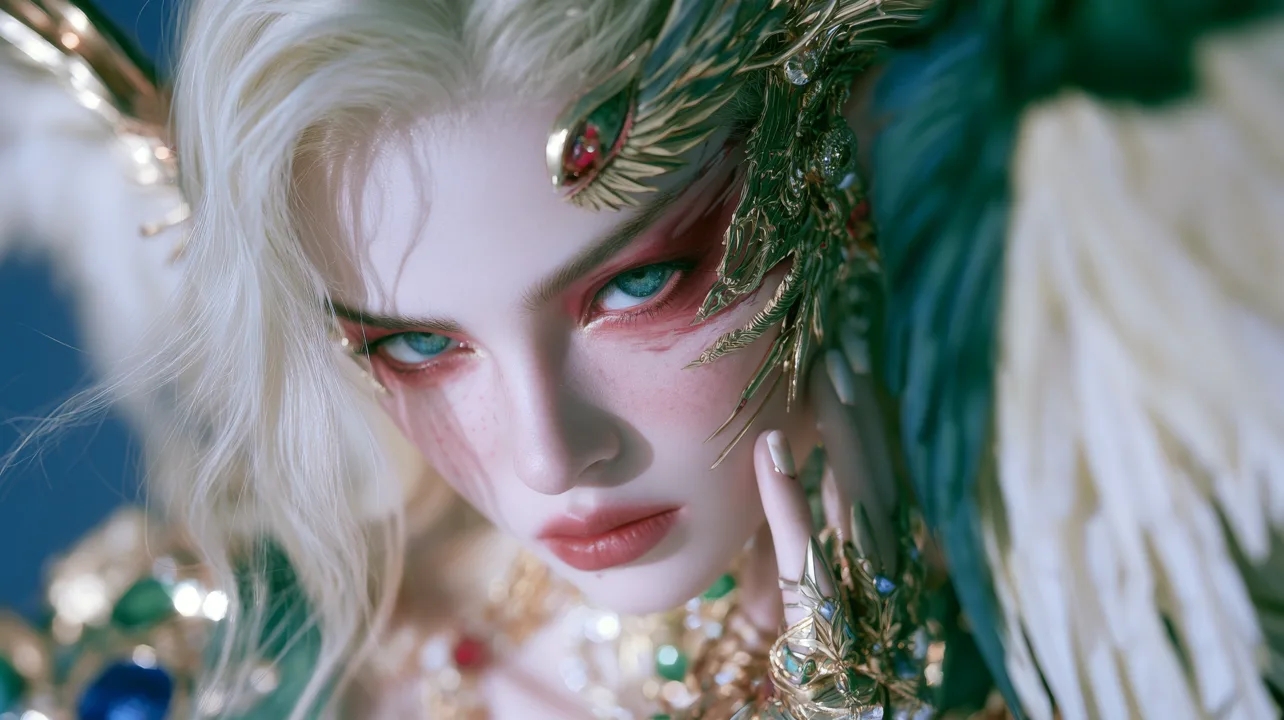
Multi-Modal Support

Your Own Visual Style

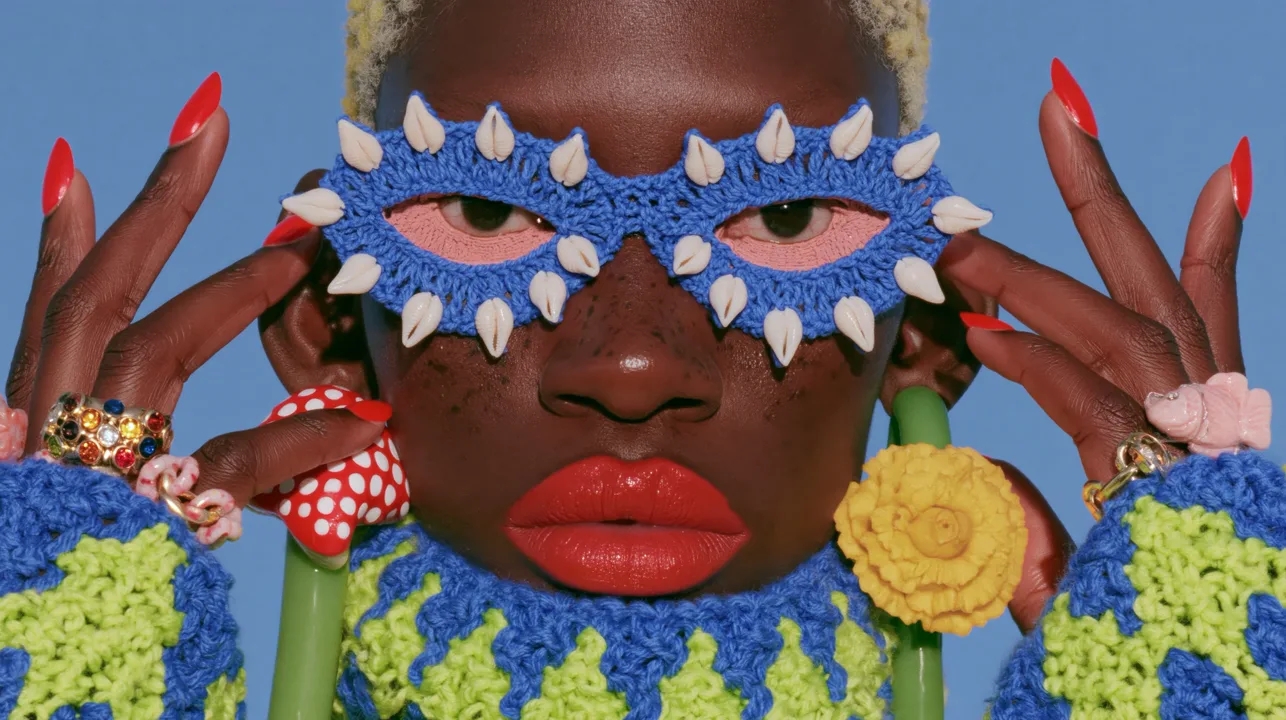
Personalization brings your creative work closer to your taste. Your favorite colors, compositions, and moods become more than references—they become the starting point for what comes next.

Director-Level Camera Control

From Image to Cinematic Motion

Your best images do not have to stay still. Send a Midjourney v8.2 image to Buzzy and turn it into video. Bring characters to life, move the camera, and add motion to light and atmosphere.

Built-in Audio Generation And Lip-Sync

Your Creative Agent

No more downloading, uploading, and explaining your idea across multiple tools. Buzzy understands your intent, connects image and video creation, and helps take your idea from exploration to ready-to-share content.

Built-in Audio Generation And Lip-Sync

Advanced Model in One Place

Buzzy brings advanced AI image and video models together in one creative workspace. Get unlimited access to Nano Banana 2, GPT Image 2, Seedance 2.5, and more—then move from image generation to video creation without leaving Buzzy.

How to Use Midjourney Image Generator?

Go from a single sentence to a finished video. Buzzy connects every step.

PICK THE MODELSTEP 01

CREATE THE VISUAL

Choose Midjourney v8.2. Describe your idea or upload a reference, then find the visual direction that feels right.

PROMPT/ADD IMAGESTEP 02

PICK THE FRAME

Choose the image with the most potential. Use it as the key visual and starting point for your video.

GENERATE AND ADJUSTSTEP 03

BRING IT TO LIFE

Tell Buzzy how you want the image to move. Generate a video, then refine the camera, action, and style until it feels right.

Get inspirations

Why Use the Midjourney Image Generator?

Make More Without a Design Team

Create striking visuals without a full creative team, expensive shoots, or complex production.

Turn Ideas into Images Faster

Go from a simple thought to a polished visual in seconds—perfect for exploring concepts, campaigns, and content.

Bring Any Creative Direction to Life

Explore bold aesthetics, cinematic scenes, imaginative worlds, and visual styles that would be difficult or expensive to produce.

Build a Visual Style That Feels Yours

Use personalization and references to develop consistent colors, compositions, moods, and aesthetics across your creative work.

Create Once, Take It Further

Start with a powerful Midjourney image, then bring it into Buzzy to create cinematic motion, social content, and ready-to-share videos.

More Buzzy Tools to Try

Bring a prompt or a reference image and the agent brings its own look, pacing, and shot list.

Seedance 2.5
Cinematic 4K, consistent shots
Try it
Agentic Canvas
Agent-driven node canvas
Try it
3D Director by GPT-6 Astra
AI-directed multi-shot control
Try it
Seedance 2.0
Motion-driven video creation
Try it
Google Omni
Cinematic video generation
Try it
Kling
High-fidelity physics simulation
Try it
Runway
Next-gen creative video tools
Try it
Nano Banana 2
Lightweight video synthesis
Try it
Veo 3.1
Google's advanced video generation
Try it
GPT Image 2
Photorealistic image generation
Try it
Hailuo
Fast and expressive video drafting
Try it
Wan
Open-source state-of-the-art video model
Try it
Pixverse
Stylized and dynamic video generation
Try it

Frequently Asked Questions

Everything you need to know about creating controlled character motion with Midjourney.

Midjourney v8.2 is an image model focused on aesthetics, image quality, and personalization. Its images are more creative, bold, refined, and distinctive.

Buzzy brings the model, reference assets, prompts, and creative workflow into one focused workspace. Start with a sentence or a reference image, then quickly generate, compare, and refine your visual direction.

No. Start by describing the subject, setting, and mood in your own words. Add style, composition, lighting, and materials as you go. It is often easier to start with a first draft and refine from there than to search for the perfect prompt upfront.

If image upload is available in your current Buzzy experience, you can add reference assets to guide the subject, composition, or visual direction. Supported asset types and limits may vary.

Create advertising concepts, brand visuals, product imagery, social content, fashion editorials, character designs, cinematic scenes, covers, and creative treatments.

You can use Personalization, style references, and Remix to bring your work closer to your preferred colors, compositions, and moods. Results may vary depending on your prompt, references, and settings.

Choose Midjourney v8.2 in Buzzy, describe your idea or upload a reference, and click Generate. New users can start creating with the free credits or trial options currently available on the page.

Start Creating with Midjourney Image Generator

Your next great idea deserves to become an image first—and a video next.