
Native Audio–Video Generation
Generate visuals, dialogue, ambient sound, and sound effects together. Bring every scene to life with synchronized audio that complements the action and atmosphere.
Create videos with synchronized sound and up to 4K output using the Veo 3.1 video generator. Bring your characters, scenes, and transitions to life.
Bring your ideas to life with synchronized sound, up to 4K output, visual references, and greater creative control.
Generate visuals, dialogue, ambient sound, and sound effects together. Bring every scene to life with synchronized audio that complements the action and atmosphere.
Showcase your ideas with crisp, high-resolution video output up to 4K. Create in landscape or portrait to fit your website, advertising campaigns, and social channels.
Combine reference images to guide your characters, products, settings, and visual style. Keep key details more consistent across scenes and bring separate visual elements together into one cohesive video.
Define where your shot begins and ends. Veo 3.1 generates the motion in between, transforming two images into a fluid transition with accompanying audio.
Keep your story moving beyond the original clip. Extend Veo-generated footage with new action and sound that build on your scene’s final moments.
Turn your idea into a video with sound in three simple steps.
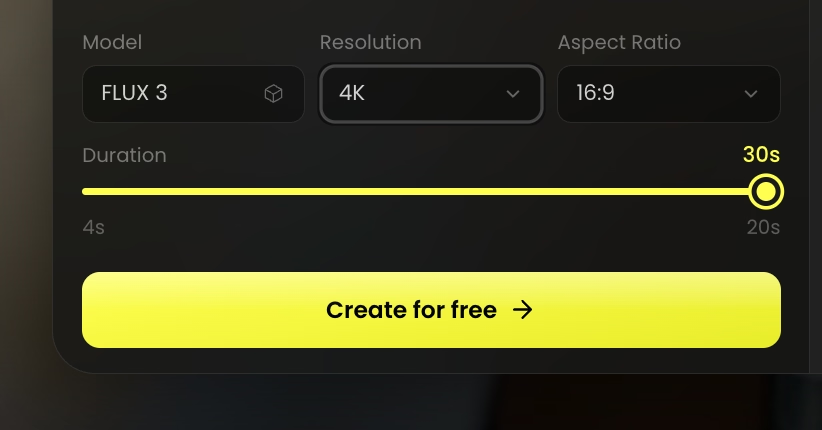 STEP 01
Choose Veo 3.1 and describe your scene, action, camera movement, and sound. Add images to guide the visual direction.
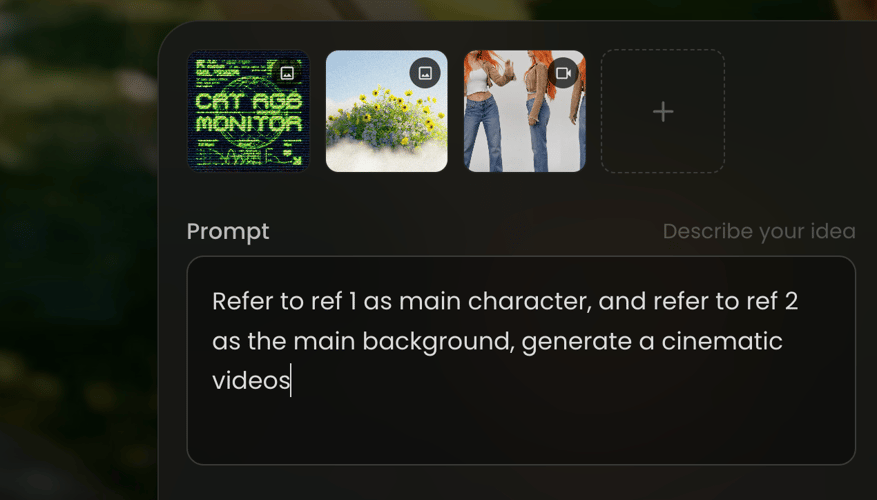 STEP 02
Choose your available resolution and aspect ratio. Use reference images or start and end frames to guide the result.
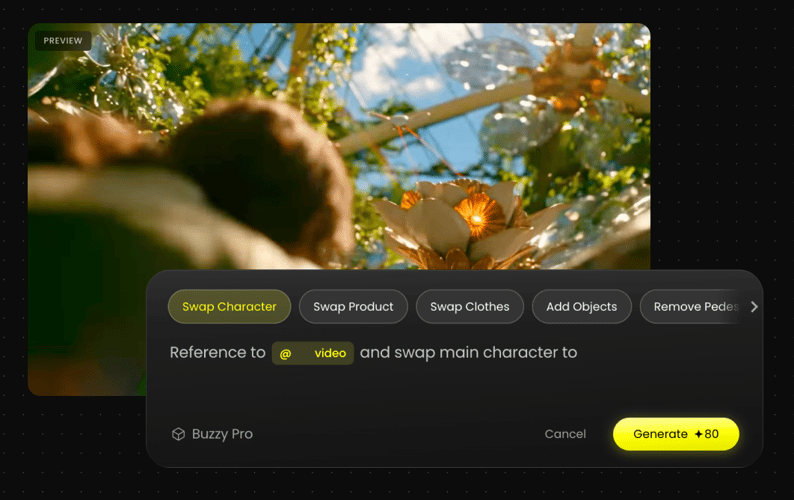 STEP 03
Generate your video, review the picture and sound, then refine your prompt or download your favorite take.
Create scenes with dialogue, ambient sound, and effects generated alongside the visuals. Spend less time assembling separate audio and video assets.
Bring your creative direction to life with rich textures, expressive lighting, and output up to 4K. Create polished visuals for your next story or campaign.
Use reference images to help keep characters, products, and settings recognizable across scenes. Build a more cohesive look throughout your video series.
Guide the action with detailed prompts and define your opening and closing frames. Shape each shot around the scene and transition you have in mind.
Continue eligible Veo-generated clips with new movement and sound. Develop longer scenes from a take you like and give your ideas more room to unfold.
Explore more ways to create images, shape your visuals, and turn ideas into videos with Buzzy.
Everything you need to know about creating videos with Veo 3.1 on Buzzy.
Veo 3.1 is Google DeepMind’s AI video generation model. It turns text and images into video with native audio and offers reference-image guidance, first and last frame control, and video extension.
Yes. Veo 3.1 generates dialogue, ambient sound, and sound effects alongside the video. Describe the sounds you want in your prompt, then review the result for speech clarity and synchronization.
Yes. Use reference images to guide characters, products, and settings. They help maintain visual consistency, though details can still vary between generations.
Yes. Supply a starting image and an ending image to guide the transition. Veo 3.1 generates the action between them with accompanying audio.
Veo 3.1 supports video output up to 4K and both 16:9 landscape and 9:16 portrait formats. Higher-resolution output uses enhancement technology. Available settings depend on the selected model and product configuration.
Supported generation lengths include 4, 6, and 8 seconds, depending on the mode. Higher-resolution and reference-image generation require 8-second clips. Available duration options depend on your selected settings.
Yes. Video extension can continue eligible Veo-generated clips from their final moments. Extension availability and limits depend on the selected model and product configuration.
Turn your ideas and images into expressive videos with sound. Create your next story, product showcase, or campaign with Buzzy.