
+193%
▲ 152M views this weekAnimated Moral Stories for Kids: Kindness and Honesty
10,000+ YouTube channels run on Buzzy
Pick a niche, plan your story, generate consistent characters, and refine every cut in Buzzy AI Agentic Canvas—Ready to publish while you focus on growing your channel.
Start with a proven path
Long-form video with consistent characterssame faces across every scene
Grow Youtube Channel usingAl Automation
Original, Monetizable, and Fully Yours.own every video you make
Permanent Creation Projectreopen and remix anytime
 Capterra
Start from six proven formats — tutorials, documentaries, explainers, and more. Open the prompt or video reference and adapt the structure for your next YouTube upload.
Turn one idea into a full video plan — script, scenes, voiceover, and B-roll — so you publish consistently without living in the edit bay.
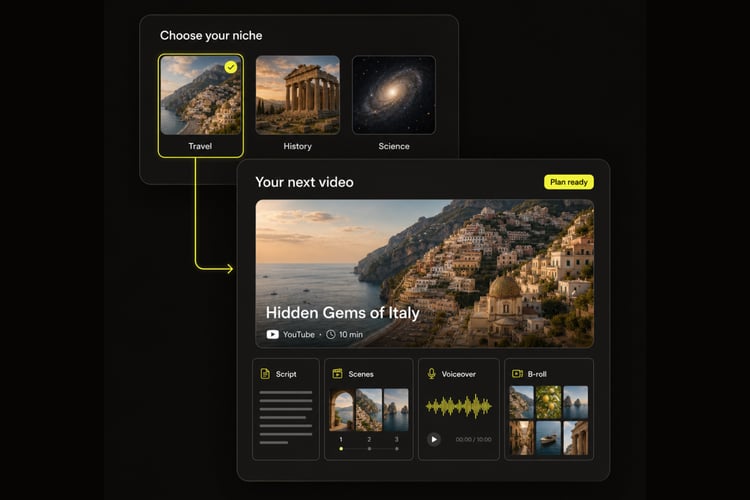
Write scripts, plan scenes, generate storyboards, and organize your entire production with AI agents working alongside you on one flexible canvas.
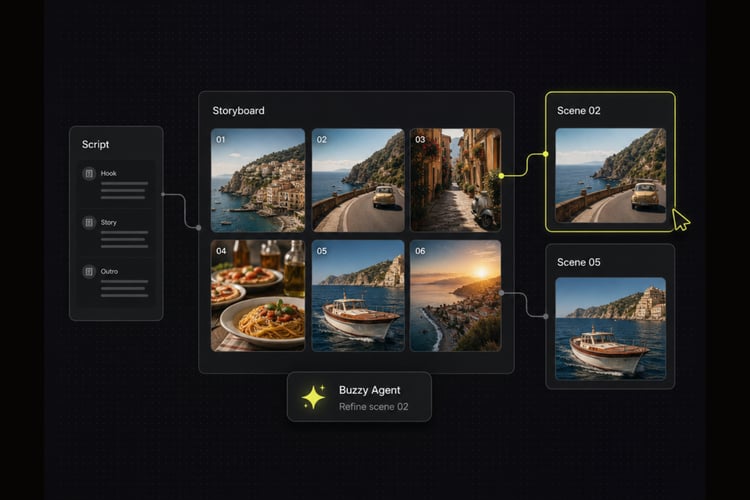
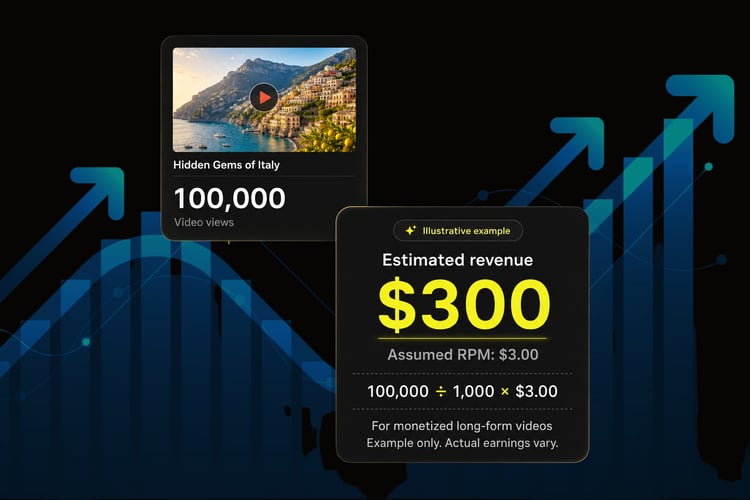
Youtube rewards creators when they publish viral videos. Buzzy turns ideas into viral videos you can publish, schedule, and scale into a series.
Proven video formats that go viral. One click to clone the whole project, then recreate it with your characters, scripts & voice-over.
Hot right now
+193%
▲ 152M views this weekAnimated Moral Stories for Kids: Kindness and Honesty
+134%
▲ 89M views this weekTrue Crime Documentaries: Cold Cases Reopened
+73%
▲ 41M views this weekFinance Explainer Series: Passive Income Basics
Turn a niche and a simple prompt into a polished long-form video ready to upload.
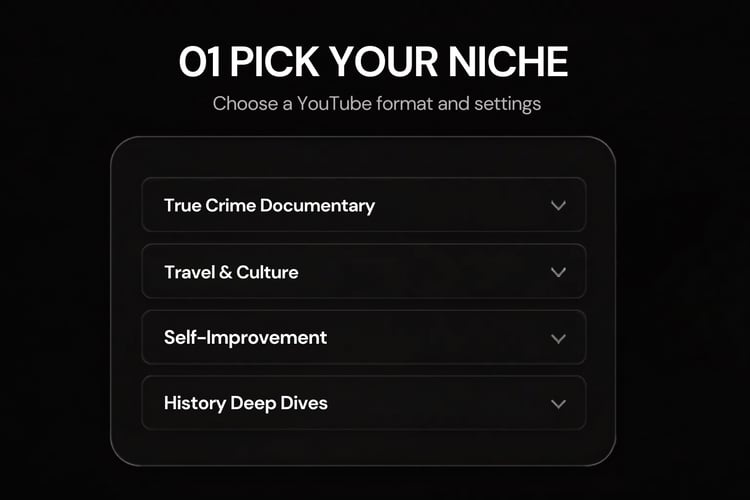
Choose a proven YouTube format, video length, 16:9 aspect ratio, and voiceover language.
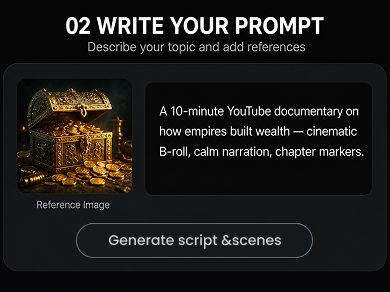
Describe your topic, add a reference if you want, and generate the script and scenes.
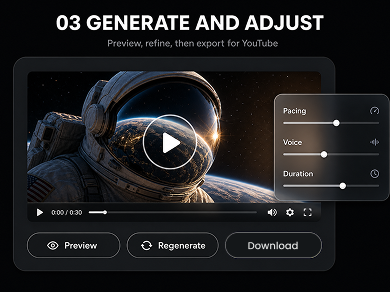
Preview the result, refine pacing and voice, then regenerate or download for YouTube.
Regular people with day jobs — now running YouTube channels that publish every week.
10,000+
YouTube channels
~2 min
To your first video
16:9
YouTube-ready format
24/7
Support
We've answered the most frequently asked questions
Start with a topic or template, describe your audience and tone, then Buzzy generates a script, scene plan, AI visuals, and voiceover. Review, tweak, and export a 16:9 video ready to upload.
Pick the model that matches your niche — motion-heavy for documentaries, reference-driven for consistent characters, or fast renders for weekly uploads. Buzzy keeps Seedance, Kling, and more in one workspace.
Yes. Upload a first frame, reference image, or mood board, then generate image-to-video or lock style across scenes so every chapter stays on-brand.
Most scene renders take several minutes and run in the background, so you can keep planning the next chapter while clips finish.
Commercial use depends on the model provider and your Buzzy plan. Check the plan details before publishing monetized YouTube videos or sponsored content.
Yes. Buzzy generates voiceover, captions, and scene structure you can organize into chapters — so your video is upload-ready without a separate editing pass.
Describe your topic, pick a template, and let Buzzy generate your script, scenes, voiceover, and 16:9 visuals — all in one workspace, ready to upload.