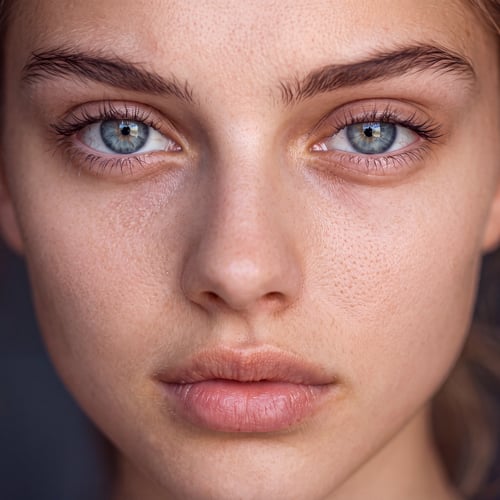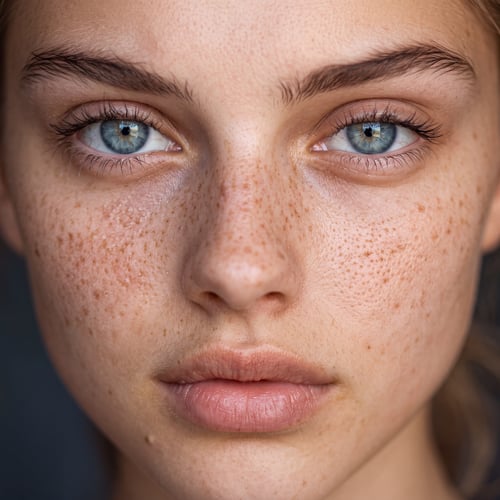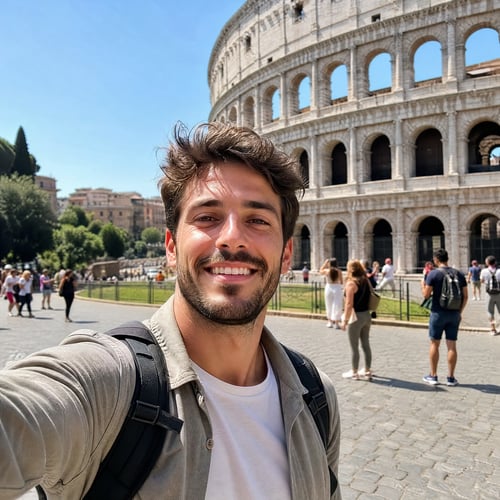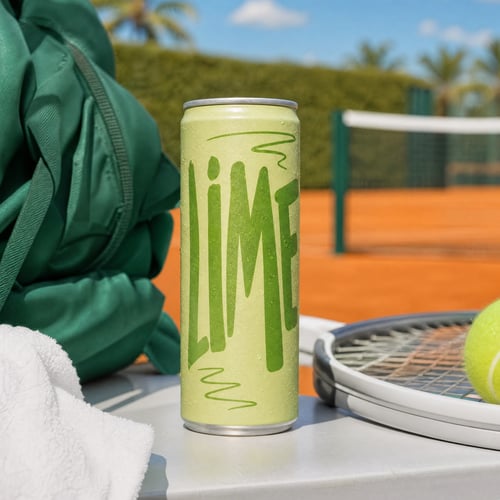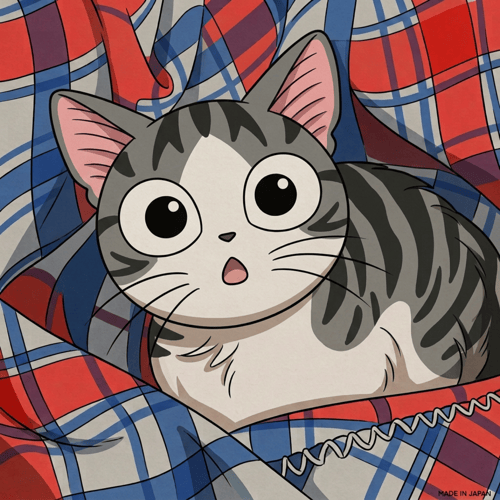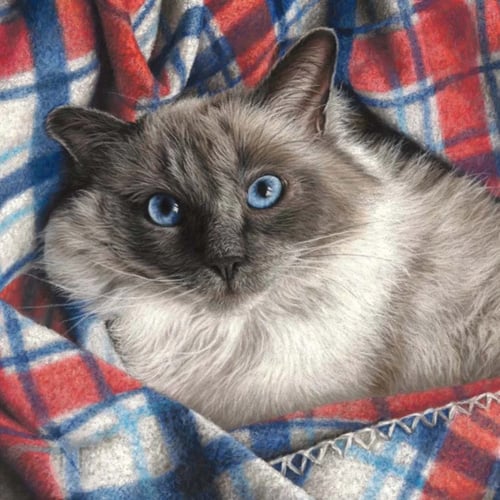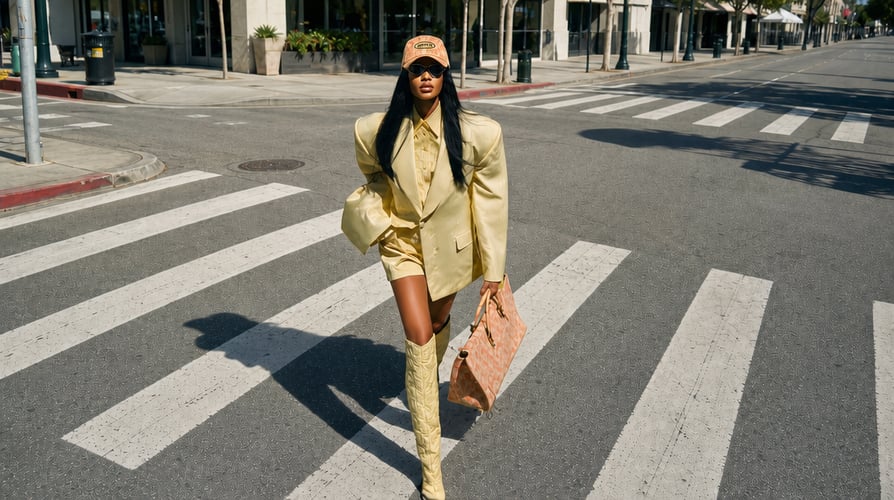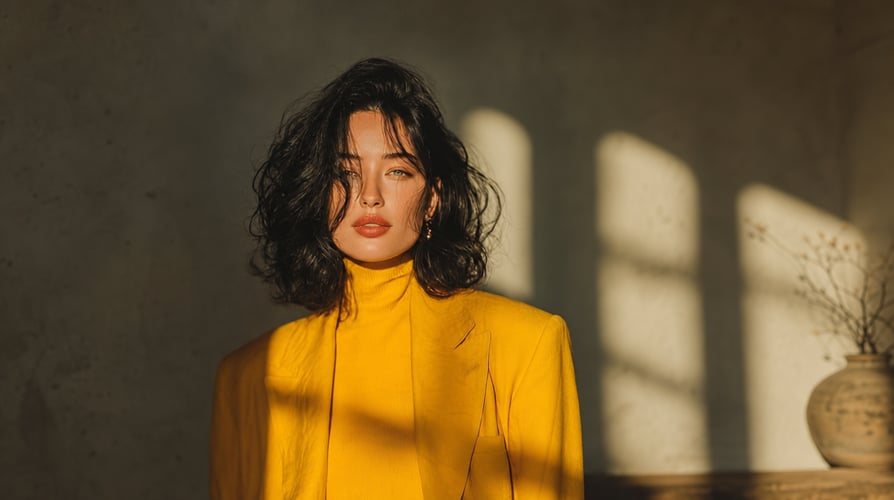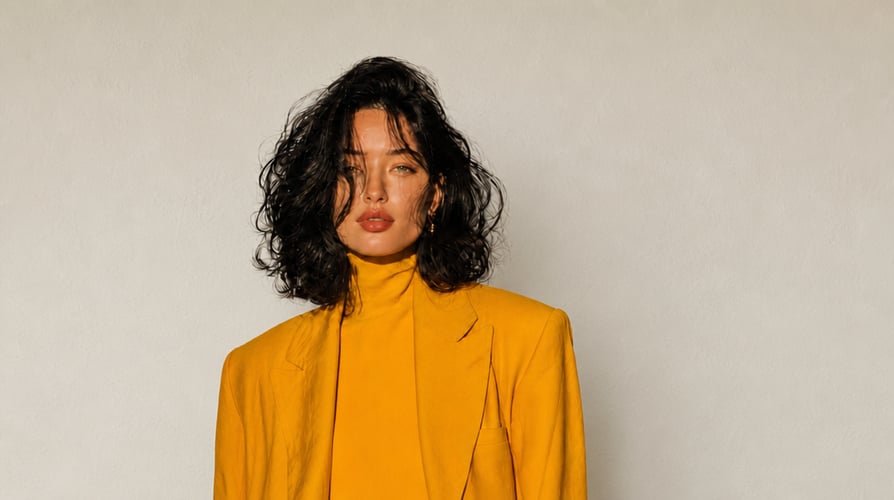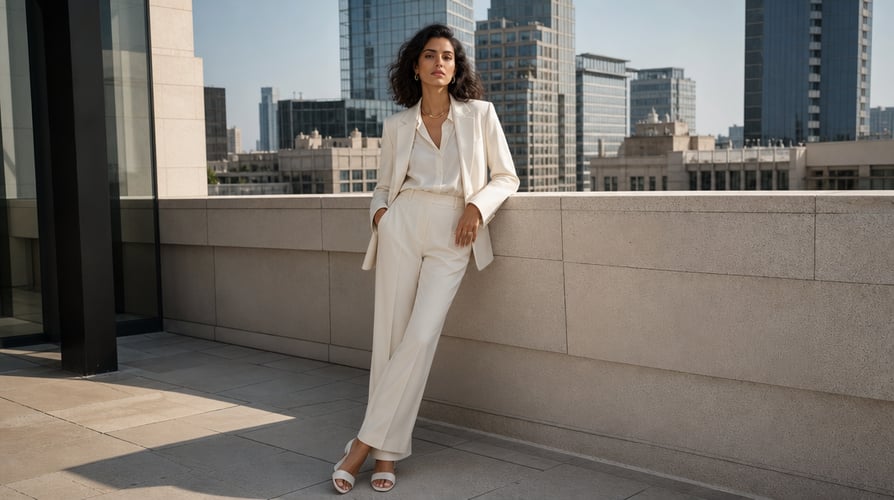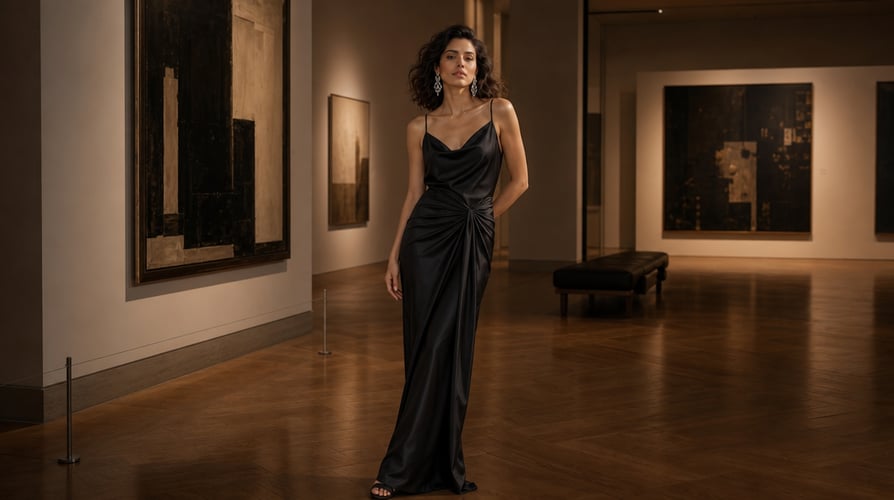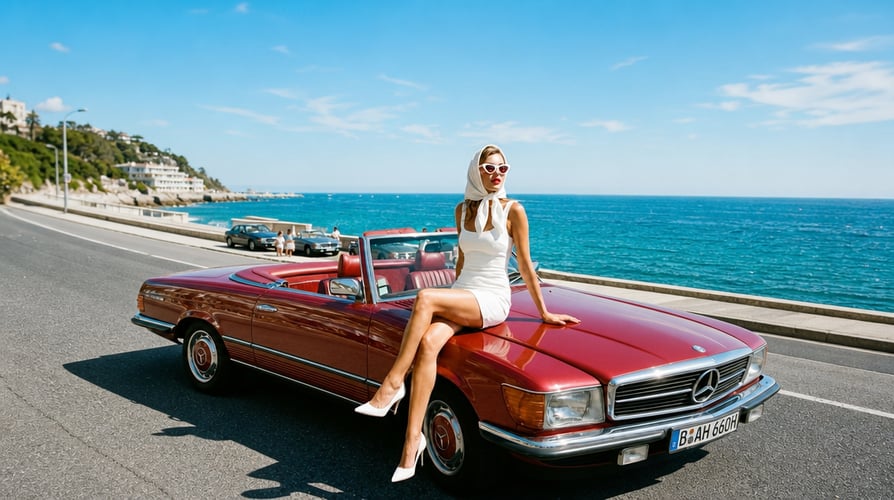
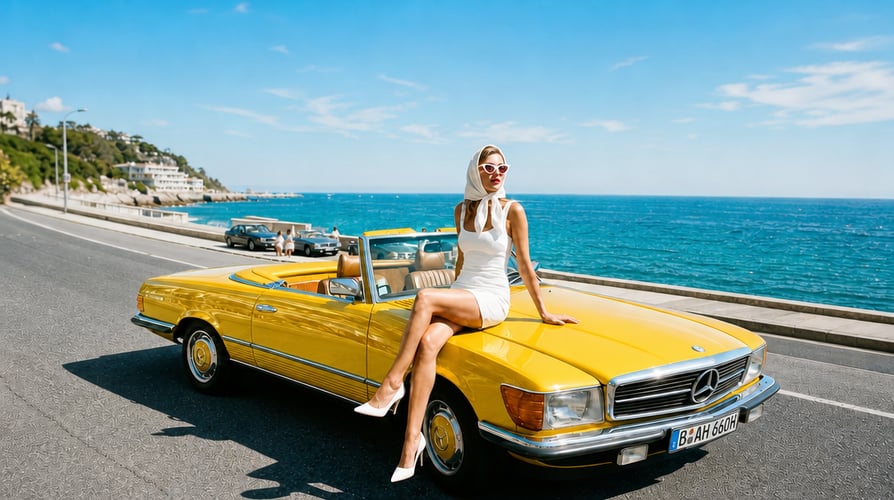
BeforeAfterGenerate Edits from Any Prompt
Turn your ideas into precise image edits with a simple prompt. Change lighting, composition, colors, objects, backgrounds, or fine details just by describing what you want.
Edit, enhance, and transform any image with a simple prompt.

BeforeAfter
BeforeAfter
BeforeAfter
BeforeAfterTurn your ideas into better images with AI.
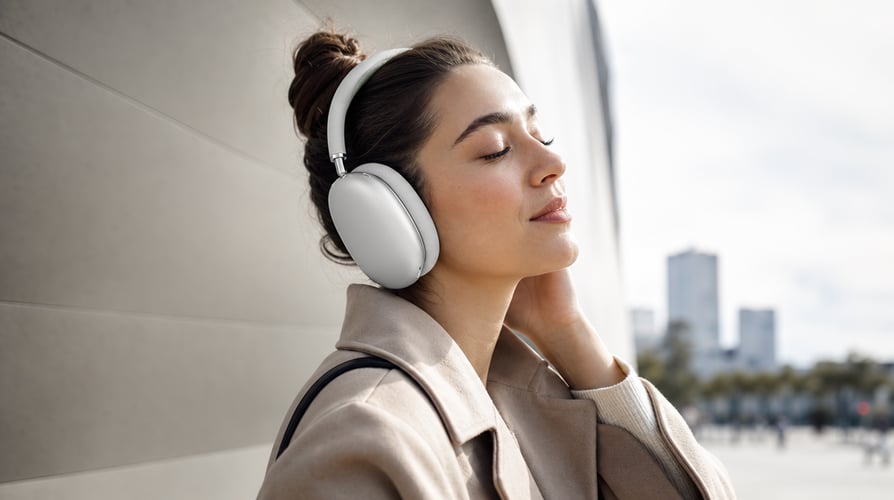
BeforeAfterTurn your ideas into precise image edits with a simple prompt. Change lighting, composition, colors, objects, backgrounds, or fine details just by describing what you want.

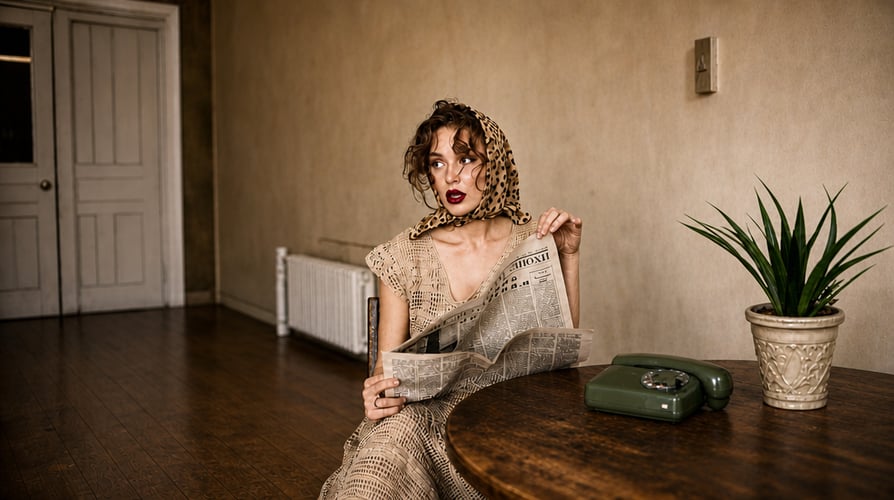
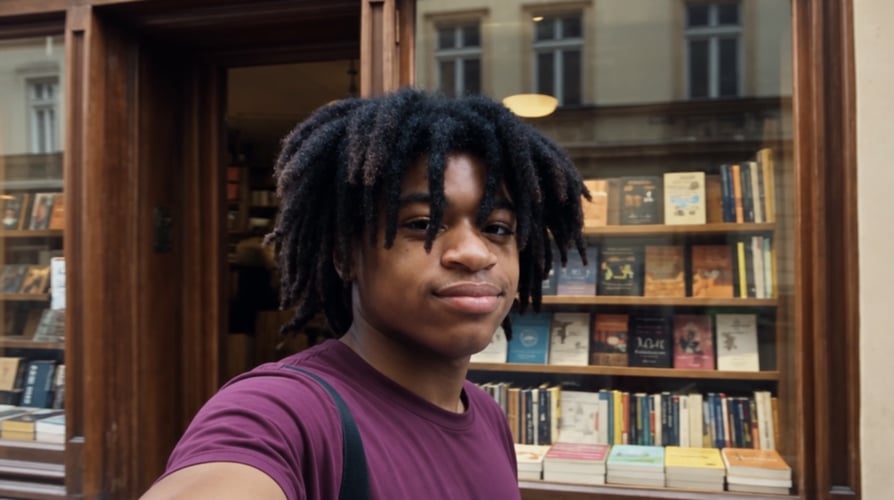
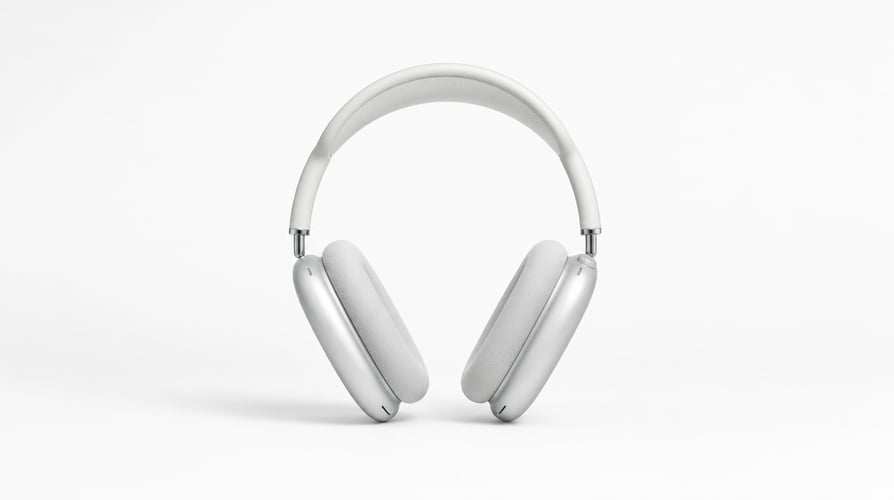
BeforeAfterChange anything in your image while keeping the rest of the scene looking natural. Remove unwanted objects, replace backgrounds, swap outfits, or add entirely new elements with a simple instruction.

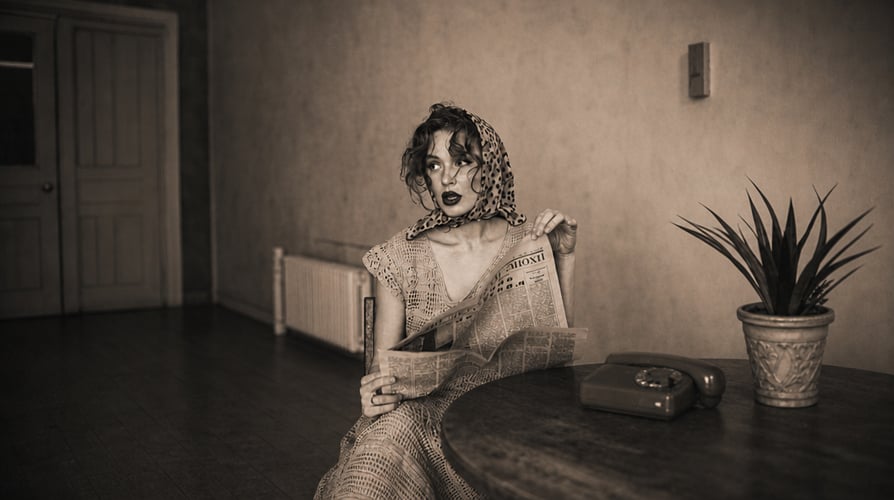
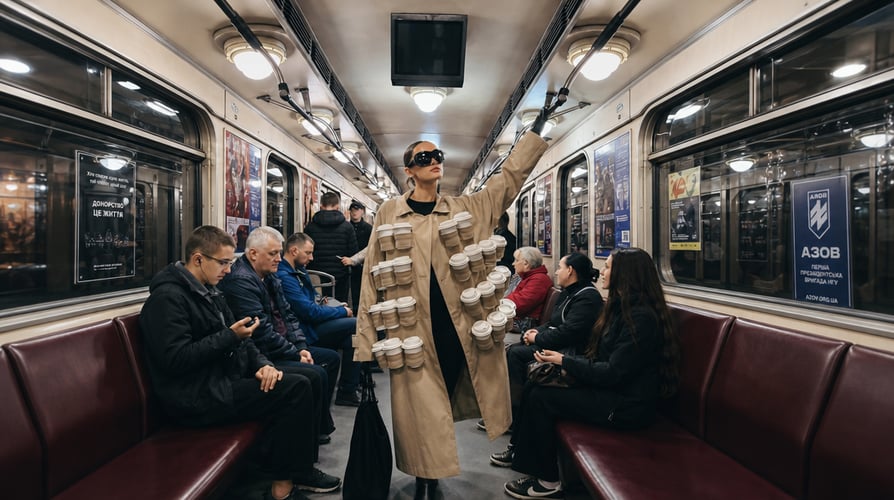
BeforeAfterBring out the best in every image, from old photos to low-resolution visuals. Restore missing details, sharpen blurry areas, improve clarity and resolution, and give your images a cleaner, more polished look.

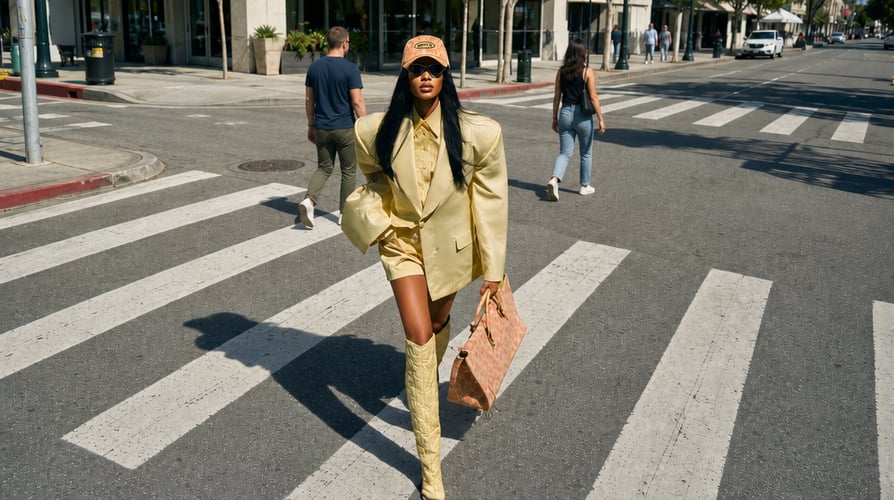
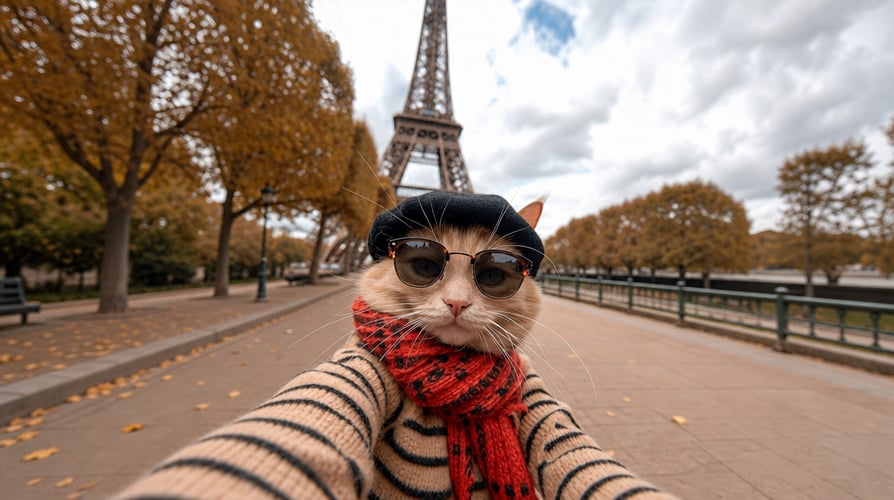
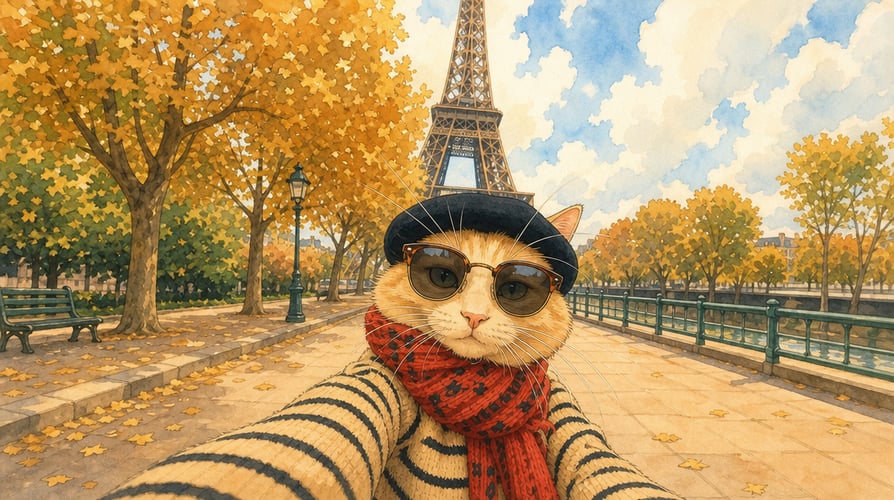
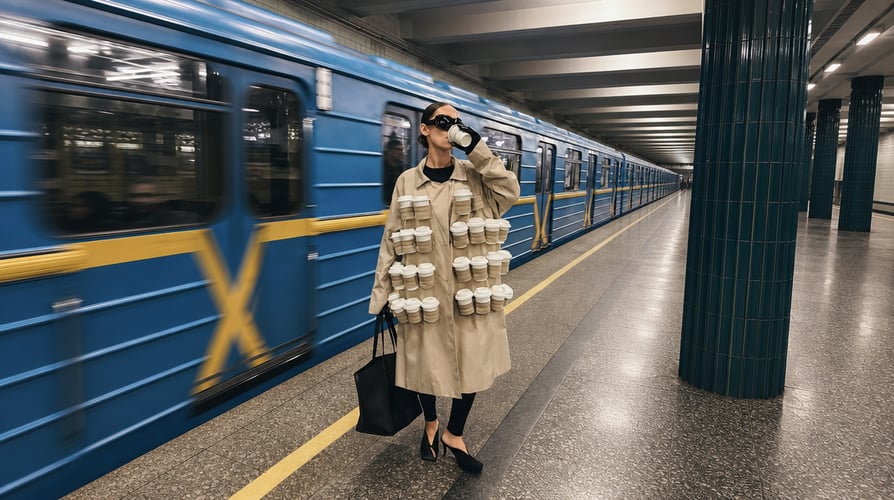
BeforeAfterTake any image in a completely new creative direction. Transform the style, mood, lighting, colors, and visual aesthetic—from cinematic photography and fashion editorials to illustration, anime, 3D, and more.
Upload your image, describe what you want, and let Buzzy handle the rest.
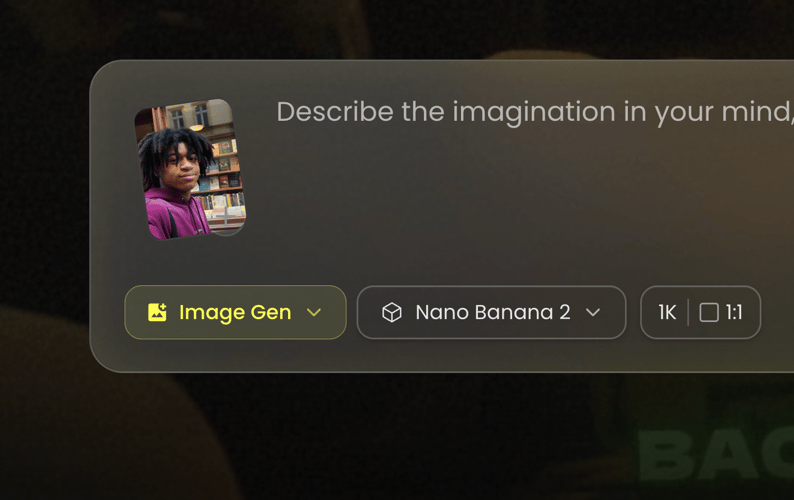
01Start with any image you want to edit. Upload a photo, product shot, portrait, or creative visual and give Buzzy the image to work with.
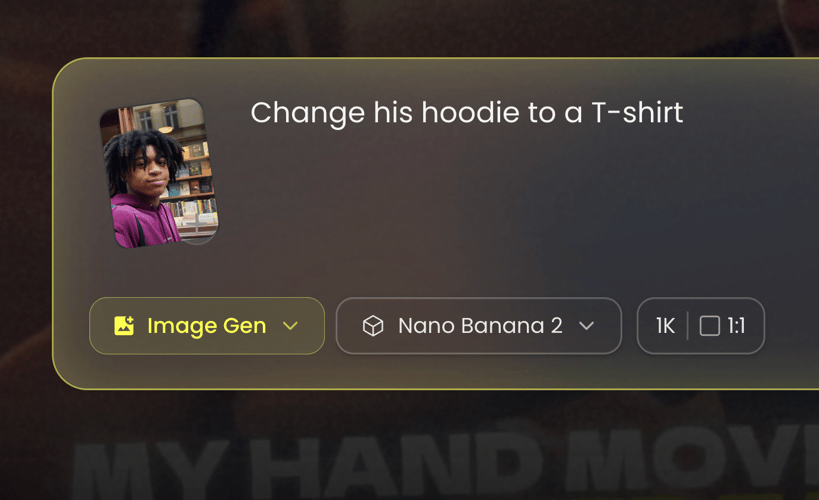
02Tell Buzzy what you want to change in plain language. Remove objects, replace backgrounds, enhance details, change styles, or make any other edit you have in mind.
03Buzzy turns your prompt into a polished image in seconds. Review the result, make additional changes, and keep refining until it looks exactly right.
Edit, enhance, and transform any image with a simple prompt. One workflow, no masking and no editing skills required.
Remove unwanted people, objects, text, and clutter with a simple prompt. Buzzy intelligently fills the empty space so your image stays clean and natural.
Instantly separate your subject from any background with clean, precise edges. Create transparent images or prepare your visuals for any new scene or layout.
Replace a plain or distracting background with any scene you can imagine. Generate new environments that naturally match your subject’s lighting, perspective, and overall look.
Improve the quality of any image in seconds. Sharpen details, reduce noise, fix blur, and enhance colors and clarity for a cleaner, more polished result.
Turn low-resolution images into high-quality visuals without losing important details. Upscale your images for larger displays, sharper content, and better-quality output.
Transform any image into a completely different visual style. Explore cinematic photography, illustration, anime, 3D, editorial, and more while keeping the original subject recognizable.
Swap faces naturally while preserving the pose, expression, lighting, and overall composition. Create realistic variations, creative portraits, and new visual concepts in seconds.
Expand your image beyond its original frame and generate what comes next. Extend backgrounds, change compositions, and adapt one image to any aspect ratio without cropping.
Remove, replace, enhance, restore, extend, and transform any image from a single prompt. Leading image models in one workflow, with no masking and no editing skills required.


Create polished product visuals for stores, ads, and marketplaces. Change backgrounds, colors, lighting, and environments or add new elements with a simple prompt.


Bring your marketing ideas to life with visuals for ads, social posts, thumbnails, and banners. Add, remove, or transform elements and adapt your content for different platforms and formats.


Give everyday photos a polished, professional look. Change outfits, backgrounds, lighting, hairstyles, and styles while keeping your subject natural and recognizable.


Explore new looks and creative scenes for fashion and lifestyle content. Change outfits, locations, lighting, poses, and visual details for campaigns, social media, and creative projects.
Pick a track and the agent brings its own look, pacing, and shot list.
Everything you need to know about editing images with AI.
An AI image editor lets you modify images using natural-language prompts. With Buzzy, you can remove, replace, enhance, restore, extend, and transform images without complex editing tools.
Upload an image, describe the changes you want in a simple prompt, and Buzzy generates the edit for you. You can keep prompting to refine the result until it looks right.
Buzzy gives you access to leading AI image models like GPT Image, Nano Banana, FLUX, and more. Choose the model that fits your needs and switch between models freely in one workflow.
You can change backgrounds, remove or add objects, swap outfits and faces, adjust lighting and colors, enhance image quality, restore old photos, extend images, and transform visual styles.
Yes. You can add reference images to guide the subject, style, composition, or visual direction of your edit and create more consistent results.
Yes. Buzzy can improve clarity, sharpen details, upscale resolution, and restore older or damaged images while preserving the original look and character.
Commercial use depends on the applicable model licenses and Buzzy’s current terms. Review Buzzy’s terms and the specific model’s usage rights before publishing or distributing commercial work.
No. Buzzy is designed around natural-language editing, so you can describe what you want without manually masking, selecting, or using complicated editing tools.
Turn any image into exactly what you imagine with simple AI-powered editing.