
マルチモーダルな演出を組み合わせる
プロンプトとビジュアルリファレンスを1つの明確な制作ブリーフにまとめます。
プロンプトとビジュアルリファレンスを、ネイティブ音声付きのつながったシネマティックシーンに変換します。
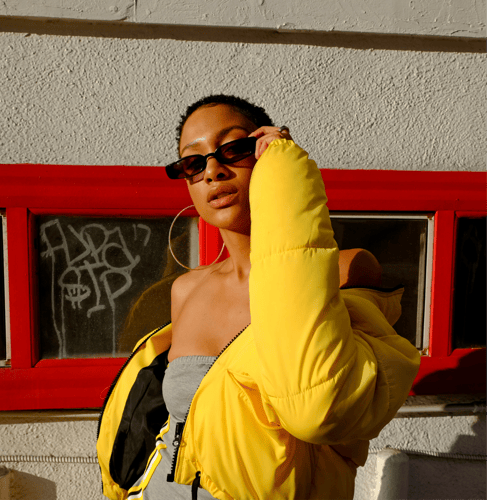
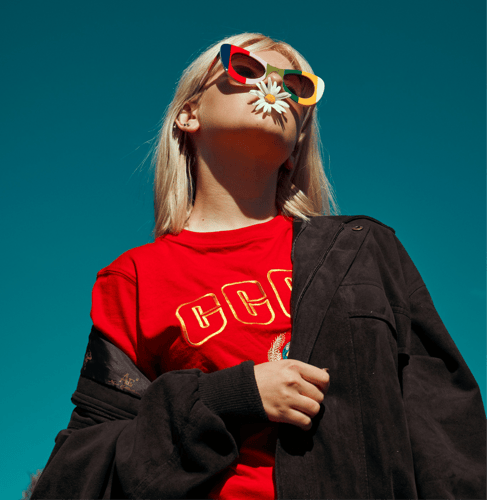

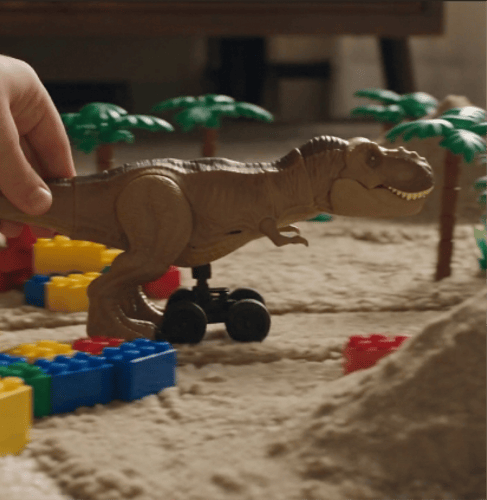
アイデンティティ、モーション、シーン、サウンドを1つの明確なブリーフで設計。
プロンプトとビジュアルリファレンスを1つの明確な制作ブリーフにまとめます。
オープニング、アクション、トランジション、クロージングフレームをつながったビートとして定義します。
ビジュアルなアクションと合わせて、アンビエンス、セリフ、音楽を演出します。
つながったシーン全体でアイデンティティ、外見、声を引き継ぎます。
入力、演出、レビューを分けることで、コンセプトを制御可能な動画に変換します。
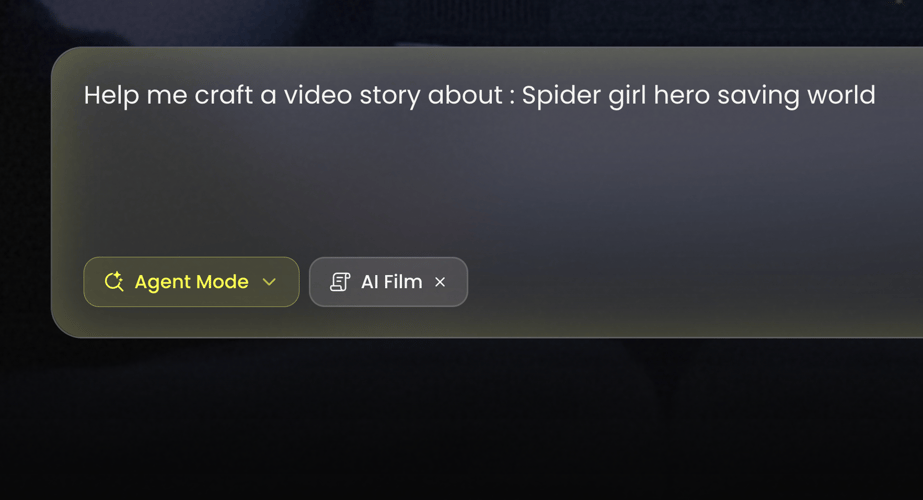 ステップ 01
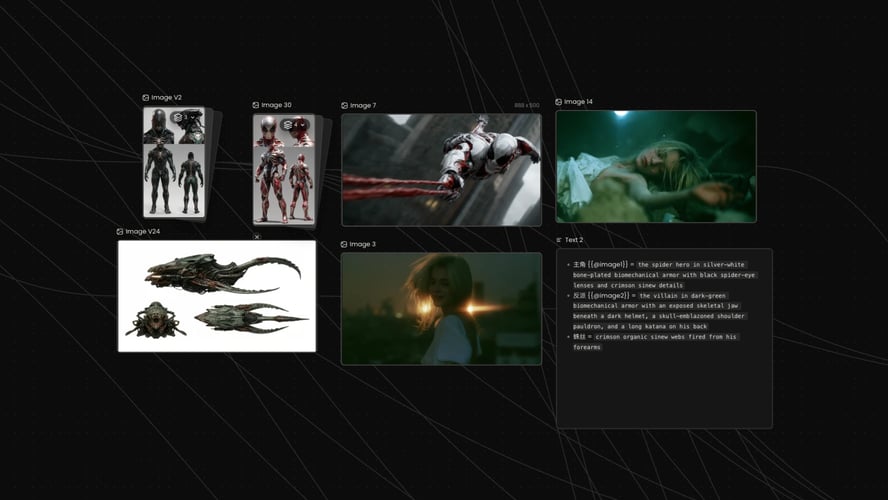
BuzzyでKling 3.0を選択します。シーンをテキスト、画像、またはワークスペースで利用できるより幅広いマルチモーダルリファレンスのどれから始めるかを決めます。
 ステップ 02
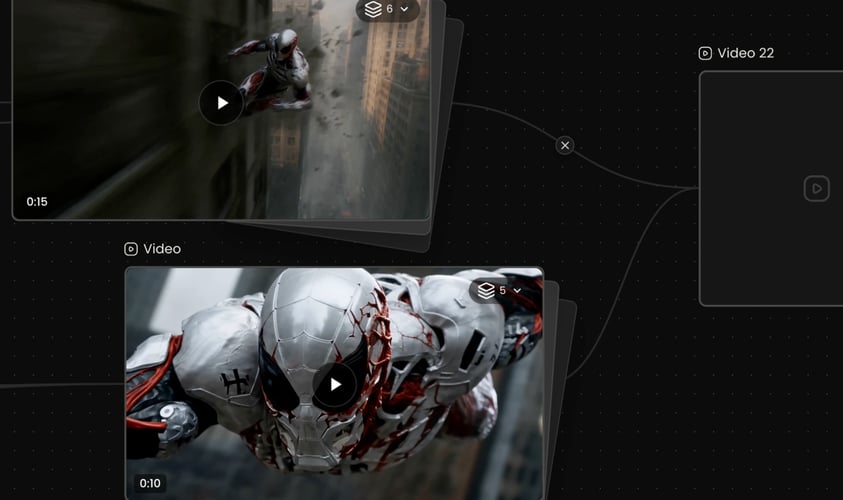
フレームの見た目だけでなく、何が起こるかを記述します。被写体、目的、設定、アクション、カメラ、サウンドを指定します。
 ステップ 03
アクティブなモデルに表示される設定を選び、生成して、完成した結果全体をレビューします。
Buzzy
被写体を早めに指定し、描写を安定させます。
各シーンは意味のある変化をもたらすべきです。
被写体の動きをカメラの動きとは別に記述します。
アクションに伴うべきサウンドを書きます。
出力先に応じて、Buzzyに表示されるアスペクト比と出力設定を選びます。
うまくいった部分を残し、次の変更を切り分けます。
どの要素が重要かをモデルに推測させるのではなく、書かれた演出と関連するビジュアル入力を組み合わせます。
シーケンスを、目的のある少数のショットとして計画します。
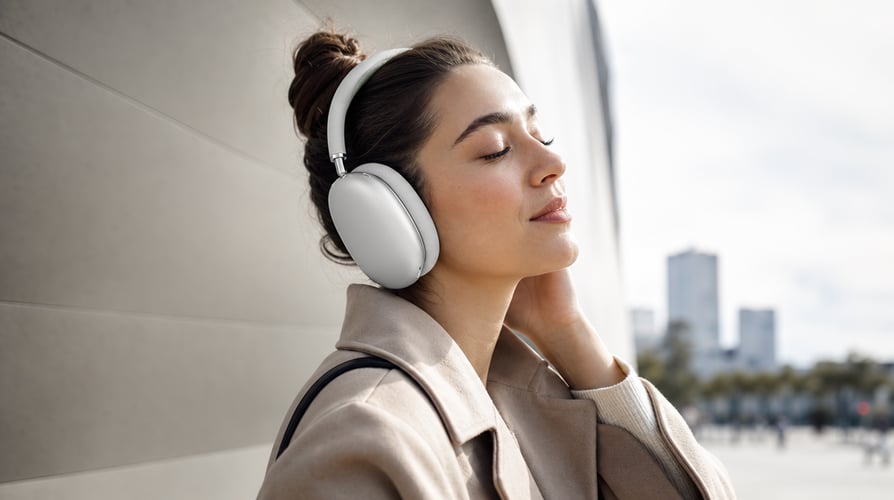
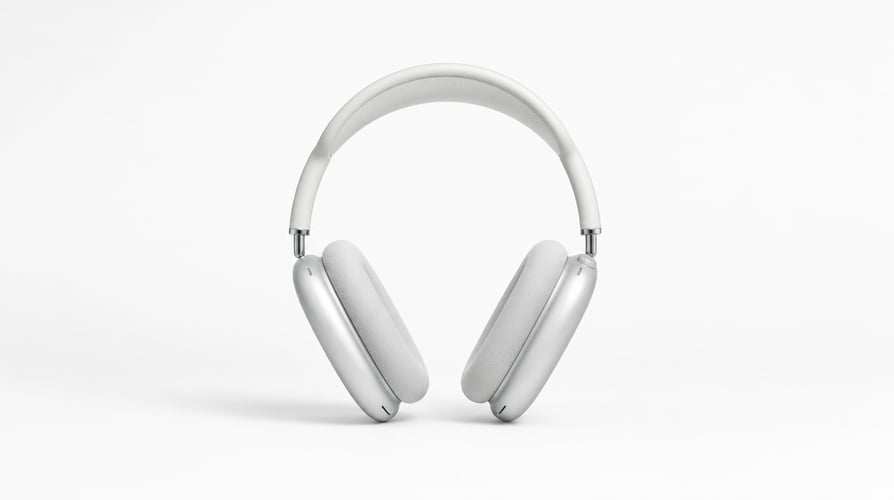
認識できるキャラクター、明確な動機、ビジュアルな転換を備えたコンパクトなシーンを展開します。
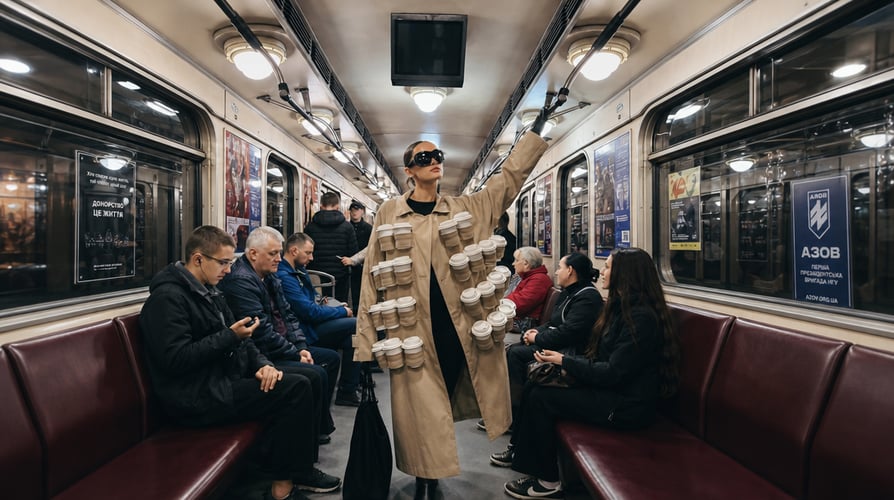
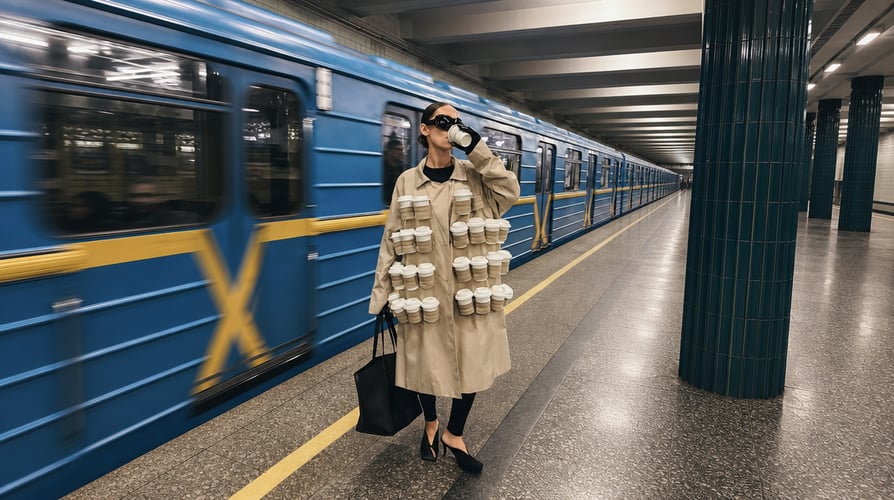
リビール、デモンストレーション、ライフスタイルシーン、キャンペーンコンセプトを作成します。


モバイル向けコンテンツのために、素早いフック、対立、変化、結末を組み立てます。

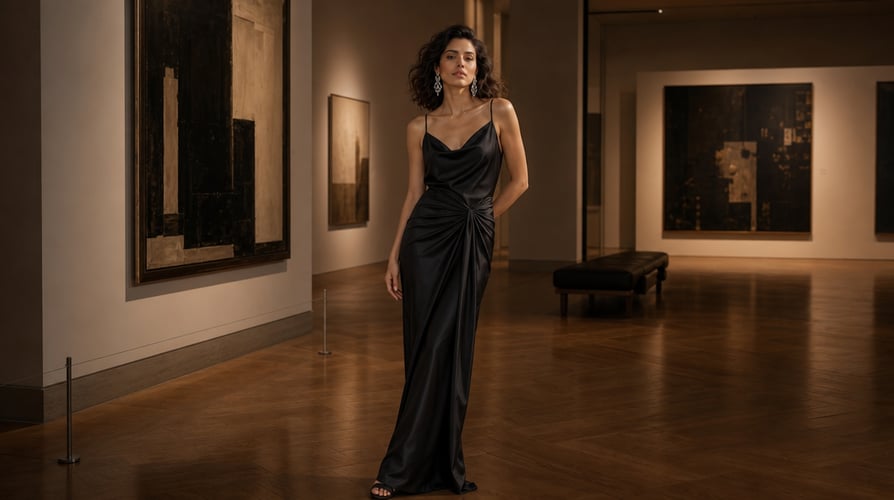
音楽的なアイデアを中心に、動き、カット、アンビエンス、ビジュアルリズムを調整します。
Buzzyは主要な動画モデルを1つのつながったクリエイティブワークスペースにまとめます。
Kling 3.0に関するよくある質問への回答。
Kling 3.0はKlingAIの最新動画モデルシリーズです。マルチモーダルな指示解析、ストーリーボード制御、ネイティブ音声、ビジュアルアイデンティティの一貫性、声のトーンの一貫性、複数シーンのトランジションを兼ね備えています。
モデルを選択し、関連する入力アセットを追加し、被写体、アクション、設定、カメラ、シーンの順序、音声を記述するプロンプトを書きます。
Kling 3.0はストーリーボード指向の制御と、つながった複数シーンの生成に対応しています。シーケンスは短く、目的を持たせてください。
はい。ネイティブ音声はモデルの作成システムの一部です。ブリーフにセリフのコンテキスト、アンビエンス、効果音、音楽演出を含めることができます。
このモデルは、つながったシーン全体でビジュアルアイデンティティと声のトーンを維持するよう設計されています。優れた結果は、一貫したリファレンスと安定した描写に依存します。
短編ナラティブ、キャラクターシーン、製品コンセプト、ソーシャルクリップ、ブランドシーケンス、パフォーマンスのアイデア、音楽主導のビジュアル、ストーリーボードのテストに使えます。
まず被写体とアクションを書き、次にシーンの順序、設定、カメラ、スタイル、音声を追加します。被写体の動きとカメラの動きを分けてください。
Buzzyはワークスペースに、現在の生成アクセス、クレジット、モデル設定を表示します。
Create a video from an idea, visual reference, or planned sequence without separating every creative decision into a different tool. Kling 3.0 combines multimodal instruction understanding, storyboard-level control, connected scenes, and native audio generation. Buzzy gives you one workspace for turning those capabilities into a clear production brief. Start by deciding what must remain consistent: a character, product, location, visual style, voice, or action. Then describe how the scene develops over time. Kling 3.0 is especially useful when the result needs more than generic motion—when identity, pacing, transitions, and sound must serve the same story.
Combine written direction with relevant visual inputs instead of forcing the model to infer which element matters. You can define subject identity, scene context, action, camera behavior, and mood in a connected request. Kling 3.0 parses multimodal instructions across creation tasks, making it suitable for workflows that begin with more than text alone.
Plan a sequence as a small number of purposeful shots. Establish the opening, describe the transition or action, and define the closing image. Kling 3.0 supports storyboard-oriented direction and multi-scene generation, so creators can think in beats rather than treating every clip as an unrelated experiment.
Sound can reinforce place, pace, and emotional tone. Add dialogue context, ambience, effects, or music direction when audio belongs to the concept. Kling 3.0 includes native audio generation, helping the visual and sound evolve from the same brief. Review generated speech and synchronization carefully because generative output is not a guarantee of exact delivery.
When a concept depends on a recognizable character, consistent identity matters across shots. Kling 3.0 is designed to maintain visual identity and vocal tone through connected scenes. Clear references and a stable character description reduce ambiguity, while a focused sequence prevents unrelated style shifts from competing with the subject.
Select Kling 3.0 in Buzzy. Decide whether the scene starts from text, an image, or a broader set of multimodal references available in the workspace. Use the fewest assets needed to establish the subject and style. If two references communicate conflicting identities or environments, resolve that conflict before generating.
Describe what happens, not just what the frame looks like. Name the subject, goal, setting, action, camera, and sound. For several scenes, write a simple order: opening state, change, transition, and final state. Kling 3.0 can work with sophisticated instructions, but the model still benefits from a clear hierarchy.
Choose the settings shown for the active model, generate, and review the complete result. Check subject identity, action order, camera continuity, transitions, audio, and final framing. Revise one category at a time. If character identity is strong but the pacing is wrong, preserve the identity description and change only the timing instructions.
Name the subject early and keep descriptors stable. For a person or character, focus on a few durable details rather than a long costume inventory. For a product, identify the shape, material, color, and branding elements that must remain recognizable. Kling 3.0 needs consistent guidance to preserve the same visual anchor across a sequence.
Every scene should change something meaningful. A character enters, an object transforms, the camera reveals a new environment, or a product moves from context to close-up. Avoid adding scenes simply to make the video feel larger. Storyboard control works best when the sequence has a readable cause and effect.
Describe subject motion separately from camera motion. “The runner turns toward the doorway while the camera tracks backward” is easier to interpret than a stack of cinematic labels. Kling 3.0 supports fine creative direction, but clarity still beats jargon. Use one primary camera action per shot whenever possible.
Write the sound that should accompany the action. If dialogue matters, specify the speaker, emotional delivery, and short intended line. If ambience matters more, describe the environment and timing. Native audio can strengthen the result, but always review speech, vocal identity, timing, and content before publishing.
Choose the ratio and output settings displayed in Buzzy according to the destination. Vertical composition should keep faces, products, and action inside a mobile-safe frame. Landscape composition can create more environmental context. Kling 3.0 prompts should reflect the selected frame rather than relying on later cropping.
Keep the parts that worked and isolate the next change. Replacing the entire prompt after every result makes it harder to understand which instruction improved the output. Save a stable subject and scene description, then refine pacing, camera, transition, or audio in a controlled next pass.
Combine written direction with relevant visual inputs instead of forcing the model to infer which element matters. You can define subject identity, scene context, action, camera behavior, and mood in a connected request. Kling 3.0 parses multimodal instructions across creation tasks, making it suitable for workflows that begin with more than text alone.
Plan a sequence as a small number of purposeful shots. Establish the opening, describe the transition or action, and define the closing image. Kling 3.0 supports storyboard-oriented direction and multi-scene generation, so creators can think in beats rather than treating every clip as an unrelated experiment.
Develop a compact scene with a recognizable character, clear motivation, and visual turn. Use references when identity is essential, then describe the emotional and physical progression. Connected scenes can move from setup to reaction without abandoning the same visual world.
Create a reveal, demonstration, lifestyle scene, or campaign concept. Identify the product features that must remain accurate, then use camera and environment to build attention. Kling 3.0 can support several related shots, allowing a product to move from context to detail within one planned sequence.
Build a quick hook, conflict, change, and payoff for mobile-first content. Keep the action readable without sound, then use native audio to deepen the result. A strong first frame and concise visual premise matter more than unnecessary complexity.
Coordinate movement, cuts, ambience, and visual rhythm around a musical idea. Describe the relationship between motion and sound instead of merely requesting “cinematic music.” Kling 3.0 works best when the audio direction has a role in the scene’s progression.
Kling 3.0 is the latest KlingAI video model series. It combines multimodal instruction parsing, storyboard control, native audio, visual identity consistency, vocal tone consistency, and multi-scene transitions. On Buzzy, those capabilities can be used through a focused AI video generation workflow.
Select the model, add the relevant input assets, and write a prompt that describes the subject, action, setting, camera, scene order, and audio. Choose the available ratio and output settings, generate, then review identity, motion, transitions, and sound before refining.
Kling 3.0 supports storyboard-oriented control and connected multi-scene generation. Keep the sequence short and purposeful. Define the opening, the change between scenes, and the closing state so each part advances the same concept.
Yes. Native audio is part of the model’s creation system. You can include dialogue context, ambience, effects, or music direction in the brief. Generated audio can vary, so review wording, voice, timing, and synchronization before using the clip.
The model is designed to maintain visual identity and vocal tone across connected scenes. Strong results still depend on coherent references and stable descriptions. Avoid changing defining character details between shots unless transformation is the point of the story.
Use it for short narratives, character scenes, product concepts, social clips, branded sequences, performance ideas, music-led visuals, and storyboard tests. Choose a concept where multimodal input, continuity, or native audio provides a real creative advantage.
Write the subject and action first, then add scene order, setting, camera, style, and audio. Separate subject movement from camera movement. For a sequence, use time-based language so the model understands what happens first, what changes, and how the final shot resolves.
Buzzy displays the current generation access, credits, and model settings in the workspace. Availability and pricing can change, so use the active interface as the source of truth rather than assuming a permanent free allowance.
1つのストーリー、1つの一貫したビジュアルアンカー、1つの明確なシーケンスを選びましょう。