
複数のメディアタイプで演出
テキスト・画像・動画・音声を使って、アイデアの各部分を伝えます。
テキスト・画像・動画・音声の参照から、つながりのある動画と音声を作成します。
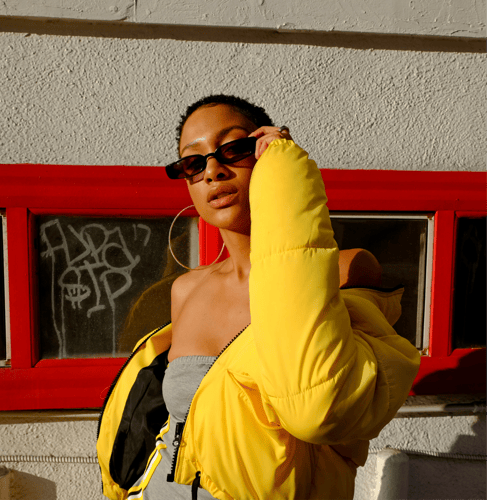
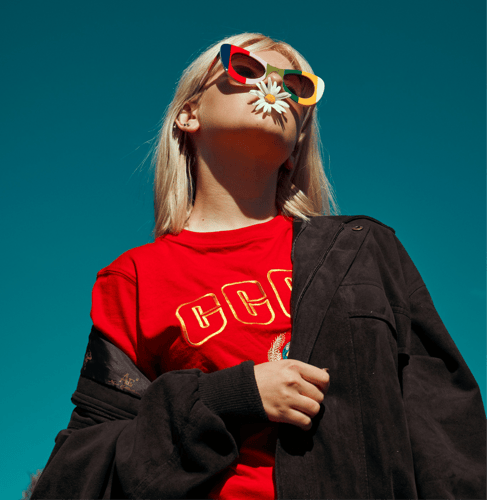
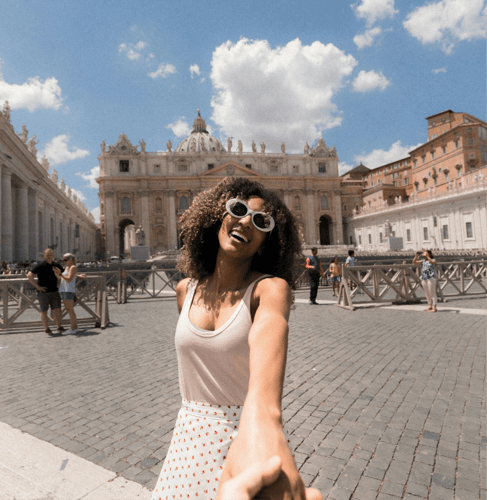
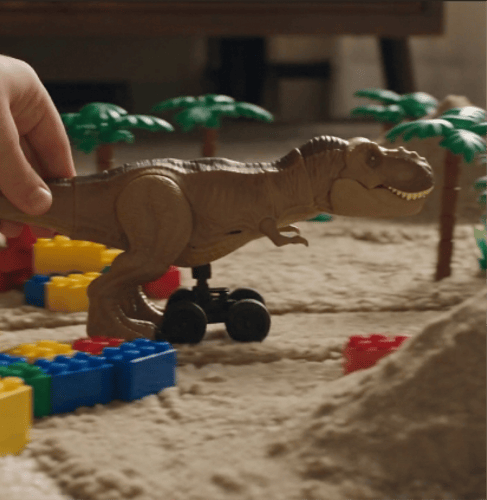
一つのマルチモーダルブリーフから、モーション、カメラ、シーン、サウンドを指示します。
テキスト・画像・動画・音声を使って、アイデアの各部分を伝えます。
同期したサウンドとともに、オープニング・展開・トランジション・エンディングを計画します。
被写体のアクションとカメラの動きを分けて、より明確な物理的演出を実現します。
重要なビジュアルの手がかりを保ちながら、シーンを継続または再構成します。
すべての入力と指示に明確な役割を持たせるため、3つのステップでブリーフを構築します。
 ステップ 01
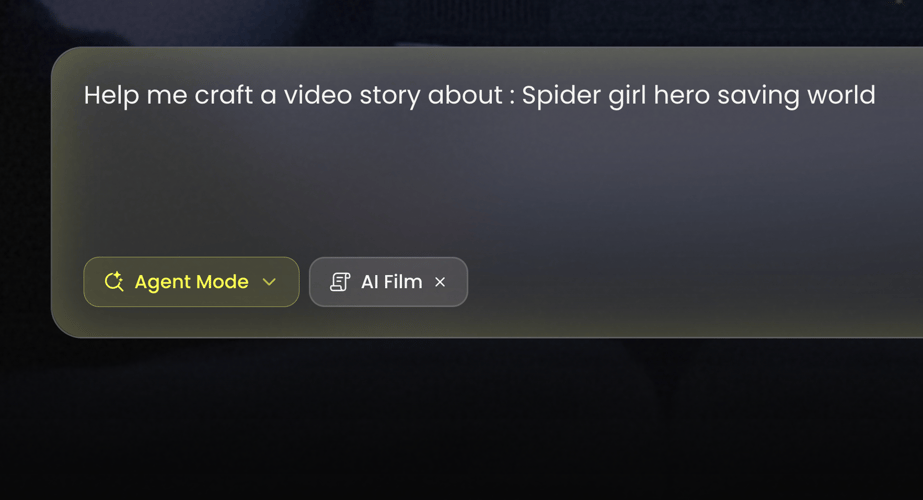
BuzzyでSeedance 2.0を選び、コンセプトをテキストのみで始めるか、画像・動画・音声の参照が必要かを決めます。
 ステップ 02
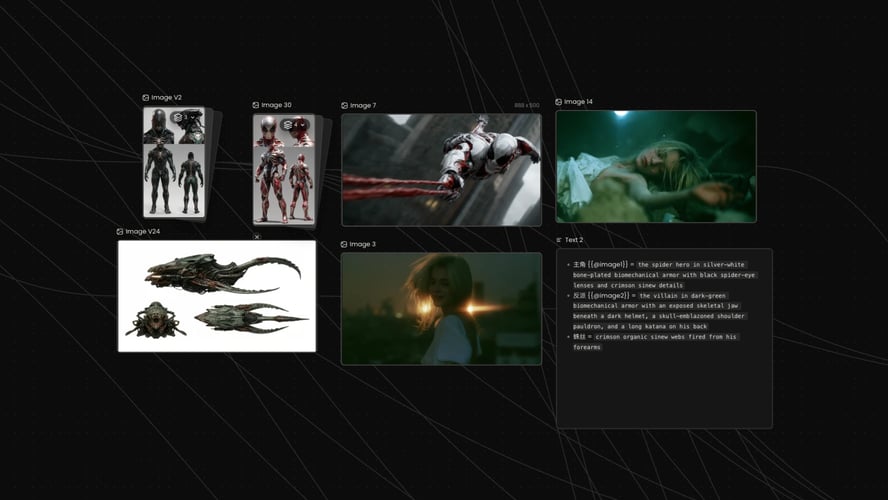
アクションを順番に書きます。最初に何が起こり、シーンがどう変化し、カメラが何をし、クリップがどう終わるかを記述します。
 ステップ 03
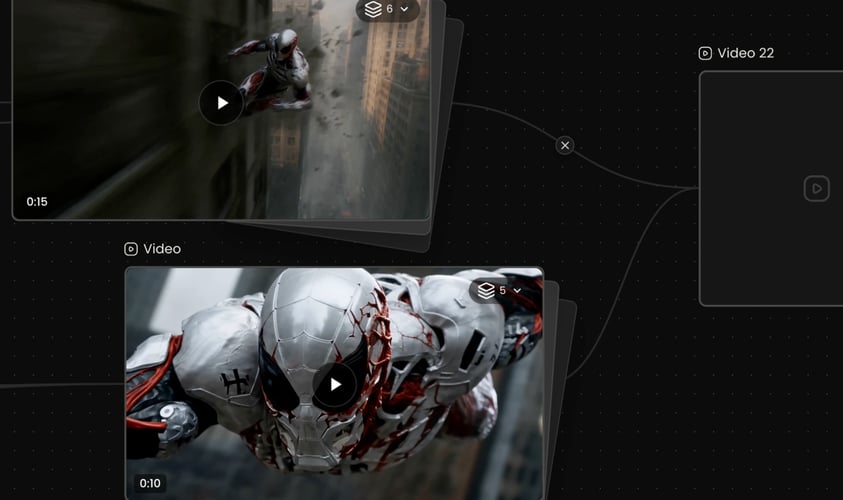
Buzzyのワークスペースで利用できる設定を選び、生成し、サウンド付きで結果全体を確認します。
Buzzy
各素材が何に影響すべきかをモデルに伝えます。
安定した記述と一貫した参照を使います。ショット間で認識可能なままであるべき特徴を明記します。
読み取りやすい始まりと結果を持つアクションを書きます。
各ショットに主要なカメラの動きを一つ選びます。
共通の被写体とビジュアル言語を持ついくつかのビートにシーケンスを分割します。
ビジュアルのタイムラインとの関係で、環境音、効果音、セリフの文脈、音楽を記述します。
Seedance 2.0は短いマルチショット生成に対応し、有効な長さ・比率・出力オプションはBuzzy内に表示されます。
完成したクリップを確認し、次の変更点を切り分けます。
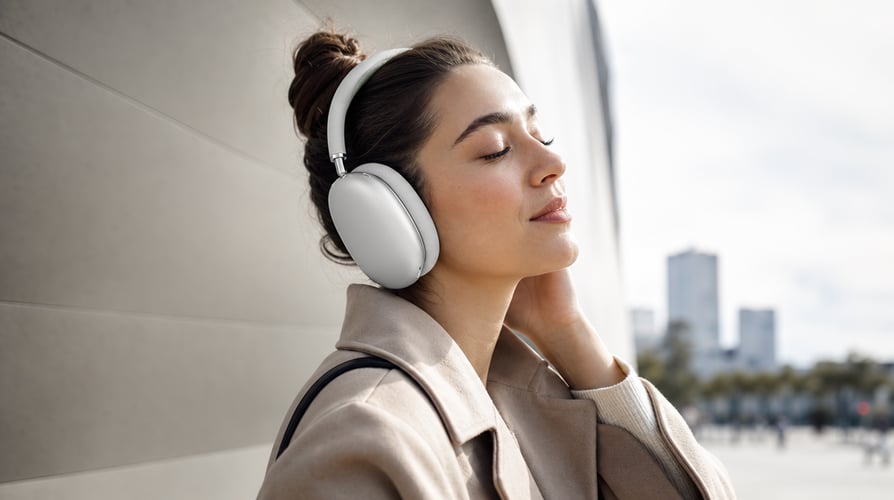
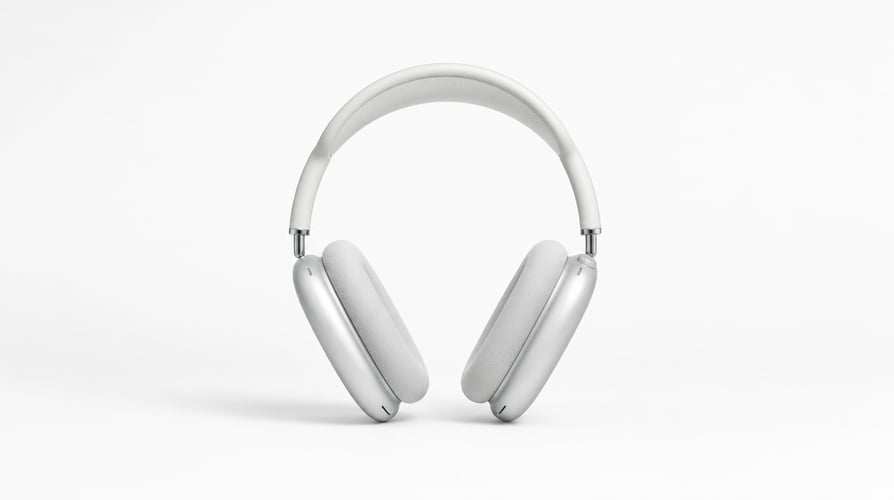
一人のキャラクターや出来事を中心に、短い設定・アクション・解決を構築します。
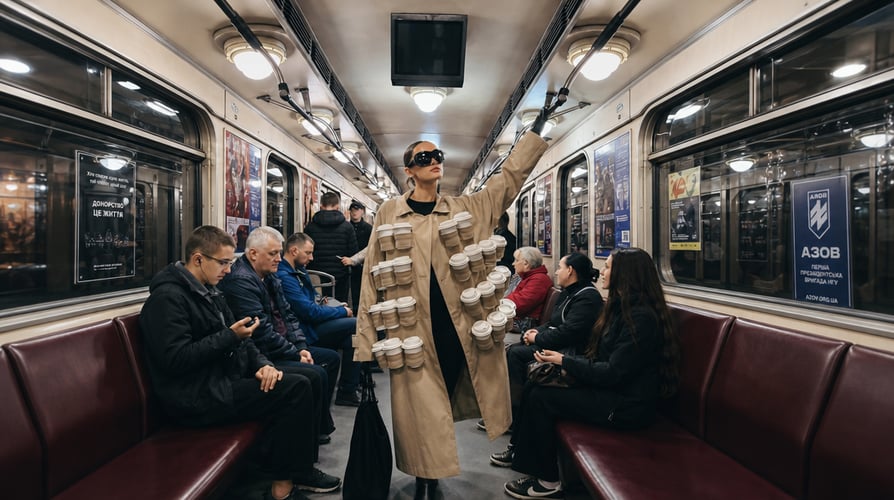
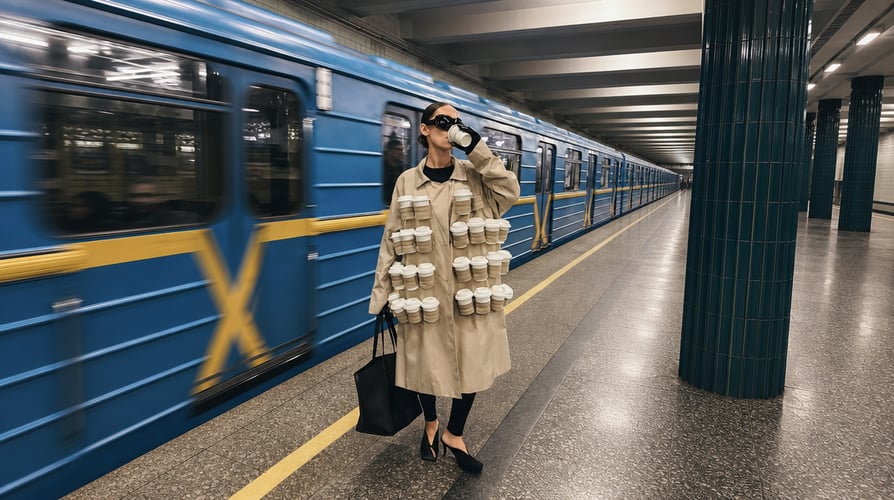
リヴィール、デモンストレーション、ライフスタイルシーン、キャンペーンのストーリーボードを作成します。


音声を使ってテンポ、動き、雰囲気を導きます。どの動きがリズムに反応すべきか、どこでシーンが変わるかを説明します。Seedance 2。
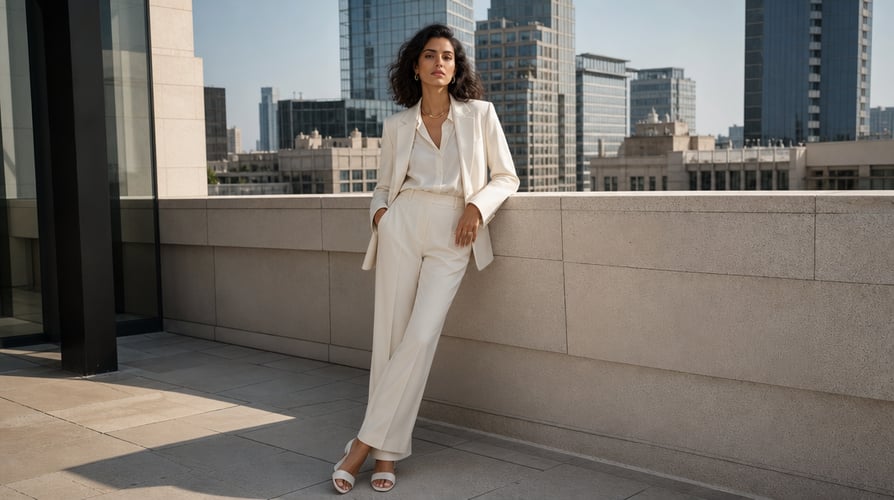
選んだSNSフォーマット向けに、即座のフック、読み取りやすい変化、コンパクトなアクションシーケンスを設計します。
Buzzyは複数の動画モデルとクリエイティブなワークフローを一つの場所に集約します。
Seedance 2.0に関するよくある質問への回答。
Seedance 2.0はByteDance SeedのマルチモーダルAI動画モデルです。
モデルを選択し、関連する参照を追加して、被写体・シーケンス・モーション・カメラ・サウンドの演出を記述します。
はい。音声はマルチモーダル入力の一部となり、リズム、雰囲気、サウンドの演出を導けます。音声がビジュアルシーケンスとどう関係するかを説明してください。
はい。このモデルはマルチショットの音声・動画生成に対応します。オープニング・展開・解決を持つ簡潔なシーケンスを計画してください。プロンプトが意図的に変化を導入しない限り、被写体とビジュアルスタイルは安定させてください。
このモデルはテキスト・画像・動画・音声の入力に対応します。各参照を明確な目的で使い、セットの一貫性を保ってください。
Seedance 2.0は複雑な動き、物理的なリアリズム、制御性のために設計されています。
このモデルは動画の編集・拡張ワークフローに対応します。ソースの文脈を提供し、変更してはいけない部分を示し、新しいアクションや目に見える編集を記述してください。
Buzzyは現在のアクセス、モデルの利用可否、クレジット要件、設定をワークスペース内に表示します。
Turn text, images, video, and audio references into a connected video sequence. Seedance 2.0 is built around unified multimodal audio-video generation, giving creators a way to direct subject motion, camera behavior, scene structure, and sound in the same brief. Buzzy places that capability inside a focused creative workspace. Start with the idea you need to communicate and the source material that protects it. A text prompt can create a new scene, while visual or audio references can guide identity, motion, framing, rhythm, and atmosphere. Seedance 2.0 is especially useful when the concept needs controllable movement and synchronized sound across more than one shot.
Use the medium that best communicates each part of the idea. Text explains the objective and sequence. Images can establish characters, products, compositions, or style. Video can provide motion and camera context. Audio can guide rhythm, ambience, or the intended soundscape. Seedance 2.0 reasons across these inputs as parts of one creative request.
Plan several connected shots instead of generating unrelated clips. Define the opening, progression, transition, and ending. Seedance 2.0 supports multi-shot output with synchronized audio, allowing the story and sound to develop together. Keep the sequence concise enough that every shot has a distinct purpose.
Describe how subjects move through the environment and how the camera responds. Seedance 2.0 is designed for complex motion, physical accuracy, realism, and controllability. Separate subject action from camera action, and state the timing when one movement depends on another.
Use source material to continue a scene, reshape an action, or develop a new version that remains connected to the original. Seedance 2.0 supports editing and extension workflows. Explain what must stay stable and identify the requested change instead of asking the model to reinvent the entire sequence.
Choose Seedance 2.0 in Buzzy and decide whether the concept begins with text alone or needs image, video, or audio references. Use only assets that belong to the same creative direction. Identify the core subject, visual anchor, or sound cue that should remain recognizable throughout the sequence.
Write the action in order. State what happens first, how the scene changes, what the camera does, and how the clip resolves. Add sound direction that belongs to the same timeline. Seedance 2.0 can combine multiple modalities, but the prompt should still make their relationships explicit.
Choose the settings available in the Buzzy workspace, generate, and watch the full result with sound. Review subject consistency, motion quality, camera continuity, transitions, and audio. Preserve the parts that worked and revise the most important issue. Controlled iteration is easier to evaluate than replacing the whole brief after every take.
Tell the model what each asset should influence. One image may define a person, another a location, a video may provide a motion pattern, and audio may establish pacing. Seedance 2.0 supports multiple reference types, but a clear hierarchy prevents one asset from unintentionally overriding another.
Use stable descriptions and cohesive references. Name the defining features that must remain recognizable across shots. If the subject changes clothing, location, or state during the sequence, describe when that transformation occurs. Consistency improves when change is deliberate rather than implied.
Write actions with a readable beginning and result. Explain contact, weight, direction, and timing when they matter: a hand lifts an object, fabric reacts to movement, water splashes after impact, or a vehicle changes speed before turning. Seedance 2.0 is designed for realistic and controllable motion, but the brief should still be physically understandable.
Choose one primary camera behavior for each shot. A tracking move follows action, a push-in directs attention, a reveal changes context, and a static view makes transformation easier to see. Do not stack conflicting instructions. The camera should help the audience understand the moment.
Divide the sequence into a few beats with a shared subject and visual language. Each shot should introduce information or advance the action. Use transition language when the connection matters. Seedance 2.0 can produce multi-shot video, but structure still comes from the brief.
Describe ambience, effects, dialogue context, or music in relation to the visual timeline. The model supports audio-video joint generation and advanced audio output, but generated sound requires review. Check speech, synchronization, loudness, and whether audio matches the environment before publishing.
Seedance 2.0 supports short multi-shot generation, with active duration, ratio, and output options shown inside Buzzy. Choose the format for the final destination before writing the composition. A vertical clip needs tighter subject framing than a landscape sequence.
Review the complete clip and isolate the next change. If motion works but the audio is wrong, keep the visual direction stable and revise the sound. If the subject is consistent but the transition feels abrupt, change the shot connection. One controlled decision per pass makes improvement easier to trace.
Build a short setup, action, and resolution around one character or event. Use images to define identity, video references for motion, and text to explain how the shots connect. Seedance 2.0 can support the sequence as one audio-visual idea rather than a set of disconnected clips.
Create a reveal, demonstration, lifestyle scene, or campaign storyboard. Preserve the product’s defining visual details and describe how it moves through the sequence. Use camera changes to reveal context or features, while sound supports the product moment without overwhelming it.
Use audio to guide pacing, movement, and atmosphere. Explain which motions should respond to the rhythm and where the scene changes. Seedance 2.0 can work with audio references and joint generation, making it useful for performance concepts, music-led visuals, and rhythmic transitions.
Design an immediate hook, a readable transformation, or a compact action sequence for a chosen social format. Keep the primary subject visible on a small screen and make the first beat clear. References can guide style, but the prompt should still define the intended story or change.
Seedance 2.0 is ByteDance Seed’s multimodal AI video model. It accepts text, image, audio, and video inputs and is designed for unified audio-video generation, complex motion, controllability, multi-shot sequences, editing, and extension.
Select the model, add the relevant references, and write the subject, sequence, motion, camera, and sound direction. Choose the available format and duration settings, generate the result, and review visual continuity and audio together before making a focused revision.
Yes. Audio can be part of the multimodal input and can guide rhythm, atmosphere, or sound direction. Explain how the audio relates to the visual sequence. Review the generated sound and synchronization because output can vary from the intended reference.
Yes. The model supports multi-shot audio-video generation. Plan a concise sequence with an opening, progression, and resolution. Keep subjects and visual style stable unless the prompt intentionally introduces a change.
The model supports text, image, video, and audio inputs. Use each reference for a defined purpose and keep the set coherent. The exact upload limits and options available to you should be taken from the active Buzzy workspace.
Seedance 2.0 is designed for complex movement, physical realism, and control. Better prompts still explain the action in time: what begins the motion, how the subject and environment respond, what the camera does, and where the action ends.
The model supports video editing and extension workflows. Provide the source context, state what must remain unchanged, and describe the new action or visible edit. Keep each request focused so the result can be compared directly with the original.
Buzzy displays current access, model availability, credit requirements, and settings inside the workspace. These conditions can change, so use the active interface as the source of truth rather than assuming a permanent free tier.
明確な音声・映像のアイデアを一つBuzzyに持ち込み、最も重要な要素を守る参照を選び、シーケンスを率直に記述します。