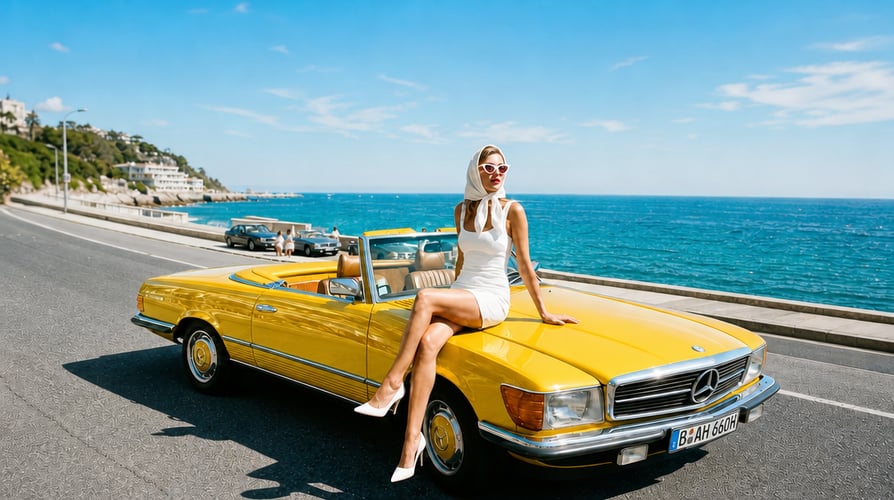
Nano Banana 2.1 Image Generator

Start with a visual idea, then use a prompt or reference image to make the next change clear.

Upload reference image
Prompt
Describe the subject, composition, style, text, or edit
Model
Resolution
Aspect Ratio
Nano Banana 2.1 Preview

Key Features of Nano Banana 2.1

Use a clear brief, a useful reference, and focused revisions to move from concept to a workable image.

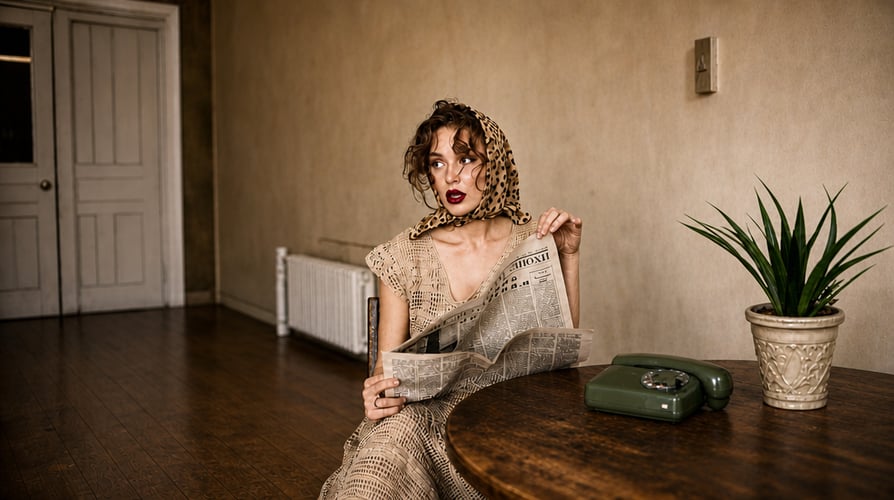
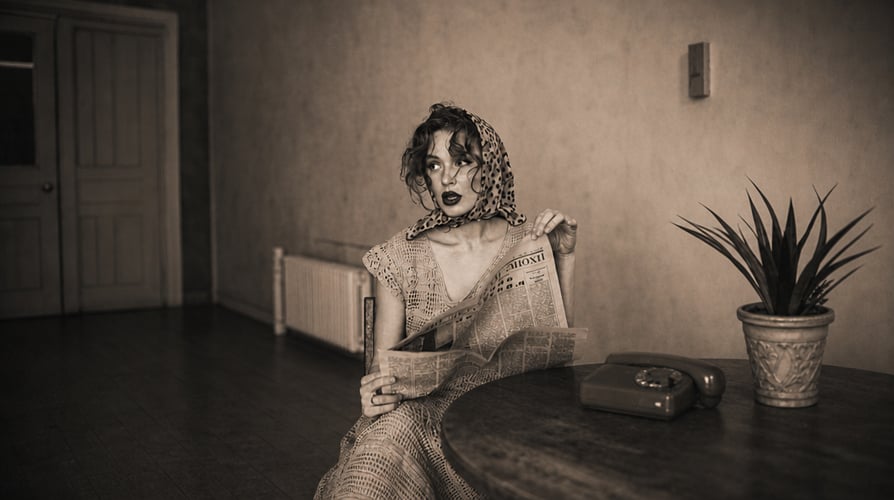
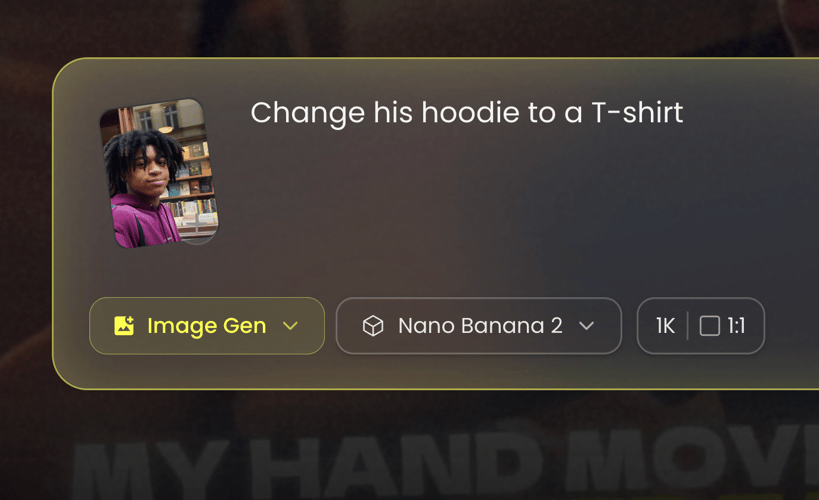
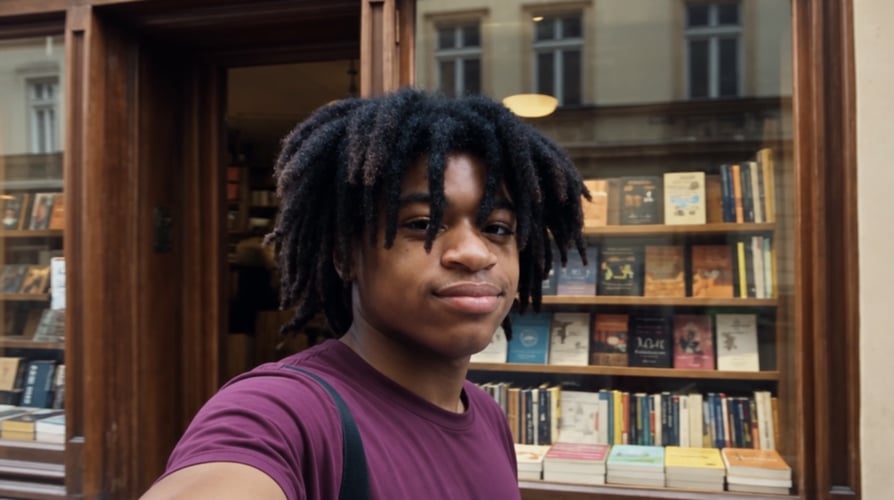
Start with a Specific Image Brief afterStart with a Specific Image Brief beforeBeforeAfter

Start with a Specific Image Brief

Describe what the image must communicate before naming a style. State the subject, setting, camera angle or composition, lighting, palette, and any space needed for copy. Nano Banana 2.1 is presented on Buzzy as an image-generation and editing option, but you should confirm availability in the live model selector. A precise first prompt lets you judge whether the image serves the intended product, story, or campaign rather than simply looking attractive.
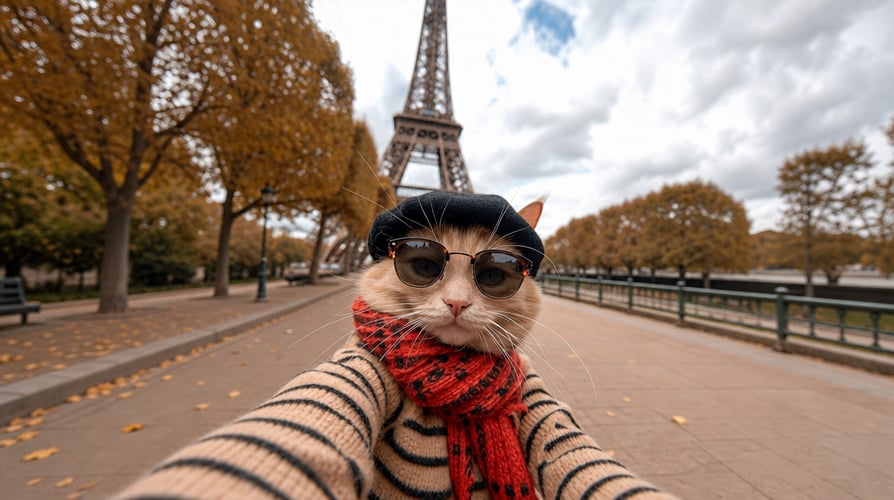
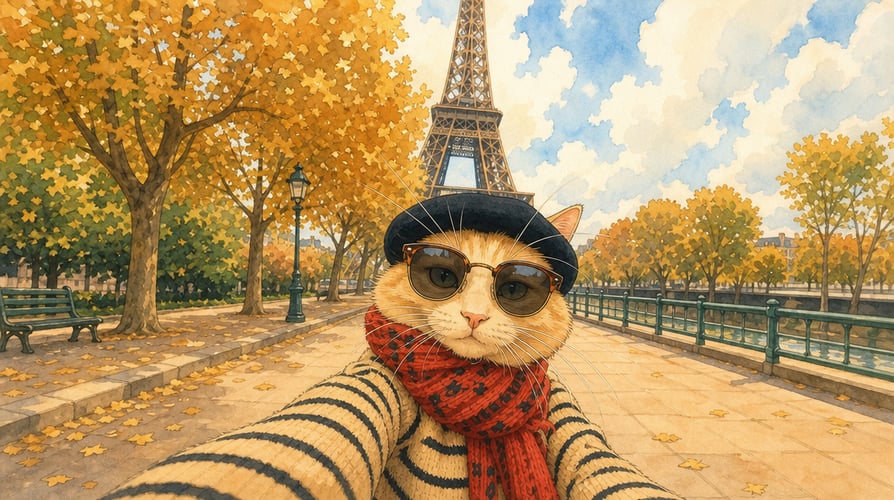
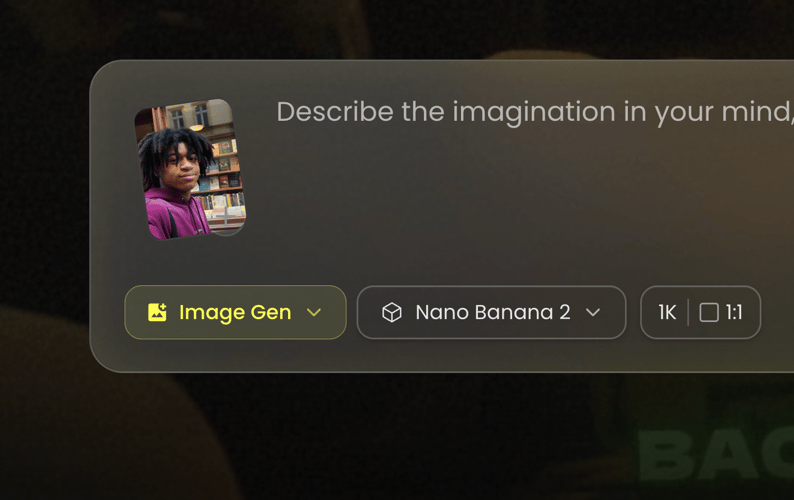
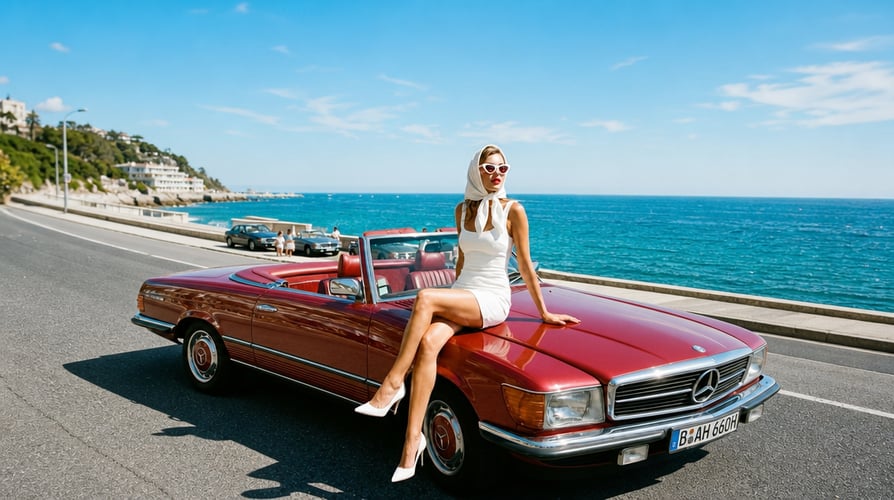
Use a Reference with a Clear Purpose afterUse a Reference with a Clear Purpose beforeBeforeAfter

Use a Reference with a Clear Purpose

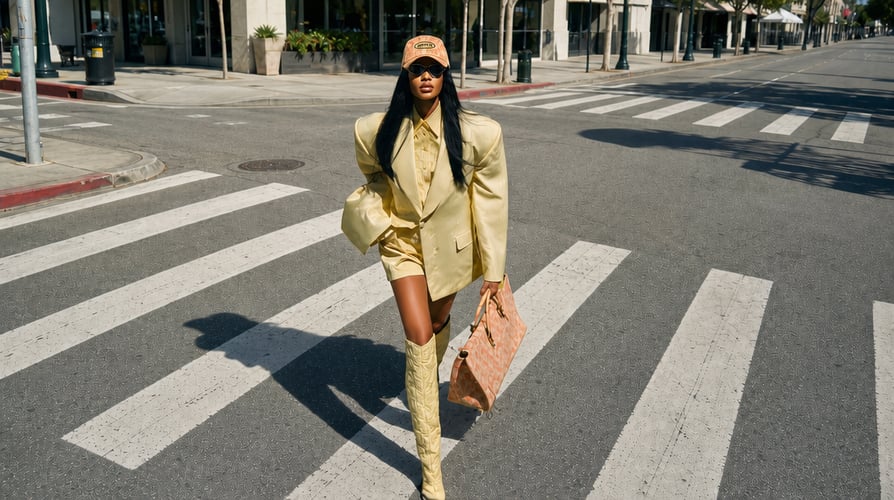
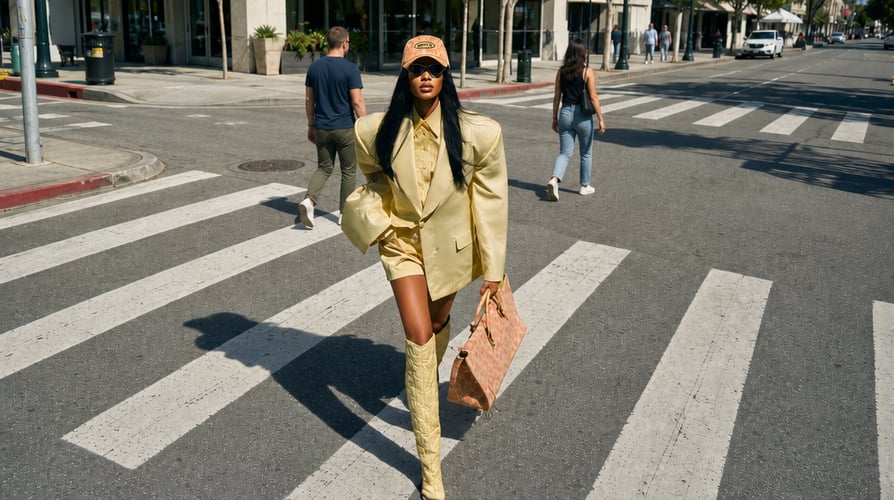
Upload a source image when you need to preserve a product, character, pose, or visual direction. Pair it with a sentence that states what should change and another that states what should stay. For example, keep the product shape and label placement while changing the background and lighting. Reference images provide context; they do not remove the need to check identity, details, and composition after generation.

Revise One Visual Decision at a Time afterRevise One Visual Decision at a Time beforeBeforeAfter

Revise One Visual Decision at a Time

After the first image, compare it against the brief. Decide whether the main issue is subject accuracy, legibility, layout, color, or realism. Rewrite only the part of the prompt that controls that issue. Nano Banana 2.1 is described as supporting conversational edits and improved consistency, but every revision should be reviewed for accidental changes to subjects or text. Save a useful version before testing another direction.

Check Text and Layout Before Delivery afterCheck Text and Layout Before Delivery beforeBeforeAfter

Check Text and Layout Before Delivery

For a poster, package, or ad, write the exact words you need and describe their placement. Generated typography can still contain misspellings, distorted letters, or unreadable small copy. Inspect the image at the intended display size, proofread every label, and leave room for a later design pass when precision matters. If you edit a reference image, confirm that untouched elements remain intact.

How to Create Images with Nano Banana 2.1

Check access, define the visual, generate, and refine one decision at a time.

Check Nano Banana 2.1 and define the image brief01

Check the Model and Define the Job

Open Buzzy Image Gen and check whether Nano Banana 2.1 appears in your model selector. Decide what this first image is for: a product view, campaign concept, portrait, poster, or storyboard. That purpose determines the subject, composition, and details to include. Use only the resolution and ratio choices shown in your current workspace.

Write the prompt or add a reference image02

Write a Prompt or Add a Reference

Lead with the main subject and desired scene. Add composition, color, lighting, and any words that must appear. If you upload a reference image, specify the details to preserve and the edit to make. Avoid contradictory instructions, and do not assume an announced model option is available in every Buzzy workflow.

Review and refine a Nano Banana 2.1 image03

Generate, Inspect, and Refine

Generate a first image when access is available. Check subject consistency, text accuracy, cropping, and small details at the size where the image will be used. Revise the most important issue in the next prompt, or choose a relevant Buzzy editing tool for a targeted change. Keep each iteration tied to the original purpose.

Get Inspirations

Plan a Nano Banana 2.1 Image

Check Nano Banana 2.1 Access

Confirm that the model appears in your Buzzy image workspace before choosing its output settings or planning delivery.

Write for the Image’s Purpose

Define the subject, setting, composition, and intended placement rather than relying on a broad style label.

Assign a Role to the Reference

Use an uploaded visual to preserve a person, product, scene, or art direction; identify the edit in the prompt.

Proofread Generated Text

For ads, posters, or packaging, inspect every word, logo, and small label at the intended display size.

Refine One Issue per Pass

Compare each version with the brief and make a focused revision while keeping useful parts intact.

Explore More Buzzy Image Models and Tools

Compare current image-generation and editing options in Buzzy before choosing a model for your brief.

Seedance 2.5
Cinematic 4K, consistent shots
Try it
Agentic Canvas
Agent-driven node canvas
Try it
Kling 4.0
3 to 30 seconds long at up to 4K quality
Try it
Nano Banana 2.1
Fast and brand level image generation
Try it
Seedance 2.0
Motion-driven video creation
Try it
Google Omni
Cinematic video generation
Try it
Kling
High-fidelity physics simulation
Try it
Runway
Next-gen creative video tools
Try it
Nano Banana 2
Lightweight video synthesis
Try it
Veo 3.1
Google's advanced video generation
Try it
GPT Image 2
Photorealistic image generation
Try it
Hailuo
Fast and expressive video drafting
Try it
Pixverse
Stylized and dynamic video generation
Try it

Nano Banana 2.1 FAQ

Answers about reference inputs, prompt writing, visible settings, editing, and current access.

Nano Banana 2.1 is an image-generation and editing model for prompt-led creation and reference-guided changes. Our preview covers prompt following, visual consistency, text rendering, and flexible output settings. Check the current model selector for actual access and the settings offered to your account.

First decide what the image needs to do. Write the main subject, setting, composition, and any exact text. Add a reference image if a character, product, or style must guide the result. Check Nano Banana 2.1 availability in Image Gen and use the ratio and resolution choices visible there. Review the first result against your brief before revising.

Our Nano Banana 2.1 preview includes conversational image editing and reference-image input. Upload an image and specify both the requested change and the elements to keep. After generation, inspect the whole result for unintended edits. For a narrow task such as background removal, choose a dedicated Buzzy image tool if it is available in your workspace.

Our Nano Banana 2.1 preview presents reference-guided creation and editing. Use a source image to communicate appearance or composition, then describe the desired transformation. A reference helps guide the visual direction but does not guarantee identical faces, products, logos, or packaging across every result; inspect those details in each output.

Our Nano Banana 2.1 preview covers text and layout rendering for posters, packaging, and promotional materials. Include the exact wording and placement in your prompt. Generated text still needs proofreading at final display size, especially on small labels, logos, or dense layouts. Use a design review before publishing any text-heavy asset.

Our Nano Banana 2.1 preview lists 1K, 2K, and 4K output and multiple aspect ratios as model capabilities. Availability can vary by configuration. Choose the size and shape shown in your live workspace, then inspect the image at its intended placement before delivery.

Nano Banana 2.1 is currently marked as presale on Buzzy. If it is not available in your account, prepare your prompt and reference assets, then use a model that is actually selectable for a test. Check the live model selector before planning a production deadline.

Review the first image by task: subject accuracy, composition, lighting, text, and background. Pick the largest mismatch and ask for a single focused change. State what must remain unchanged. Save useful versions so that later iterations can be compared against the original brief rather than against a moving target.

Plan Your Next Image with Nano Banana 2.1

Choose one image task, write the subject and composition, and identify which detail should change after the first pass.

25M
Customers
190 countries
#1
Product of the month
Product Hunt
4.8
G2
Buzzy