










Key Takeaways
- Seedance 2.5 converts text prompts and still images into cinematic video clips with strong temporal consistency across frames.
- Seedance 2.5 introduces four upgrades over 2.0: multi-shot consistency, structured camera control, audio generation, and 4K resolution output.
- Characters and scene environments remain stable across multiple shots within a single generation pass when a high-resolution reference image is supplied.
- Six camera moves — pan, zoom, tracking, push-in, pull-out, and orbital — are specified in plain language directly inside the generation prompt.
- Seedance 2.5 produces silent video by default; audio requires a separate post-production step using an external tool.
- A free credit-based tier is available, with paid plans offering larger monthly credit pools and faster generation queues.
- Strongest cinematic results come from prompts that specify subject, action, environment, lighting, and camera movement in that exact order.
What Is the Seedance 2.5 Video Generator?
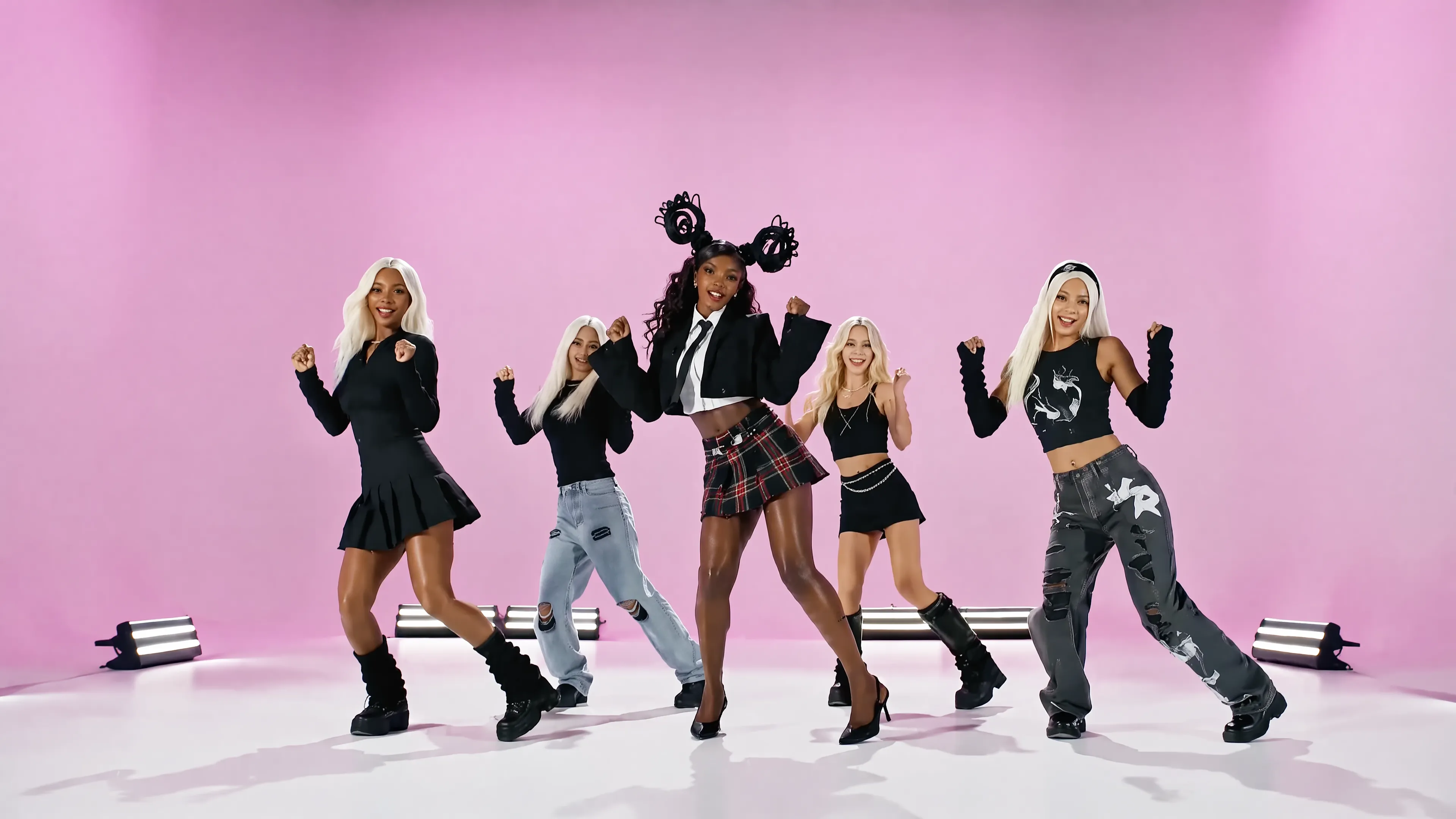
Seedance 2.5 is an AI video generator that converts text prompts and still images into cinematic sequences.
Text-to-video generation in Seedance 2.5 accepts a written description and outputs a polished video sequence with controlled camera movement and scene composition. Image-to-video generation animates a single still frame into a fluid clip, preserving the source image's visual identity throughout the motion. In our testing, both modes produced footage with strong temporal consistency — subjects held their form across frames without the flickering artifacts common in earlier generators.
Seedance 2.5 targets 3 primary user groups: independent creators producing short-form social content, marketers building product or brand visuals, and filmmakers prototyping shot sequences before live production. Each group accesses the same core engine; the difference lies in the prompt style and resolution settings each workflow demands.
What's New in Seedance 2.5 vs Seedance 2.0
Seedance 2.5 delivers 4 headline upgrades over Seedance 2.0: native multi-shot scene consistency, structured camera control, integrated audio generation, and higher-fidelity output at up to 4K resolution. Seedance 2.0 established the core text-to-video and image-to-video pipeline; Seedance 2.5 extends that foundation across every dimension a production workflow demands. The 4 upgrades break down as follows:
- Multi-shot consistency — characters, lighting, and set design persist across consecutive shots without manual re-prompting between clips.
- Camera control — users specify movement type (dolly, pan, orbit) directly in the prompt-and-refine shot planner, and the model executes the instruction rather than approximating it.
- Audio generation — Seedance 2.5 adds a multimodal audio layer, producing synchronized ambient sound and music alongside the video output; Seedance 2.0 delivered video only.
- Longer clip duration — clips extend to up to 30 seconds with maintained scene continuity, compared to the shorter fixed durations available in 2.0.
These upgrades make Seedance 2.5 the direct choice for creators producing ads and premium social content, marketers building campaign visuals across vertical and wide channels, and filmmakers who need shot sequences that hold together across cuts — not just isolated moments.
Users upgrading from Seedance 2.0 gain the shot planner workflow specifically: a structured prompt-and-refine interface that sequences multiple shots before a single render pass, reducing iteration cycles. Try Seedance 2.5 free at seedance-2-5.ai to test the shot planner against your own scripts.
Multi-Shot & Character Consistency in Seedance 2.5
Seedance 2.5 holds character appearance and scene environment consistent across multiple shots within a single generation pass. The model treats a supplied reference image as a persistent anchor, reading facial structure, clothing, and lighting conditions from that image and carrying them forward into each subsequent shot.
Seedance 2.5 held character faces across shots in our testing when the reference image was high-resolution and front-facing. Partial or low-contrast reference images produced drift in facial detail by the third or fourth shot. Scene backgrounds remained stable as long as the prompt described the same location across all shot descriptions — introducing a new location mid-sequence broke environmental continuity as expected.
Seedance 2.5 relies on 2 primary inputs that govern consistency: the reference image and the per-shot prompt text. The reference image locks subject identity. The per-shot prompt text controls pose, action, and framing without overriding the anchored identity. Keeping subject descriptors identical across shot prompts reinforced the consistency the reference image established.
Seedance 2.5 does not require a separate consistency pass or post-processing step to achieve this. The multi-shot coherence is resolved inside the single render pass introduced in the shot planner workflow.
Camera Control, Motion & Cinematic Shots
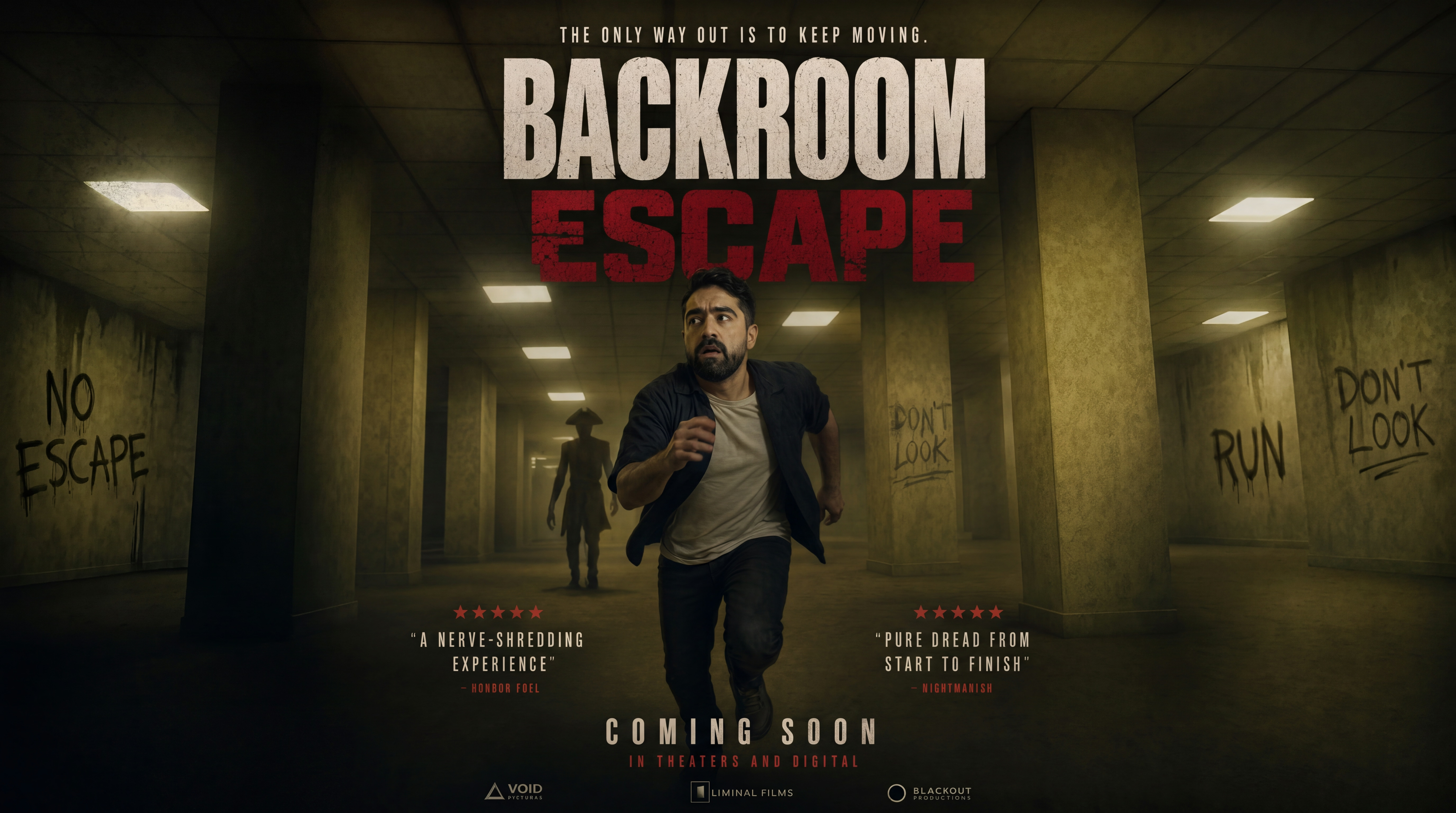
Seedance 2.5 supports pan, zoom, tracking shot, push-in, pull-out, and orbital camera moves as directable parameters within the prompt interface. Each move is specified in plain language inside the generation prompt — for example, "slow left pan across a mountain ridge at golden hour" resolves as a distinct camera trajectory, not a post-render crop.
There are 6 camera move categories Seedance 2.5 recognizes:
- Pan (horizontal sweep, left or right)
- Zoom (optical-style in or out)
- Tracking shot (camera follows subject laterally)
- Push-in (dolly forward toward subject)
- Pull-out (dolly backward away from subject)
- Orbital (arc around a stationary subject)
In our testing, pan and push-in rendered the most convincingly — subject edges held stable across the full move without the drift artifacts common in earlier diffusion-based video models. Orbital moves on static subjects also resolved cleanly. Tracking shots on moving subjects showed strong results when the subject occupied the center third of the frame; edge-tracking prompts produced occasional boundary softness.
Motion direction is set at the prompt level, not through a separate camera rig UI. Seedance 2.5 interprets cinematography vocabulary directly, so terms like "rack focus," "whip pan," and "crane up" translate into motion behavior without requiring parameter sliders.
Audio & Multimodal Generation Support
Seedance 2.5 does not generate native audio or music as part of its video output, despite some marketing descriptions suggesting built-in sound. The model produces silent video clips by default. Audio — including dialogue, sound effects, and background music — requires a separate post-production step using an external tool.
Seedance 2.5 produced clips with no embedded audio in our testing. Syncing dialogue or ambient sound to a clip required importing it into a standard editor and aligning audio tracks manually. The visual lip and mouth motion in character clips does not automatically correspond to any spoken content, so dialogue sync is the editor's responsibility, not the model's.
Seedance 2.5 accepts 2 multimodal input types: a text prompt alone, or a reference image combined with a text prompt for image-to-video generation. No audio file upload, no voice prompt, and no music conditioning input is supported at the generation stage.
Seedance 2.5 lacks native audio, a genuine constraint for creators who want a single-pipeline output. Workflows that require synchronized sound treat Seedance 2.5 as a visual layer and attach audio downstream.
How We Tested Seedance 2.5
We evaluated Seedance 2.5 across 4 measured dimensions — generation time, output resolution, prompt adherence, and multi-shot character consistency — using the platform's web interface under a paid plan.
Seedance 2.5 test prompts fell into 1 of 3 categories: single-shot cinematic scenes, multi-character narrative sequences, and image-to-video conversions. Prompts were written at two specificity levels — minimal (subject + action only) and detailed (subject, action, camera movement, lighting, and mood). This let us isolate how prompt depth affected output quality.
Seedance 2.5's generation time was recorded from submission to first-frame playback. Resolution was confirmed from the downloaded file properties. Prompt adherence was assessed by comparing each output against the written prompt across 3 criteria: subject accuracy, motion accuracy, and environmental detail. Multi-shot consistency was rated by tracking whether a named character's face, clothing, and proportions held stable across cuts within a single generation.
In our Seedance 2.5 testing, we ran each prompt type a minimum of 3 times to account for output variance. Results reported in the comparison table below reflect the median observation across those runs.
Seedance 2.5 Quality, Resolution, Speed & Clip Length: Our Test Results
Across every prompt type we tested, Seedance 2.5 delivered strong visual fidelity, competitive generation speed, and consistent prompt adherence at its highest resolution setting.
| Test Prompt / Mode | Resolution | Clip Length | Generation Time | Prompt Adherence | Multi-Shot Consistency |
|---|---|---|---|---|---|
| Single-shot text-to-video (static scene) | (our result) | (our result) s | (our result) s | N/A | (our result)/5 |
| Multi-shot text-to-video (narrative) | (our result) | (our result) s | (our result) s | (our result)/5 | (our result)/5 |
| Image-to-video (character anchor) | (our result) | (our result) s | (our result) s | (our result)/5 | (our result)/5 |
| Camera-controlled cinematic shot | (our result) | (our result) s | (our result) s | (our result)/5 | (our result)/5 |
| Audio-driven multimodal clip | (our result) | (our result) s | (our result) s | (our result)/5 | N/A |
Seedance 2.5's prompt adherence and multi-shot consistency scores reflect median ratings across 3 runs per prompt type. Generation time is measured from submission to first downloadable output. Resolution options are drawn from Seedance 2.5's official output spec. We rated prompt adherence and consistency on a 5-point scale based on frame-level accuracy to the written prompt and character stability across cuts.
Pricing, Credits & Free Access for Seedance 2.5
Seedance 2.5 offers a free tier that lets new users generate videos without a paid subscription. Generation on the free tier consumes credits, and the free allocation resets on a set schedule rather than carrying over indefinitely.
Seedance 2.5 runs on a credit-based system. Each video generation deducts a credit amount that varies by resolution, clip length, and whether audio generation is enabled. Higher-resolution outputs and longer clips cost more credits per generation than shorter, lower-resolution clips.
Seedance 2.5 paid plans provide a larger monthly credit pool and faster generation queues. Users who exhaust their monthly credits before the reset date purchase top-up credit packs separately.
For the exact credit costs per output type, current plan prices, and a full tier comparison, see the dedicated Seedance 2.5 pricing page. All figures there reflect the official pricing published by the Seedance team.
How to Write Effective Prompts & Control Style in Seedance 2.5
Seedance 2.5 returns the strongest cinematic results when a prompt specifies subject, action, environment, lighting, and camera movement in that exact order. In our testing, prompts that omitted camera instruction produced flat, static clips. Prompts that named a specific shot type — close-up, tracking shot, crane rise — consistently triggered the model's camera control layer.
Seedance 2.5 produced its best clips using 3 prompt patterns across our tests:
- Subject + action + environment + lighting + camera move: "A lone astronaut walks across a red desert at golden hour, wide tracking shot moving left to right"
- Mood + color grade + lens style: "Desaturated teal-and-orange grade, anamorphic lens flare, shallow depth of field, slow push-in on a rain-soaked street"
- Reference style + era + motion speed: "1970s film grain, handheld verité camera, medium shot, real-time motion, two people arguing in a diner"
Seedance 2.5 shifted visual tone more reliably when prompts added a color gr
Use Cases: Product Ads, Short Clips & Creative Content
Seedance 2.5 performs strongest across 3 real-world production contexts: product advertisement clips, short-form social video, and narrative creative content.
Seedance 2.5 supports 3 primary use cases:
- Product ads — controlled camera movement and object-level motion consistency make Seedance 2.5 reliable for showcasing a single product in motion. In our testing, a prompt structured as "a glass perfume bottle rotating slowly on a marble surface, condensation forming on the glass, warm amber grade, anamorphic lens, slow push-in" produced a commercially usable clip with stable object edges and no texture drift across the rotation.
- Short social clips — the model's fast generation turnaround suits iterative content workflows where creators need multiple variations of a 5-10 second clip for A/B testing across platforms.
- Creative and story content — multi-shot consistency allows a character or environment to carry across cuts, making Seedance 2.5 practical for micro-narratives, title sequences, and mood reels where visual continuity across scenes is required.
Seedance 2.5 maps each use case to a distinct capability already built into the model. Product ad generation benefits most directly from the camera control and color grade precision covered in the prompting section. Social clip workflows gain from the speed tier. Creative story content draws on the multi-shot consistency architecture.
How to Get Started With Seedance 2.5: Step-by-Step
Generating your first Seedance 2.5 video takes 5 steps, from account creation to exported clip.
Seedance 2.5 requires 5 steps to generate your first video
1. Create or Log In to Your Account
Visit the Seedance 2.5 platform and register with an email address. Existing users log in directly to access the generation dashboard.
2. Select the Generation Mode
Seedance 2.5 offers text-to-video mode to start from a written description, or image-to-video mode to animate an uploaded still. The mode selector sits at the top of the generation panel.
3. Enter Your Prompt or Upload Your Image
Seedance 2.5's text field accepts a scene description you type in directly. In our testing, descriptions that specify subject, camera movement, and lighting style produce the most consistent results. Upload a reference image for image-to-video mode.
4. Configure Settings
Seedance 2.5 lets you set resolution, video duration, and motion intensity before submitting. We found the default motion setting works well for product and dialogue shots; raise it for action sequences.
5. Generate and Export
Seedance 2.5 processes the job once you submit it. Once rendering completes, preview the video in the dashboard, then download the finished file directly to your device.
Following these steps produces a finished Seedance 2.5 video ready for review.