
Birden fazla medya turuyle yonetin
Fikrin her bolumunu iletmek icin metin, gorsel, video ve ses kullanin.
Metin, gorsel, video ve ses referanslarindan birbirine bagli video ve ses olusturun.
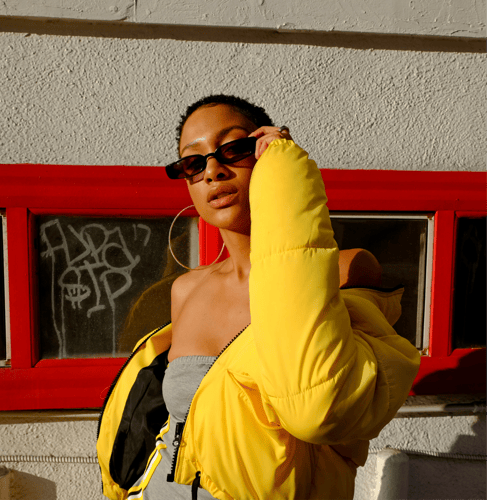
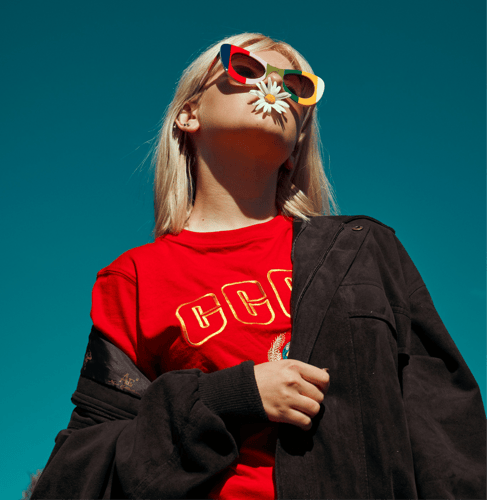
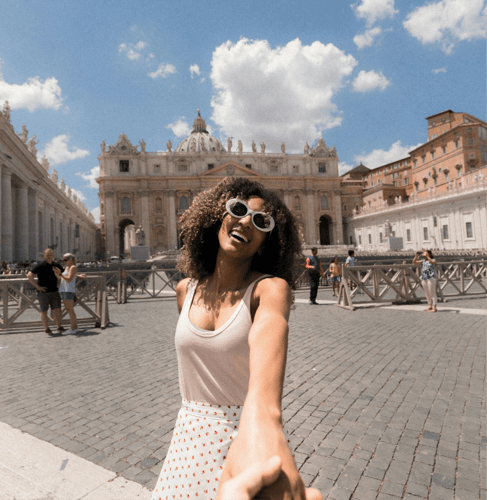
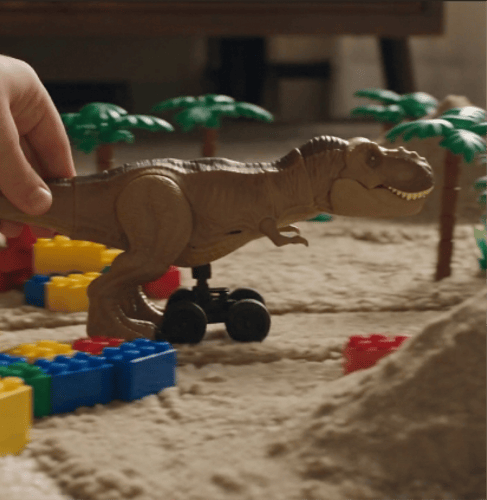
Hareketi, kamerayi, sahneleri ve sesi tek bir cok modlu briften yonlendirin.
Fikrin her bolumunu iletmek icin metin, gorsel, video ve ses kullanin.
Senkronize sesle bir acilis, ilerleyis, gecis ve final planlayin.
Daha net bir fiziksel yonlendirme icin konu eylemini kamera hareketinden ayirin.
Temel gorsel ipuclarini sabit tutarak bir sahneyi surdurun veya yeniden sekillendirin.
Her girdi ve talimatin net bir gorevi olmasi icin brifi uc adimda olusturun.
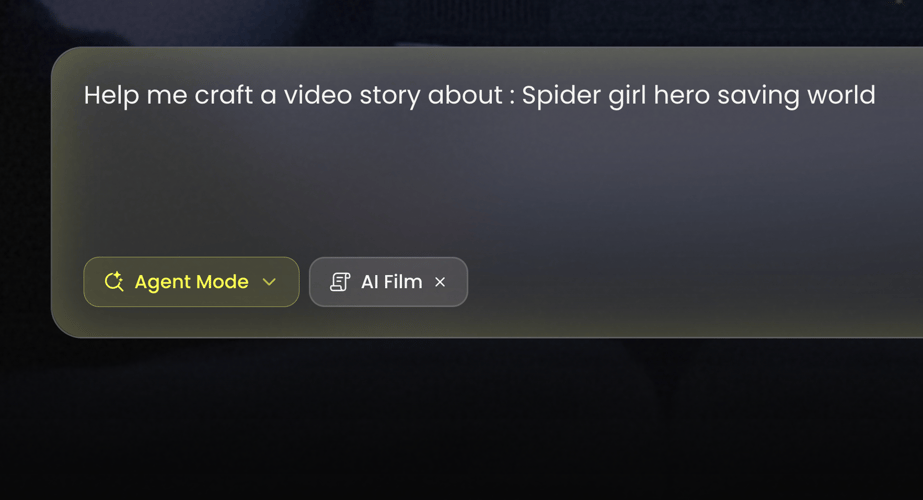 ADIM 01
Buzzy'de Seedance 2.0'i secin ve konseptin yalnizca metinle mi baslayacagina yoksa gorsel, video ya da ses referanslarina mi ihtiyaci olduguna karar verin.
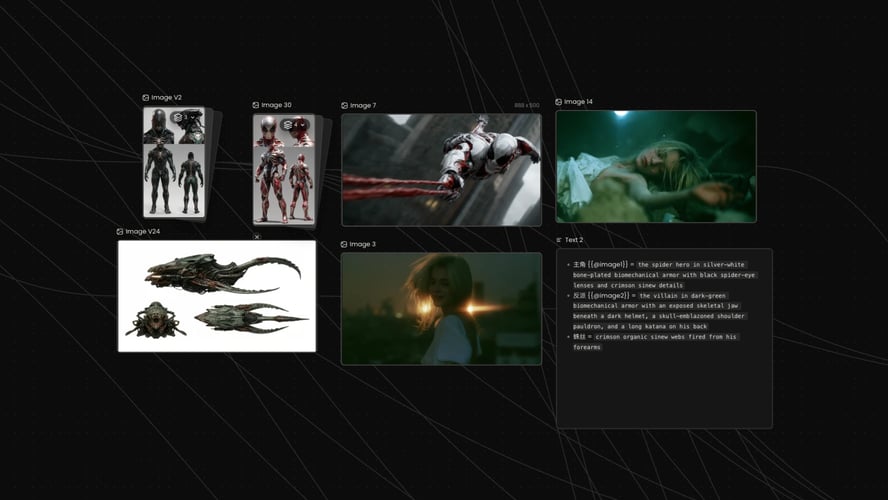 ADIM 02
Eylemi sirayla yazin. Once ne oldugunu, sahnenin nasil degistigini, kameranin ne yaptigini ve klibin nasil sonlandigini belirtin.
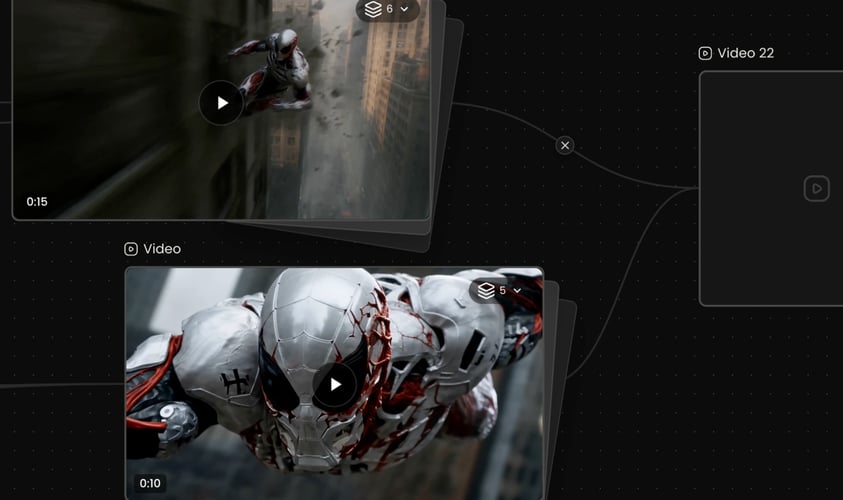 ADIM 03
Buzzy calisma alaninda mevcut ayarlari secin, olusturun ve sonucun tamamini sesiyle birlikte izleyin.
Buzzy
Her varligin neyi etkilemesi gerektigini modele soyleyin.
Sabit tanimlar ve tutarli referanslar kullanin. Cekimler arasinda taninabilir kalmasi gereken belirleyici ozellikleri adlandirin.
Okunabilir bir baslangic ve sonucu olan eylemler yazin.
Her cekim icin bir ana kamera davranisi secin.
Diziyi ortak bir konu ve gorsel dil paylasan birkac ana ana bolun.
Gorsel zaman cizelgesiyle iliskili olarak ambiyansi, efektleri, diyalog baglamini veya muzigi tanimlayin.
Seedance 2.0, aktif sure, oran ve cikti secenekleri Buzzy icinde gosterilerek kisa cok cekimli uretimi destekler.
Tam klibi inceleyin ve bir sonraki degisikligi ayirin.
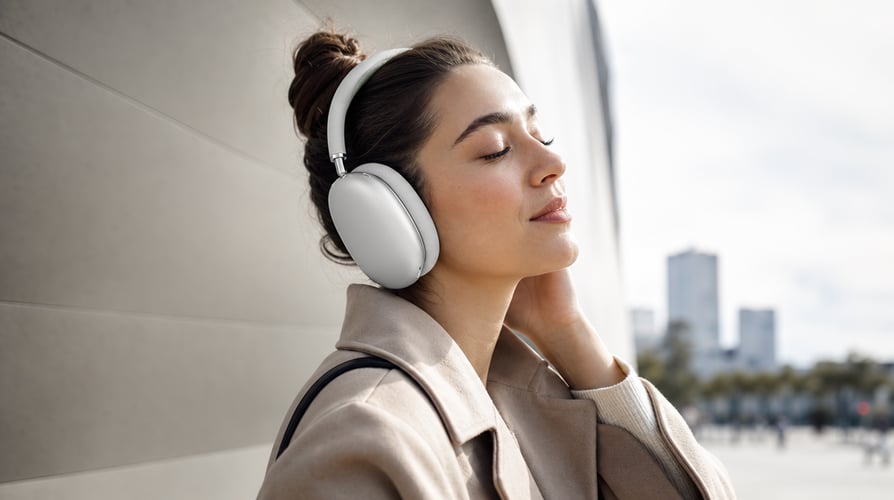
Bir karakter veya olay etrafinda kisa bir kurulum, eylem ve cozum olusturun.
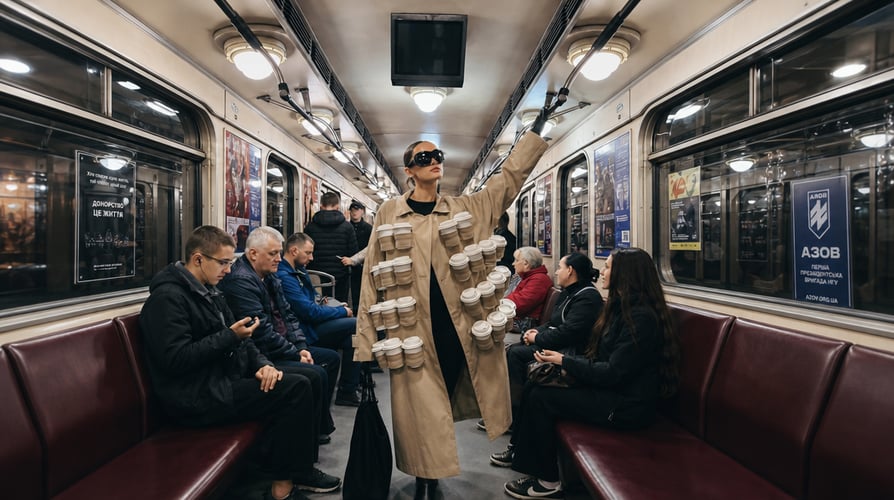
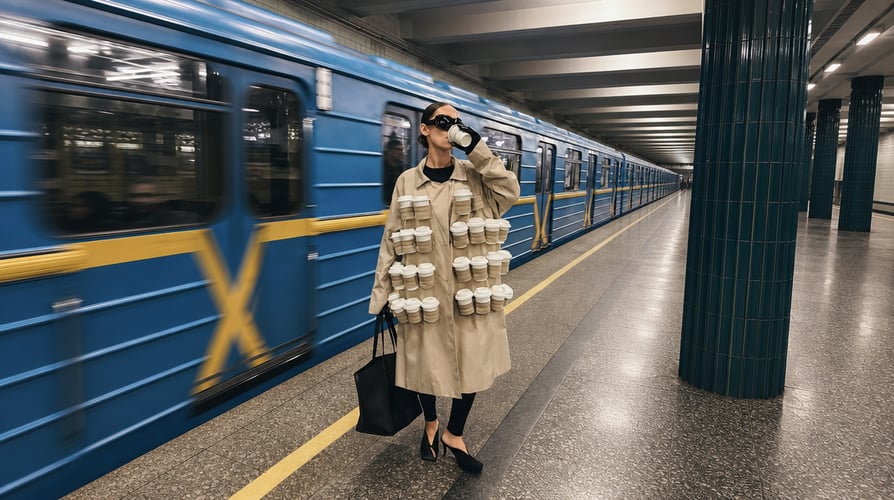
Bir tanitim, gosterim, yasam tarzi sahnesi veya kampanya storyboard'u olusturun.

Tempoyu, hareketi ve atmosferi yonlendirmek icin sesi kullanin. Hangi hareketlerin ritme yanit vermesi gerektigini ve sahnenin nerede degistigini aciklayin. Seedance 2.
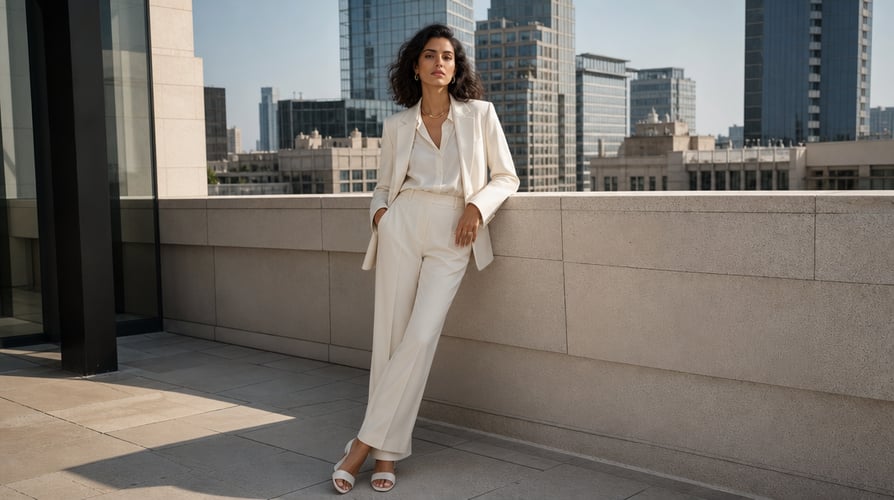
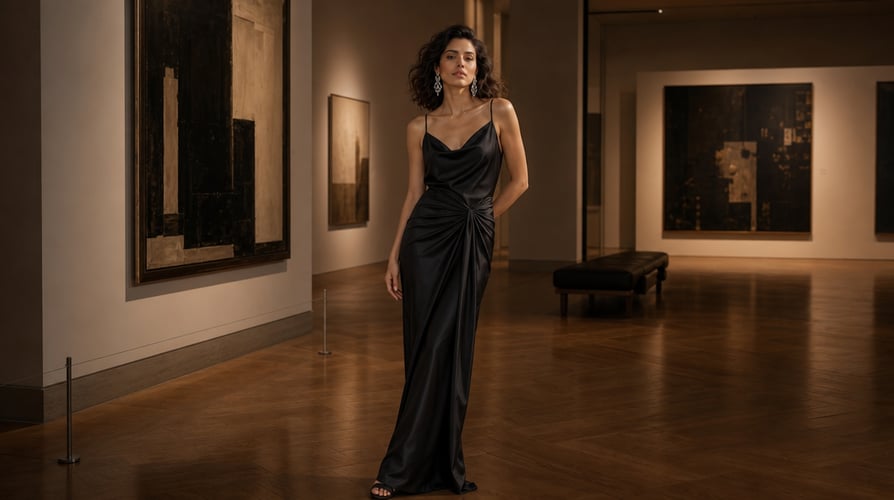
Secilen bir sosyal format icin aninda dikkat ceken bir giris, okunabilir bir donusum veya kompakt bir eylem dizisi tasarlayin.
Buzzy, birden fazla video modelini ve yaratici is akisini tek bir yerde bir araya getirir.
Yaygin Seedance 2.0 sorularinin yanitlari.
Seedance 2.0, ByteDance Seed'in cok modlu AI video modelidir.
Modeli secin, ilgili referanslari ekleyin ve konu, dizi, hareket, kamera ve ses yonlendirmesini yazin.
Evet. Ses, cok modlu girdinin bir parcasi olabilir ve ritmi, atmosferi veya ses yonlendirmesini yonlendirebilir. Sesin gorsel diziyle nasil iliskili oldugunu aciklayin.
Evet. Model cok cekimli ses-video uretimini destekler. Acilis, ilerleyis ve cozum iceren ozlu bir dizi planlayin. Komut kasitli olarak bir degisiklik getirmedikce konulari ve gorsel stili sabit tutun.
Model metin, gorsel, video ve ses girdilerini destekler. Her referansi belirli bir amac icin kullanin ve seti tutarli tutun.
Seedance 2.0 karmasik hareket, fiziksel gercekcilik ve kontrol icin tasarlanmistir.
Model video duzenleme ve genisletme is akislarini destekler. Kaynak baglamini saglayin, nelerin degismeden kalmasi gerektigini belirtin ve yeni eylemi veya gorunur duzenlemeyi tanimlayin.
Buzzy, guncel erisimi, model kullanilabilirligini, kredi gereksinimlerini ve ayarlari calisma alani icinde gosterir.
Turn text, images, video, and audio references into a connected video sequence. Seedance 2.0 is built around unified multimodal audio-video generation, giving creators a way to direct subject motion, camera behavior, scene structure, and sound in the same brief. Buzzy places that capability inside a focused creative workspace. Start with the idea you need to communicate and the source material that protects it. A text prompt can create a new scene, while visual or audio references can guide identity, motion, framing, rhythm, and atmosphere. Seedance 2.0 is especially useful when the concept needs controllable movement and synchronized sound across more than one shot.
Use the medium that best communicates each part of the idea. Text explains the objective and sequence. Images can establish characters, products, compositions, or style. Video can provide motion and camera context. Audio can guide rhythm, ambience, or the intended soundscape. Seedance 2.0 reasons across these inputs as parts of one creative request.
Plan several connected shots instead of generating unrelated clips. Define the opening, progression, transition, and ending. Seedance 2.0 supports multi-shot output with synchronized audio, allowing the story and sound to develop together. Keep the sequence concise enough that every shot has a distinct purpose.
Describe how subjects move through the environment and how the camera responds. Seedance 2.0 is designed for complex motion, physical accuracy, realism, and controllability. Separate subject action from camera action, and state the timing when one movement depends on another.
Use source material to continue a scene, reshape an action, or develop a new version that remains connected to the original. Seedance 2.0 supports editing and extension workflows. Explain what must stay stable and identify the requested change instead of asking the model to reinvent the entire sequence.
Choose Seedance 2.0 in Buzzy and decide whether the concept begins with text alone or needs image, video, or audio references. Use only assets that belong to the same creative direction. Identify the core subject, visual anchor, or sound cue that should remain recognizable throughout the sequence.
Write the action in order. State what happens first, how the scene changes, what the camera does, and how the clip resolves. Add sound direction that belongs to the same timeline. Seedance 2.0 can combine multiple modalities, but the prompt should still make their relationships explicit.
Choose the settings available in the Buzzy workspace, generate, and watch the full result with sound. Review subject consistency, motion quality, camera continuity, transitions, and audio. Preserve the parts that worked and revise the most important issue. Controlled iteration is easier to evaluate than replacing the whole brief after every take.
Tell the model what each asset should influence. One image may define a person, another a location, a video may provide a motion pattern, and audio may establish pacing. Seedance 2.0 supports multiple reference types, but a clear hierarchy prevents one asset from unintentionally overriding another.
Use stable descriptions and cohesive references. Name the defining features that must remain recognizable across shots. If the subject changes clothing, location, or state during the sequence, describe when that transformation occurs. Consistency improves when change is deliberate rather than implied.
Write actions with a readable beginning and result. Explain contact, weight, direction, and timing when they matter: a hand lifts an object, fabric reacts to movement, water splashes after impact, or a vehicle changes speed before turning. Seedance 2.0 is designed for realistic and controllable motion, but the brief should still be physically understandable.
Choose one primary camera behavior for each shot. A tracking move follows action, a push-in directs attention, a reveal changes context, and a static view makes transformation easier to see. Do not stack conflicting instructions. The camera should help the audience understand the moment.
Divide the sequence into a few beats with a shared subject and visual language. Each shot should introduce information or advance the action. Use transition language when the connection matters. Seedance 2.0 can produce multi-shot video, but structure still comes from the brief.
Describe ambience, effects, dialogue context, or music in relation to the visual timeline. The model supports audio-video joint generation and advanced audio output, but generated sound requires review. Check speech, synchronization, loudness, and whether audio matches the environment before publishing.
Seedance 2.0 supports short multi-shot generation, with active duration, ratio, and output options shown inside Buzzy. Choose the format for the final destination before writing the composition. A vertical clip needs tighter subject framing than a landscape sequence.
Review the complete clip and isolate the next change. If motion works but the audio is wrong, keep the visual direction stable and revise the sound. If the subject is consistent but the transition feels abrupt, change the shot connection. One controlled decision per pass makes improvement easier to trace.
Build a short setup, action, and resolution around one character or event. Use images to define identity, video references for motion, and text to explain how the shots connect. Seedance 2.0 can support the sequence as one audio-visual idea rather than a set of disconnected clips.
Create a reveal, demonstration, lifestyle scene, or campaign storyboard. Preserve the product’s defining visual details and describe how it moves through the sequence. Use camera changes to reveal context or features, while sound supports the product moment without overwhelming it.
Use audio to guide pacing, movement, and atmosphere. Explain which motions should respond to the rhythm and where the scene changes. Seedance 2.0 can work with audio references and joint generation, making it useful for performance concepts, music-led visuals, and rhythmic transitions.
Design an immediate hook, a readable transformation, or a compact action sequence for a chosen social format. Keep the primary subject visible on a small screen and make the first beat clear. References can guide style, but the prompt should still define the intended story or change.
Seedance 2.0 is ByteDance Seed’s multimodal AI video model. It accepts text, image, audio, and video inputs and is designed for unified audio-video generation, complex motion, controllability, multi-shot sequences, editing, and extension.
Select the model, add the relevant references, and write the subject, sequence, motion, camera, and sound direction. Choose the available format and duration settings, generate the result, and review visual continuity and audio together before making a focused revision.
Yes. Audio can be part of the multimodal input and can guide rhythm, atmosphere, or sound direction. Explain how the audio relates to the visual sequence. Review the generated sound and synchronization because output can vary from the intended reference.
Yes. The model supports multi-shot audio-video generation. Plan a concise sequence with an opening, progression, and resolution. Keep subjects and visual style stable unless the prompt intentionally introduces a change.
The model supports text, image, video, and audio inputs. Use each reference for a defined purpose and keep the set coherent. The exact upload limits and options available to you should be taken from the active Buzzy workspace.
Seedance 2.0 is designed for complex movement, physical realism, and control. Better prompts still explain the action in time: what begins the motion, how the subject and environment respond, what the camera does, and where the action ends.
The model supports video editing and extension workflows. Provide the source context, state what must remain unchanged, and describe the new action or visible edit. Keep each request focused so the result can be compared directly with the original.
Buzzy displays current access, model availability, credit requirements, and settings inside the workspace. These conditions can change, so use the active interface as the source of truth rather than assuming a permanent free tier.
Buzzy'ye net bir sesli-gorsel fikir getirin, en onemli ogelerini koruyan referanslari secin ve diziyi dogrudan tanimlayin.