Understand What an Image Upscaler Can Change
A Free AI Image Upscaler search often begins with a practical problem: the only available image is too small, soft, or compressed for the next layout. First separate those defects. A photo can have enough pixels and still be blurred. Another can be sharp but too small for a large placement. The next request should address the actual limitation rather than asking for a generic quality upgrade.
Enlargement, Enhancement, and Reconstruction
Enlargement changes pixel dimensions. Enhancement changes the apparent clarity of an image. Generative reconstruction can introduce plausible detail where the source is incomplete. These operations can overlap, but they are not interchangeable. Check output dimensions to establish enlargement; inspect the picture to establish whether the visual change is useful. Neither check proves that invented detail is faithful to a missing original.
Why the Source Still Matters
Use the least-compressed source available and avoid repeated screenshots or exports. If a label is already unreadable, do not expect a generated version to be a reliable transcription. If the photograph has motion blur, name the area that needs attention while keeping the surrounding composition stable. A clear source reference makes a focused comparison possible even when the enhancement itself needs revision.
Write a Brief for the Details That Matter
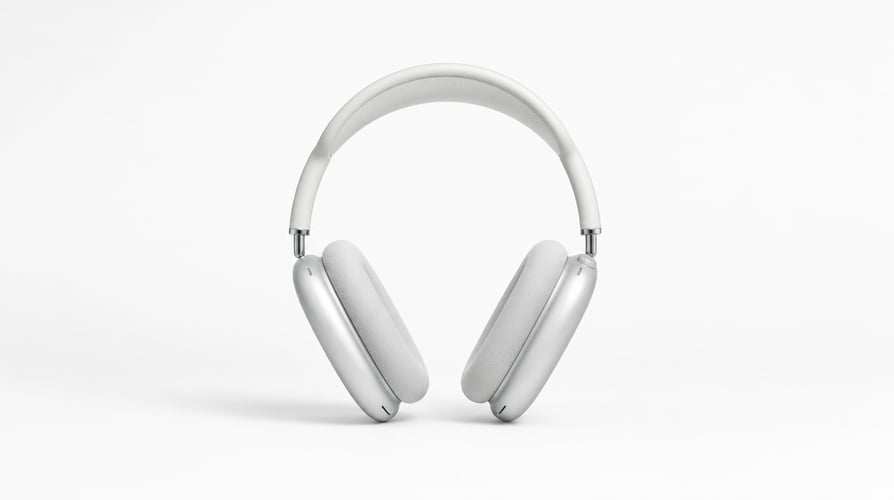
In Buzzy’s prompt-led workflow, describe the visible result you want instead of borrowing settings from another upscaler. A useful product request is: “Enhance the clarity of the existing bottle photo. Preserve the cap, silhouette, glass color, label layout, and background. Reduce distracting compression without adding text or decorations.” For a portrait, replace those checks with expression, face shape, and natural skin texture.
Keep Cleanup Separate from Enlargement
If the photo also needs an object removed or its background changed, decide which task comes first. Cleanup changes content; enlargement changes dimensions. Inspect the first result before using it as the reference for another operation. Otherwise, a small unwanted change can be carried forward through every revision and become harder to notice.
Check Lettering and Repeating Patterns
Logos, product labels, tiled surfaces, fine mesh, and fabric prints are useful stress checks. Compare them with the source rather than judging only the center of the image. A plausible-looking pattern may have a different repeat. A sharp-looking label may contain new letters. These details can make a visually appealing result unsuitable for a product page or factual record.
Choose the Next Step Based on the Result
Keep the version that serves the destination without changing essential information. When enhancement is not enough, obtaining a better source photo can be more useful than repeated generation. For other prompt-based image tasks, explore Buzzy’s image editing model page. Check current credits and model access before a longer refinement session; a free-entry label does not establish an unlimited allowance for every operation.

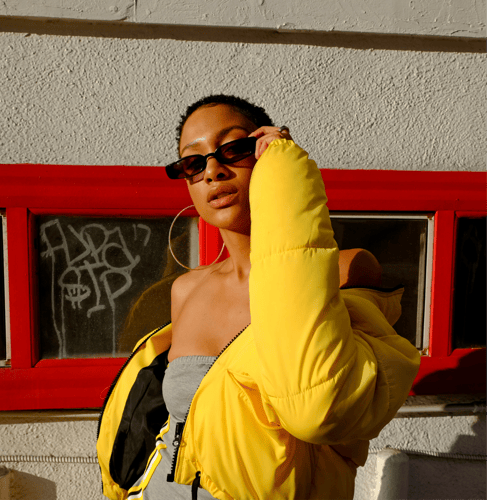
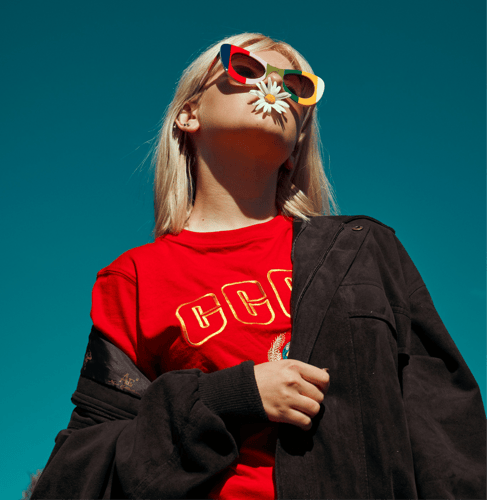

 BeforeAfter