Hotel Lobby AI Generator for Orange-Studio Video Concepts

Two performers, one microphone, a simple stage. Turn the trend into a clear video brief with portraits, position, movement, and music direction.

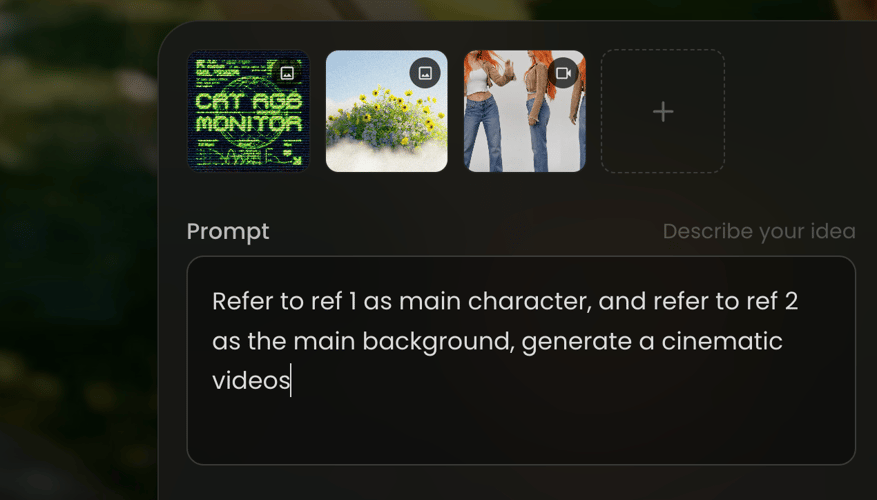
Add a supported visual reference
Video Brief
Describe performers, left and right roles, orange stage, microphone, and camera
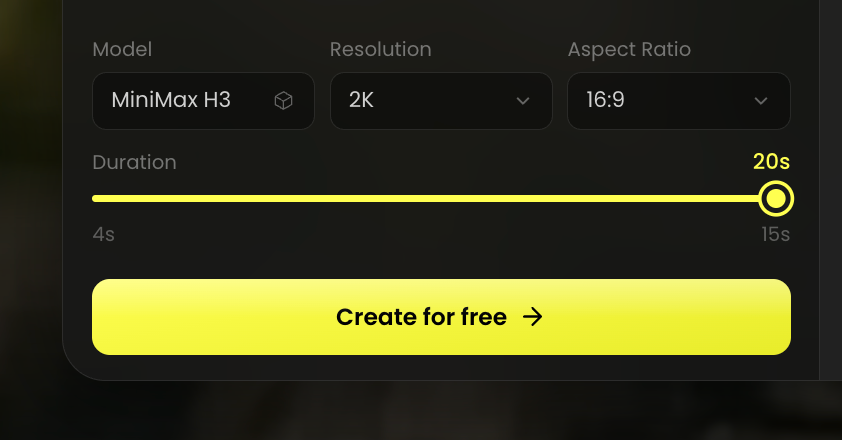
Video Model
Video Resolution
Video Aspect Ratio
Clip Duration4s
4s15s
Video Concept Preview

Hotel Lobby AI Generator Video Inspiration

NEW MiniMax H3 Max
7-DAYUNLIMITED ACCESS
The most advanced video model. Available on presale.

Build a Recognizable Performance Scene

The trend is a stage-performance video, not hotel interior design. Define the cast and composition before asking for the movement.

Give Each Performer a Clear Role

Decide whether the scene follows one performer or a pair. In a duo, say who stands on the left, who stands on the right, and who leads the performance. Choose reference images that make each person easy to identify. Buzzy’s music-video workflow supports a reference image or a created character, but a dedicated two-photo swap control has not been confirmed. Treat the duo as a scene brief and review identity rather than promising a fixed swap result.

Illustrative creative-workflow reference

Use the Orange Stage as a Visual Anchor

The Hotel Lobby video trend is associated with an orange studio and a hanging microphone. Describe those elements as scene direction, along with the framing and lighting you want. Keep the background simple enough that the performer’s face, body, and gestures remain readable. A warm color palette alone does not define the scene: explain the relationship between the performer, microphone, and camera. This is a custom visual concept, not a claim that Buzzy has a named Hotel Lobby preset.

Illustrative creative-workflow reference

Make the Movement Easy to Read

Choose one main performance action before adding a camera move. A performer can lean toward the microphone, gesture through a phrase, or react to the second person. Avoid asking for multiple spins, position changes, and a rapid zoom in the same short shot. If a rap track guides the performance, use Buzzy’s supported music-video workflow and review the lip sync against the vocals. Do not assume that a reference image includes the original song or choreography.

Illustrative creative-workflow reference

Approve Identity, Framing, and Sound

Review the face, outfit, hands, microphone, and performer positions throughout the shot. Then inspect mouth movement and listen to the audio. Buzzy’s music-video workflow supports scene updates and lyric or caption editing, so revise the specific part that misses the brief. Choose a final frame suited to your intended post and check the live output settings. A recognizable concept is the goal; matching every detail of another platform’s effect is not a guaranteed result.

How to Plan a Hotel Lobby-Inspired Video

Prepare clear portraits, describe the stage performance, and check the generated take before sharing.

Illustrative workflow referenceSTEP 01

PREPARE THE PERFORMERS

Choose a clear reference image for each intended person and note who should lead the scene. Keep the face visible and avoid conflicting outfits or lighting cues. Use the reference controls supported by your Buzzy workflow; confirm whether multiple identities can be supplied before planning a duo.

Illustrative workflow referenceSTEP 02

WRITE THE STAGE BRIEF

Describe an orange studio, a hanging microphone, performer positions, and one readable movement. Specify a steady camera or a simple approach to framing. If you want a music-led performance, bring your own permitted track through the supported music-video workflow rather than assuming a trend soundtrack is included.

Illustrative workflow referenceSTEP 03

GENERATE AND CHECK

Use the available Buzzy workflow to create a test scene or music-video sequence. Review identity, position, hands, microphone placement, and lip sync where relevant. Revise one missed instruction at a time, then check the full picture and audio in the intended final frame.

Why Plan the Performance Before Generating?

Start with a Specific Composition

An orange stage and hanging microphone give the concept a concrete visual reference rather than a vague style request.

Separate the Performer Roles

Left and right positions help you evaluate whether a duo scene follows the intended interaction.

Keep References Purposeful

A clear portrait guides appearance; the written brief supplies scene, movement, and camera direction.

Review Sound Independently

Confirm the intended audio and mouth movement instead of assuming that the scene includes a trend soundtrack.

Revise the Missed Detail

Inspect identity, hands, microphone placement, and framing, then adjust the instruction that needs correction.

Get Inspirations

Explore More Buzzy Video Workflows

Explore Buzzy’s music-video workflow for track-led performances and film workflow for custom scenes and camera direction.

Seedance 2.5
Cinematic 4K, consistent shots
Try it
Agentic Canvas
Agent-driven node canvas
Try it
Kling 4.0
3 to 30 seconds long at up to 4K quality
Try it
Nano Banana 2.1
Fast and brand level image generation
Try it
Seedance 2.0
Motion-driven video creation
Try it
Google Omni
Cinematic video generation
Try it
Kling
High-fidelity physics simulation
Try it
Runway
Next-gen creative video tools
Try it
Nano Banana 2
Lightweight video synthesis
Try it
Veo 3.1
Google's advanced video generation
Try it
GPT Image 2
Photorealistic image generation
Try it
Hailuo
Fast and expressive video drafting
Try it
Pixverse
Stylized and dynamic video generation
Try it

Hotel Lobby AI Generator FAQ

Answers about the orange-studio trend, portrait references, duo roles, soundtrack, and video review.

The term commonly refers to the orange-studio performance trend inspired by Quavo and Takeoff’s Hotel Lobby performance: performers appear around a hanging microphone rather than inside a hotel reception area. This page helps you plan that kind of video using Buzzy’s general scene and music-video workflows. It does not advertise an official artist collaboration or a verified one-click Hotel Lobby effect.

A dedicated Hotel Lobby face-swap preset has not been verified in Buzzy’s public product evidence. Use the supported reference and video controls to describe a custom performance concept, then inspect the result. If you need a fixed template, exact choreography, or automatic replacement of two performers, confirm those controls in the live workspace before starting; a written scene brief is not the same capability.

You can write a solo or duo concept. For a pair, describe each person’s appearance, left or right position, and role in the scene so the intended composition is clear. Buzzy’s music-video feature supports reference guidance, but accepted reference counts and multi-character controls must be checked in the selected workflow. Do not assume that preparing two photos guarantees a dedicated two-person swap.

This page does not promise the original recording or permission to use it. For a music-led performance, Buzzy accepts an MP3 or supported music link in its music-video workflow. Use audio you are entitled to use and check any platform music-library terms when publishing. The orange-stage visual concept, the generated performance, and the soundtrack are separate creative decisions.

Inspect the performer’s identity, outfit, hands, left and right placement, microphone, and camera framing. If the scene uses vocals, review lip sync and audio together. Buzzy’s music-video feature describes 16:9, 9:16, and 1:1 outputs; actual resolution, duration, and export options depend on the workflow and account. Review in the intended frame so the faces and microphone remain visible.

Yes, the concept can be written as an original scene brief: retain the orange stage and microphone as visual anchors while choosing your own performer, clothing, movement, and soundtrack. Use Buzzy’s available scene or music-video workflow, then review the generated result. A custom interpretation does not require promising an exact source-video replacement or a fixed choreography preset.

What the Hotel Lobby Video Trend Actually Refers To

A Hotel Lobby AI Generator search usually points to a performance meme, not a tool for designing a hotel reception area. The recognizable ingredients are an orange studio, a microphone hanging from above, and a solo or paired performance. The trend references Quavo and Takeoff’s Hotel Lobby performance, but creating a related visual concept does not imply an official collaboration or access to their recording.

Some tools implement the trend as a fixed character-swap effect; others generate a fresh scene from photos and instructions. Those are different workflows. On Buzzy, this page takes the custom scene-planning approach because a dedicated Hotel Lobby preset, exact source-video swap, and fixed choreography have not been verified. Describe the scene you want and review the generated result against that brief.

Choose a Recreation or an Original Interpretation

If you need the camera and choreography of a particular source clip preserved exactly, a general image-to-video request may not meet that requirement. Decide this before preparing assets. An original interpretation gives you room to change the clothing, performer arrangement, mood, and camera while keeping the orange-stage reference recognizable.

For an original version, write down the visual anchors that must stay: the stage color, microphone position, number of people, and the opening composition. Then identify what can vary. This turns an ambiguous request for “the trend” into a scene you can evaluate without expecting every detail to match a different service’s template.

Prepare Portraits for a Clear Solo or Duo Brief

A portrait provides appearance information, not a complete performance plan. Choose an unobstructed face with enough detail to recognize the person. Decide whether a close-up or a wider reference best supports the intended framing. A wider image can communicate clothing and posture; a face-focused image can make identity easier to inspect. Check the accepted asset controls in the workflow before uploading.

Assign the Left and Right Performer

For a duo, give each person a separate written role. The lead performer might stand nearer the microphone while the other reacts or gestures. Name those positions explicitly rather than referring to “the first person” halfway through the prompt. Keep the same role labels when reviewing the output so a position change or identity mix-up is easy to identify.

Preparing two photos does not establish that a tool supports two-character replacement. Buzzy’s music-video feature describes reference guidance, but you should confirm the number and type of accepted references in the selected workspace. If the available controls do not support your duo, begin with a solo scene or revise the concept rather than assuming an upload count.

Keep the Appearance Brief Consistent

State the outfit and visible features that matter to the scene. Remove conflicts between the portrait and written description before generation. A reference in a dark hoodie and a prompt requesting a light formal suit create competing cues unless the costume change is intentional. Stable appearance direction is especially useful when the performer turns, gestures, or moves closer to the microphone.

Direct the Orange Studio, Microphone, and Movement

The set should make the performance readable. Describe a plain orange background, the height and position of the hanging microphone, and the distance between performers. Keep the lighting direction simple enough that the faces remain visible. Choose a medium shot when body language matters or a closer view when expression carries the scene.

A Custom Duo Prompt Example

Use a brief such as: “Two performers stand in a plain orange studio with a microphone hanging between them. The performer on the left leads a short rap phrase; the person on the right reacts with a restrained hand gesture. Keep both faces visible, clothing consistent, and the camera steady at waist height. End with both performers facing the camera.” Supply supported references and a permitted track through the appropriate workflow.

This is an illustrative creative brief, not a tested preset or a guarantee of exact choreography. If the output swaps identities or moves the microphone incorrectly, simplify the interaction first. A clear solo performance can be a better starting test than a complex duo scene with several position changes.

Choose Whether the Track Leads the Scene

When vocals should shape the performance, Buzzy’s music-video workflow accepts an MP3 or supported music link and offers beat-led planning and lip-sync performance shots. If the focus is an original staged scene rather than a complete track, explore the AI film workflow for reference and shot direction. The correct starting point depends on what organizes the project: the audio or the visual scene.

Check the Video Before It Becomes a Post

Review the opening, middle, and closing frames. Check whether the performer remains recognizable, whether the microphone stays attached to the intended position, and whether gestures look coherent. For a pair, confirm the lead and supporting roles remain distinct. Do not judge the whole scene from a single attractive preview frame.

Review Audio and Lip Sync Together

A visual reference does not include a soundtrack. Use your own permitted audio or the options actually available in the selected workflow. Where lip sync is used, inspect rapid syllables, pauses, and turns away from the microphone. Listen for whether the performance and timing make sense together, then decide which shot needs revision.

Frame the Faces and Microphone for the Destination

A vertical post can emphasize the performers, while a wider frame can leave more space between them. Buzzy’s music-video feature describes 16:9, 9:16, and 1:1 outputs, but the live project determines the settings you can use. Check that the chosen crop keeps both faces, gestures, and microphone visible. Do not inherit another tool’s advertised duration, resolution, or watermark policy as a Buzzy promise.

The Hotel Lobby AI Generator concept is strongest when the viewer can understand the performance immediately. Preserve the scene’s few recognizable anchors and change only the detail that missed the brief. Before posting, confirm permission for the portraits and music, and make sure the final audio choice fits the destination platform’s terms.

Plan the Performers, Then Direct the Stage

Bring clear references, choose the lead performer, and write a focused orange-studio brief before generating your first test.

25M
Customers
190 countries
#1
Product of the month
Product Hunt
4.8
G2
Buzzy