
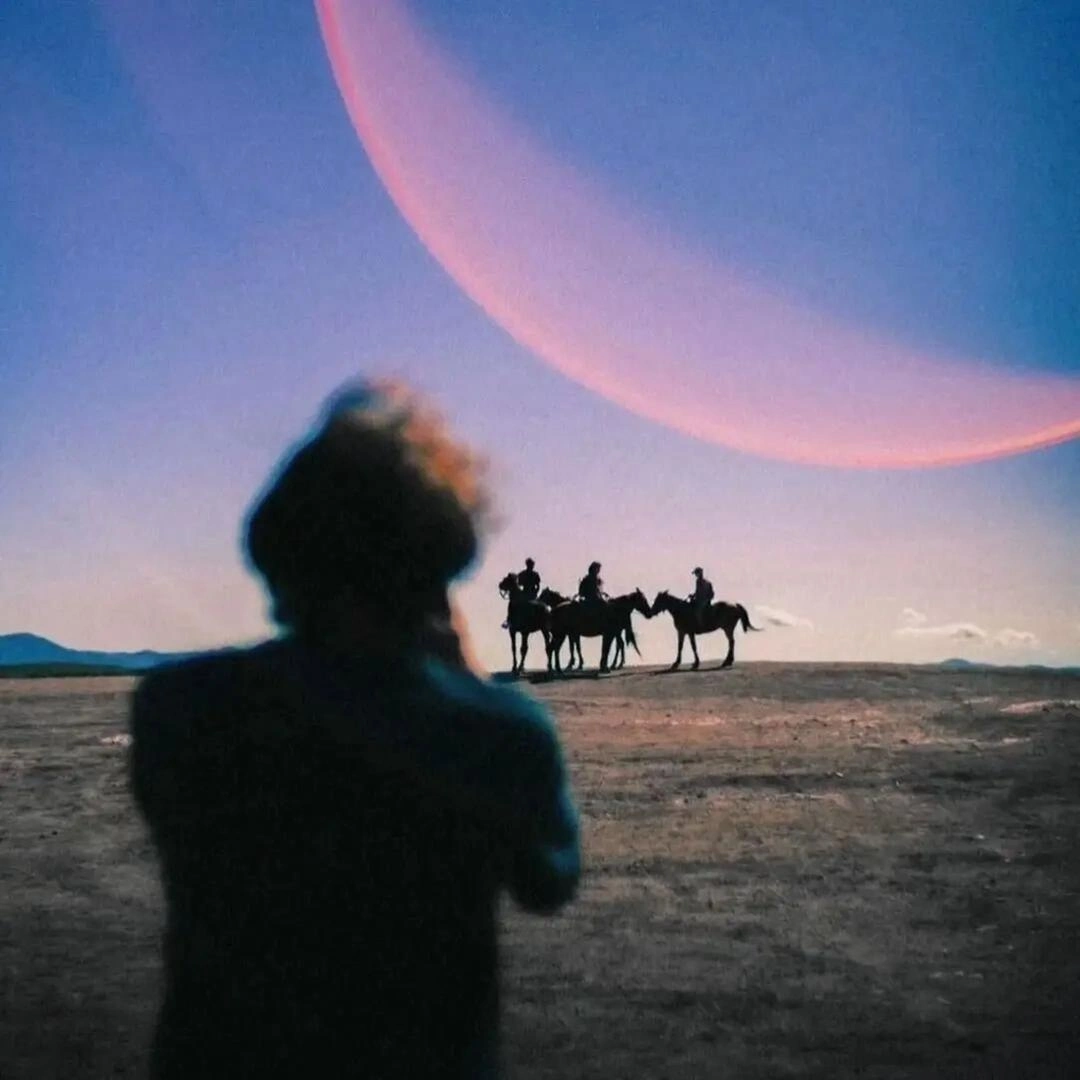




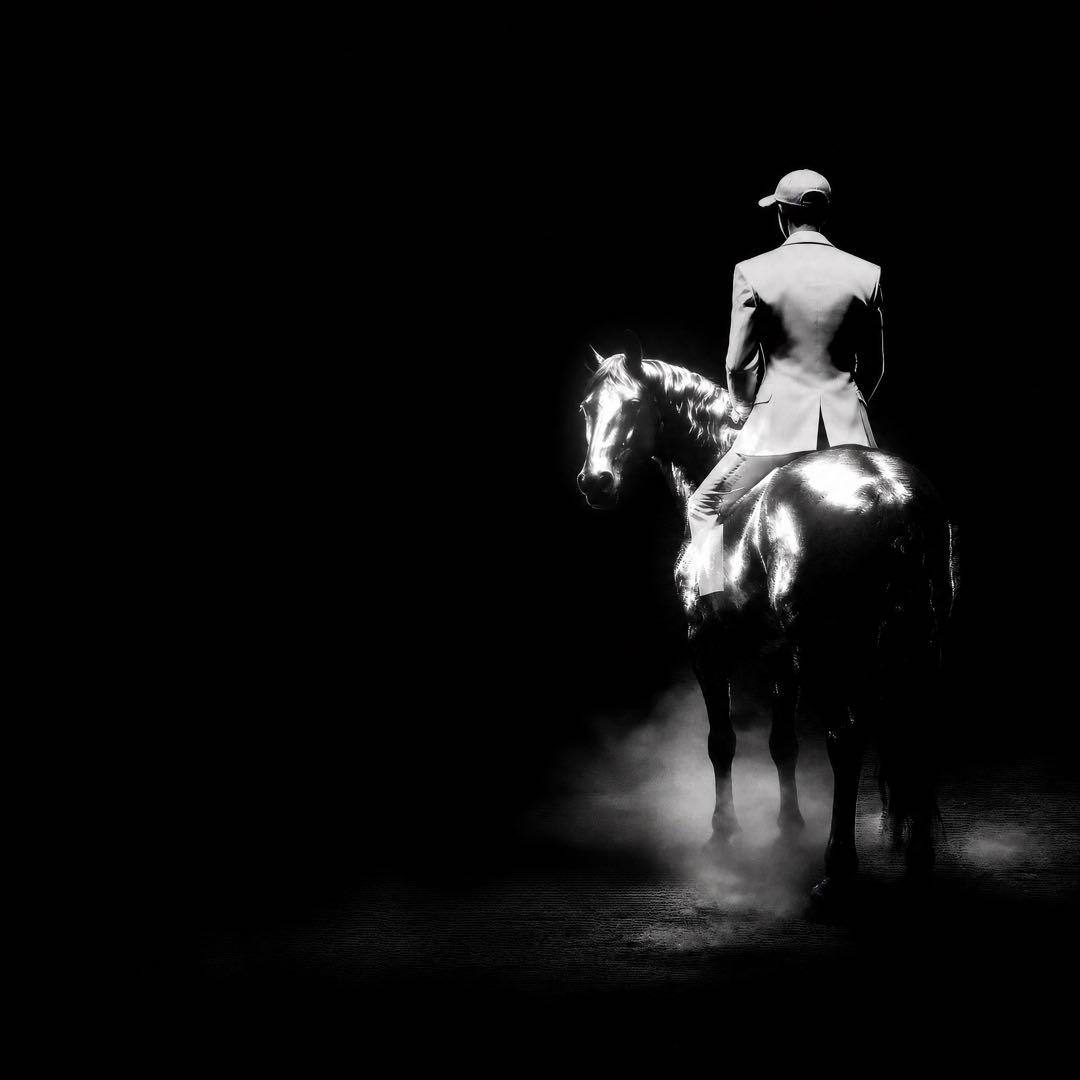


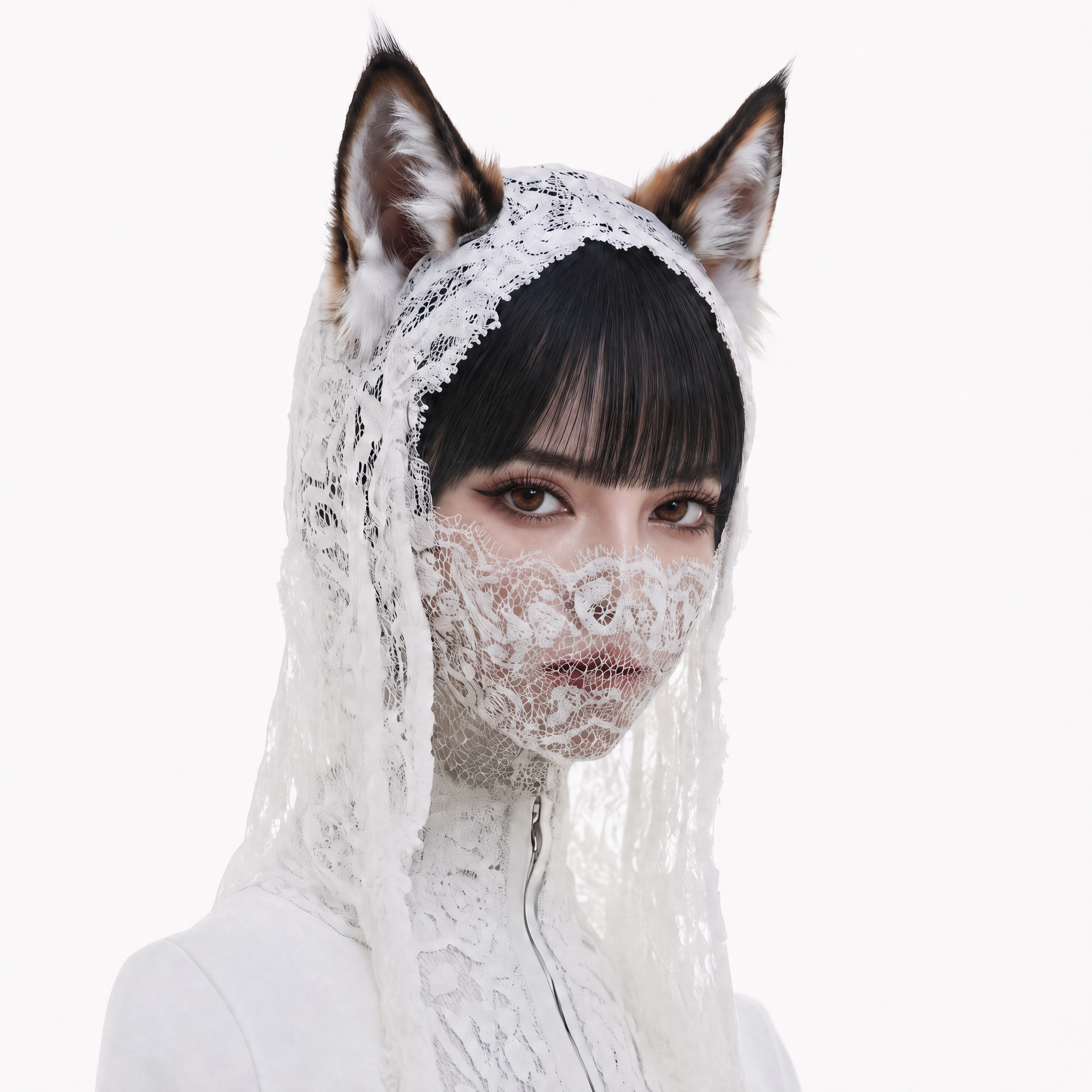


Start with a frame you want to protect, then tell it what should happen next. Runway Gen-4 image to video is a workflow for animating a still image with a clear motion prompt. Upload a visual starting point, describe the movement, choose a camera intention, and refine the result into a focused creative pass.
A strong source image gives the video a defined subject, composition, color palette, and visual mood. A strong prompt gives that image a future: a product slowly turns, fabric catches a breeze, a character reacts, light shifts across a room, or the camera moves into a world already established in the frame. The goal is not to replace the image. It is to give it purposeful motion.
Primary CTA: Open Runway Gen-4
Animate the image without losing the idea behind it
The most effective Runway Gen-4 image to video workflow begins with an intentional image rather than an arbitrary upload. Pick a frame with a readable subject, a usable composition, and enough visual information to guide the shot. Then use your prompt to describe only what the still cannot show: the action, the timing, the environmental change, and the camera behavior.
| Input decision | Why it matters | Practical guidance |
|---|---|---|
| Main subject | Establishes what should remain visually central. | Use one clear subject or a deliberately composed small group. |
| Composition | Gives motion a starting frame and spatial logic. | Choose a framing that leaves room for the desired movement or camera path. |
| Visual treatment | Anchors the mood, palette, texture, and sense of place. | Use the source image to establish look; avoid re‑describing every styling detail in the prompt. |
| Motion prompt | Defines what changes after the first frame. | Name a single primary action before adding secondary environmental behaviour. |
| Camera direction | Sets how the viewer encounters the motion. | Ask for one move — push‑in, pan, lateral drift, or a held frame — rather than several at once. |
Prompt starter: product motion
The bottle stays centred as condensation gathers and a soft rim light travels across the glass. A gentle turntable rotation reveals the label, with a slow push‑in and restrained luxury‑ad atmosphere.
Prompt starter: portrait animation
The subject takes a quiet breath, turns slightly toward the window, and lets a small smile form. Fine hair moves in a light breeze, warm late‑afternoon light, intimate medium close‑up, subtle handheld drift.
Prompt starter: environment plate
Morning fog moves through the street as the café door opens and a cyclist passes in the distance. Preserve the architecture and composition of the image. Slow lateral camera movement, soft rain reflections, calm documentary mood.
CTA: Animate this idea with Runway Gen‑4
Why begin with image to video?
An image‑to‑video model page should help users choose an input strategy, not make generic claims about “cinematic AI.” The still frame is valuable when you already know what the subject looks like, where the camera begins, and how the scene should feel. It can be a product photo, a key visual, an editorial portrait, an illustration, an environment plate, or a storyboard panel. The motion prompt then becomes a controlled creative instruction rather than a request to invent every visual element from scratch.
Runway describes Gen‑4 as a model for controllable media that can work with visual references and written instructions. In its published Gen‑4 guidance, the input image establishes the first frame, while the prompt is most useful when it focuses on desired motion. That division of responsibility gives a practical way to prompt: let the image own identity, composition, colours, lighting, and style; let the words own movement, timing, mood, and camera behaviour.
Preserve the visual starting point
Begin with an image that already communicates the core of your idea. If the subject is small, obscured, or unintentionally cluttered, the next generation has less clear information to work from. Crop or select the image to make the creative priority obvious before directing motion.
Describe an action the viewer can recognise
Motion prompts work best when they describe a visible change. A hand reaches for an object. A car travels through a reflection. A curtain moves with the wind. A camera approaches the subject. Use verbs that tell the viewer what will happen and modifiers that explain the pace.
Use camera language with intention
Camera movement should serve the scene. A slow push‑in can add attention to a product or emotion. A lateral move can reveal depth in an environment. A held camera may be best when the subject’s motion already tells the story. Start with one decisive instruction and refine from the result.
Iterate from a stable source
If the original image holds the look you need, keep it fixed while testing different motion prompts. This makes each iteration easier to judge. Compare a restrained movement against a more energetic one, or a close framing against a wider sense of place, without changing the visual anchor at the same time.
A focused Runway Gen‑4 image to video workflow
1. Choose the image that carries the creative intent
Select an image with a subject, composition, and visual treatment worth extending into time. Use material you own or have permission to use. If the goal is a branded product moment, make sure the product remains readable. If the goal is a character scene, start from an image where the character is clearly visible.
2. Identify the first visible change
Write down the single thing that should happen after the opening frame. It might be the object rotating, the person looking up, the fabric moving, the weather changing, or the camera drawing closer. A precise first change is more useful than a long list of effects.
3. Add environment and camera direction
Once the action is clear, add the supporting atmosphere: light, weather, pace, or mood. Then choose a camera direction appropriate to the image. Keep the instruction human‑readable so teammates can evaluate whether the generation answered the same brief.
4. Generate and evaluate the motion
Review whether the motion supports the starting image. Ask whether the central subject stays visually clear, whether the camera choice helps the idea, and whether the pace is appropriate. Avoid evaluating the result only as a technical output; judge it as a shot with a purpose.
5. Refine one variable before the next pass
When the result is close but not right, change one meaningful part of the prompt. Slow down the action, simplify the environmental movement, adjust the camera distance, or make the scene’s emotional instruction more specific. Small, deliberate refinements lead to more useful comparisons than restarting from a completely new brief.
Use cases for Runway Gen‑4 image to video
| Starting asset | What to animate | Creative objective |
|---|---|---|
| Product photograph | Reflections, rotation, light movement, a controlled camera reveal. | Turn a still product asset into a focused visual concept for a campaign or landing page. |
| Portrait or character image | Expression, posture, fabric, hair, and an intentional camera drift. | Explore a performance beat or character introduction. |
| Brand key visual | Background atmosphere, graphic depth, light, or a subtle object movement. | Extend an existing campaign image without abandoning its established art direction. |
| Illustration or artwork | Environmental behaviour, parallax, selected character action, or texture movement. | Create a motion study for social, editorial, or conceptual storytelling. |
| Location plate | Weather, people in the distance, practical light, or camera travel. | Test the mood and coverage of a world before a larger sequence is planned. |
| Storyboard frame | The beat between opening composition and end state. | Previsualise action, pacing, and camera intent before production. |
Put the image‑to‑video task in the right Buzzy workflow
A still‑to‑motion pass can be one stage of a larger production process. For campaign‑oriented work, explore Buzzy’s AI Ads. For longer narrative inspiration, see AI Film. When the brief calls for a different model workflow, compare the current public options in Buzzy Models, including Seedance 2.5 and Kling 3.0.
Secondary CTA: Explore Buzzy models
Frequently asked questions
What is Runway Gen‑4 image to video?
Runway Gen‑4 image to video is a workflow that starts from a still visual reference and uses a written prompt to direct motion. The starting image provides the initial composition and visual context; the prompt describes what should happen after that first frame. The exact controls and availability should be confirmed in the live Buzzy interface.
What kind of image should I upload?
Choose an image with a readable main subject, deliberate composition, and visual style you want to preserve. Product photos, portraits, campaign key visuals, illustrations, environment plates, and storyboard frames can all be useful starting points. Only upload material you have the right to use.
How should I write an image‑to‑video prompt?
Focus on motion rather than repeating what is already visible. Start with the main subject and action, then add environmental behaviour, mood, and one camera instruction. For example: “The subject turns toward the window as dust moves through the afternoon light, slow push‑in.” Keep the first pass focused enough to evaluate.
Will the output preserve my image exactly?
Generative video output may vary. Treat the source image as the visual starting point, then review the generated pass closely for subject clarity, composition, and the intended motion. Make adjustments to the prompt and source image as necessary, and avoid guarantees of exact preservation unless the active Buzzy workflow explicitly supports that claim.
Is image to video better than text to video?
Neither is universally better. Choose image to video when you have a key still, product visual, character look, or composition you want to animate. Choose a more text‑led creative workflow when the task begins with an idea rather than a defined visual source. Your project’s available model options are listed in Buzzy Models.
.