
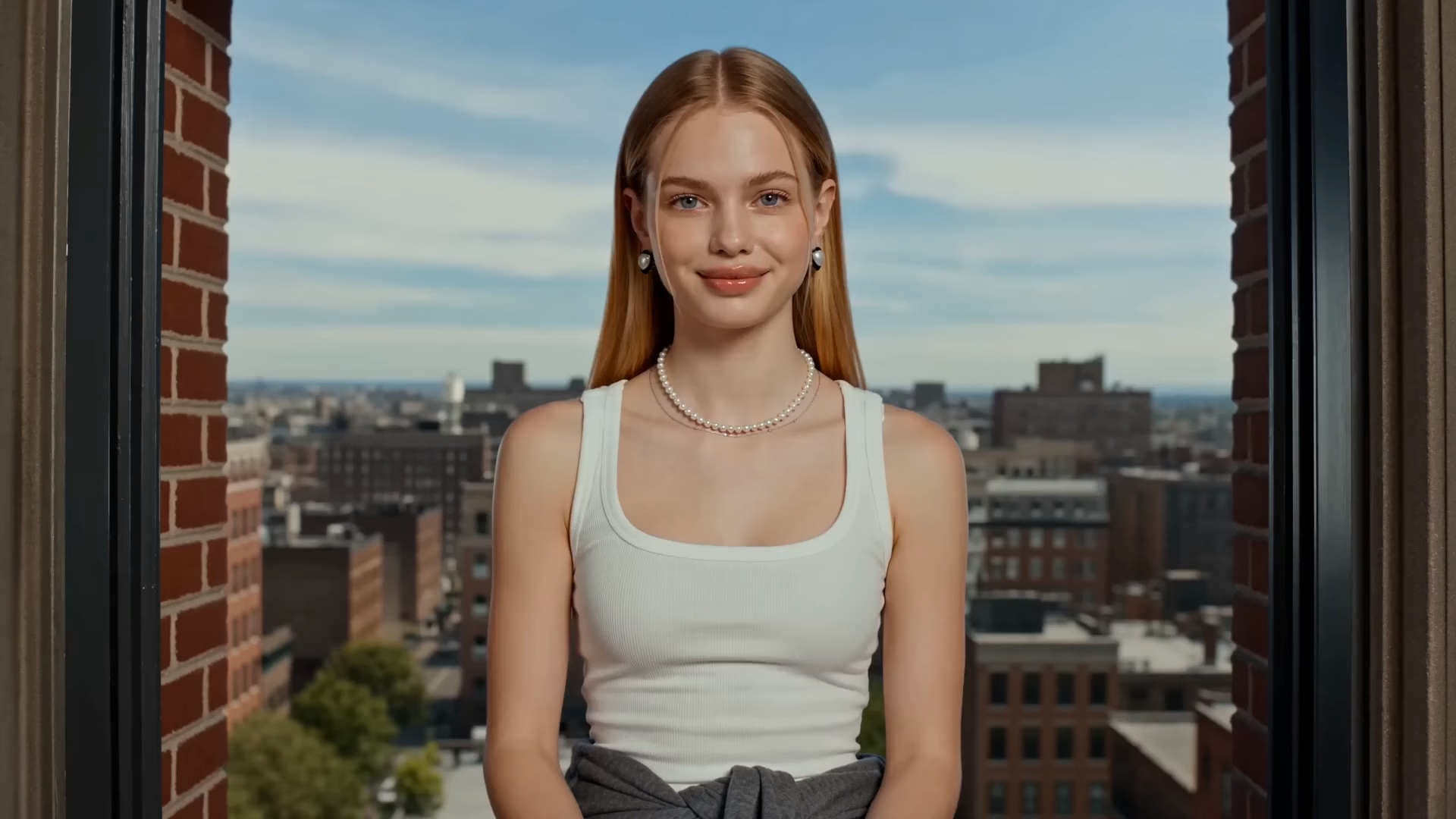

Seedance 2.5 AI Video Generator — Unlimited for 7 Days
Generate 30-second cinematic videos with native audio, 4K output and up to 50 references. Pro results, made easy.
30s clips · 4K output · Native audio


Why Create with Seedance 2.5 on Buzzy
One model for longer stories, richer references, built-in sound and precise editing — all inside your Buzzy workflow.
30-second storytelling, then extend
Set up, build, turn, resolve. One generation holds up to 30 seconds of connected shots, and you can keep extending to carry the same characters, scene and style into longer stories.
Up to 50 multimodal references
Feed the model up to 30 images, 10 video clips and 10 audio clips, including clay renders that lock layout, poses and camera angles.
Native synchronized audio
Sound effects, music and voices are generated together with the visuals in one pass. No separate soundtrack step.
Precise editing
Direct specific seconds, swap a background, or change only the camera. Edit the clip you have instead of starting over.
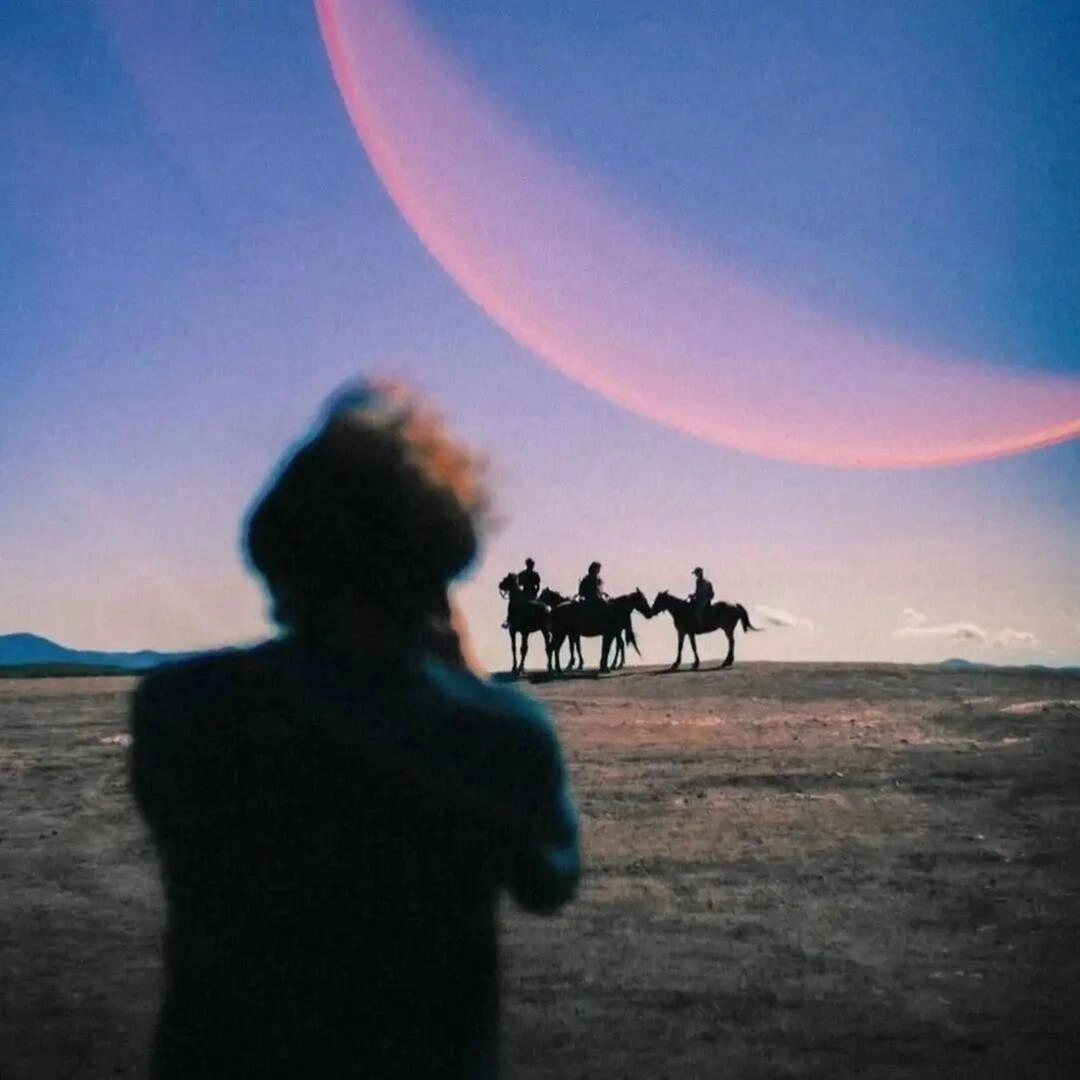
AI Film




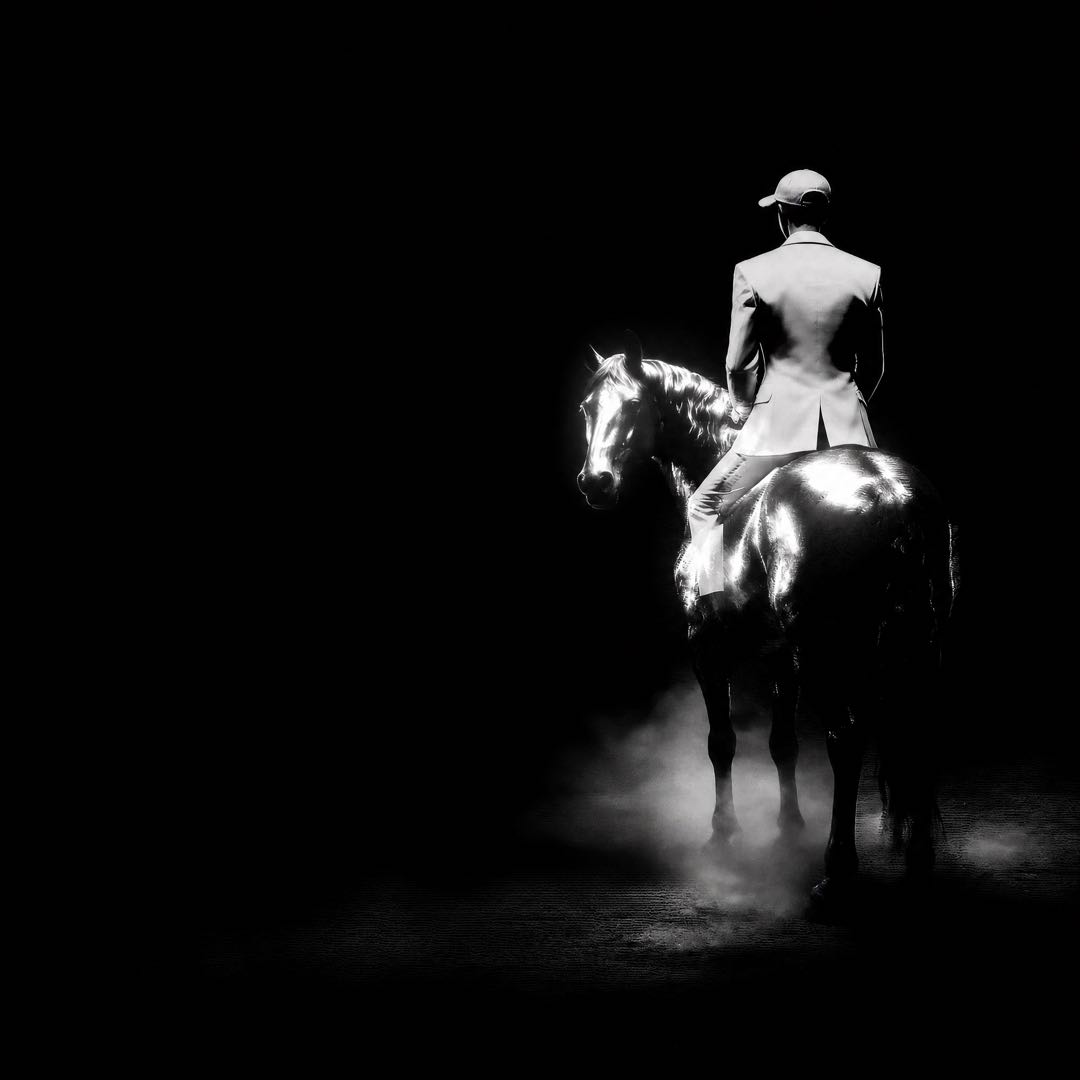




Branding Ads
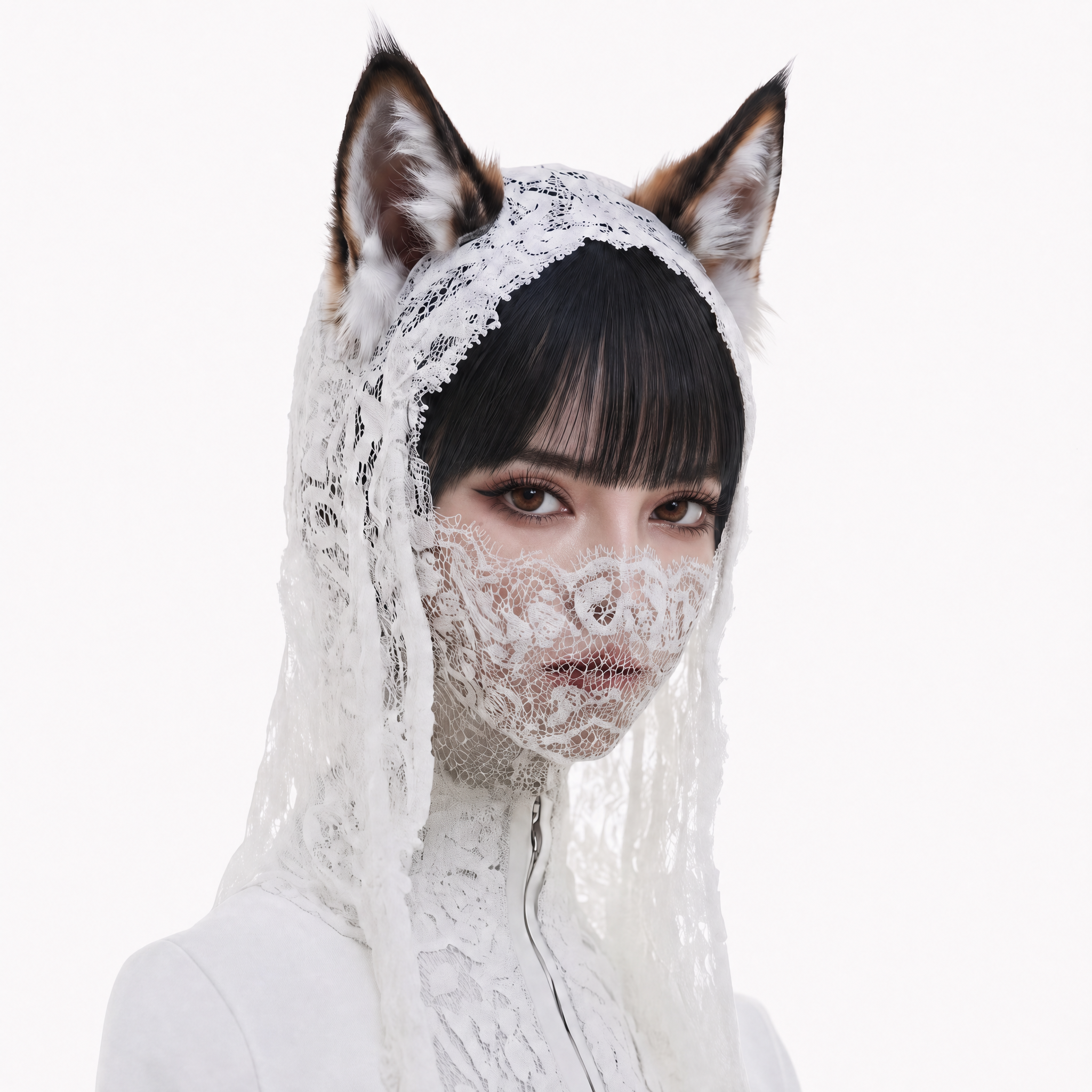


Animations

MV
Explainer
How to Use Seedance 2.5 on Buzzy
New to prompting? Start from TEMPLATES, then check every result in PREVIEW. Buzzy keeps your creative tools in one workflow, from prompt to final export, so your videos move from idea to finished cut.
Write the scene with timestamps
Break your prompt into beats such as 0–10s and 10–20s, and name the camera move, light and sound for each.
Add references in ASSETS
Upload images, video clips and audio so characters, look and voices stay consistent.
Pick duration, ratio and resolution
Choose up to 30 seconds, your aspect ratio and the output quality you need.
Generate, extend, edit
Hit Generate, append another clip to keep the story going, then refine the parts you want to change.
What Is Seedance 2.5?
Seedance 2.5 is the new-generation video model from the ByteDance Seed team, launched in 2026. It is built for cinematic storytelling in one take, with smoother camera transitions and stable subjects across cuts. It builds on the unified multimodal audio-video joint-generation architecture of Seedance 2.0, so sound effects, music and voices are generated with the visuals in a single pass.
The same team makes the Seedream image models. Want more control over the first frame? Design a still picture or keyframe with an image model such as Seedream, or one of the image models on Buzzy, then animate it with Seedance 2.5. Want the full breakdown? Read the Seedance 2.5 guide.
Seedance 2.5 vs Seedance 2.0
| Feature | Seedance 2.0 | Seedance 2.5 |
|---|---|---|
| Duration | Up to 15 seconds per generation | Up to 30 seconds per generation, plus multi-round extension with consistent characters, scene, style and sound |
| References | Multimodal references | Now up to 30 images, 10 video clips and 10 audio clips (50 total), plus clay render, motion and creative references |
| Editing | Editing supported | More precise and stable: timestamp-level control, green screen, camera perspective and reference-based editing |
| Audio | Joint audio-video generation | Joint audio-video generation, with audio and visuals kept in sync across longer multi-shot clips |
Still using the earlier release? See the Seedance 2.0 page.
Multimodal References and 3D Clay Render Control
The Seedance 2.5 model reads up to 50 references in one generation: 30 images, 10 videos and 10 audio clips. Use them to keep the appearance and voices of several characters consistent.
A clay render is a textureless 3D "white model" blockout. It sets spatial layout, poses, motion paths and camera angles, and it helps the model produce physically plausible lighting. Block out your scene, upload it, and let the prompt add the style. It works well for car assembly shots, animated shorts and any scene where layout matters.
Motion and creative references work too. Give the model a reference video and it reads the framing, intention and cinematic language, then applies them to your new shot.
Editing Tools Built for Control
Great videos rarely land on take one. These editing tools work at the level of a clip, a second or a camera, so you refine instead of regenerating. Together with the multimodal reference tools above, you steer the whole cinematic result.
- Timestamp-level control. Direct what happens in a specific second range, then edit characters, actions or plot in one clip afterwards.
- Green screen editing. Replace the background and the subject reacts to the physics of the new environment.
- Camera perspective editing. Keep the characters and actions, change only the camera movement.
- Reference-based editing. Steer a revision with an image, clip or audio reference.
Seedance 2.5 Prompt Tips
Write like a director. Seedance 2.5 videos follow timing closely, so give every beat a job, and say what the audience should see and hear. Use timestamps, name one camera move per beat (push-in, orbit, tracking shot, whip pan) and describe sound as well as visuals.
0–5s: Wide shot of a neon night market in the rain, slow push-in on a street cook. Sizzling oil, distant synth music.
5–12s: Orbit around the cook as he flips noodles, steam lit orange. Crowd murmur.
12–20s: Tracking shot through the crowd to a child holding a paper lantern. Soft ambient chime.
0–6s: Macro shot of a ceramic mug on a wooden desk at sunrise. Warm light, quiet room tone.
6–14s: Hand enters, pours coffee, camera pulls back to reveal the studio. Gentle acoustic guitar.
14–20s: Hero shot of the mug with the brand tagline on screen. Music resolves.
0–10s: A clay-render robot blockout walks down a hallway. Keep the camera angle from the reference clip.
10–20s: Texture it as a chrome character, same walk, same camera. Metallic footsteps, low hum.
Keep the same character names and descriptions across beats so the model keeps them consistent.
Seedance 2.5 Use Cases
- Ads. Product reveals and brand spots with sound built in. See Seedance 2.5 for ads.
- Film. Multi-shot scenes with stable characters. Try the AI film maker.
- Music videos. Concert and performance sequences with synced audio: a singer, a band, a choir and a crowd in one 30-second take, each character kept consistent with its own reference. Try the AI music video generator.
- Animation and 3D. Shorts built from 3D clay renders and stylized worlds. Try the AI animation generator.
- Education explainers. Clear visual lessons with voice and music in one pass. Turn a historical scene, a science principle or a lab procedure into a short, watchable story.
- Social videos. Vertical clips for Reels, TikTok and Shorts. Set the ratio, keep your character on-model across a series, and post a batch of consistent videos.
What Seedance 2.5 Still Finds Hard
Know the edges before you plan a shoot. ByteDance itself names two areas with room to improve: the physics of complex motion, and the stability of scenes where several subjects interact closely. Fast fights, tangled dance lifts and crowded group action are where you are most likely to see a glitch.
Work around it like a director would. Give each beat one main action, keep close contact between characters short, and use a 3D clay render or a reference video when the blocking really matters. If one second goes wrong, use timestamp editing to fix that moment instead of regenerating the whole 30 seconds.
Seedance 2.5 API, Buzzy MCP and Other Access
ByteDance offers the model in Jimeng AI (Dreamina internationally) and Doubao, and has announced API access coming through BytePlus ModelArk. Buzzy brings Seedance AI into your creative workflow today, no setup required.
Already work inside an AI client? Buzzy runs there too through Buzzy MCP. Want to compare models before you commit? Buzzy keeps many leading models in one place. Read Seedance 2.5 vs Veo 3, Seedance 2.5 vs Sora and the Seedance 2.5 alternatives.
Seedance 2.5 Pricing and Free Access
Start free and try Seedance 2.5 online with the current Unlimited for 7 Days offer. Generate, extend and test videos during the trial, and see how the model handles your own prompts. Seedance 2.5 free access on Buzzy needs no setup.
When you are ready for more, see Buzzy pricing for current plans. The pricing page always shows what is live today.
Seedance 2.5 FAQ
Everything you need to know about Seedance 2.5 and getting started with Buzzy.
You can start Seedance 2.5 free on Buzzy, and the current offer is Unlimited for 7 Days. Click Try Seedance 2.5 Free, write a prompt and generate your first 30-second clip. There is no separate setup to do. For plans after the trial, check the Buzzy pricing page for current details.
A single generation runs up to 30 seconds, double the 15 seconds of Seedance 2.0. You can then extend with further 30-second clips that keep characters, scene, style and sound consistent, so multi-minute stories are possible. Plan each 30-second segment like a scene in a larger film.
Yes. Seedance 2.5 generates native, synchronized audio in the same pass as the video, including sound effects, music and voices. Describe the sound in your prompt next to the visuals, and you get a finished clip with visuals and audio together, with no separate soundtrack step needed.
Up to 50 per generation: 30 images, 10 video clips and 10 audio clips. They can include clay renders, motion references and creative references, which help keep the look and voices of multiple characters consistent across your video. Add them in the ASSETS tab before you generate.
Seedance 2.5 comes from the ByteDance Seed team and launched in 2026. It builds on the audio-video joint-generation architecture of Seedance 2.0. The same team also builds the Seedream image models. Buzzy lets you use the model alongside other leading video models, so you can compare results in one place.
Seedance 2.0 generates up to 15 seconds per pass. Seedance 2.5 reaches 30 seconds, supports multi-round extension and up to 50 references, and makes timestamp, green screen, camera perspective and reference-based editing more precise, plus improved realism in textures, skin, eyes and lighting. See the comparison table above for the full side-by-side.
ByteDance has announced API access for Seedance 2.5 through BytePlus ModelArk. On Buzzy you can use the model right now in the web app, and Buzzy MCP brings Buzzy into your AI client, so you can start creating today without building your own integration.
Buzzy lets you create 4K, 30-second AI video clips with up to 50 assets. Pick your resolution, duration and ratio in the generator before you hit Generate, then preview the result and extend or edit it from there. That gives you a 4K, 30-second video ready for pro delivery.
Ready when you are.
Write the prompt. Add your references. Generate your first 30-second scene.
Try Seedance 2.5 Free