 01
Add a Readable Dancer
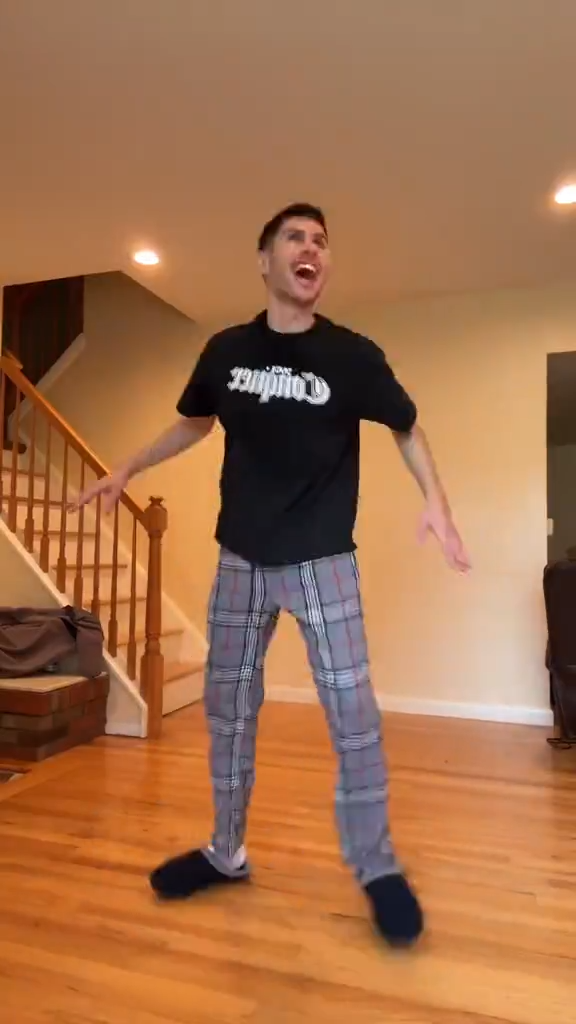
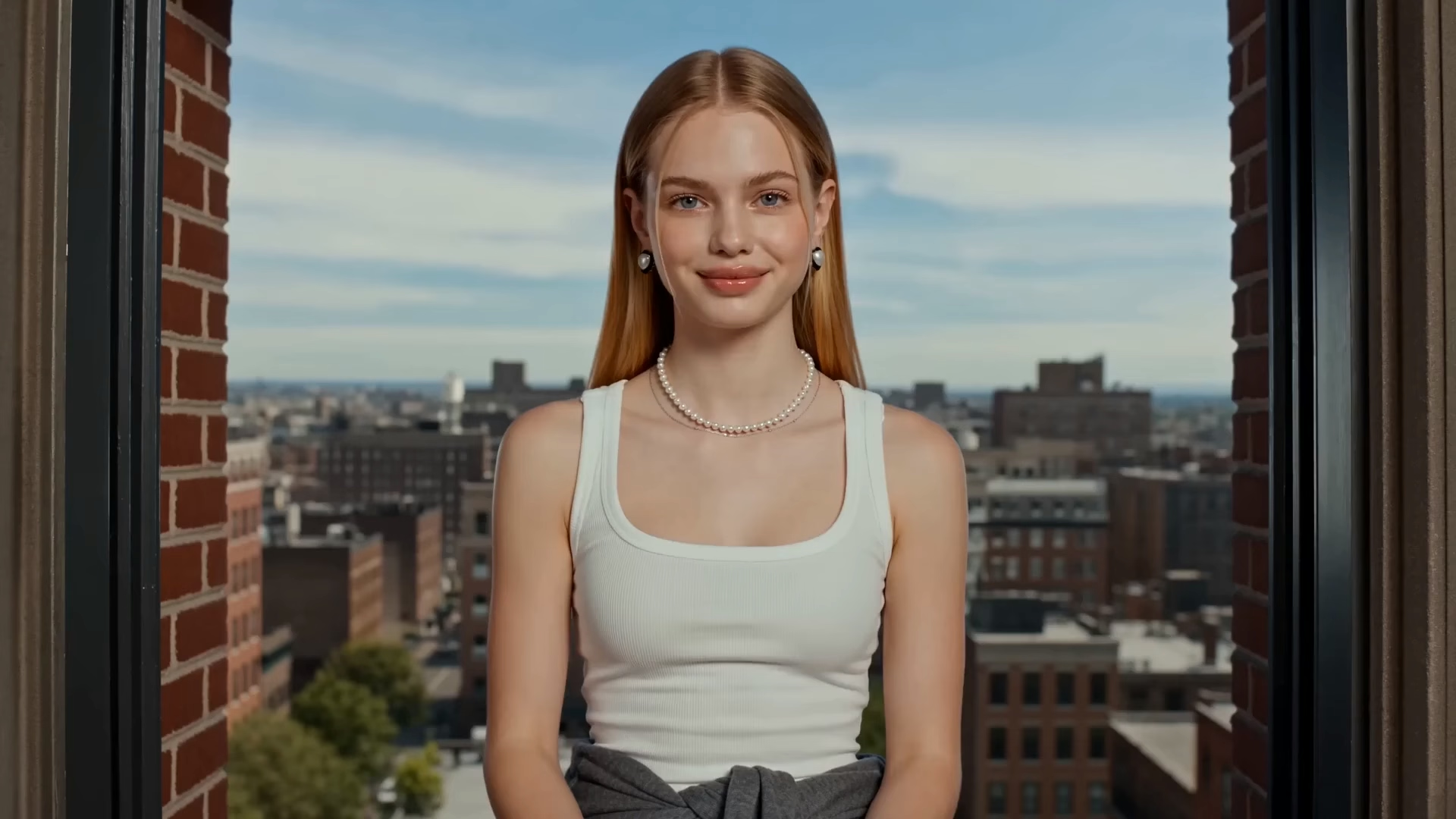
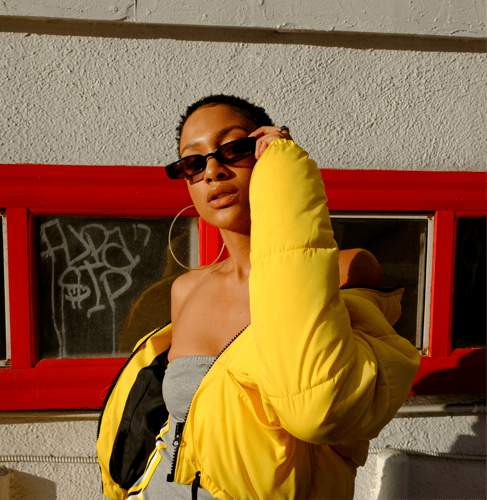
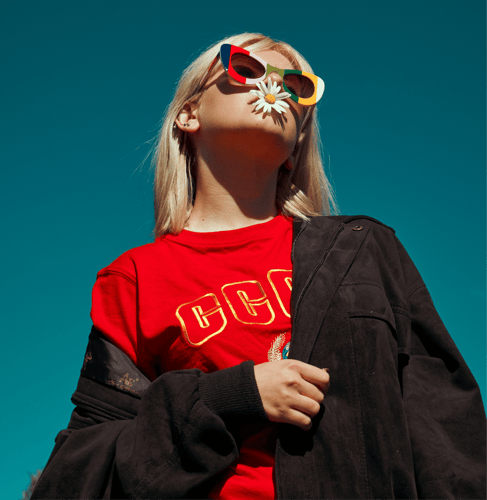
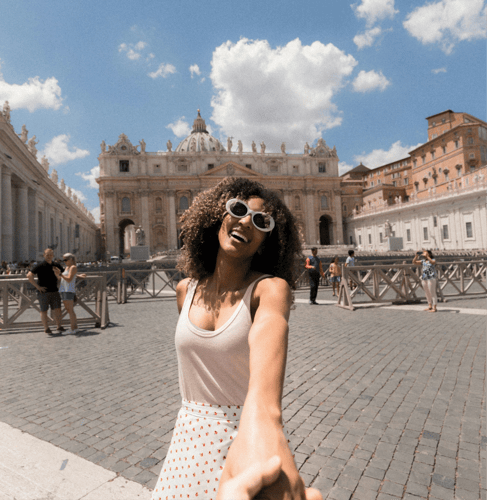
Choose one image where the face, torso, and legs are easy to see. A full-body or three-quarter view transfers more cleanly than a cropped portrait or a group photo. If the preview travels, keep the legs in the frame. A portrait crop hides the check this template is for. Note the outfit colors you want to keep. This step sets who dances. It does not outline a music video story.
 02
Point at the Reference Dance
This AI Dance Video Generator template follows the choreography in the preview. Write one line for energy, camera distance, and background. Solo, readable footwork usually transfers more cleanly than a crowded routine. Leave celebrity names, song titles, and brand logos out of the brief.
 03
Check Feet, Then Extend
Play the short result and watch the face, hands, and whether the feet still match the preview’s timing. Count one phrase of footwork against the reference. If the face holds and the steps slip, shorten the reference before you extend. If the dancer drifts, simplify the image or the phrase and generate again. Extend the clip only after that first watch holds. Credit use follows the allowance shown for your account.