 01
Start from a Clear Subject
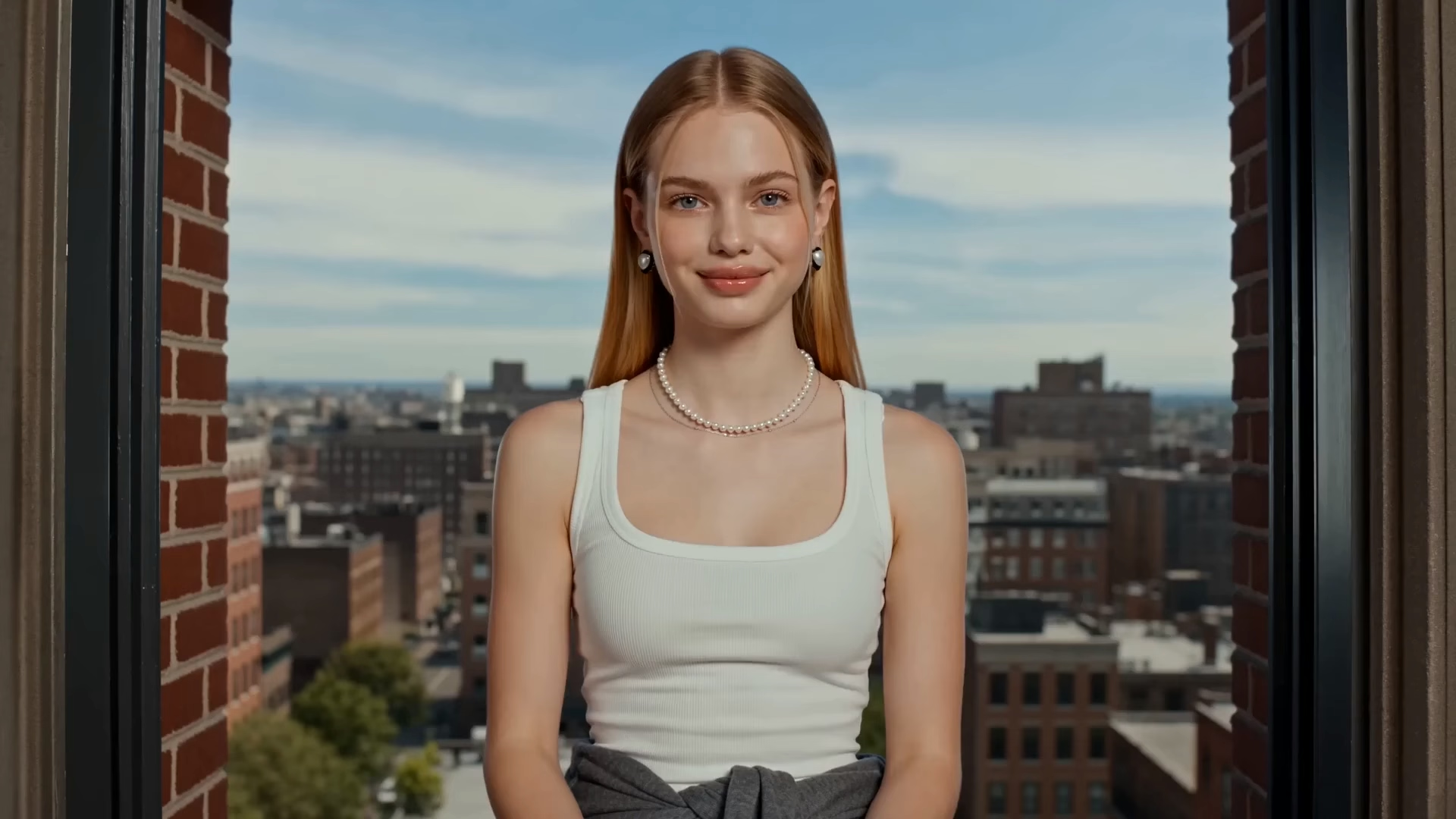
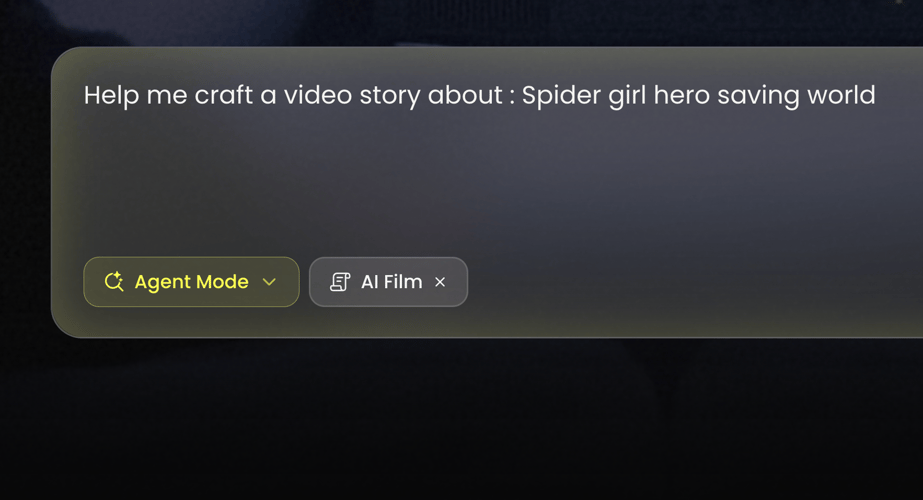
Choose one image with a readable face, character, or object and a simple background. Note the colors and shapes you need to keep. A waist-up frame is enough for a slow turn. Use a wider plate when the motion is a walk, so the feet have somewhere to land. Text in the upload tends to warp, so crop captions out before you submit. This step sets who or what is in the frame. It does not outline a feature-length story.
 02
Describe the Painted Motion
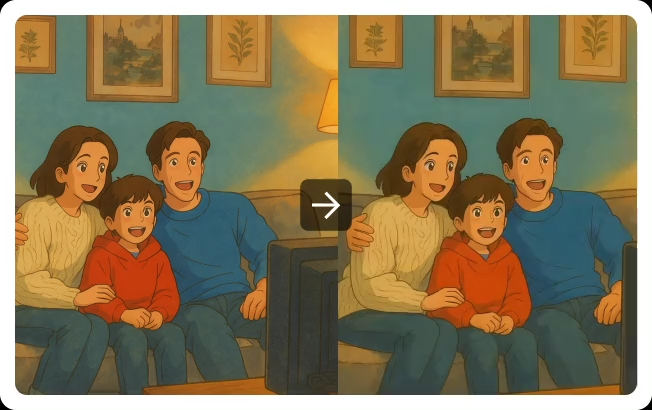
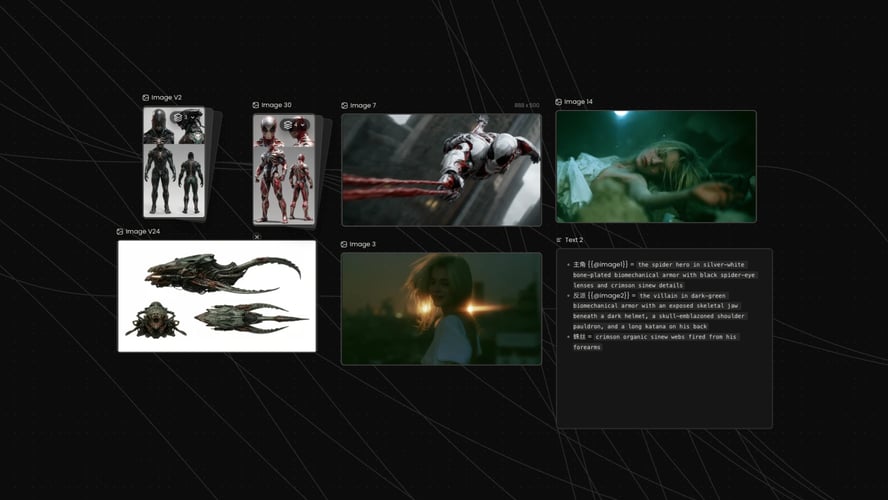
The Ghibli AI Generator template takes its painted look from the preview, so the brief only needs light, camera distance, and one action such as a slow turn or a walk. Leave film titles and existing characters out of the line. If the subject drifts, change the motion sentence before you rewrite the whole palette.
 03
Review the First Take
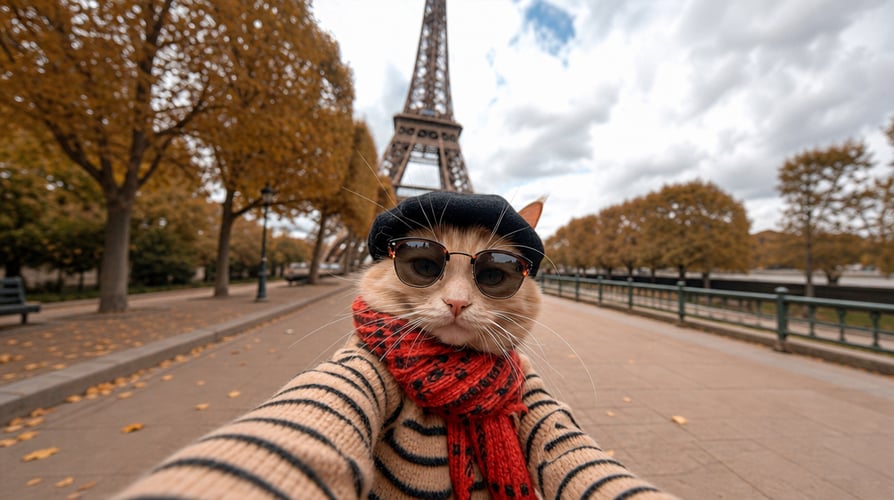
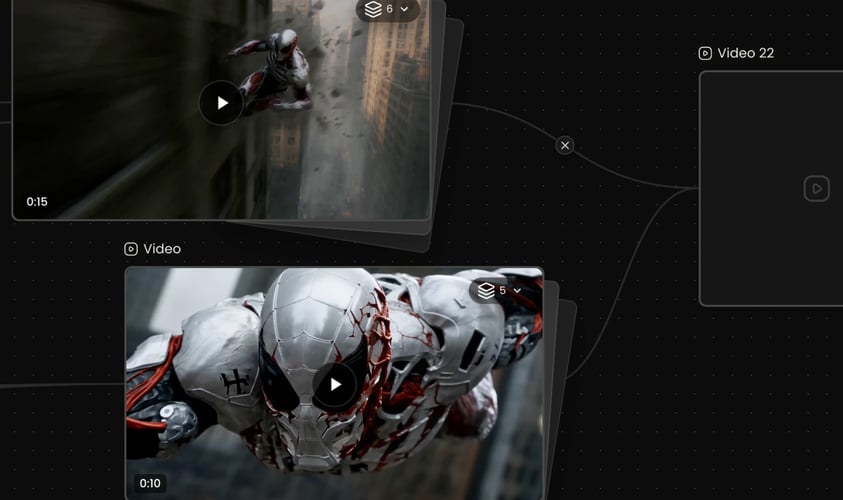
Play the short result and check identity, hands, and background detail. If the palette is right but the action is muddy, edit only the motion line on the next pass. If the subject no longer matches the upload, simplify the image before you generate again. Extend the clip only after that first watch holds. Credit use follows the allowance shown for your account and the action you select.