
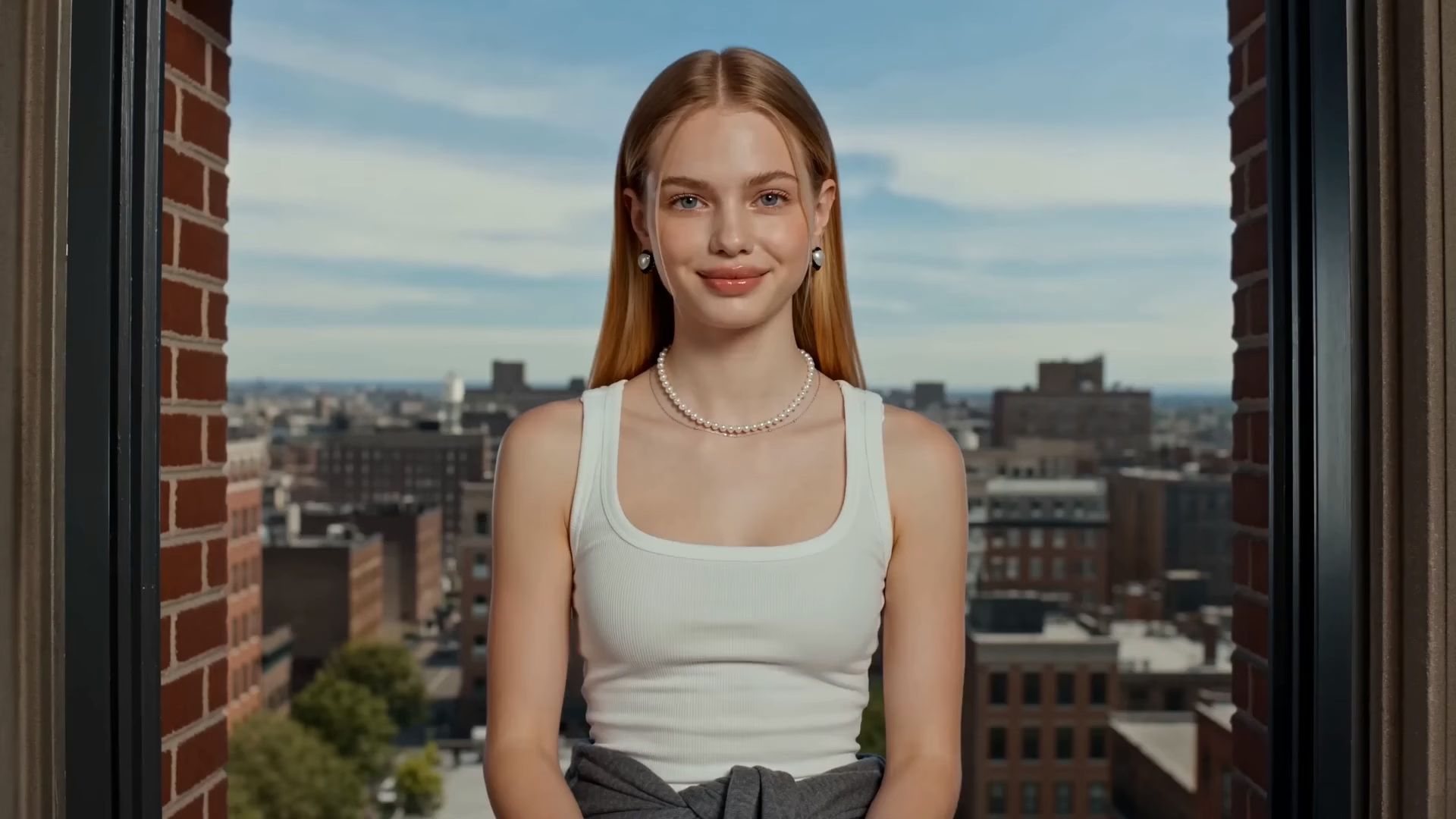
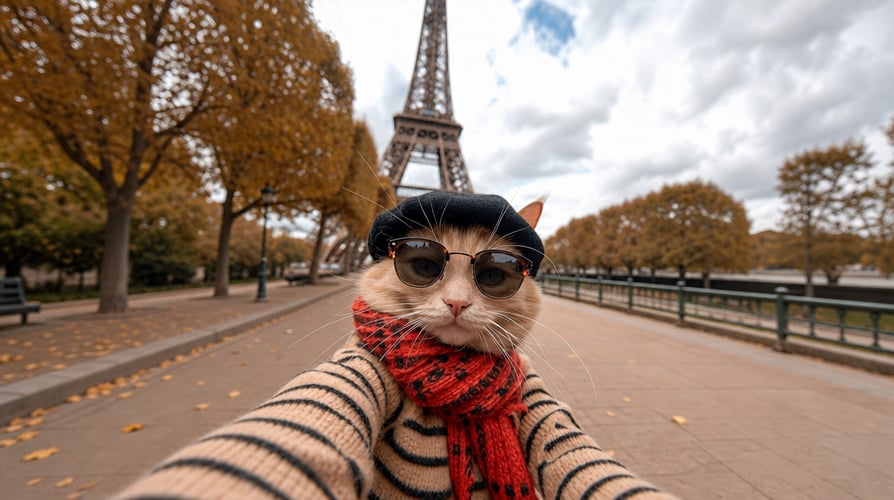



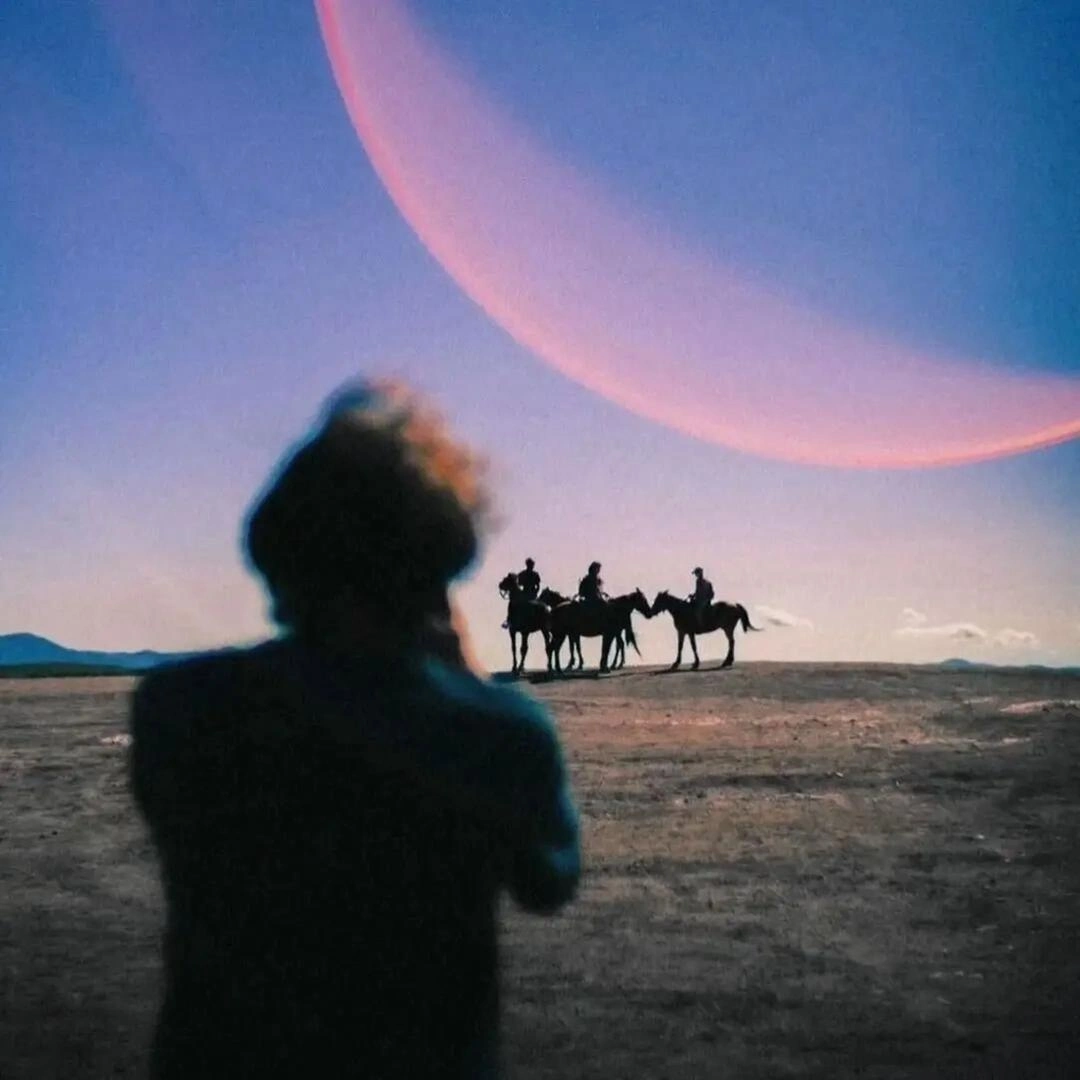

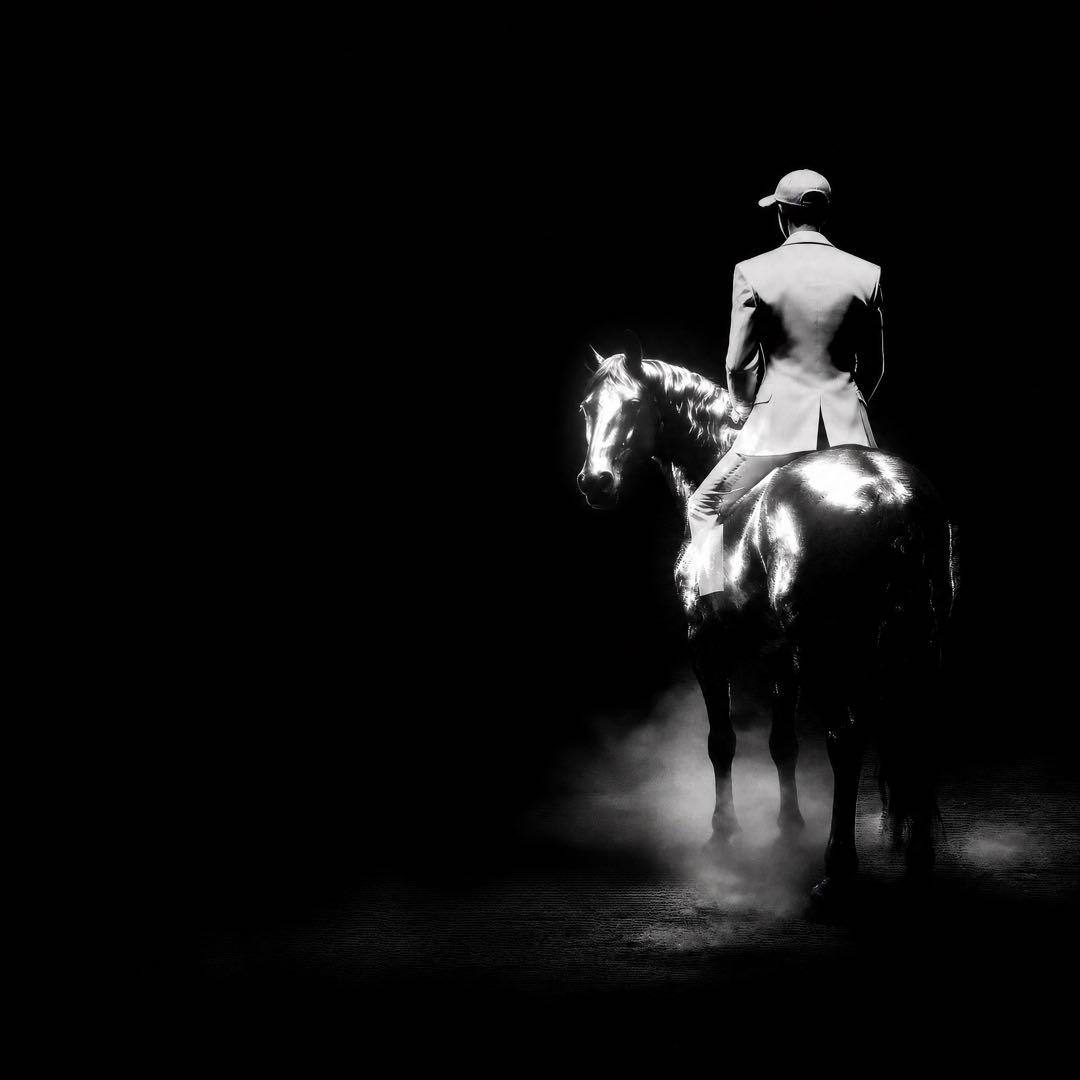




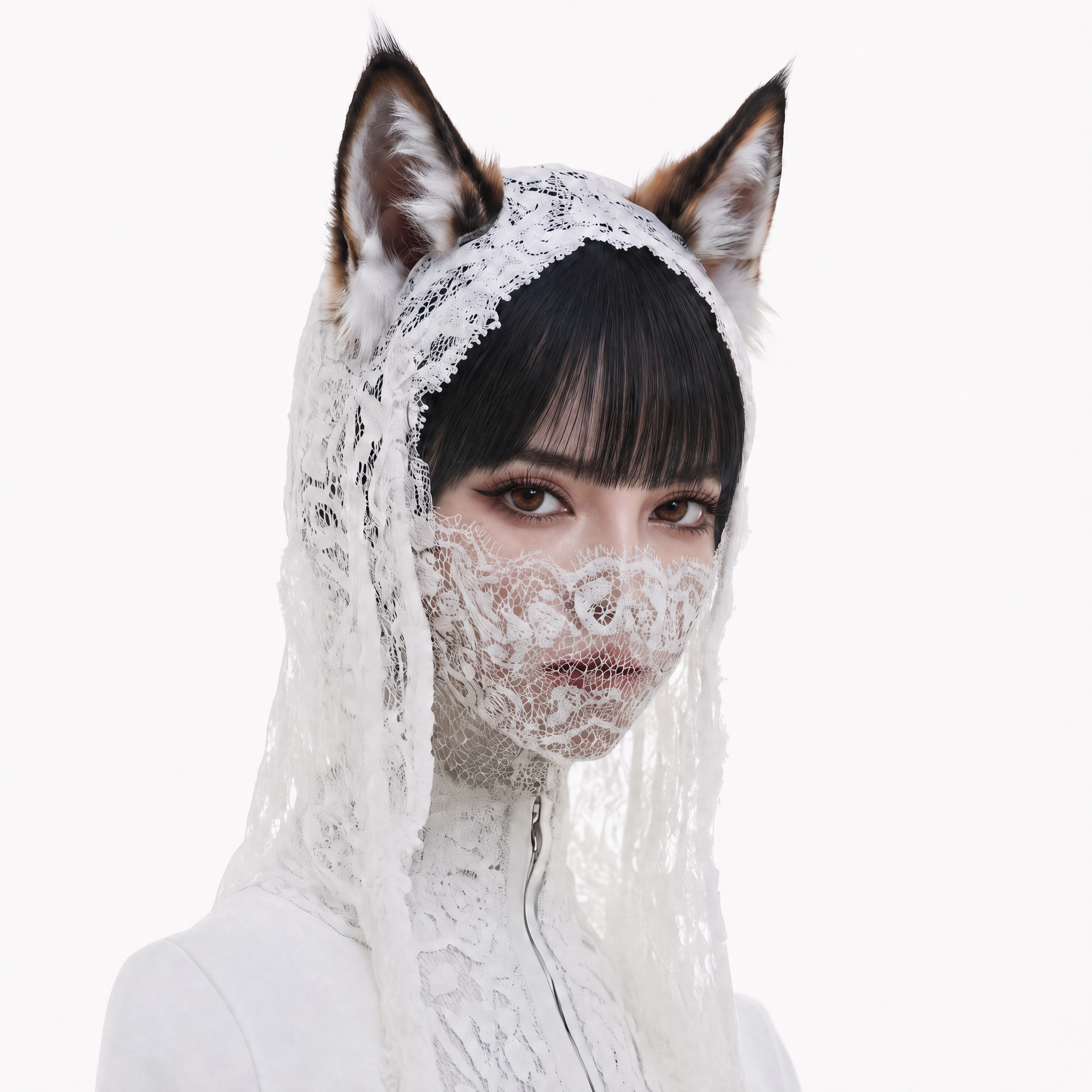


You already have the character, product, or world. The hard part is making the next shot feel like it belongs to the same visual story. Faces drift, costumes change, lighting loses its logic, and a promising concept becomes difficult to review. Runway Gen-4 gives creators a focused way to explore movement from a strong image reference and a clear text direction.
On Buzzy, you can plan a Runway Gen-4 workflow around the creative decision that matters most: what should move, how should the camera reveal it, and which details must stay steady? When this model is enabled in your workspace, use the neutral workflow of selecting a model, adding a prompt or reference, generating, and refining. The aim is a useful shot test, not a promise that one generation replaces production.
Create a Runway Gen-4 Workflow on Buzzy
Benefits Snapshot
| Creative need | Workflow advantage |
|---|---|
| A trusted reference image | Start image-to-video exploration from an established visual anchor. |
| Character or world continuity | Let the reference carry identity while the prompt concentrates on action. |
| Better camera coverage | Test a push-in, tracking move, reveal, or angle change as a specific direction. |
| Fast creative review | Turn an uncertain idea into a compact shot concept the team can inspect. |
Quick Fit Check
Runway Gen-4 is a strong fit when the image already communicates the subject and the next decision is movement. It suits independent directors, storyboard artists, social teams, product marketers, and creative producers who want to explore a direction before committing to a larger production workflow.
It may be less suitable when the brief depends on a long continuous performance, a precise edit timeline, or a finished campaign master. In that situation, Explore Buzzy's AI video workflows to compare the creative problem with a broader production path.
User Review
The most useful proof is visible in the process rather than in an invented quote. A reference image gives the team something concrete to inspect before generation. A motion-led prompt makes the intended change legible. The resulting shot becomes a shared object for discussion instead of a private guess in a notebook. That makes this creative tool valuable during early review, when reversible decisions save time.
Workflow Showcase: From Reference to Direction
1. Start with the visual anchor
Choose one clear reference image of the character, object, location, or artwork. A readable silhouette, stable lighting, and intentional composition make the result easier to judge. If the frame is cluttered, simplify it before asking for complex motion.
2. Write the motion prompt
For image-to-video direction, describe what changes over time. State the subject action, camera movement, pace, and atmosphere. For example: “The cyclist turns into warm evening light as the camera tracks beside her, subtle wind moving the jacket, cinematic natural motion.” Keep the action specific and avoid rewriting every static detail already present in the image.
3. Generate, compare, and refine
Review the first shot for motion, continuity, framing, and emotional intent. If the character drifts, strengthen the reference and reduce competing actions. If the camera feels flat, name the coverage more precisely. Use Buzzy to plan the next iteration, then Explore available models when the creative problem changes.
Try the Next Gen-4 Shot
Do not wait until the entire film is planned. Pick the shot that is blocking the conversation: a hero entrance, product reveal, world-building transition, or character reaction. Build that test first. Runway Gen-4 is most useful when the result helps the team make a better next decision.
Start a Runway Gen-4 Shot Test
How to plan a reference-led video
Runway Gen-4 for image-to-video direction
The core idea is simple: an image supplies the visual starting point, while text describes movement. The official model boundary is image-led short-form video exploration from an input image and text prompt. When a first frame establishes the subject, a motion-led description can test whether the proposed action supports the idea.
Consistent characters, objects, and worlds
A consistent character is more than a recognisable face. Costume, proportions, material, colour relationships, and the surrounding world all influence whether a sequence feels intentional. A reference-led Runway Gen-4 workflow can support that continuity, while results still depend on the image, prompt clarity, action complexity, and refinement. Start with one strong visual anchor and one main action.
Camera control and coverage thinking
A useful camera prompt names the relationship between subject and lens: a slow push-in for attention, a lateral track for energy, a wide reveal for context, or a close follow for intimacy. The best Runway Gen-4 direction treats coverage as part of storytelling, not decoration. Write what the audience should discover and let movement serve that discovery.
Creative production without a locked storyboard
Early production benefits from reversible decisions. Test whether a location feels alive, whether a product gesture reads, or whether a transition has enough visual rhythm before investing in a complete shot list. Buzzy gives creators a place to organise exploration alongside image, video, audio, and 3D workflows, subject to the workspace experience available to them.
Runway Gen-4 and Gen-4 Turbo planning
Runway describes Gen-4 as an image-to-video model for controlled generation, while Gen-4 Turbo is positioned for faster, lower-cost iteration. Treat that difference as a planning distinction, not a promise about Buzzy settings, price, or availability. When either option is enabled in your workspace, match the choice to the stage of work: quick motion tests first, then deliberate refinement when a direction earns attention.
Prompt examples for a moving shot
A practical prompt can follow this order: subject action, camera movement, timing, environment response, and mood. “A red paper kite rises above a quiet coastal town; the camera cranes upward from the street, clouds move slowly across the sun, gentle afternoon atmosphere” gives the shot a readable arc. For a product scene, specify the hand movement and camera relationship rather than filling the prompt with unneeded adjectives.
When to Compare Other Buzzy Workflows
A Runway Gen-4 concept is not the answer to every video brief. If you need to study a different visual approach, Explore the Sora 2 workflow, which Buzzy publicly presents as Sora 2 Pro HD workflow examples. The choice should follow the creative requirement, available inputs, and the kind of review your team needs; for this page, Runway remains a neutral “when enabled” workflow rather than a claim of current directory availability.