
Chat-Based Video Editing
Describe the change you want in plain language. Buzzy turns your prompt into precise edits on your uploaded video — no keyframes or complex timelines required.
World's #1 AI Video Editor — Edit, enhance, or generate with chat
Upload any clip and edit with chat — swap characters, restyle scenes, change backgrounds, and reframe camera moves without a timeline learning curve.
Describe the change you want in plain language. Buzzy turns your prompt into precise edits on your uploaded video — no keyframes or complex timelines required.
Rewrite camera moves while keeping the subject, wardrobe, and environment intact. Create orbiting, tracking, and cinematic reframes from a single clip.
Replace backgrounds, restyle environments, or swap characters and objects while preserving motion, timing, and composition from the original footage.
Buzzy intelligently predicts what happens next and generates new frames that match your subject, motion, camera movement, and visual style — Extend your story, not just your timeline.
Turn any clip into a polished edit in three simple steps.
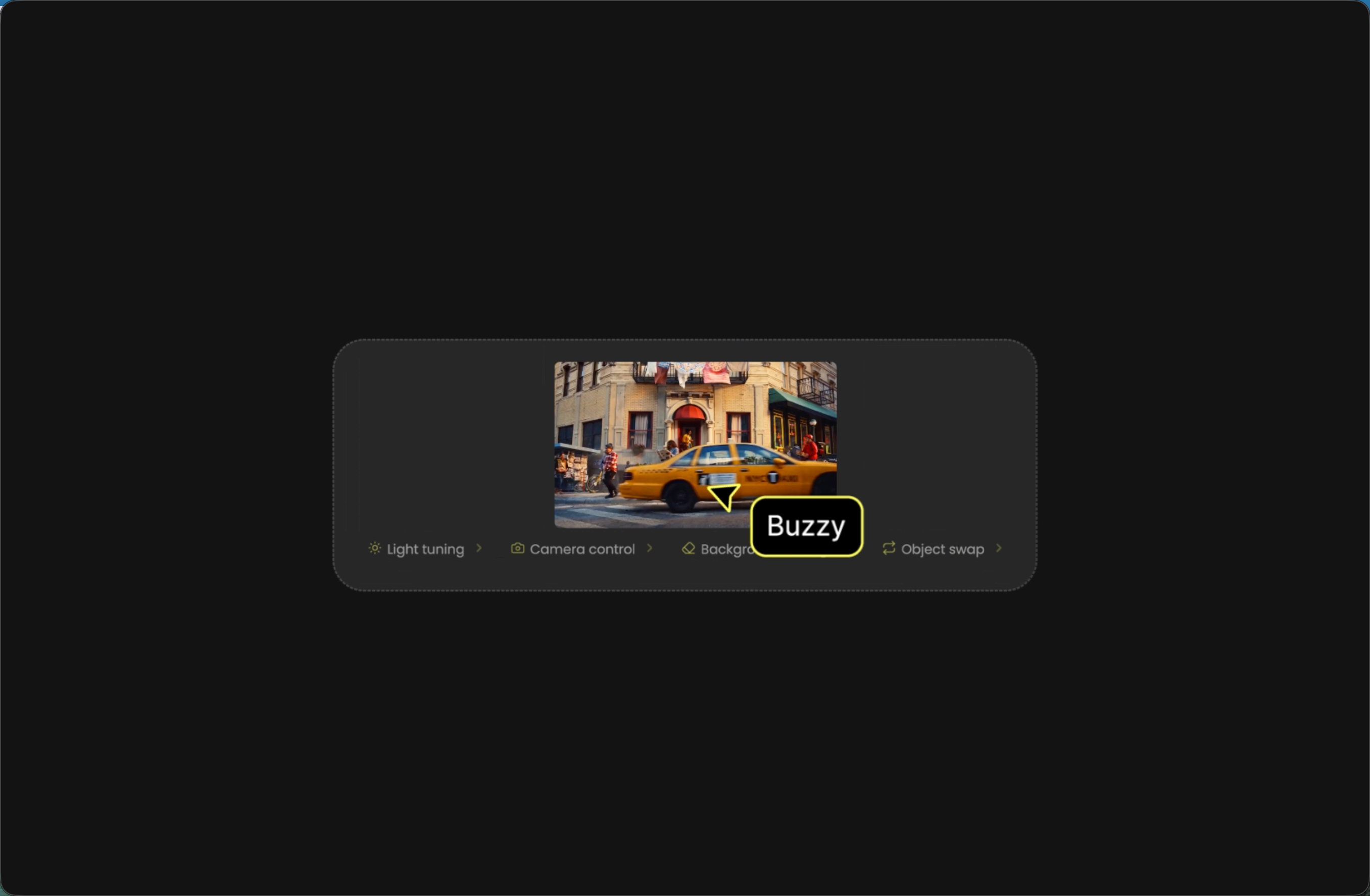
Drop an MP4 or MOV clip into the editor. Trim to the moment you want to transform.
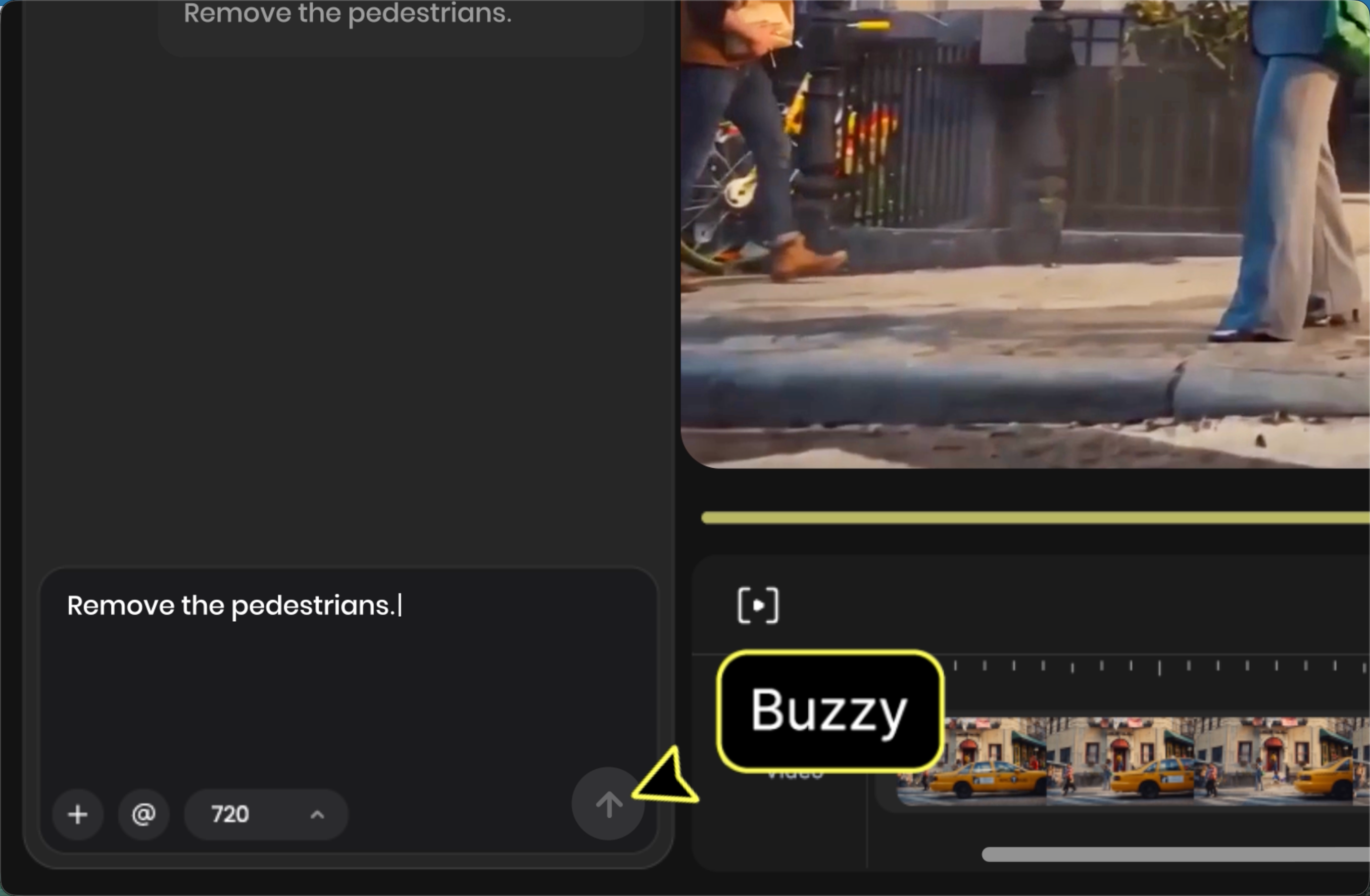
Tell Buzzy what to change — lighting, camera, background, character, or style — in a short chat prompt.
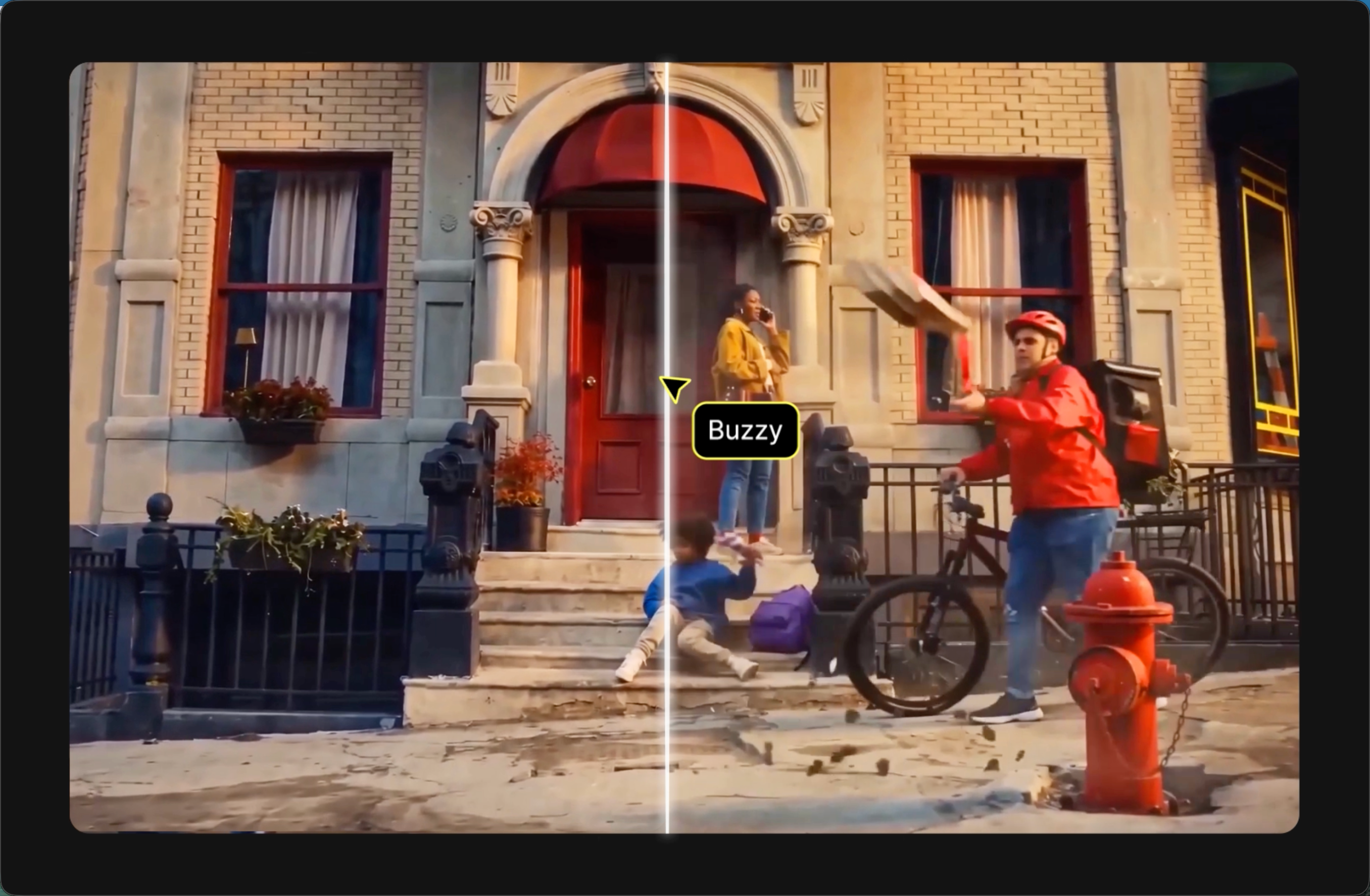
Review the result, tweak your prompt, and iterate until the edit matches your vision.
Join thousands of creators using Buzzy to edit, enhance, and generate stunning videos — all in one platform.