AI Influencer Generator for a Recognizable Virtual Persona

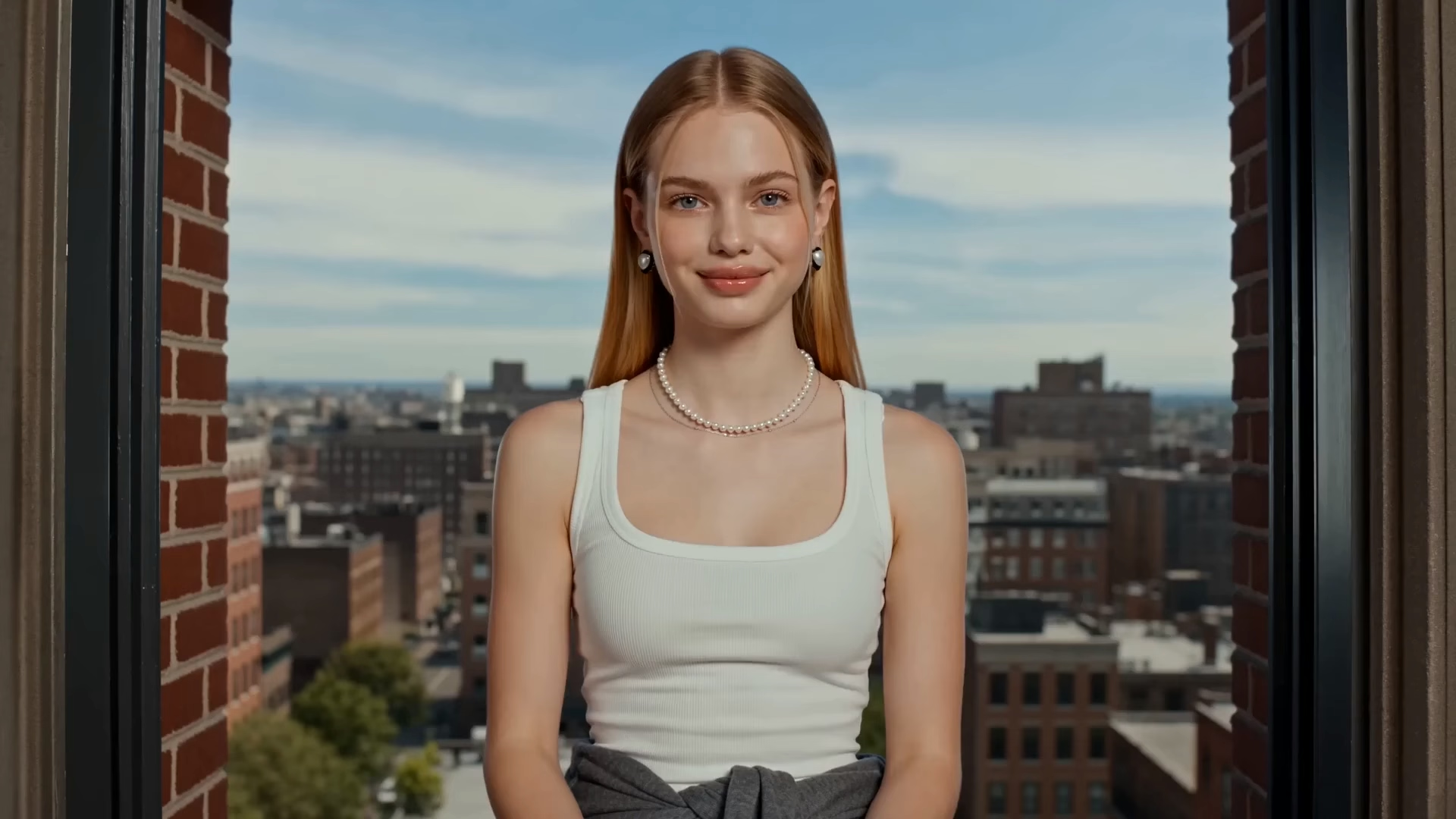
A great portrait is a starting point. Build a character you can recognize in the next scene: define the look, refine the image, and carry the same creative direction into social content.

Ref
Image
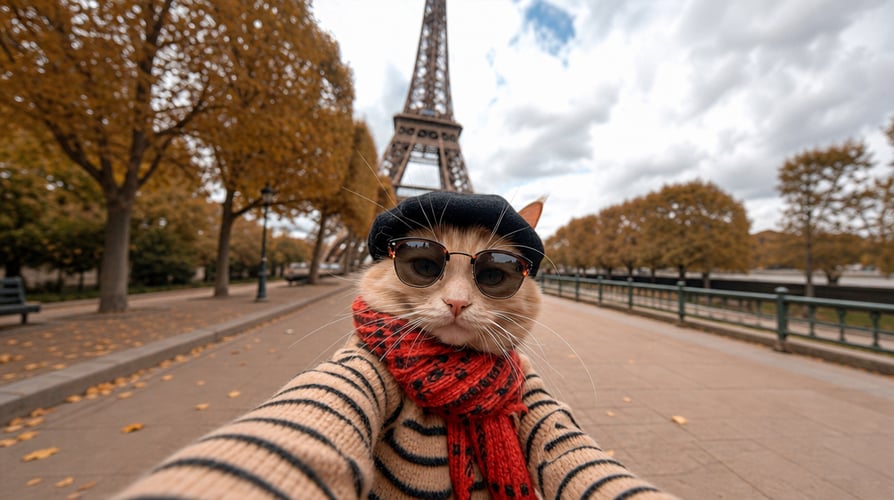
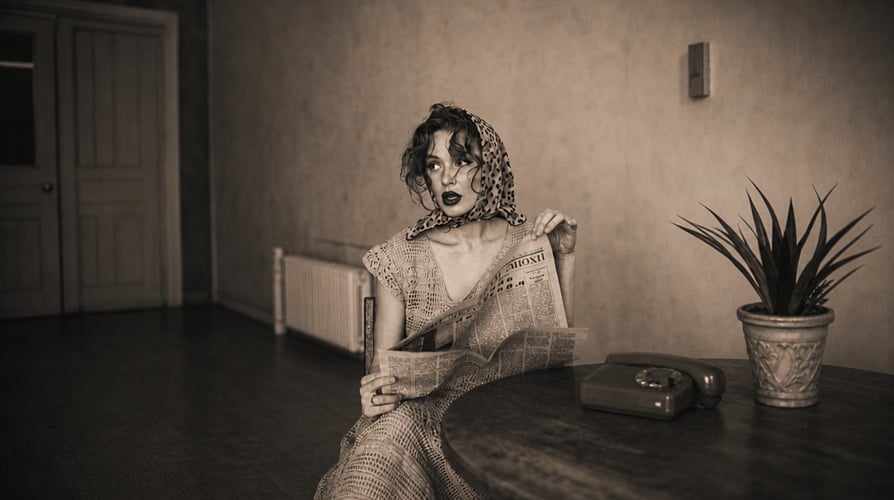
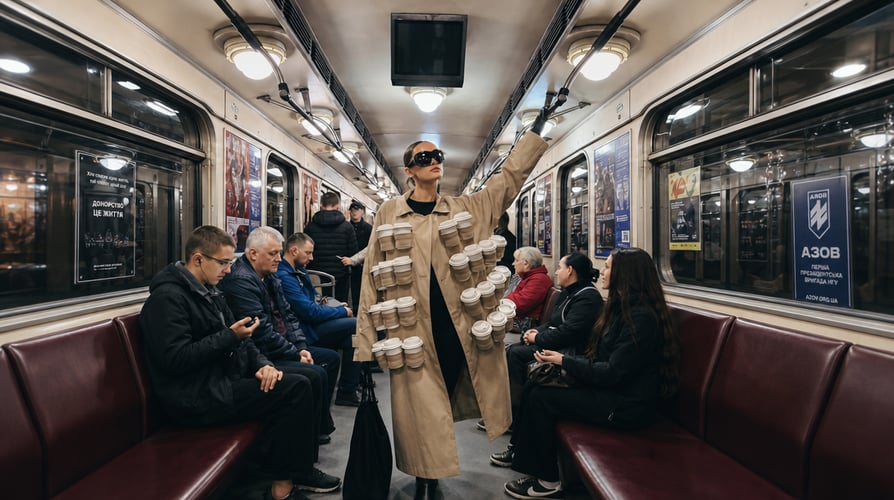
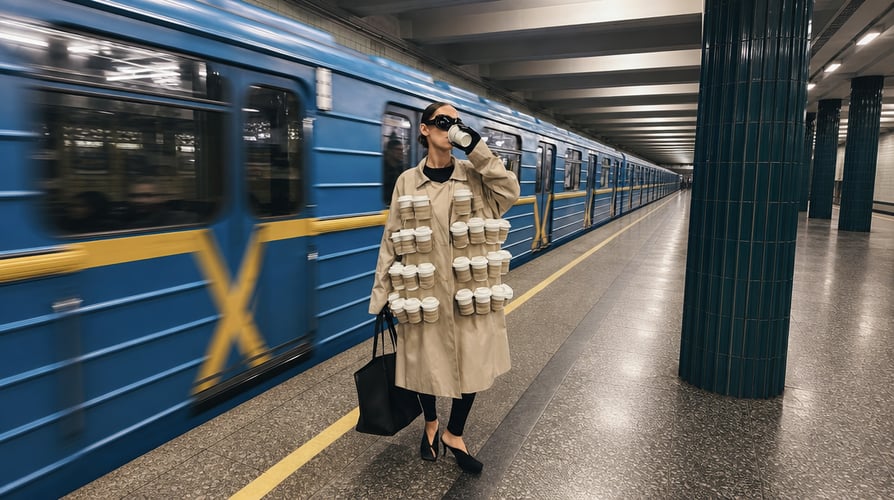
Original virtual creator portrait concept afterOriginal virtual creator portrait concept beforeBeforeAfter
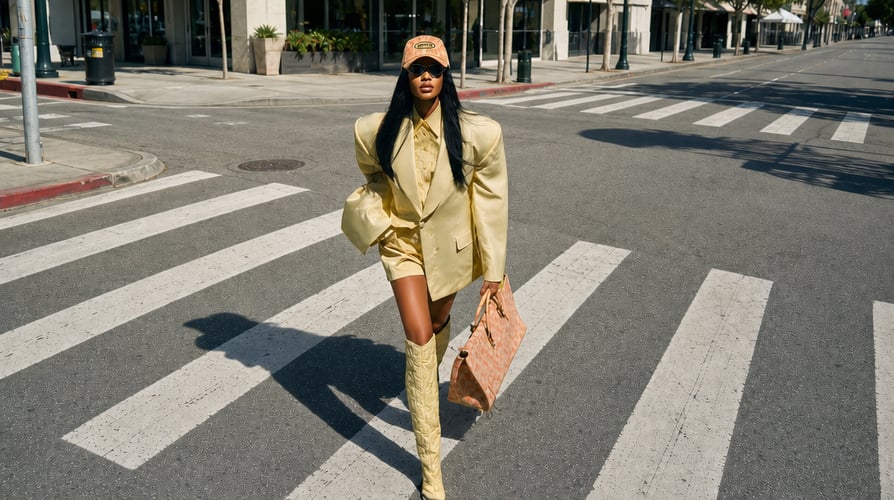
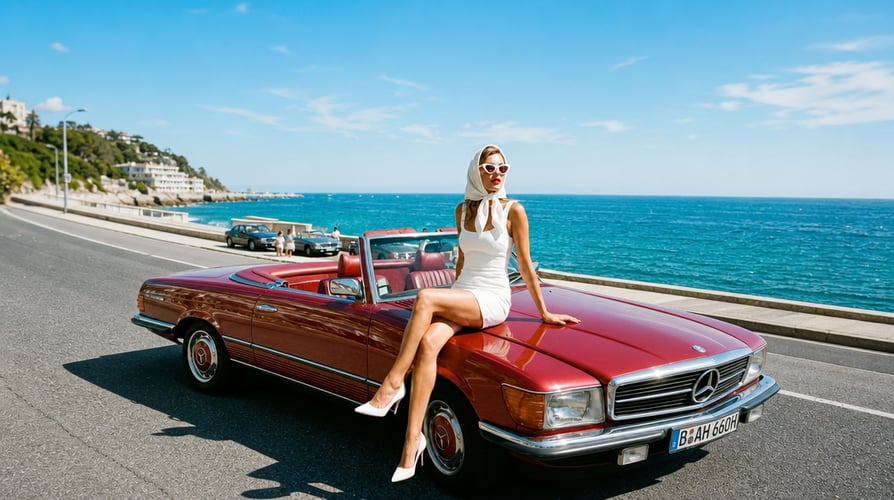
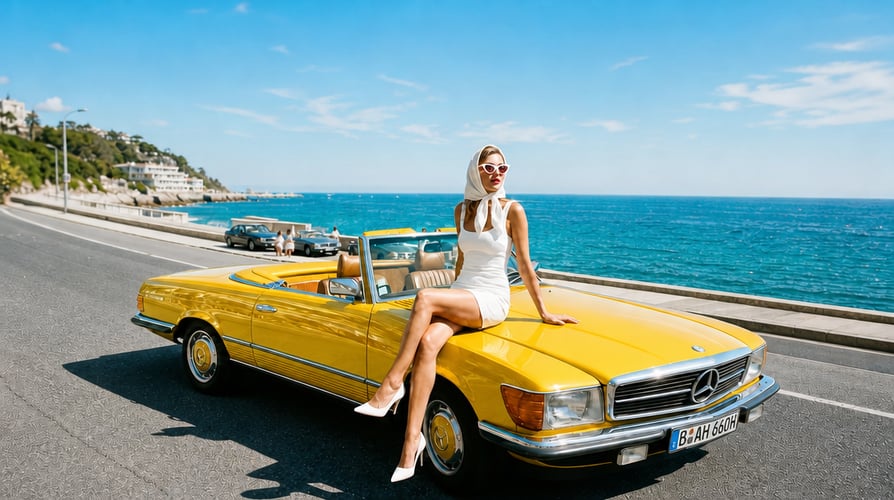
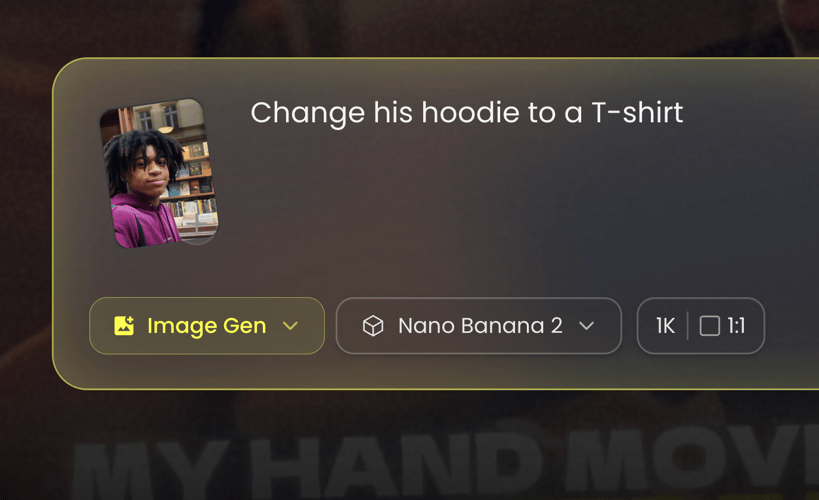
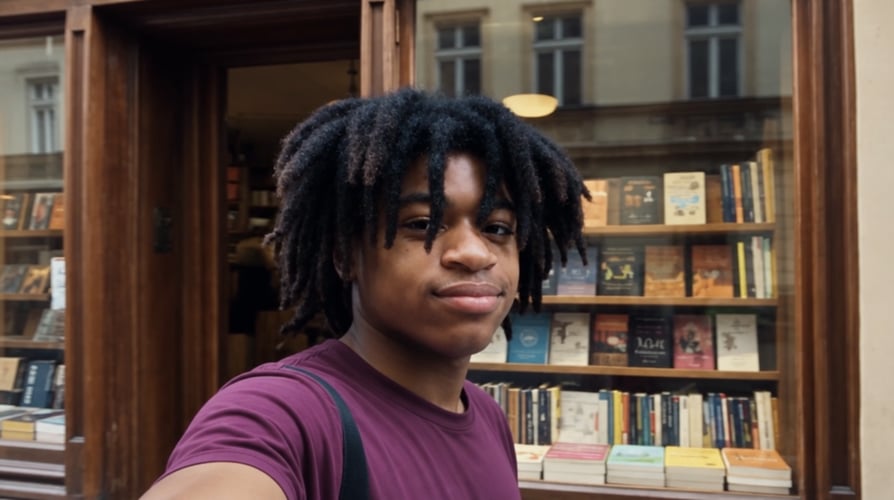
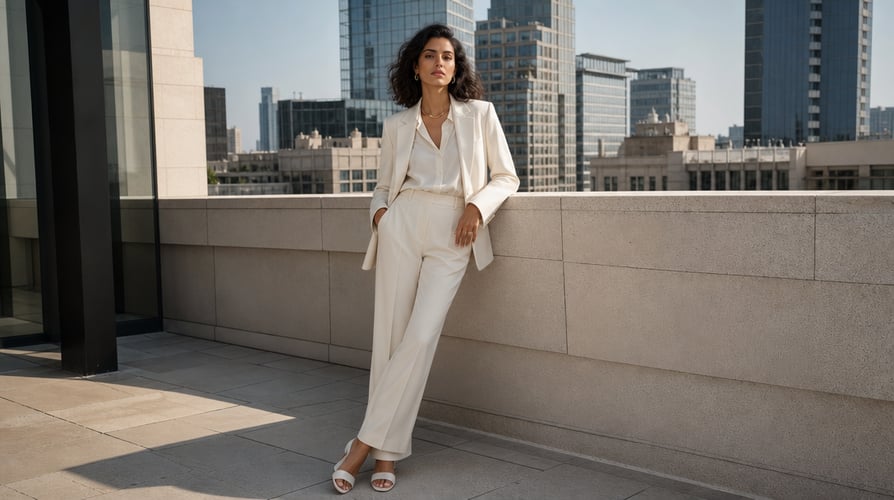
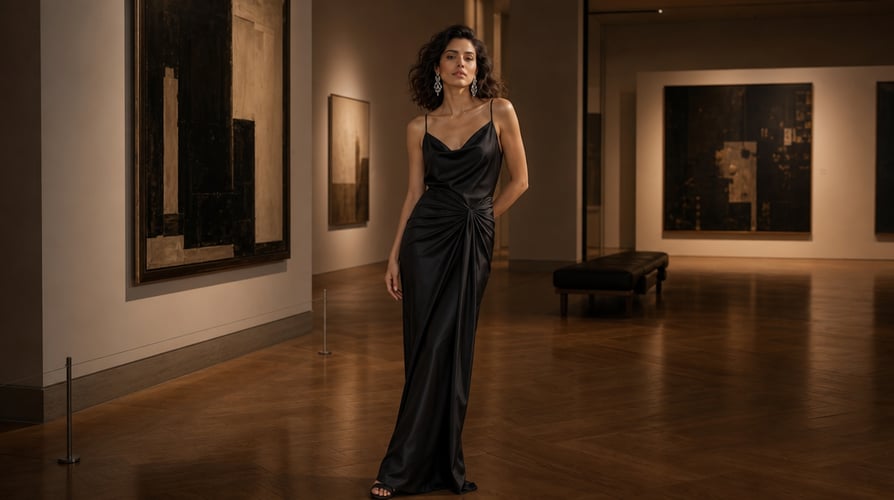
Virtual character outfit revision concept afterVirtual character outfit revision concept beforeBeforeAfter
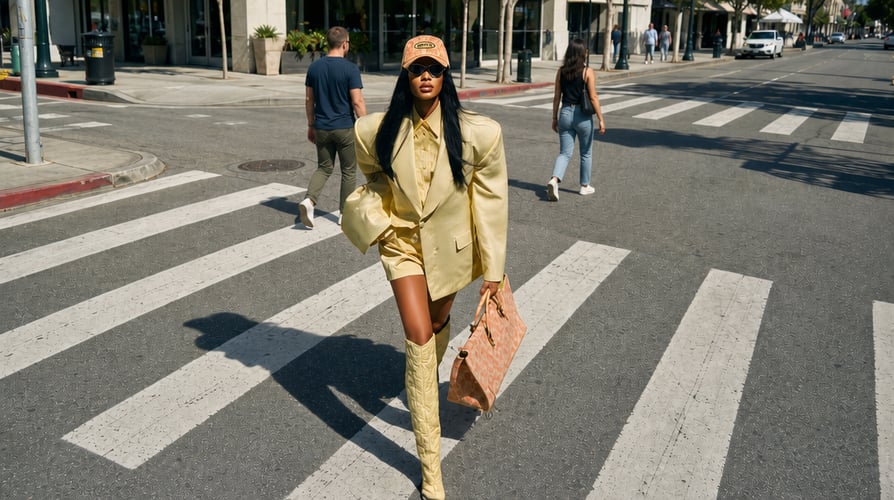
Virtual influencer cafe scene concept afterVirtual influencer cafe scene concept beforeBeforeAfter
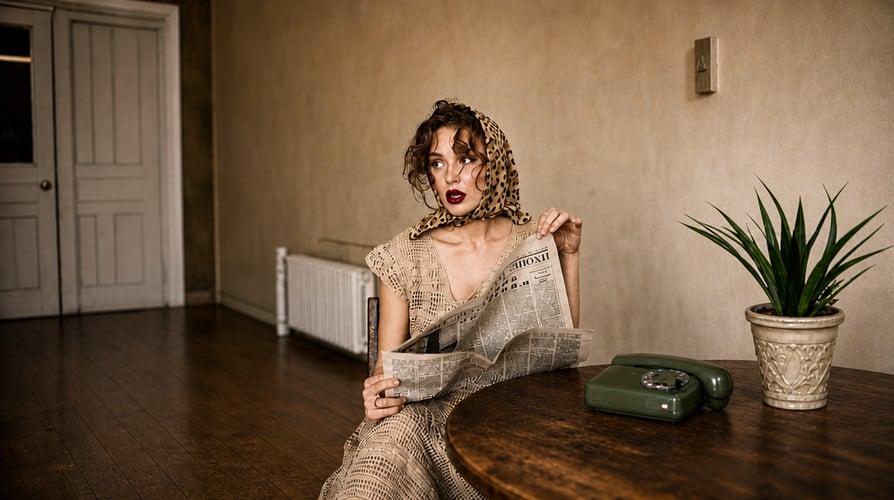
Vertical social portrait composition concept afterVertical social portrait composition concept beforeBeforeAfter

Build a Character, Not Just Another Portrait

Use Buzzy’s prompt-led image generation and reference editing to develop the visual decisions that make a virtual influencer recognizable.

Give the Persona a Distinct Look afterGive the Persona a Distinct Look beforeBeforeAfter

Give the Persona a Distinct Look

Create an original character from a written brief, or use an approved reference to guide the appearance. Define a few recognizable features, a styling direction, and the kind of world the character belongs in. A clear identity gives later images something concrete to follow, whether the result is a photorealistic portrait or a deliberately illustrated digital persona.

Carry the Identity Across a Visual Series afterCarry the Identity Across a Visual Series beforeBeforeAfter

Carry the Identity Across a Visual Series

Reuse a selected reference and the same defining description when building related images. Keep facial features, hair, and signature styling stable while exploring a new pose or scene. Buzzy’s reference-led image workflow supports this continuity; compare each result with the anchor image before including it in the series. The goal is a recognizable character, not identical compositions.

Explore Outfits and Settings around the Same Idea afterExplore Outfits and Settings around the Same Idea beforeBeforeAfter

Explore Outfits and Settings around the Same Idea

Try a wardrobe or background change without discarding the character direction you already like. Focused editing lets the next version answer a specific creative question: a studio portrait or an outdoor scene, a casual outfit or an editorial look. Keep the rest of the brief stable so the comparison reveals which treatment fits the intended brand or story.

Connect Still Images with a Video Direction afterConnect Still Images with a Video Direction beforeBeforeAfter

Connect Still Images with a Video Direction

An approved portrait can become a visual starting point for a compatible Buzzy video workflow. Decide on a small character action and a separate camera direction, then continue with the appropriate video tool. This image-first approach establishes the appearance before introducing movement. Video generation is a separate creative step, with settings and credit use determined by the selected workflow.

How to Create an AI Influencer with Buzzy

Start with one clear identity, build a reference you trust, then develop the next scene.

Buzzy creative workflow illustration: define the character and first image01

Define the Character and First Image

Choose the content direction before writing the prompt: fashion, lifestyle, a fictional host, or another original persona. Describe the visible appearance, outfit, expression, setting, and composition. Generate an image from text or add a reference you are authorized to use. Check the selected model’s available inputs and output controls in the workspace.

Buzzy creative workflow illustration: generate and refine the reference02

Generate and Refine the Reference

Review the first portrait for the defining features you want to retain. Refine the face, hairstyle, clothing, lighting, or background with a focused instruction. Select an image that will serve as the character anchor. Keep its identity description alongside the reference so later prompts start from the same visual decisions rather than rebuilding the persona from memory.

Buzzy creative workflow illustration: build the next asset around the same persona03

Build the Next Asset around the Same Persona

Use the approved reference to request a new scene, outfit, or composition. Compare the result with the anchor before downloading the image. For a video project, take the selected still into a compatible workflow and specify the movement separately. Review the finished asset for identity continuity and fit with the intended Instagram, TikTok, or YouTube placement.

Direct the Details That Define Your Virtual Influencer

Turn a broad persona idea into specific image instructions you can review and refine.

  • Face and Defining Features

    Specify the facial features, hairstyle, and other visible traits that distinguish the character. Keep a short identity description unchanged across related prompts.

  • Wardrobe and Styling

    Describe clothing, accessories, materials, and a color palette. Change the outfit deliberately while keeping the character’s identifying features anchored to the same reference.

  • Pose and Expression

    State the body position, direction of gaze, and expression the image needs. Use a restrained pose when the priority is judging facial continuity.

  • Location and Background

    Place the persona in a studio, cafe, home setting, or fictional environment. Explain which background details should support the character rather than compete for attention.

  • Light and Visual Style

    Choose natural daylight, a studio treatment, or an illustrated finish. A stable lighting direction and palette help connect assets made for the same campaign.

  • Framing and Composition

    Describe a close-up, waist-up portrait, or wider scene. Choose the available aspect ratio for the placement and reserve space for captions or surrounding design.

  • Reference-Led Refinement

    Use the selected image as the visual anchor and name the detail that needs to change. Review the resulting face, hands, accessories, and background together.

  • Image-to-Video Planning

    For a compatible video workflow, describe subject movement separately from camera motion. Start with the approved still so the next shot has a defined identity and composition.

Create Content around a Character with a Clear Role

Give each asset a job, from introducing the persona to exploring a campaign concept.

A Virtual Creator’s First Content Set afterA Virtual Creator’s First Content Set before

A Virtual Creator’s First Content Set

Introduce the persona with a portrait, a setting that fits their story, and a second image that reveals a different side of the same character. For an Instagram concept, compare how the images look together before expanding the set. A coherent introduction is more useful than unrelated portraits that happen to share the same content niche.

Fashion and Lifestyle Visual Concepts afterFashion and Lifestyle Visual Concepts before

Fashion and Lifestyle Visual Concepts

Explore a virtual model in different clothing or environments while holding the identity steady. A fashion direction might compare an everyday look with an editorial treatment. A lifestyle concept might move the same persona from a home scene to an outdoor setting. Use the series to judge styling and narrative fit before selecting assets for publication.

Brand and Product Campaign Studies afterBrand and Product Campaign Studies before

Brand and Product Campaign Studies

Develop a fictional spokesperson or character-led campaign direction around an approved visual brief. Plan how the persona, product, and surrounding space relate in the frame. If a product reference is involved, review its shape, markings, and scale separately from the face. An attractive image still needs to communicate the right product and brand identity.

Storyboards for Short Social Videos afterStoryboards for Short Social Videos before

Storyboards for Short Social Videos

Use still images to plan a character introduction, a scene change, or a closing frame for a short video. The storyboard clarifies the persona and composition before motion is added. For TikTok or YouTube Shorts concepts, keep the main action readable in a vertical frame and use a compatible video workflow for the moving shot.

Get Inspirations

Explore More Buzzy Image and Video Workflows

Develop the still image first, then choose the creative workflow that fits the next asset.

Seedance 2.5
Cinematic 4K, consistent shots
Try it
Agentic Canvas
Agent-driven node canvas
Try it
Kling 4.0
3 to 30 seconds long at up to 4K quality
Try it
Nano Banana 2.1
Fast and brand level image generation
Try it
Seedance 2.0
Motion-driven video creation
Try it
Google Omni
Cinematic video generation
Try it
Kling
High-fidelity physics simulation
Try it
Runway
Next-gen creative video tools
Try it
Nano Banana 2
Lightweight video synthesis
Try it
Veo 3.1
Google's advanced video generation
Try it
GPT Image 2
Photorealistic image generation
Try it
Hailuo
Fast and expressive video drafting
Try it
Pixverse
Stylized and dynamic video generation
Try it

AI Influencer Generator FAQ

Practical answers about character creation, reference images, continuity, video, and access.

An AI influencer generator helps create images of a virtual persona for character-led content. In Buzzy, the workflow begins with a text brief or an authorized visual reference, then uses image generation and prompt-led edits to develop the appearance. The resulting image is a creative asset; building an audience and running a social account are separate activities.

Yes. Buzzy’s image workflow supports text-to-image generation. Describe an original character’s appearance, styling, pose, environment, and visual treatment. After selecting a first portrait, use that image as a reference for the next asset. A detailed starting brief helps establish the persona before you expand the content series.

Reuse a selected reference and a stable description of the character’s defining features. Change only the scene, outfit, or pose needed for the next asset. Buzzy supports reference-led continuity, but results can vary; compare each image with the anchor and refine versions that drift before adding them to the series.

An approved image can be used as a visual starting point for a compatible Buzzy video workflow. Choose the available workflow, describe the intended action and camera movement, and review the output. The image generator does not itself guarantee speech, lip sync, or any specific video duration; those depend on the selected video tool.

Yes. Buzzy’s image editor supports focused changes to visual details, including backgrounds, color, and lighting. Describe the new outfit or setting and request that the established character remain recognizable. Inspect the face as well as the edited area, because a local creative change can still affect other parts of a generated image.

Check the credits and generation cost shown in your Buzzy account before starting. Available access can differ by plan and selected model. Review the current pricing page for subscription details and any conditions on reference uploads; a free entry point should not be taken to mean unlimited image or video generation.

You can develop visual assets with those placements in mind. Choose an available aspect ratio and compose the character for the intended frame. A still can support a social post or storyboard; moving content requires a compatible video workflow. Review the destination platform’s current requirements before uploading the finished asset yourself.

Prepare a short character description, the purpose of the first image, and any references you are authorized to upload. Decide which visual traits must remain recognizable. For a connected series, keep an approved portrait and reuse its identity description while changing one scene or styling decision at a time.

What Makes an AI-Generated Influencer Recognizable?

A virtual influencer is a recurring digital persona, not simply a convincing face. Recognition comes from the combination of appearance, styling, setting, and the role the character plays in the content. An AI influencer generator supplies the visual starting material. The creative brief connects those individual images into a persona that feels intentional across a series.

Separate Identity from the Scene

Keep a compact identity note: facial features, hair, signature accessories, and the overall styling direction. Write the changing scene in a separate part of the prompt. For example, the same fictional adult creator might appear first in a studio portrait and then at a cafe. The location changes; the defining face and visual identity should remain recognizable.

Choose a Content Role before Expanding the Series

A fashion character needs images where the clothing and silhouette are easy to read. A fictional host needs an expressive portrait that supports the story. A brand mascot needs a visual treatment that fits the surrounding campaign. Choosing that role early gives each new image a purpose and makes it easier to reject attractive results that do not belong in the same project.

Write a Useful Virtual Influencer Prompt

Start with the subject and the image’s job, then describe appearance, pose, environment, light, and framing. For example: “Create an original adult virtual fashion creator with short dark curls, brown eyes, and subtle freckles. Cream jacket, relaxed expression, waist-up composition, soft window light, simple studio background.” This establishes concrete decisions without asking the model to resolve several conflicting styles at once.

Use an Approved Portrait as the Anchor

For a follow-up image, specify what stays: “Use this character reference. Keep the face, curls, and freckles recognizable. Change the jacket to a navy linen shirt and place the character at a sunlit cafe.” Compare the new result with the reference. If identity has drifted, refine that issue before adding more scene complexity. Explore Buzzy’s reference-led image generation and editing for the underlying workflow.

Give Each Revision One Clear Job

If the face is right but the outfit is not, request the wardrobe change without also changing the expression, camera angle, and lighting. If the composition needs space for a caption, revise the framing rather than redesigning the character. Narrow revisions make it easier to understand which instruction improved the image and which details should remain in the next version.

Plan the Image Series before Adding Motion

Compare a portrait, a mid-shot, and a scene image at similar viewing sizes. Check facial proportions, hairline, eye color, accessories, clothing edges, and the relationship between the subject and background. When the persona appears beside a product, verify the product details too. Select a small coherent set instead of keeping every image that looks appealing in isolation.

Keep Social Formats in the Composition Brief

An Instagram portrait and a vertical video storyboard may need different framing even when they share a character. Decide where the face sits, how much of the outfit needs to be visible, and whether the design needs negative space. Use the available workspace settings to support that composition instead of relying on a later crop to preserve important details.

Define the Moving Shot Separately

Once the still works, describe what moves and what remains stable. A slight head turn and a gentle camera push are two different instructions. Starting with a restrained shot makes continuity easier to review than combining a new environment, rapid action, and a large camera move. Check the chosen video workflow’s controls before finalizing the motion brief.

Choose Access for the Assets You Actually Need

Image creation, reference editing, and video continuation are separate actions in a project. Review the model, credits, upload eligibility, and available output settings before each stage. Use the current Buzzy pricing and plan details to compare access rather than assuming that one free generation covers a complete content series. Keep a selected reference and a focused revision plan so the next action has a clear purpose.
Give Your Virtual Persona a First Look

Define the character, create the portrait, and refine the details worth carrying into the next scene.

25M
Customers
190 countries
#1
Product of the month
Product Hunt
4.8
G2
Buzzy