GPT Image 2.6-Unlimited for 30 days

Create stunning 4K images, editable SVGs, and looping GIFs with GPT Image 2.6 on Buzzy. Enjoy precise editing, flexible quality settings, and 30 Days Unlimited!

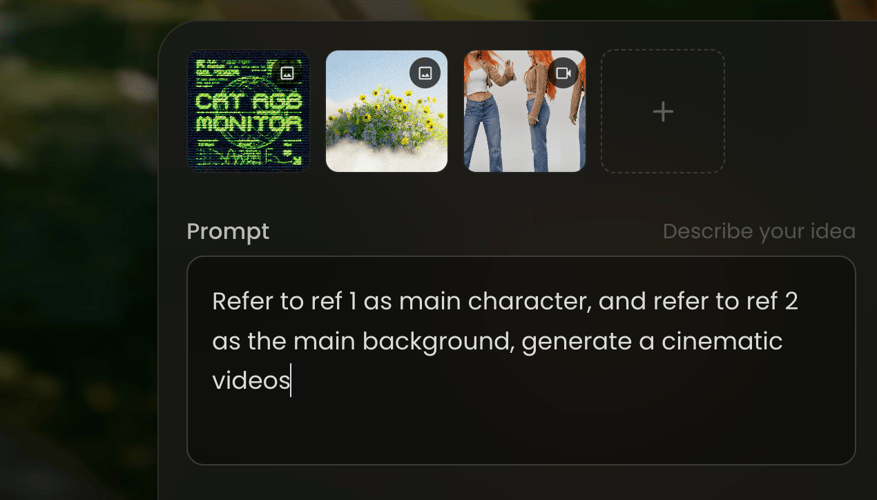
Upload a reference image
Prompt
Describe the image
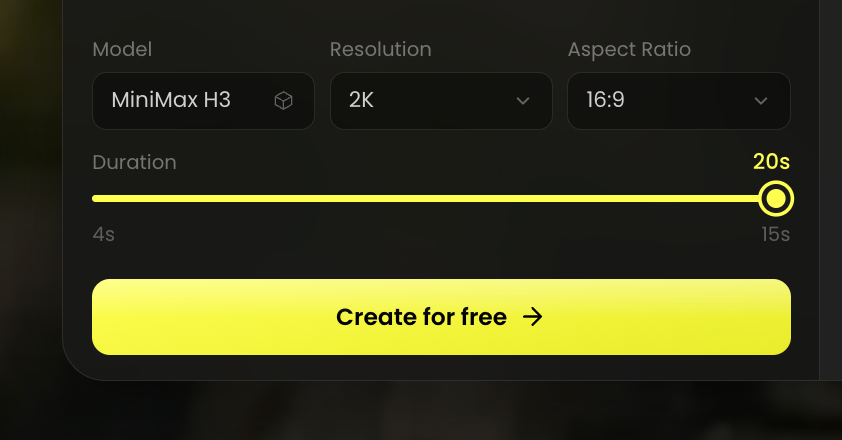
Model
Resolution
Aspect Ratio
Video Preview

Explore the Features of GPT Image 2.6

Create motion, refine a selected detail, or build editable graphics. Choose the model and planning effort that fit your next idea.

Create Looping GIFs from Your Ideas

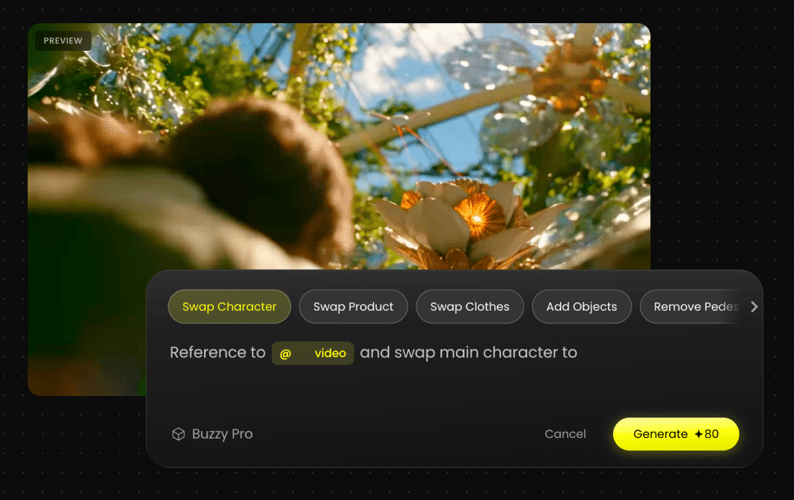
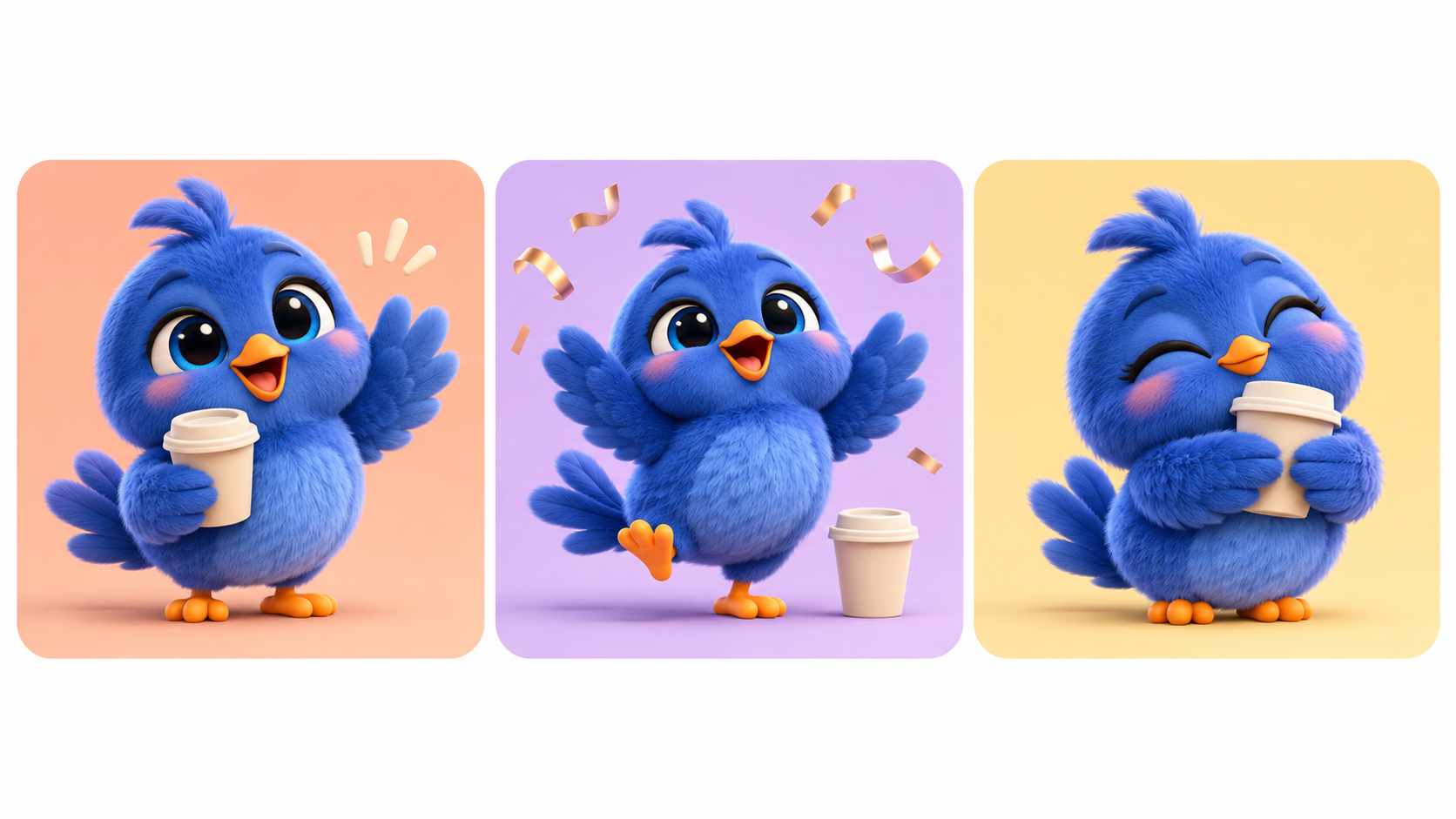
Turn a prompt or still image into a short looping GIF with GPT Image 2.6. Animate a character’s expression, add movement to a product scene, or create a playful reaction for social posts. Describe what should move and how the animation should loop.
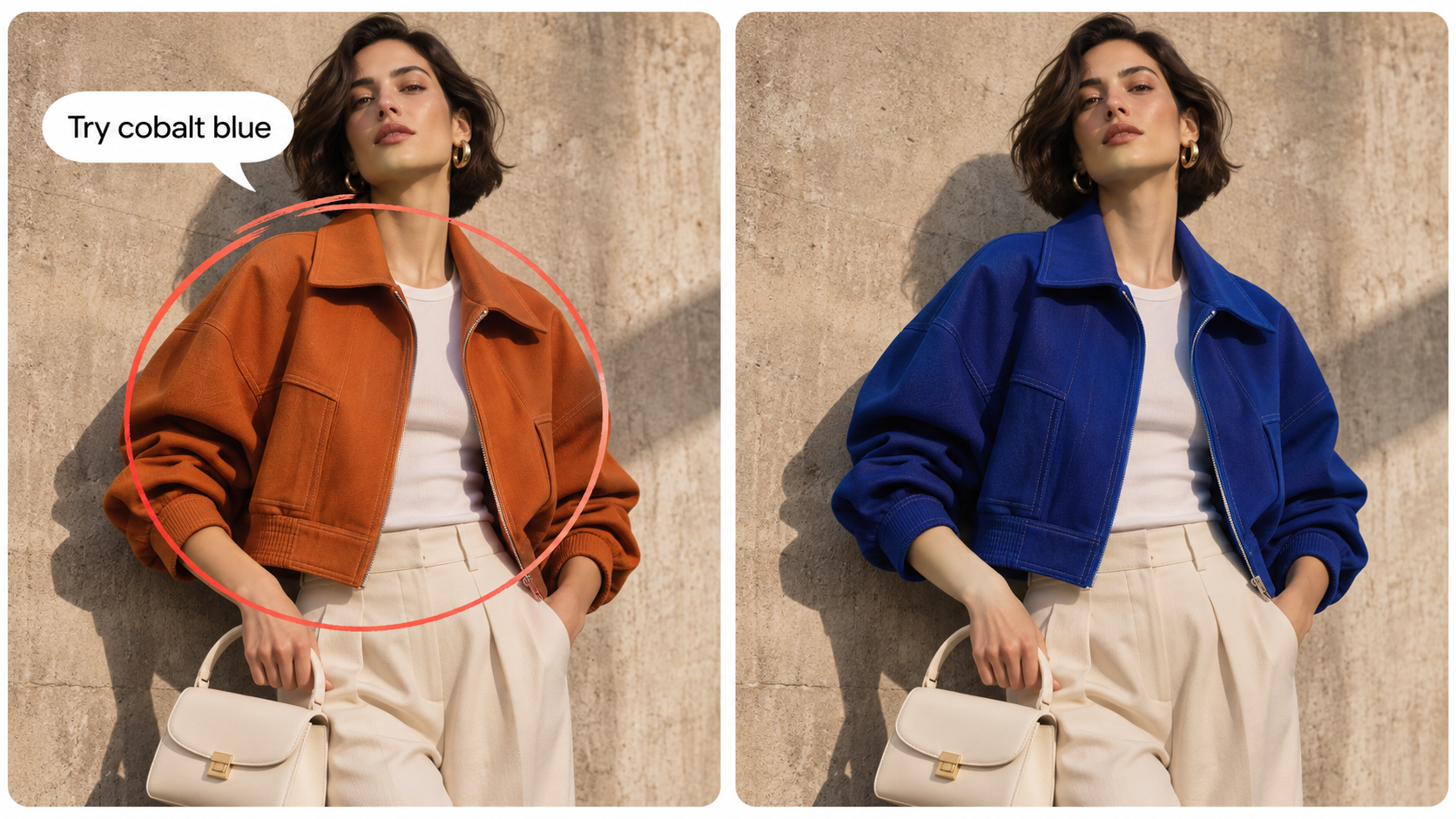
Guide Local Edits with Visual Markup

Use visual annotations to show GPT Image 2.6 where a change belongs, then describe the result you want. Update packaging text, recolor an accessory, or replace a background object with clearer control over the target area.

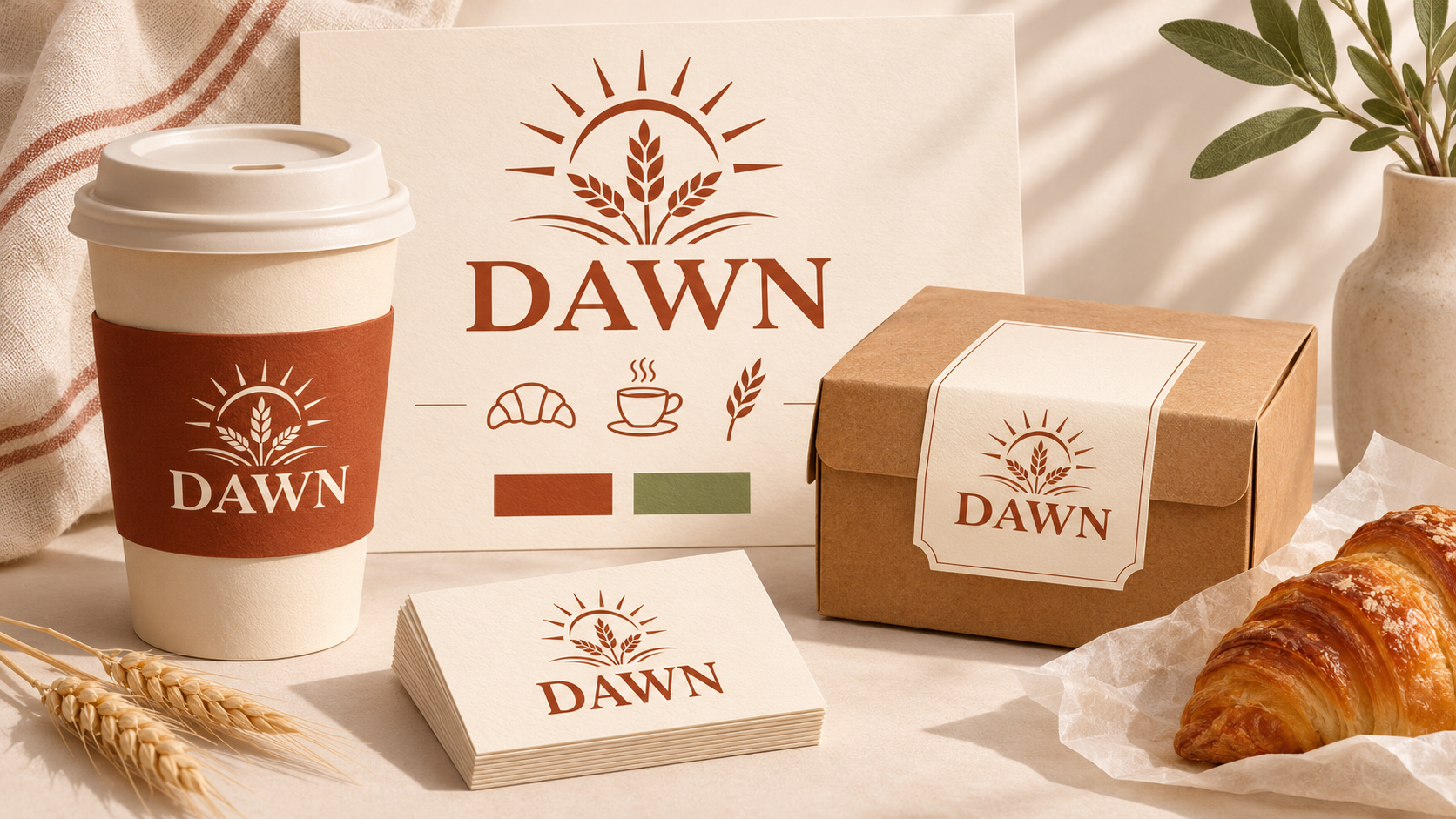
Generate SVG Graphics You Can Edit

Create icons and illustrations as editable SVG files. Adjust paths, shapes, and colors in your design tools, then scale your graphics for websites, apps, or print. Keep refining the design after generation to match your project.

Choose Flare for Speed, Sunburst for Detail

Explore ideas quickly with GPT 2.6 Flare, or choose GPT 2.6 Sunburst for finer detail and precise revisions. Try different visual directions with Flare, then refine product imagery and complex compositions across multiple edits with Sunburst.

Choose Your Image Complexity Level

Control how much GPT Image 2.6 plans with three complexity levels. Use Low for simple edits and quick variations, Medium for scenes with multiple subjects, or High for dense text and complex layouts. Match the planning effort to your creative task.

Create for Everyday Creative Work

Build social content, refresh product campaigns, respond to feedback, and develop reusable brand assets with GPT Image 2.6.

Create Social Content with Personality

Create Social Content with Personality

Turn your brand character into expressive reactions, launch visuals, and short looping GIFs. Build a recognizable look across everyday posts, announcements, and seasonal campaigns.

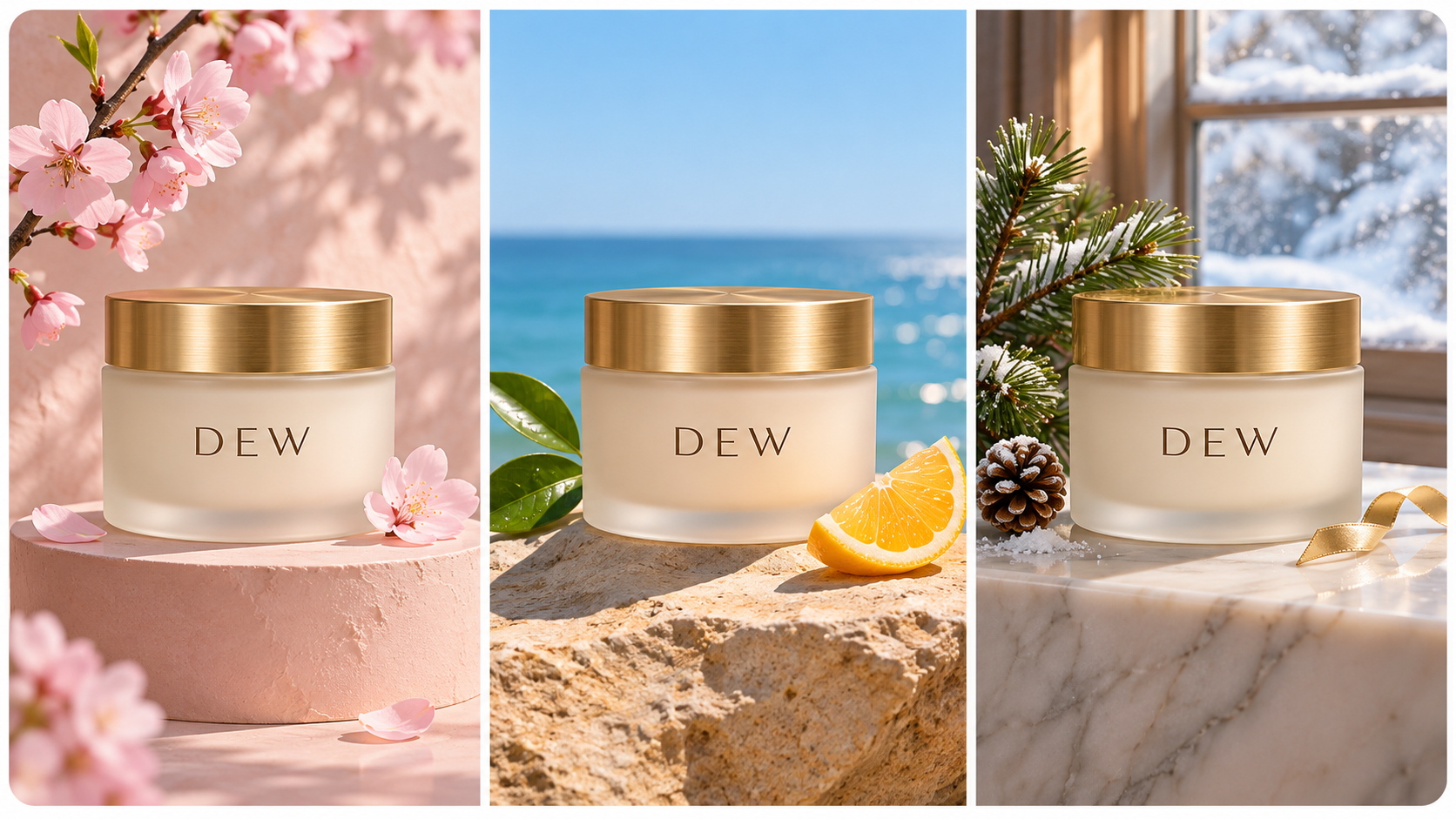
Refresh Product Photos for Seasonal Campaigns

Refresh Product Photos for Seasonal Campaigns

Start with a product image and adapt its surroundings for a new season or promotion. Change backgrounds, props, and lighting to create fresh visuals for product pages, ads, and email campaigns.

Turn Client Feedback into Focused Edits

Turn Client Feedback into Focused Edits

Update a headline, recolor an outfit, or adjust a backdrop while keeping the approved concept in focus. Use visual markup to show where revisions belong and guide your next edit.

Build Brand Assets You Can Reuse

Build Brand Assets You Can Reuse

Develop logos, icons, and illustrations for packaging, websites, and print. Generate editable SVG graphics, then refine their shapes and colors in your design tools as your brand evolves.

How to Create with GPT Image 2.6

Start with an idea or reference, choose your creative controls, and refine the result.

Select MiniMax H3 Max in the video generatorSTEP 01

CHOOSE YOUR MODEL

Choose Flare to explore ideas quickly or Sunburst for detailed compositions and focused revisions.

Write a prompt or upload first and last imagesSTEP 02

DESCRIBE YOUR IDEA

Write your prompt or add a reference image. For a local edit, mark the area and describe the change.

Create a video and review the resultSTEP 03

GENERATE AND REFINE

Review your result, adjust the details, and save the finished image, GIF, or SVG for your project.

Get Inspirations

More Buzzy Image Tools to Explore

Explore more ways to generate images, refine visual details, and develop your next creative project.

GPT Image 2.6
Create GIFs Now
Try it
Agentic Canvas
Agent-driven node canvas
Try it
Seedance 2.5
Cinematic 4K, consistent shots
Try it
Kling 4.0
3 to 30 seconds long at up to 4K quality
Try it
Nano Banana 2.1
Fast and brand level image generation
Try it
Seedance 2.0
Motion-driven video creation
Try it
Google Omni
Cinematic video generation
Try it
Kling
High-fidelity physics simulation
Try it
Runway
Next-gen creative video tools
Try it
Nano Banana 2
Lightweight video synthesis
Try it
Veo 3.1
Google's advanced video generation
Try it
GPT Image 2
Photorealistic image generation
Try it
Hailuo
Fast and expressive video drafting
Try it
Pixverse
Stylized and dynamic video generation
Try it

Frequently Asked Questions

Learn how to choose a model, guide edits, and work with GIF and SVG output.

GPT Image 2.6 is OpenAI’s image generation and editing model family. It supports image creation, visual markup for targeted edits, looping GIFs, and SVG generation, with Flare and Sunburst options for different creative tasks.

Flare is designed for fast exploration and iteration. Sunburst focuses on detailed visual work and precise revisions. Use Flare to test creative directions, then choose Sunburst when your composition needs closer refinement.

Yes. Describe the subject, what should move, and how the motion should repeat. You can start from a prompt or use a reference image to guide a short looping animation.

Mark the area you want to change, then add a written instruction. The annotation identifies the target while your prompt explains the edit, such as recoloring an accessory or replacing an object.

Yes. SVG output contains vector shapes and paths that you can refine in compatible design tools. Adjust colors, move elements, and scale the artwork. SVG generation is a separate workflow from editing a raster image with visual markup.

Complexity controls how much planning the model uses before generating an image. Choose Low for straightforward tasks, Medium for a balanced approach, or High for complex requirements. Complexity is separate from output quality and can affect generation time.

Bring Your Next Idea to Life with GPT Image 2.6

Create a looping GIF, refine a visual detail, or build an editable SVG. Explore GPT Image 2.6 with unlimited creation for 30 days.

25M
Customers
190 countries
#1
Product of the month
Product Hunt
4.8
G2
Buzzy