 01
Start with a Clear Mouth
Use a photo of one adult with the mouth and both eyes easy to see. A front view on a simple background beats a crop that hides the lips or a hand over the chin.
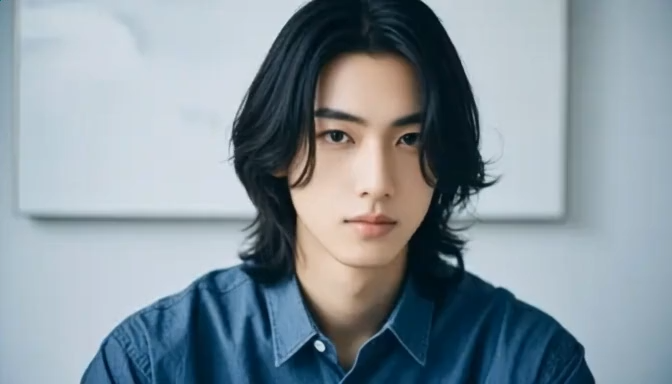
The preview is a wide head-and-shoulders shot. Shoulder-length dark hair, a blue button shirt, and a pale wall with a white frame stay put. The mouth starts neutral and ends in a small closed-lip smile. Eyes stay open. Compare the mouth and the eyes before you extend the clip.
Recreate this closed-lip smile
Add your photo and follow the mouth in the preview.
Smile preview
The clip on this page is the change to follow
Smile brief
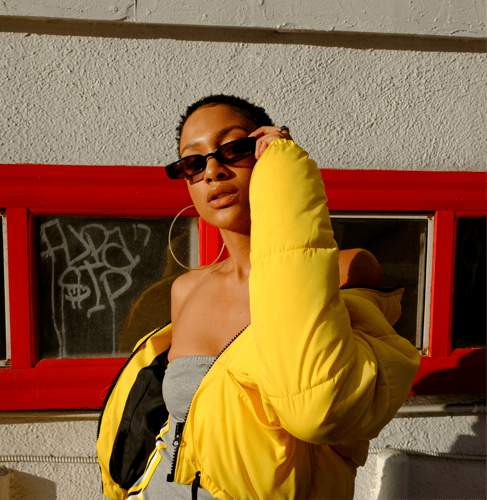
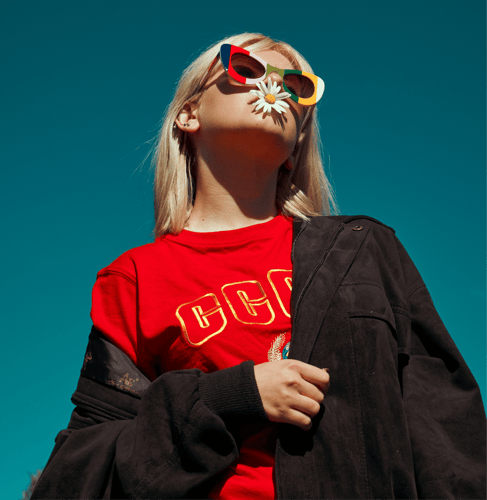
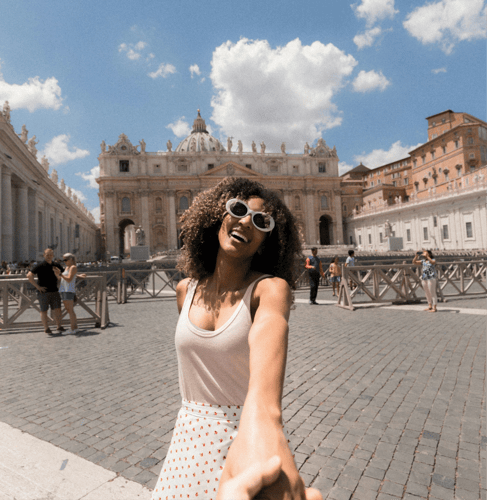
Follow the preview, keep the framing still, and name a small closed-lip smile. Watch the mouth and the eyes on the first take. The clip is a generated look, not a record of how the person felt.
01Use a photo of one adult with the mouth and both eyes easy to see. A front view on a simple background beats a crop that hides the lips or a hand over the chin.
 02
The AI Smile Generator takes the change from the preview. Name a small closed-lip smile and a still head. Leave teeth, a new hairstyle, and a new background out of the brief.
 03
Play the short result. Compare the lips and the eyes with the upload. If the mouth opens, the jaw shifts, or an eye narrows, change the photo or the brief before you extend the clip.
This page stays on one short change at the mouth. Open a headshot workflow for a still portrait, or a cartoon workflow when the job is a drawn face.
What the first take should prove, which photo keeps the lips readable, and why this clip is not a dental result or a record of a feeling.
Judge one continuous wide clip, about four seconds. It is a head-and-shoulders portrait: shoulder-length dark hair, a blue button shirt, and a pale wall with a white frame. The mouth starts closed and neutral, then lifts into a small closed-lip smile. Teeth do not show. The eyes stay open, and the head does not turn. Hair, collar, and the frame on the wall stay in place. If the mouth opens into a grin, the face swaps, or the background changes, the take has not followed this preview. The reference is 672 by 384. It is a generated video, not a photograph of a real smile that happened.
Upload one clear photo of an adult, facing the camera, with the lips and both eyes easy to see. A simple wall beats a busy background, because this preview barely moves the head. Sunglasses, a hand over the mouth, or a profile make the likeness weaker once the lips change. Use only a photo of an adult you have permission to depict. Do not upload anyone under 18. The preview is the change: a neutral mouth to a small closed-lip smile in the same frame. Your upload is the face that change should follow. Confirm the file types shown in the recreate panel before you submit.
You can replace the uploaded photo, rewrite the smile brief, and use the recreate controls on the panel: subject photo, prompt text, and the reference clip. Useful brief edits are how small the smile stays, shirt color, and whether the head stays still. Ask for one change at a time so you can see what moved. Asking for teeth, a laugh, or a new hairstyle is a different shot from this preview. The reference on this page runs about four seconds in a wide frame. Resolution, duration, and credit cost for your own export stay on the live action you select. This page does not publish a fixed export spec.
No. The clip only changes how the mouth looks in a generated video. It does not straighten teeth, diagnose a condition, or measure a smile. It is also not proof of a mood. A small closed-lip smile in the preview is a visual change, not a record of how the person felt. Do not present the export as an unedited photo, a clinical image, or a before-and-after for a treatment. If a viewer could mistake it for a real moment, label the clip as generated.
Stay here when you want this one change: a still portrait and a small closed-lip smile. Open the headshot template when you need a still portrait and no mouth motion. Open the cartoon clip template when the job is a drawn face rather than a photographic one. Do not force a laugh, a new outfit, or a second person into this short brief. This preview is not a talking-head video.
The hard moment is the lift of the lips. One side can rise more than the other, a tooth can appear when you asked for a closed mouth, or an eye can narrow and change the likeness. A short first take shows whether the face survived. If the framing is right but the mouth is uneven, change only the smile line. If the person no longer matches the upload, replace the photo before you spend more credits. Extend only the take that still matches the eyes and the mouth. Buzzy shows a start-for-free entry, and generation still follows the credit and plan limits in your account. This page does not promise unlimited free exports, a fixed resolution, or a guaranteed runtime.
Follow Buzzy's current terms for generated media, and only upload images you have the right to use. An AI Smile Generator result is still a generated clip under those terms. The template does not grant permission to depict a real person you do not represent, and it does not grant a right to pass the smile off as an unedited photograph. Do not upload minors. Review likeness rights before you publish, and label the clip as generated when a viewer could mistake it for a real reaction. This template does not add a guaranteed audio track unless the live panel offers that control. If the clip will run in an ad or on a channel, confirm the usage rules in your account first.
Open the preview, add one adult photo with the mouth and both eyes visible, and compare them after the smile before a longer export.