
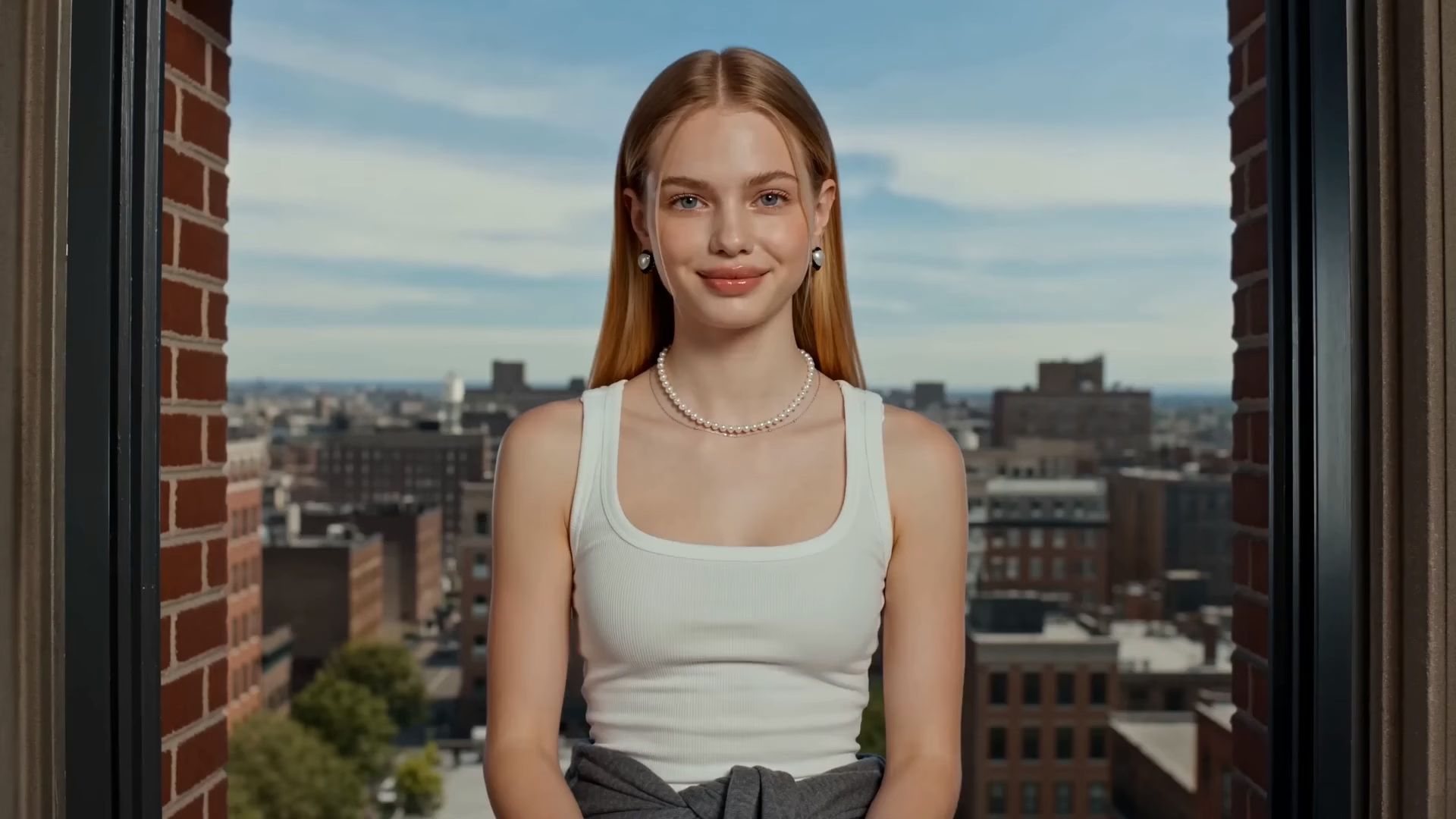
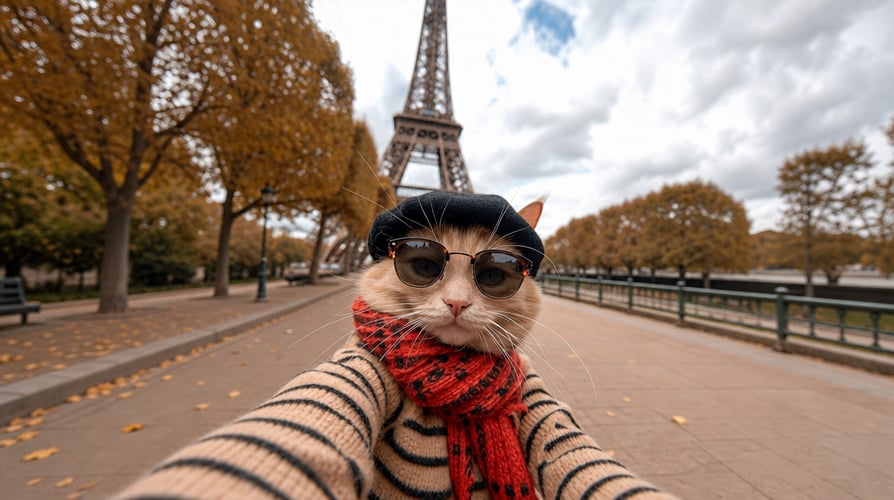
Pixel-Perfect Motion Control 3.0
Extract precise movement from 3-30s reference videos. Replicate complex choreography, gestures, and martial arts onto any character with absolute pixel-level accuracy.
Create professional AI videos with Kling 3.0 Video Generator. Bring your ideas to life with pixel-perfect motion control, native audio, and 15-second cinematic storytelling.
Kling 3.0 on Buzzy lets you combine text, images, video, and audio to create cinematic AI videos with complete creative control.
Extract precise movement from 3-30s reference videos. Replicate complex choreography, gestures, and martial arts onto any character with absolute pixel-level accuracy.
Synchronized, high-quality audio in multiple languages and dialects. Bind unique voices to characters for consistent, professional audio-visual performance.
Generate up to 6 cuts in one go. Customize shot scales and angles with AI-driven transitions and dialogue patterns for a seamless cinematic rhythm
Lock character and object stability. Reference multi-angle images or videos to keep subjects lifelike across shots and camera movements.
Up to 15 seconds of continuous, 4K video. Perfect for complex sequences and plot development with photorealistic textures and precise text rendering.
Turn your ideas into stunning AI videos using Kling 3.0 in just a few simple steps.

Select the Kling 3.0 AI video model as your starting point.

Enter a detailed prompt or upload a reference image, video, or audio file.

Review the generated results and adjust your prompt and style.
Create without limits with pixel-perfect control and industrial stability. Bring your cinematic vision to life today!