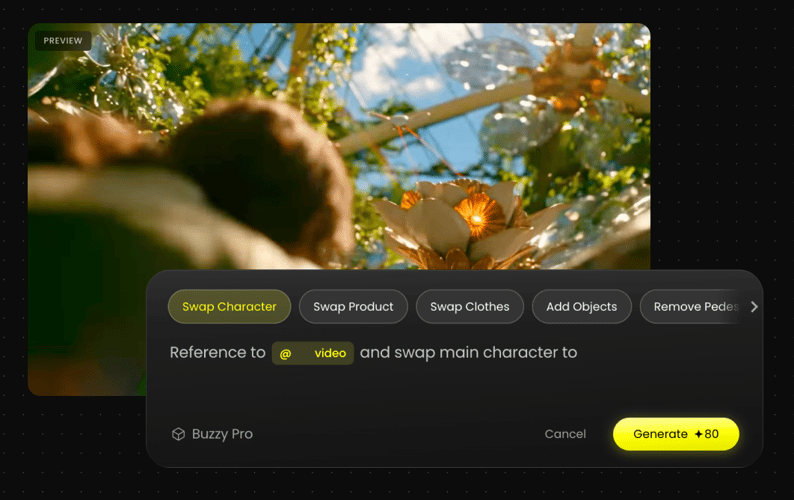
FLUX 3 - Multimodal AI Video Generator

FLUX 3 is now available on Buzzy! Create 20s native audio-video content with multimodal AI, combining images, videos, and audio in one creative workflow.

Click to upload assets
Prompt
Describe your idea
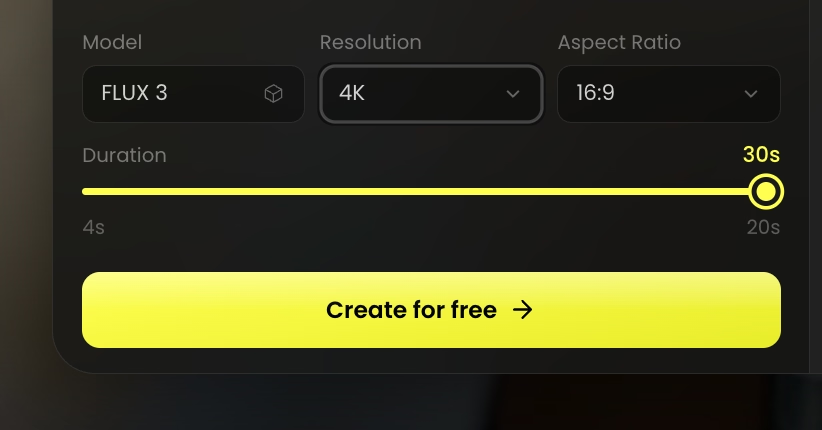
Model
FLUX 3
Resolution
Aspect Ratio
Duration20s
5s20s
Preview

Popular Plot

Trending

Short Drama

Key Features of FLUX 3

Explore FLUX 3’s multimodal AI, advanced video generation, and real-world understanding.

Multimodal Input & Understanding

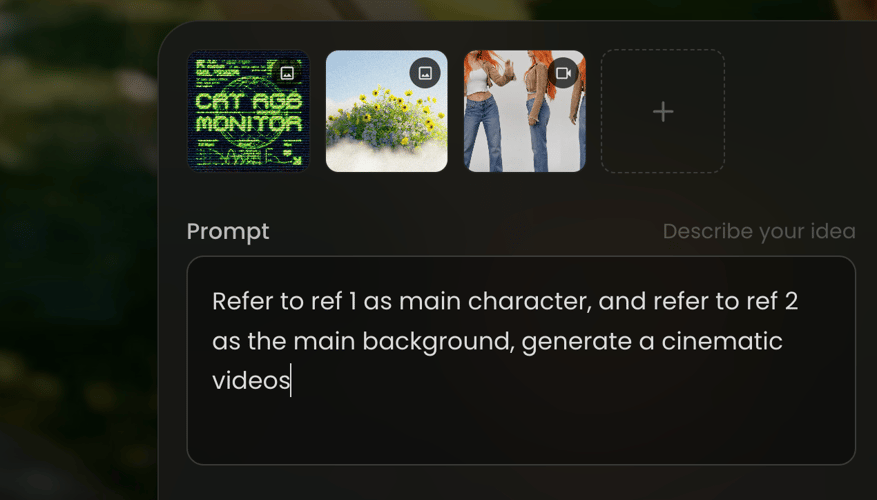
Upload image, video, and audio references to guide the generation process. FLUX 3 understands visual content, motion, and sound together, combining different inputs to better capture creative intent and produce more coherent results.
20s Native Audio-Video Generation

Video and audio are generated together in one creation process, with support for up to 20-second clips. FLUX 3 synchronizes visuals, motion, dialogue, and sound effects to deliver more immersive video experiences.

Multi-Shot Video Generation

From individual clips to longer sequences, FLUX 3 connects multiple shots into coherent stories. Characters, scenes, and visual styles remain consistent across transitions, making it easier to create narrative-driven content.

High Quality & Consistency

High-quality generation with improved consistency across characters, objects, and environments. FLUX 3 helps creators maintain a unified visual identity across multiple generations, supporting character development, series creation, and longer-form projects.

Real-World Understanding

FLUX 3 understands how objects, motion, and events interact in the real world, enabling consistent multi-view generation with realistic spatial relationships across perspectives. This enables more natural visuals, realistic movement, and content that better reflects physical interactions.

How To Use FLUX 3 AI Video Generator?

Turn your ideas into stunning AI videos using FLUX 3 in just a few simple steps.

PICK THE MODEL
STEP 01

PICK THE MODEL

Select the FLUX 3 AI video model as your starting point.

PROMPT/ADD IMAGE
STEP 02

PROMPT/ADD IMAGE

Enter a detailed prompt or upload a reference image, video, or audio file.

GENERATE AND ADJUST
STEP 03

GENERATE AND ADJUST

Review the generated results and adjust your prompt and style.

Got Any Questions Left?

We've answered the most frequently asked questions

FLUX 3 is a multimodal AI video generator available on Buzzy. It transforms text prompts, images, videos, and audio references into immersive video content with native audio generation, multi-shot storytelling, and consistent visual results.

FLUX 3 helps you create AI videos with images, videos, and audio inputs. Use it for cinematic scenes, product videos, character stories, creative content, and multi-shot sequences with connected visuals and sound.

FLUX 3 supports video generation up to 20 seconds. Longer creative sequences can be built through multi-shot generation workflows that connect multiple scenes together.

Yes. FLUX 3 generates audio together with video content, helping synchronize visuals, motion, dialogue, and sound effects in one creative workflow.

Yes. Upload image, video, or audio references alongside your prompt to guide the generation process. FLUX 3 combines different inputs to better understand your creative intent.

Yes. FLUX 3 is designed to maintain consistency across characters, objects, environments, and visual styles, making it easier to create connected stories and longer-form content.

FLUX 3 combines multimodal understanding, native audio-video generation, and multi-shot creation in one workflow, helping creators build more coherent and immersive AI videos.

Describe your scene, characters, actions, camera movements, and desired style clearly. Adding reference images, videos, or audio can help FLUX 3 better capture your creative direction.

Select FLUX 3 in the generator, enter your prompt, and optionally upload image, video, or audio references. New accounts can start creating with the available free tier.

Start Creating with FLUX 3

Generate images, videos with native audio, multi-shot sequences, and multi-view scenes with FLUX 3, a multimodal model by Black Forest Labs.