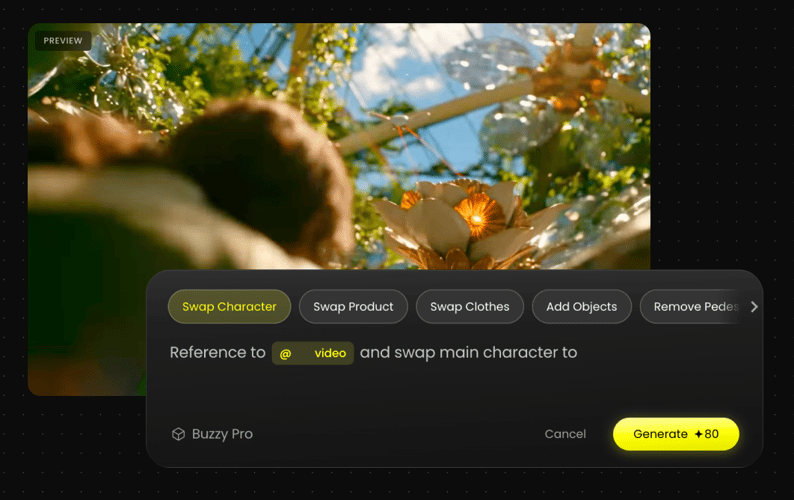
Grok Imagine - Fastest AI Video Generator

Create up to 15-second native audio-video content with multi-image reference editing, instantly transforming your creative ideas into cinematic HD masterpieces.

Click to upload assets
Prompt
Describe your idea
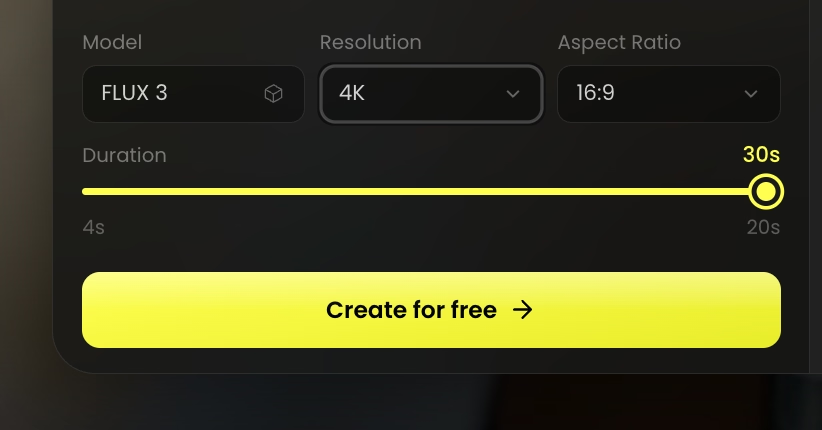
Model
Grok Imagine
Resolution
Aspect Ratio
Duration20s
5s20s
Preview

Popular Plot

Trending

Pet Film

Key Features of Grok Imagine

Explore Grok Imagine’s multimodal AI, advanced video generation, and real-world understanding.

Photorealistic Image Quality

Experience stunning photorealism with professional lighting and believable textures. Every generation delivers sharp, refined details and high-end compositions that look like professional photography, even at full-screen resolution.
Native Audio-Video Generation

Stop hunting for the right sound effects. Grok Imagine creates the audio right along with the visuals, so your dialogue and background music are perfectly in sync from the very first second.

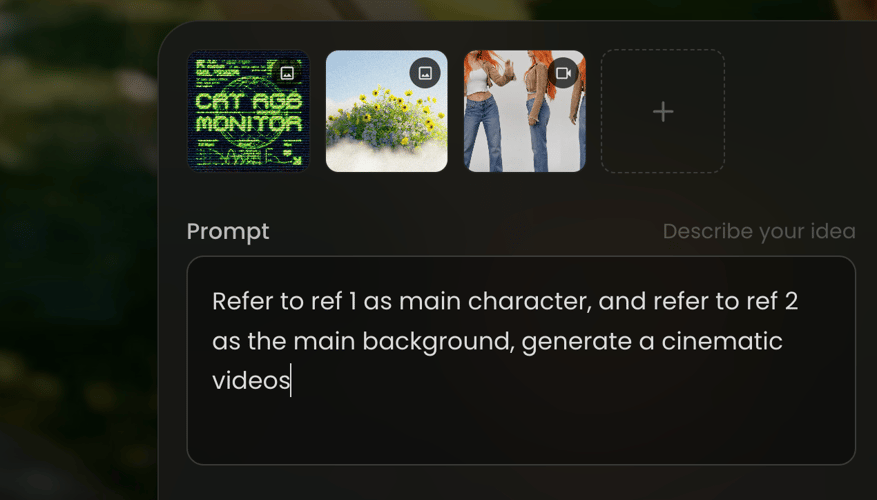
Multi-Image Reference Editing

Gain total creative authority by uploading up to 7 reference images. Precisely define your characters, styles, and settings to ensure the AI captures every detail of your intent with professional consistency.

Breakthrough Physics & Motion Stability

Powered by superior physics simulation, Grok Imagine ensures natural camera movements and coherent character actions. Achieve fluid, DSLR-quality motion that stays stable and consistent throughout every clip.

Blazing Speed & HD Quality

Boost your productivity with the new Fast mode, delivering 720p clips in under 25 seconds—2x faster than before. Perfect for creators who need high-definition results and rapid iteration for social media and ad campaigns.

How To Use Grok Imagine AI Video Generator?

Turn your ideas into stunning AI videos using Grok Imagine in just a few simple steps.

PICK THE MODEL
STEP 01

PICK THE MODEL

Select the Grok Imagine AI video model as your starting point.

PROMPT/ADD IMAGE
STEP 02

PROMPT/ADD IMAGE

Enter a detailed prompt or upload a reference image, video, or audio file.

GENERATE AND ADJUST
STEP 03

GENERATE AND ADJUST

Review the generated results and adjust your prompt and style.

Got Any Questions Left?

We've answered the most frequently asked questions

Grok Imagine is xAI’s advanced multimodal model designed for high-quality image and video creation. On Buzzy, it serves as an all-in-one engine for generating photorealistic stills and cinematic videos with perfectly synced native audio.

Yes. One of its standout features is native audio generation. It creates dialogue, ambient sounds, and background music that are perfectly synced with the on-screen action in a single workflow.

Grok Imagine supports video generation for clips up to 15 seconds. These high-definition segments are ideal for social media content, digital ads, and creative storytelling.

Absolutely. You can upload up to 7 reference images to guide the AI. This allows you to lock in specific characters, outfits, or styles, ensuring consistent results across your project.

It is built for rapid iteration. In its dedicated Fast mode, Grok Imagine can generate an HD video clip in under 25 seconds, significantly reducing wait times for creators.

Simply select Grok Imagine from the model menu in the generator, enter your prompt, and optionally add your reference files. You can start creating immediately with our available free tier.

Start Creating with Grok Imagine

Join the next generation of creators using the world’s fastest AI video engine. High-definition, sound-synced, and ready to share instantly.