
Pixel-Perfect Motion Control 3.0
Extract precise movement from 3-30s reference videos. Replicate complex choreography, gestures, and martial arts onto any character with absolute pixel-level accuracy.
Create professional AI videos with Kling 3.0 Video Generator. Bring your ideas to life with pixel-perfect motion control, native audio, and 15-second cinematic storytelling.
Kling 3.0 on Buzzy lets you combine text, images, video, and audio to create cinematic AI videos with complete creative control.
Extract precise movement from 3-30s reference videos. Replicate complex choreography, gestures, and martial arts onto any character with absolute pixel-level accuracy.
CSynchronized, high-quality audio in multiple languages and dialects. Bind unique voices to characters for consistent, professional audio-visual performance.
Generate up to 6 cuts in one go. Customize shot scales and angles with AI-driven transitions and dialogue patterns for a seamless cinematic rhythm
Lock character and object stability. Reference multi-angle images or videos to keep subjects lifelike across shots and camera movements.
Up to 15 seconds of continuous, 4K video. Perfect for complex sequences and plot development with photorealistic textures and precise text rendering.
Turn your ideas into stunning AI videos using Kling 3.0 in just a few simple steps.
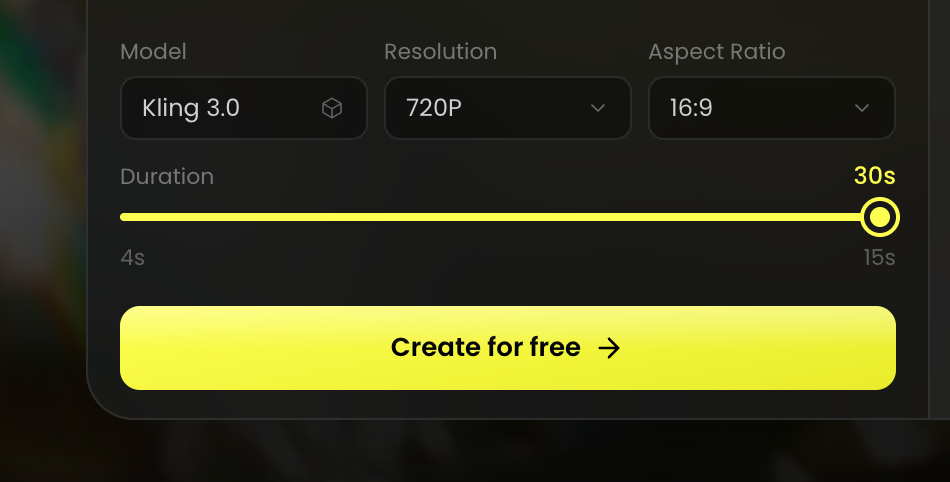
Select the Kling 3.0 AI video model as your starting point.
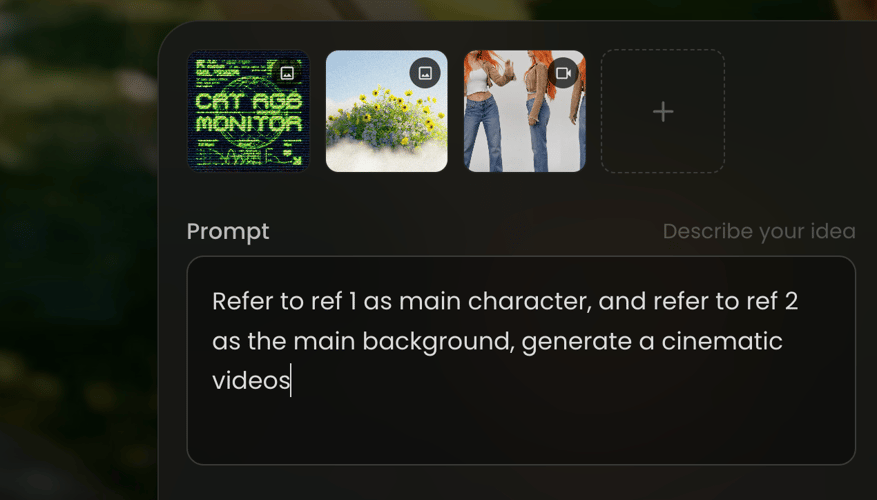
Enter a detailed prompt or upload a reference image, video, or audio file.
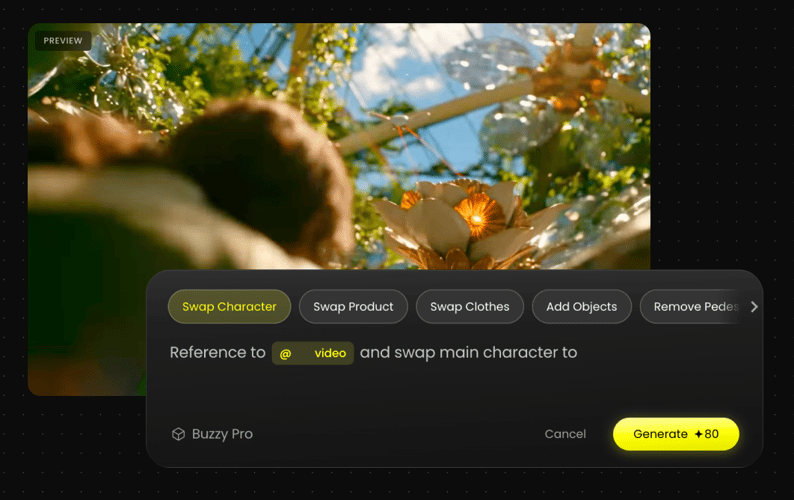
Review the generated results and adjust your prompt and style.
We've answered the most frequently asked questions
Kling 3.0 is an AI video model available on Buzzy. It turns text prompts, images, video clips, and audio into cinematic videos with precise motion control, native audio, and consistent subjects.
Kling 3.0 helps you direct motion, framing, sound, and story in one workflow. Use it for character performances, product videos, short scenes, and multi-shot cinematic sequences.
The generator supports videos from 4 to 30 seconds at 480p, 720p, 1080p, or 4K, in 16:9, 9:16, 1:1, 4:3, 3:4, or 21:9. Longer and higher-resolution generations may use more credits.
Yes. Kling 3.0 can generate synchronized audio together with the video, including dialogue, sound effects, and multilingual voice performance.
Yes. Add reference images, video clips, or audio alongside your prompt to guide the character, product, visual style, motion, and sound of your generation.
Yes. Use multi-angle images or video references to help preserve character and object consistency across different shots and camera movements.
Describe the subject, action, camera movement, and scene in one clear prompt. For detailed choreography or gestures, add a motion reference video and keep the direction focused on the movement you want to reproduce.
Select Kling 3.0 in the generator at the top of this page, enter your prompt, and optionally upload reference assets. New accounts can start on the free tier.
Bring your ideas to life with Kling 3.0. Generate longer, sharper, and more cinematic AI videos in minutes.