
30-Second Single Segment Generation
Create complete 30-second videos from a single prompt or reference set. Keep characters, lighting, scenes, and camera movement more consistent from start to finish—without stitching multiple clips together.
Enjoy High quality Seedance 2.0 at open-source price - as cheap as Minimax H3. Stop overpaying for Seedance 2.0 and burning your credits today!.
Pricing Detailed Comparison
| Buzzy AI$19/monthBilled annually | Dreamina CapCut | Higgsfield AI | Runway | Magnific | fal.ai | |
|---|---|---|---|---|---|---|
| Seedance 2.0 FastCost per 720p 8s clip | $0.7 (70 cr) | $1.06 (112 cr) | $1.20 (28 cr) | $2.32 (232 cr) | $1.56 (1,880 cr) | $1.94 at $0.2419/sec |
| Seedance 2.0 StandardCost per 720p 8s clip | $1.09 (109 cr) | $1.29 (136 cr) | $1.55 (36 cr) | $2.88 (288 cr) | $1.86 (2,240 cr) | $2.43 at $0.3034/sec |
| Resolution range | 480p to 4K | 720p to 4K | 480p to 4K | 480p to 1080p | 480p to 4K | 480p to 4K |
| Reference items | Up to 9 | Up to 9 | Up to 9 | Up to 9 | Up to 9 | Text-to-video |
| Subscription range | $11–$99.5/mo | $18–$82/mo | $9–$129/mo | $15–$95/mo | $7–$249/mo | Pay-per-use |
Same prompt, same references, both models. Seedance 2.0 holds the character, the lighting, and the camera move across a full 30-second take — where 2.0 drifts and cuts short.
Seedance 2.0 on Buzzy brings longer AI video generation, up to 50 references, 4K output, and seamless audio-video sync.
Create complete 30-second videos from a single prompt or reference set. Keep characters, lighting, scenes, and camera movement more consistent from start to finish—without stitching multiple clips together.
Upload images, video clips, audio, and other references in one generation. Give Seedance 2.0 clearer direction for your characters, products, visual style, motion, and sound.
Dialogue, music, sound effects, and lip-sync are generated together with the video, eliminating the need for separate audio production. Support natural multilingual lip-sync across 8+ languages throughout the entire video.
Edit specific areas of a generated video without recreating the entire clip. Update a product detail, face, background, or other element while keeping the rest of the scene intact.
With improved prompt accuracy, Seedance 2.0 transforms your creative directions into more accurate, detailed visuals. Define your scene, camera, and motion — and bring your ideas to life with greater control.
Turn your ideas into stunning AI videos using Seedance 2.0 in just a few simple steps.
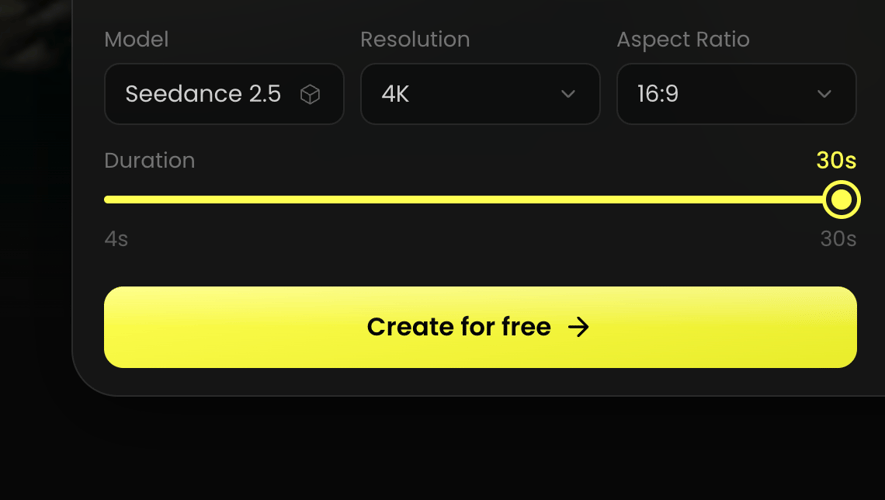
Select theSeedance 2.0 AI video model as your starting point.
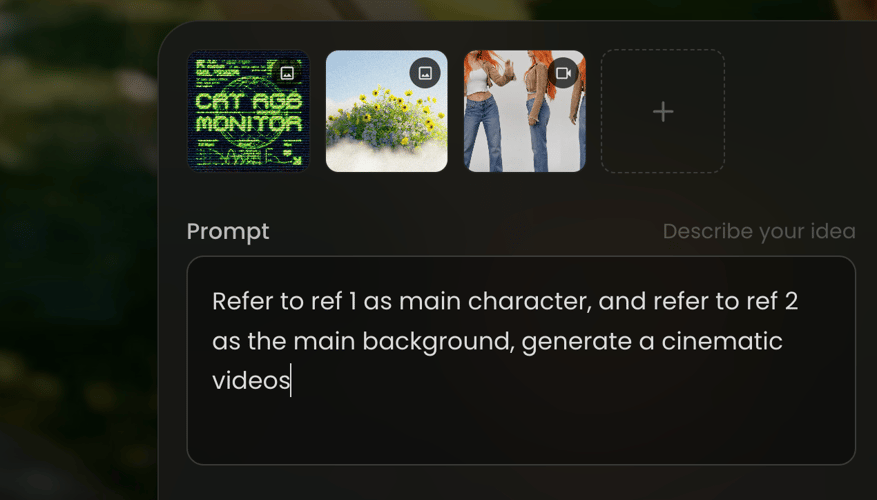
Enter a detailed prompt or upload a reference image, video, or audio file.
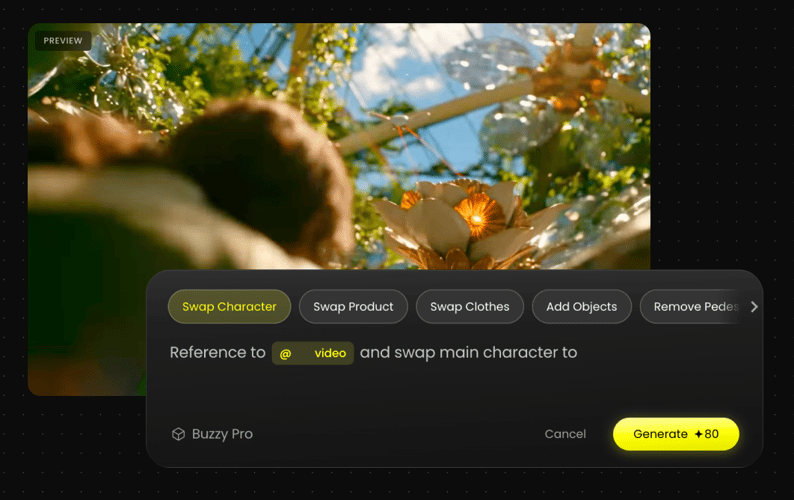
Review the generated results and adjust your prompt and style.
We've answered the most frequently asked questions
Seedance 2.0 is ByteDance's latest AI video model, available on Buzzy. It turns text prompts, images, video clips, and audio into cinematic shots of up to 30 seconds at 4K, with sound generated natively alongside the picture.
Four upgrades matter most: a single continuous segment stretched from 5s to 30s, reference inputs raised to 50, region-level editing that repaints part of a clip without re-rendering it, and noticeably tighter prompt adherence.
Any length between 4 and 30 seconds, at 480p, 720p, 1080p, or 4K, in 16:9, 9:16, 1:1, 4:3, 3:4, or 21:9. Longer and higher-resolution generations cost more credits.
Yes. Dialogue, music, and sound effects are produced together with the video rather than added afterwards, including lip-sync across 8+ languages for the full length of the clip.
Up to 50 reference inputs in a single generation, mixing images, video clips, and audio — use them to lock down characters, products, style, camera motion, and sound at the same time.
Yes. Character identity, lighting, and scene layout stay consistent through the whole 30-second take, and reusing the same character reference keeps them stable across separate generations too.
Describe the subject, the camera move, and the lighting in one prompt instead of listing keywords, then attach references for anything that must match exactly. Start at a lower resolution to iterate cheaply, and switch to 4K once the shot is right.
Enter a prompt in the box at the top of this page — no waitlist and no install. New accounts start on the free tier, and paid plans add credits for longer, higher-resolution generations.
Bring your ideas to life with Seedance 2.0. Generate longer, sharper, and more cinematic AI videos in minutes.