 01
Choose the Character and Performance
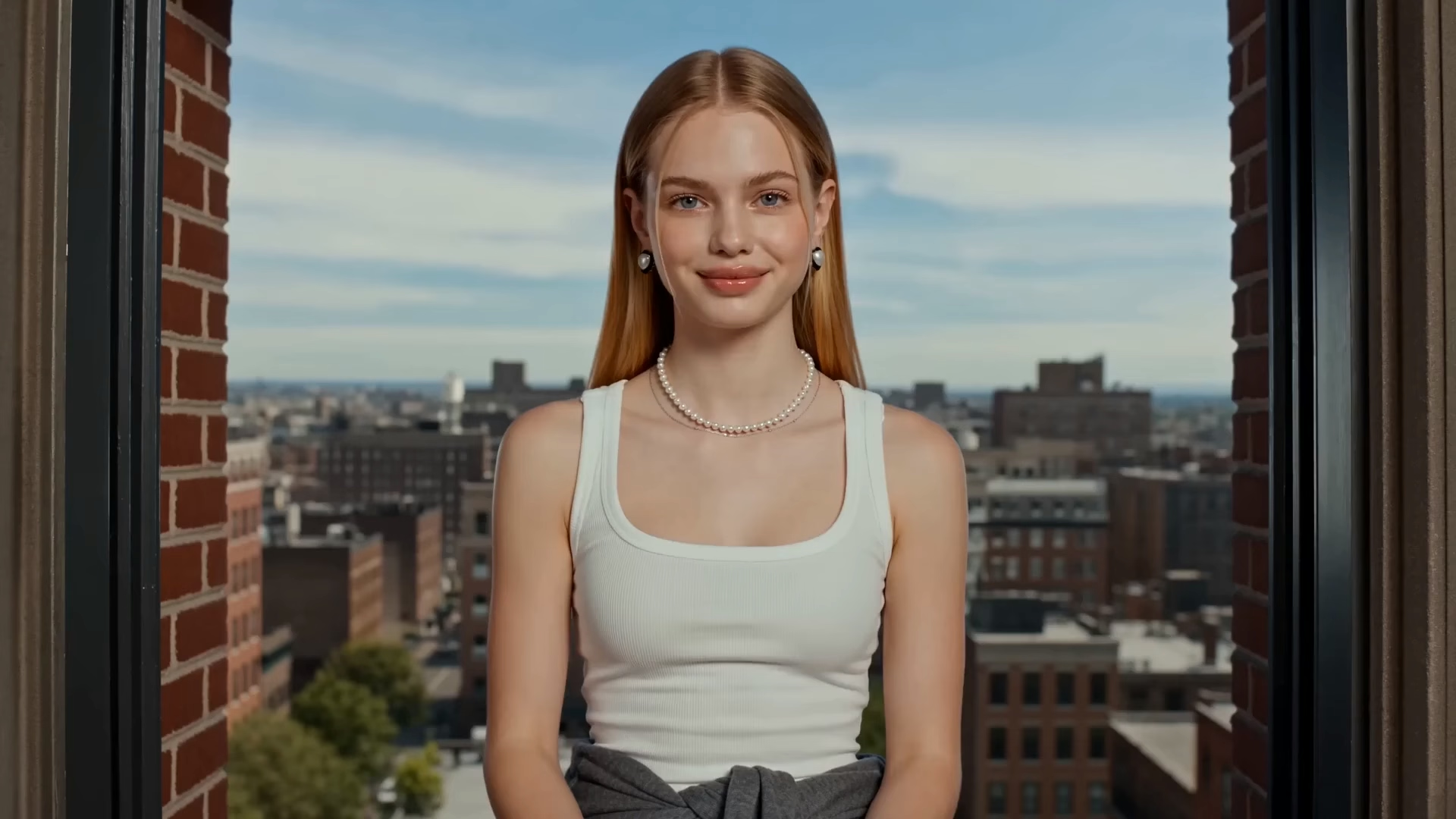
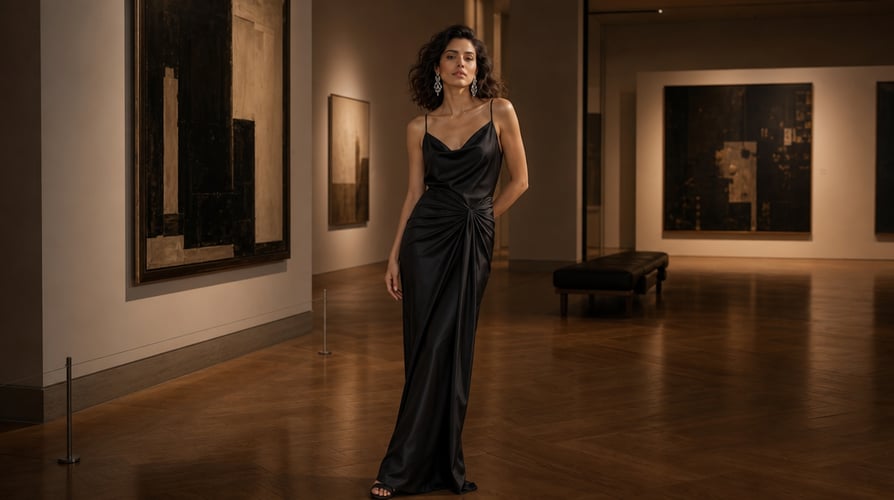
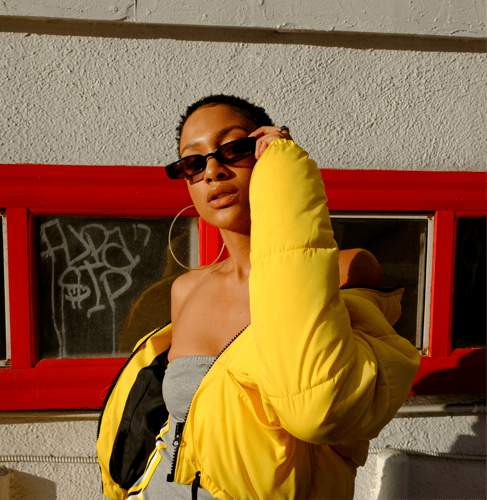
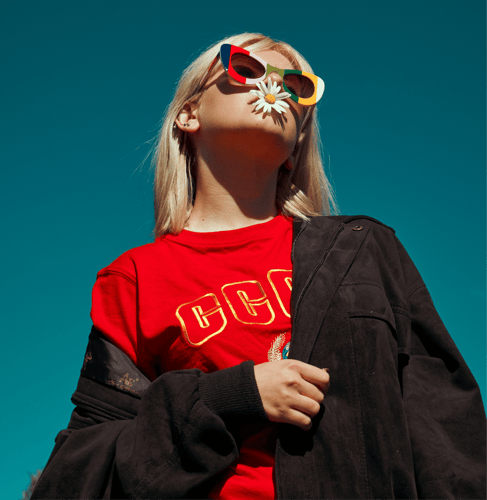
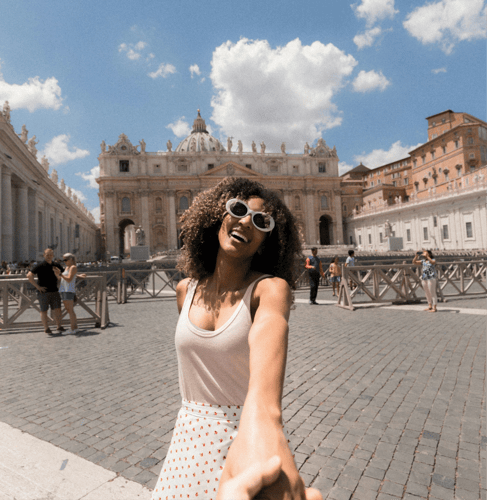
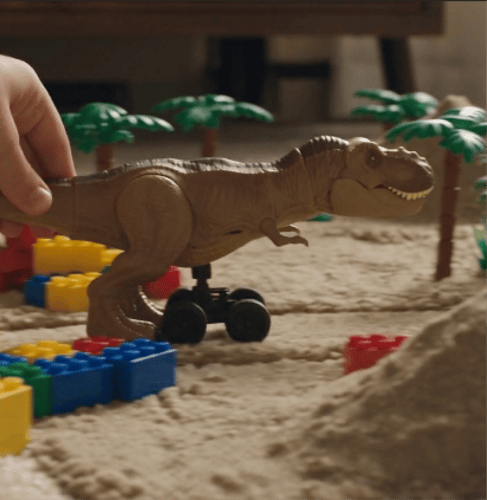
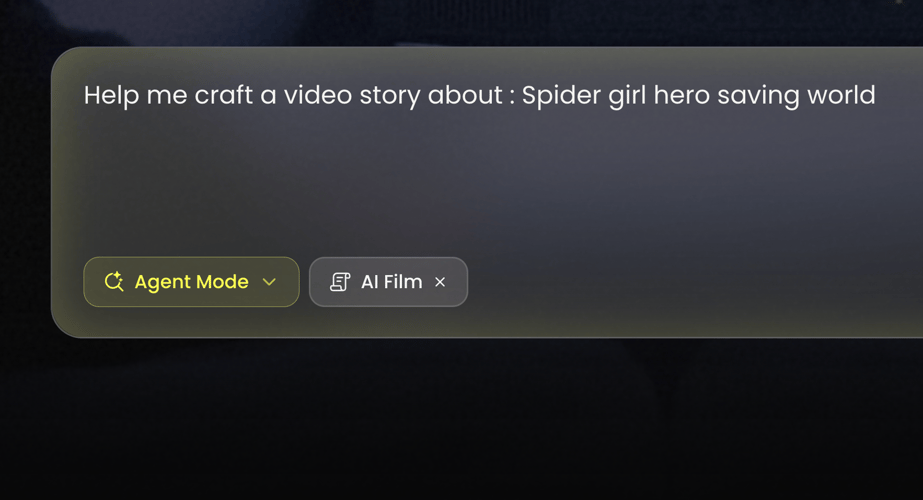
Add a character image and a reference video with the movement you want to recreate. Use material you own or have permission to use, including permission from any identifiable person. A clear view of the subject and action makes the inputs easier to assess. Check the current upload requirements in the active tool rather than assuming every file or clip length is supported.
 02
Direct the Scene Around the Motion
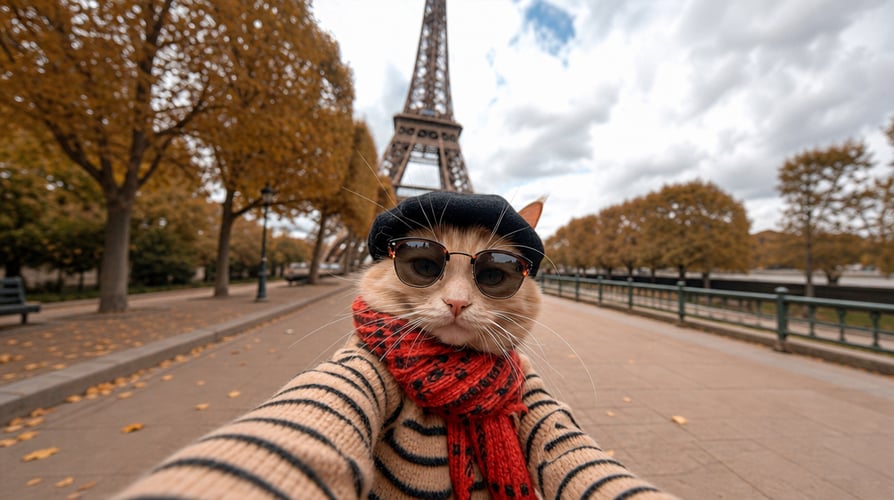
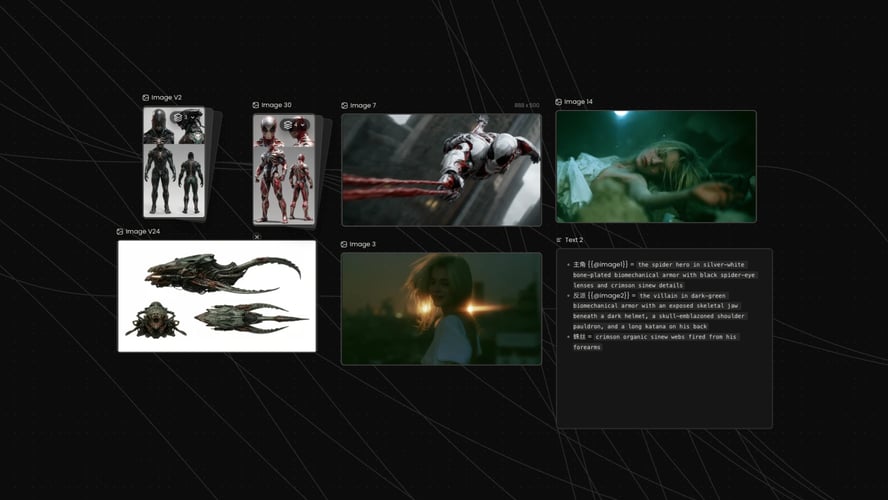
Describe the setting, lighting, atmosphere, camera direction, and visual style you want. Keep the same core character reference while refining the creative brief. Check the selected workflow and its output controls before generating. Character replacement, face-only swapping, and scene restyling solve different tasks; choose based on whether you want a new appearance, a new performance interpretation, or a different visual world.
 03
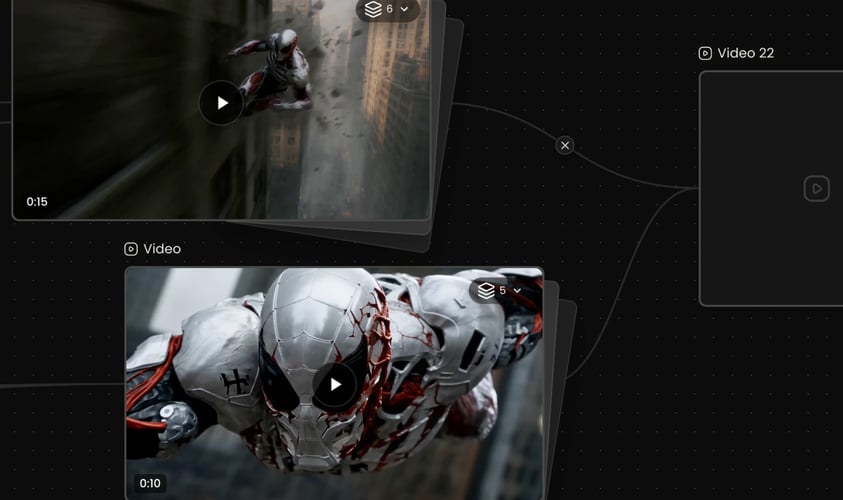
Review the Take Before Moving On
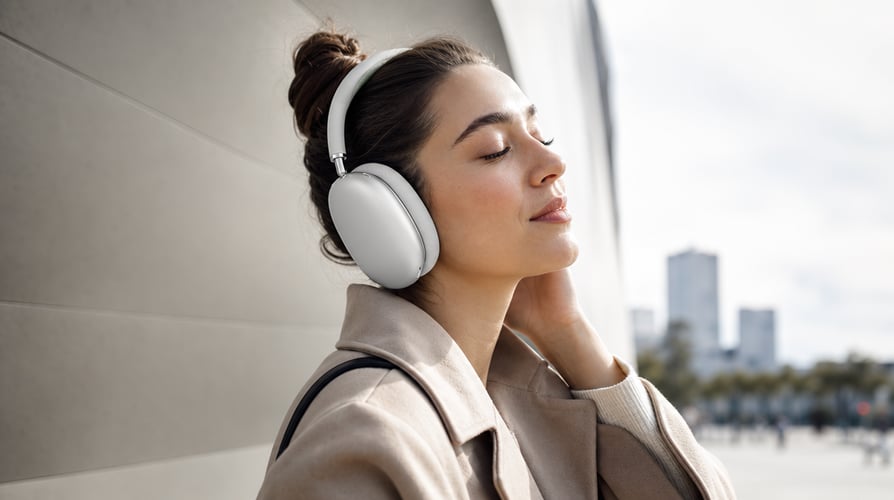
Generate a take, then watch it through. Check facial identity, hands, clothing, body proportions, motion, and framing across the sequence. If the result drifts, try a clearer image, a more readable reference performance, or more focused scene direction. Confirm whether the chosen workflow provides audio; do not assume the source sound survives. Review the applicable model and Buzzy terms before publishing commercially.