AI Dance Video Generator: Recreate the Dance in the Preview

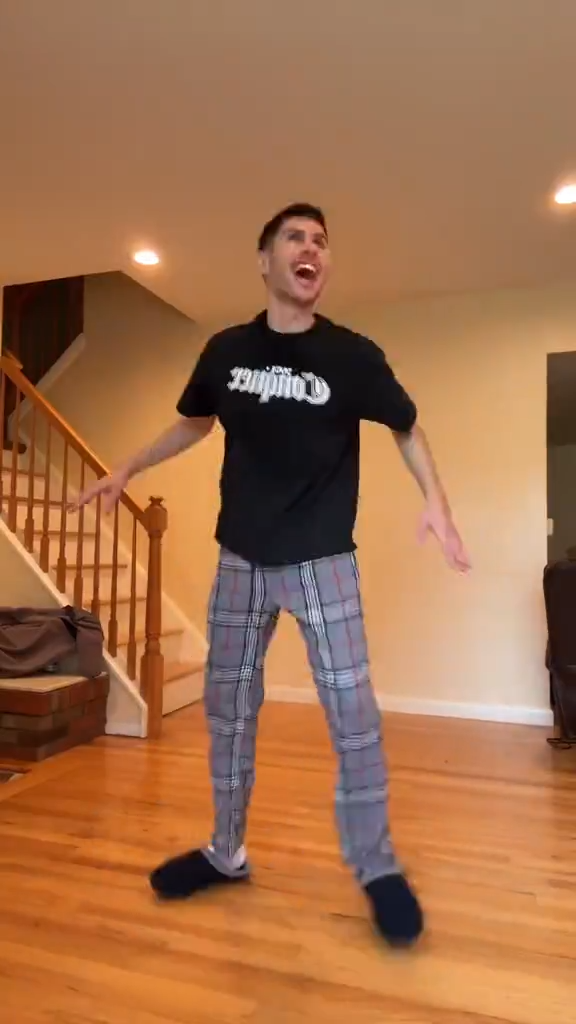
Bring a dancer image, keep the preview’s choreography as the reference, and review the first take before you extend it. Keep the full body in frame so the feet can be checked.

Recreate this dance

Add a dancer image and follow the choreography in the preview.

Dance preview

The clip on this page is the move to follow

Add a dancer imageA full body with clear limbs transfers more cleanly than a crowd

Dance brief

استكشف الإلهام

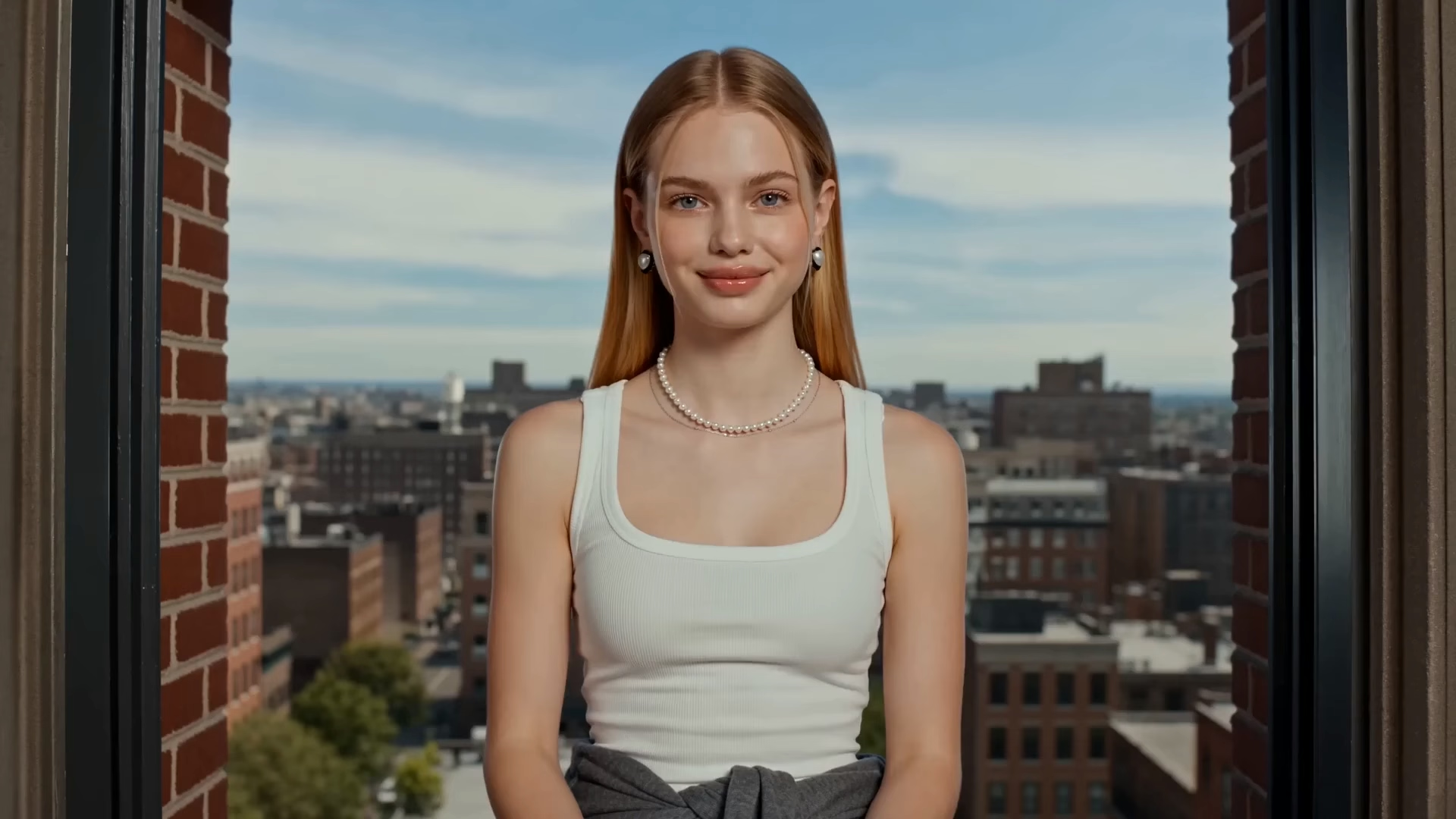
Studio side-step dance starter
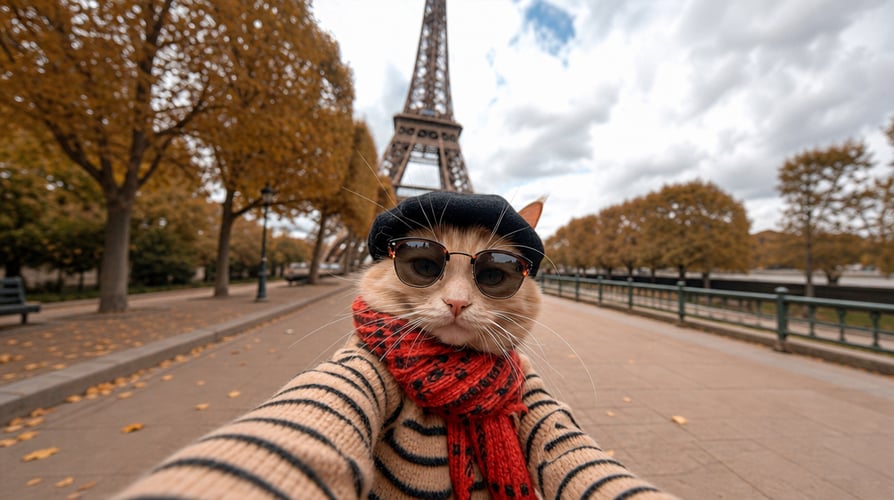
Hip-hop groove dance starter
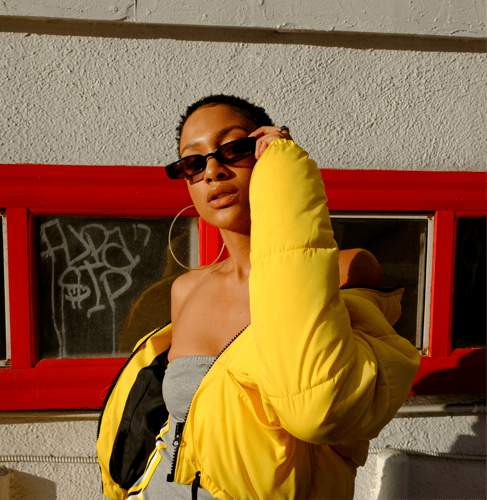
Spin and pose dance starter
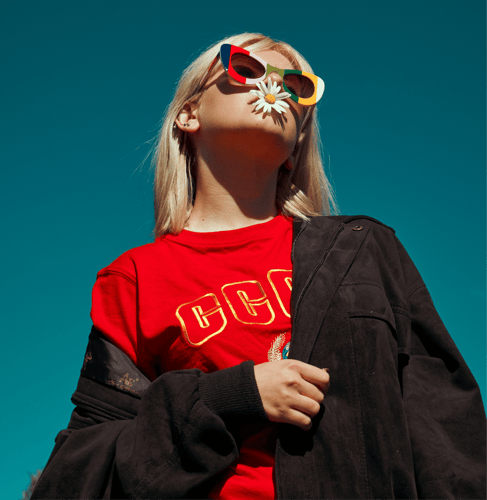
Sway and clap dance starter

Match the Footwork with the AI Dance Video Generator

Add a dancer image, follow the preview’s choreography, then check feet and timing before a longer export. Solo footwork in a full-body frame is easier to judge than a cropped portrait or a group routine.

Add a dancer image for choreography transfer01

Add a Readable Dancer

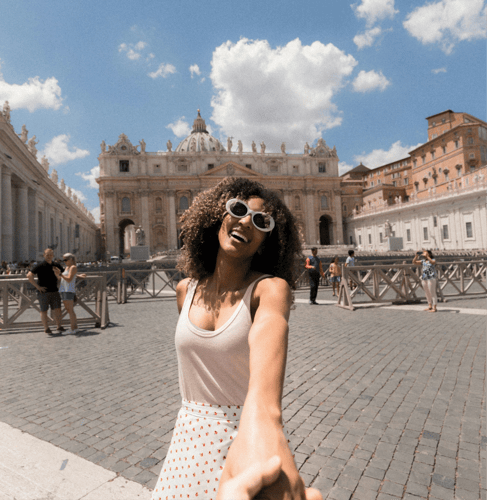
Choose one image where the face, torso, and legs are easy to see. A full-body or three-quarter view transfers more cleanly than a cropped portrait or a group photo. If the preview travels, keep the legs in the frame. A portrait crop hides the check this template is for. Note the outfit colors you want to keep. This step sets who dances. It does not outline a music video story.
Describe the dance the preview should transfer02

Point at the Reference Dance

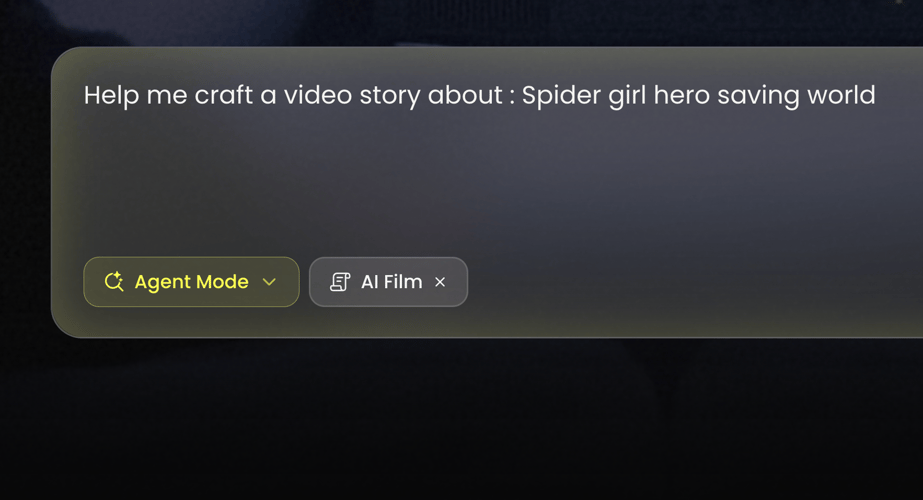
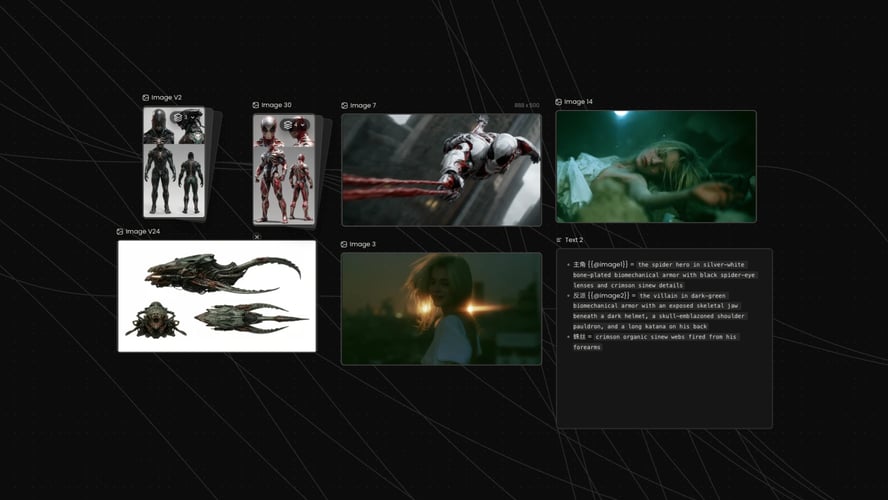
This AI Dance Video Generator template follows the choreography in the preview. Write one line for energy, camera distance, and background. Solo, readable footwork usually transfers more cleanly than a crowded routine. Leave celebrity names, song titles, and brand logos out of the brief.
Review the first dance take before a longer export03

Check Feet, Then Extend

Play the short result and watch the face, hands, and whether the feet still match the preview’s timing. Count one phrase of footwork against the reference. If the face holds and the steps slip, shorten the reference before you extend. If the dancer drifts, simplify the image or the phrase and generate again. Extend the clip only after that first watch holds. Credit use follows the allowance shown for your account.
Routines, Cartoon Characters, and Song Visuals

This page stays on one dance clip. Open a baby-dance page for a cartoon character, or a music-video workflow when the job is a song visual rather than a transferred routine.

Seedance 2.5
Cinematic 4K, consistent shots
Try it
Agentic Canvas
Agent-driven node canvas
Try it
Kling 4.0
3 to 30 seconds long at up to 4K quality
Try it
Nano Banana 2.1
Fast and brand level image generation
Try it
Seedance 2.0
Motion-driven video creation
Try it
Google Omni
Cinematic video generation
Try it
Kling
High-fidelity physics simulation
Try it
Runway
Next-gen creative video tools
Try it
Nano Banana 2
Lightweight video synthesis
Try it
Veo 3.1
Google's advanced video generation
Try it
GPT Image 2
Photorealistic image generation
Try it
Hailuo
Fast and expressive video drafting
Try it
Pixverse
Stylized and dynamic video generation
Try it

AI Dance Video Generator Questions on Footwork

What the first dance take should prove, which image keeps the feet in frame, what you can change, and when a song visual is a different job.

Judge a single take: the same person you uploaded, moving in time with the reference. It transfers a routine. It does not build a multi-scene music film, and it does not promise that every step will lock on the first try. Count one short phrase. The face should still match the upload when the phrase ends, and both feet should still be inside the frame. If the face holds and a step lands late, shorten the reference before you add camera instructions. Watch the preview, then accept or revise. If the preview camera shakes, ask for a steady camera in the brief and judge the feet against the reference, not against the shake. A vertical frame keeps a solo dancer’s shoes visible on a phone crop. Do not add a second dancer in the same sentence. That split is a different job from this one routine.

Upload one dancer with a readable face, torso, and legs. Full-body or three-quarter views beat a tight face crop, because the feet have to stay in frame. A plain background beats a crowded stage. If the outfit has a color you must keep, that color should already be visible in the still. Confirm the file types shown in the recreate panel before you submit. The clip on this page is the choreography reference. Your image is the performer. Only upload a person when you have the right to depict them. Bare feet, boots, and a long skirt change what you can verify. If the shoes disappear into the floor color, name a higher-contrast floor and check that edge on the first take. A mirror behind the dancer doubles the limbs and makes the timing check worse, so keep the background flat.

You can replace the dancer image and rewrite the brief: outfit, room, camera distance, and how closely to follow the preview. Ask for one change at a time so you can see what moved. A new sentence does not replace watching the first take. Check that the face still matches the upload and that hands and feet still read. Resolution, duration, and credit cost stay on the live action you select. This page does not publish a fixed export spec or a licensed soundtrack. Outfit color is the easiest brief edit to see. Ask for the shirt color only, watch one take, then decide whether the room needs a second edit. Stacking room, camera, and outfit in one retry hides which line moved the feet. There is no separate switch on this page that locks choreography apart from the preview.

Stay here when you want one dance clip based on this preview. Open the cartoon baby dance page when the performer is an illustrated baby and the job is that character’s motion, not a general dancer. Open the AI music video workflow when you are visualizing a song, with shots and a track, rather than transferring one routine. Do not force chapters, lyrics, or a baby-story brief into this dance template. Lyrics, chapter titles, and a cartoon baby in the same brief fight the single-routine preview. Write those jobs on the other pages. Here, one performer and one phrase is the review. A song title in the brief does not attach a licensed track.

Read the credit cost and the duration of the action you select before you extend. Buzzy shows a start-for-free entry, and generation still follows the credits and plan limits in your account. This page does not promise unlimited dance exports, a permanent free tier, or that every length and resolution is included. There is no licensed soundtrack unless the live panel offers that control. Budget the first take as a footwork check. Spend more only after the face and the feet both hold. You still need rights to the dancer’s likeness and to the reference routine. Write down the credit number shown before you submit a longer action. If the first take already failed the feet, a longer duration repeats the miss at a higher cost. There is no control on this page that freezes the steps while you change only the room.

Dance transfer drifts when the body in the image and the body in the reference do not line up. Faces soften, hands merge, or a step lands a beat late. A short first take shows whether identity and footwork survived. If the person is right and the phrase is muddy, change only the motion line. If the face no longer matches the upload, simplify the photo before a longer generation. A portrait crop hides the failure until you export, which is why the still should include the legs. Read the credit cost shown for your account before you extend the clip. Tap the beat against the preview, then against your take. If the footfall is late by a full step, shorten the reference to the bars that stayed on time. Do not add a song title to repair the timing. The preview already carries the rhythm. A portrait crop hides that miss until the export, which is why the still should include the legs.

Follow Buzzy’s current terms for generated media. A dance result is still a generated performance under those terms. It is not permission to copy a choreographer’s routine, a celebrity likeness, or a song you do not have rights to. Review likeness rights for the person in the upload and rights for the reference dance before you publish. This template does not add a licensed soundtrack unless the live panel offers that control. Confirm usage rules in your account if the clip will run in an ad or on a channel. If you post the clip as a tutorial, say it is generated. Viewers who copy the steps still need their own right to the reference routine. A watermark or a handle in the preview is not removed by the transfer unless you crop it out of the reference first. Confirm account usage rules before the clip runs in an ad.

Preview the Dance Clip First

Open the AI Dance Video Generator preview, add a full-body dancer, and check the feet against the reference before you extend.

25M
عميل
190 دولة
#1
منتج الشهر
Product Hunt
4.8
G2
Buzzy