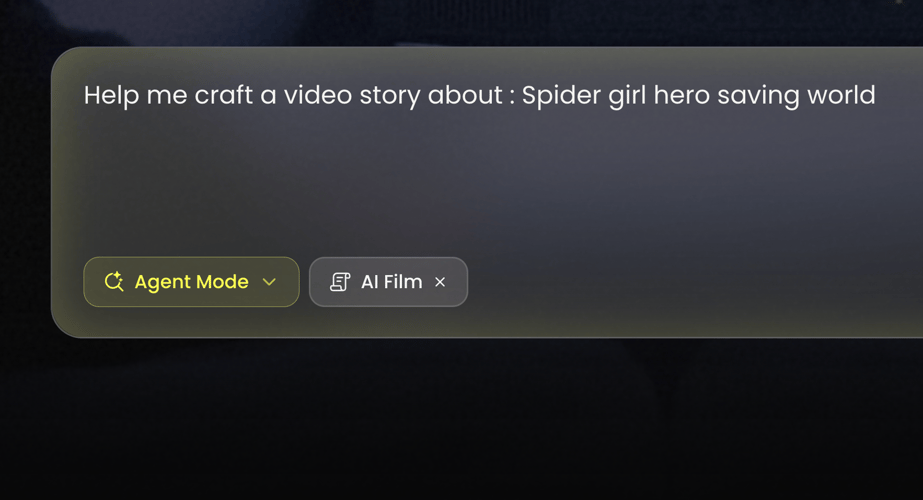
AI Muscle Generator: Create a Muscular Look Clip

Bring a subject image, describe the athletic motion, and use the preview on this page as the look to follow. Compare the face and the torso with your upload before you extend the clip.

Recreate this muscular look

Add your image and follow the look in the preview.

Style preview

The clip on this page is the look to follow

Add your imageA clear face and torso work better than a crowded shot

Look brief

Inspírate

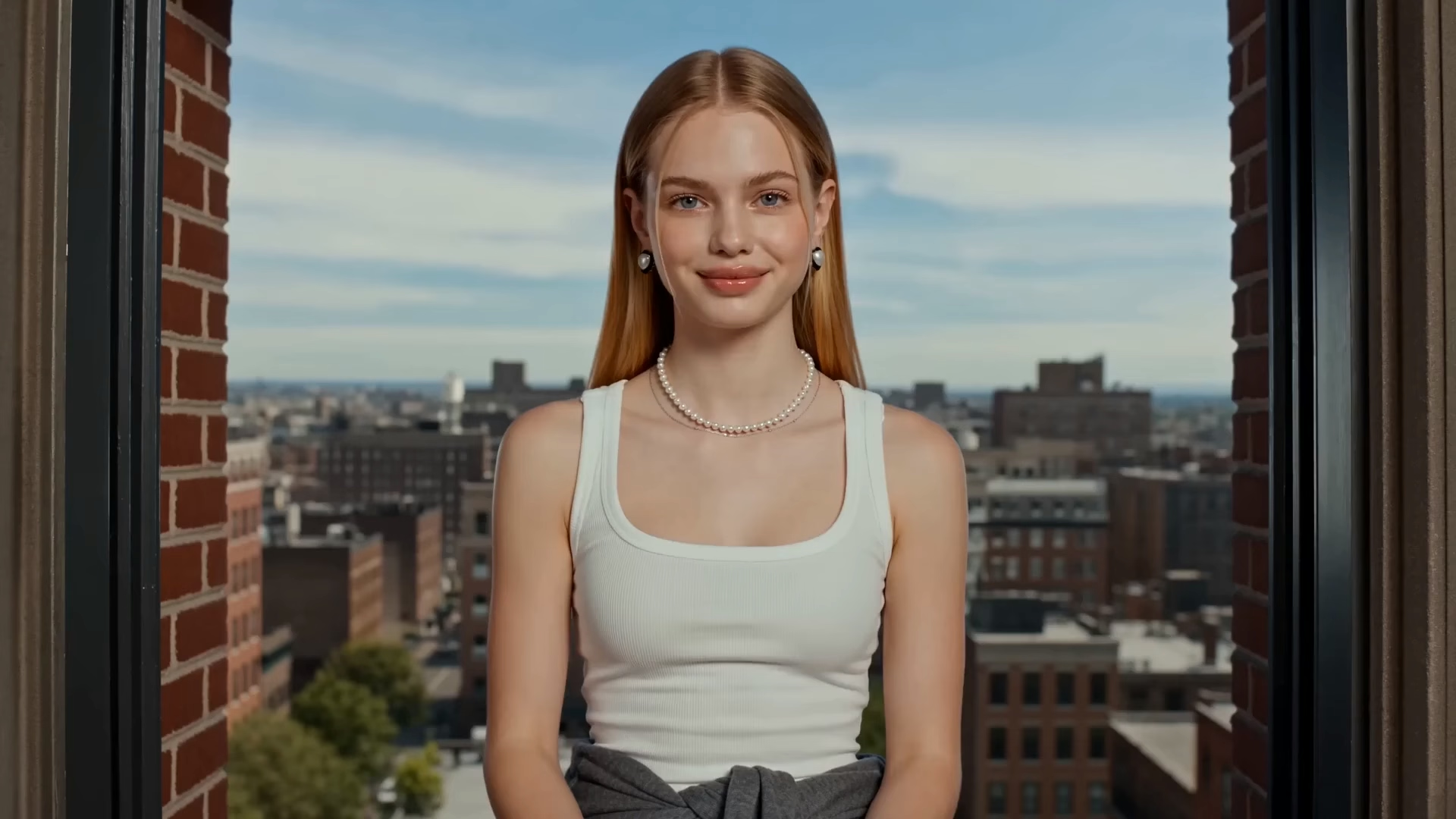
Studio turn muscular look starter
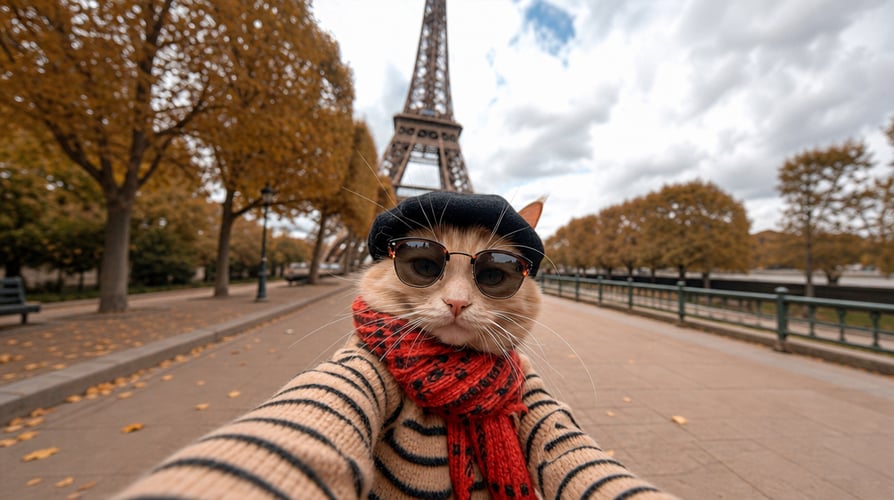
Gym walk muscular look starter
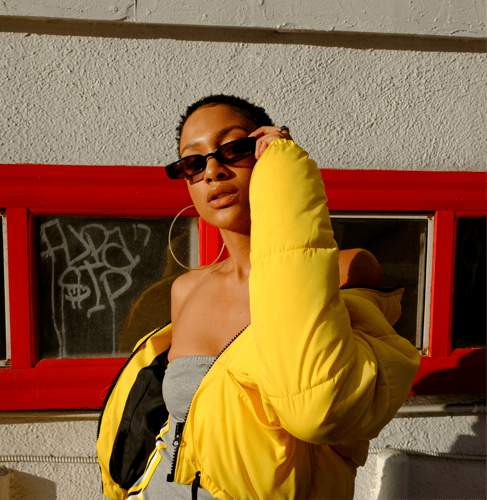
Outdoor track muscular look starter
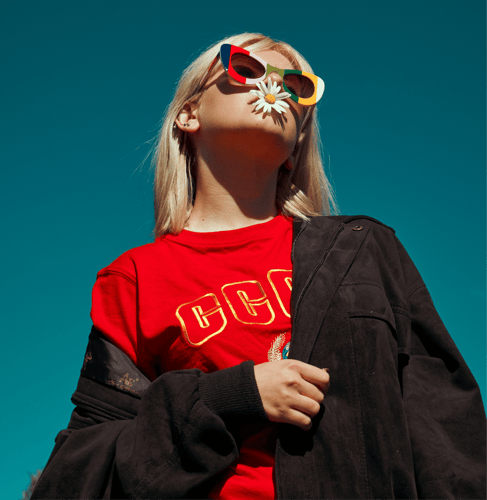
Three-quarter stance muscular look starter

Shape a Look with the AI Muscle Generator

Follow the preview, add your own image, then check the face and proportions before a longer export. The brief names outfit, light, and one movement. It does not record a training result or a measured physique change.

Add a subject image for the muscular look template01

Start from a Clear Subject

Choose one photo or illustration where the face and torso are easy to see. Front or three-quarter views transfer more cleanly than a distant crowd shot. Sunglasses, a hand over the face, or a tiny figure in a busy gym make the identity check weaker. Note the outfit and colors you want to keep. This step sets who is in the frame. It does not start a training plan.
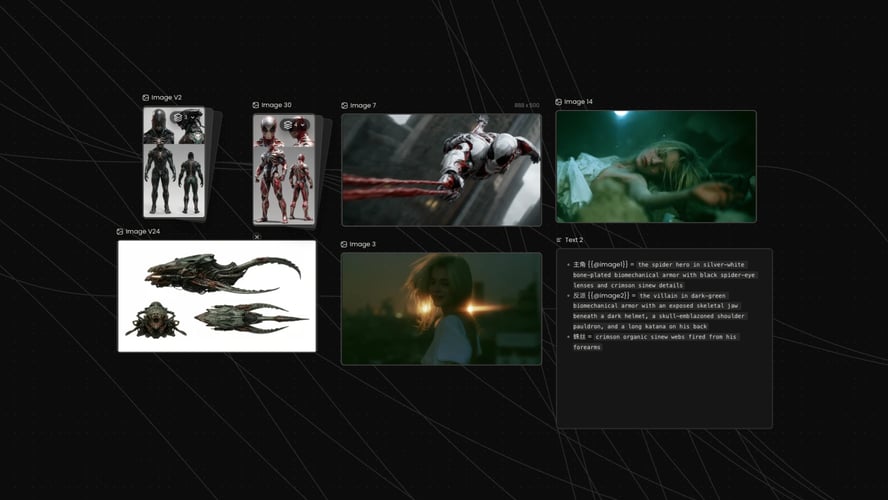
Write a brief for outfit, light, and camera02

Describe the Athletic Motion

The AI Muscle Generator template takes the athletic look from the preview, so the brief should name outfit, light, camera distance, and one movement such as a slow turn or a short walk. Leave celebrity names, brand logos, and medical claims out of the line.
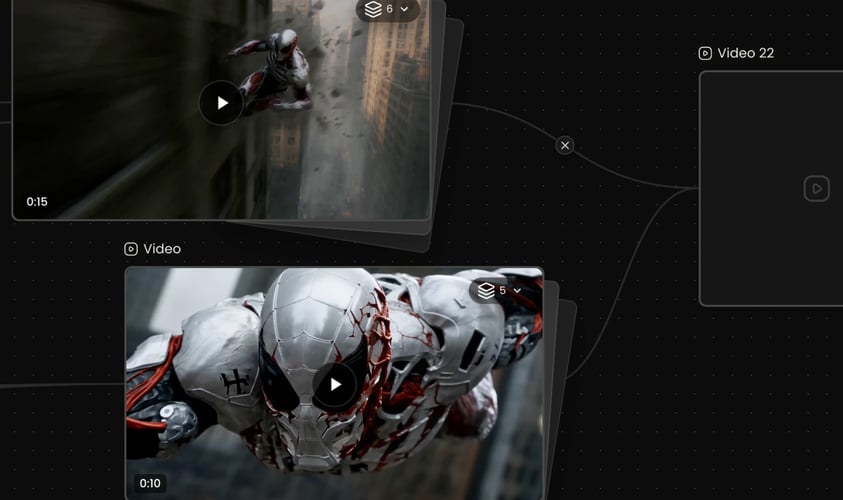
Review the first muscular look clip before a longer export03

Review the First Take

Play the short result and check the face, shoulders, hands, and whether the outfit still reads. Shoulders and hands should still belong to the same person at the end of the turn. If they do not, simplify the photo before you extend. If the person no longer matches the upload, change the image or the motion line and generate again. Extend the clip only after that first watch holds. Credit use follows the allowance shown for your account.
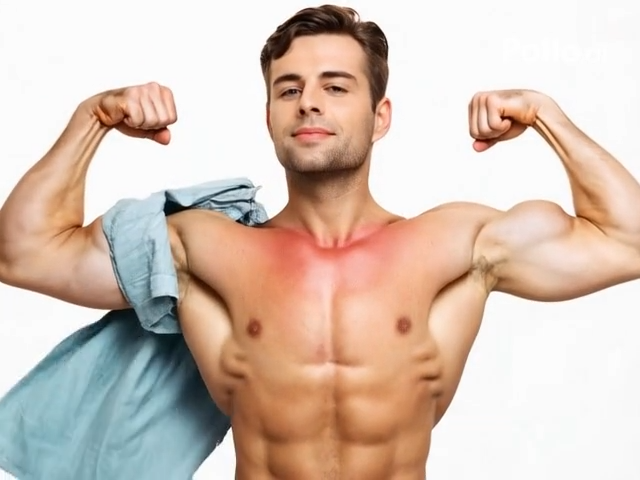

A Look Clip, a Persona, or an Animation

This page stays on one muscular-look clip. Open a character workflow when you need a virtual persona you can reuse, or an animation workflow when you are still choosing a creative route.

Seedance 2.5
Cinematic 4K, consistent shots
Try it
Agentic Canvas
Agent-driven node canvas
Try it
Kling 4.0
3 to 30 seconds long at up to 4K quality
Try it
Nano Banana 2.1
Fast and brand level image generation
Try it
Seedance 2.0
Motion-driven video creation
Try it
Google Omni
Cinematic video generation
Try it
Kling
High-fidelity physics simulation
Try it
Runway
Next-gen creative video tools
Try it
Nano Banana 2
Lightweight video synthesis
Try it
Veo 3.1
Google's advanced video generation
Try it
GPT Image 2
Photorealistic image generation
Try it
Hailuo
Fast and expressive video drafting
Try it
Pixverse
Stylized and dynamic video generation
Try it

AI Muscle Generator Questions on Look and Likeness

What the first take should prove, which photo to upload, what you can change, and why this clip is not a training record.

Judge one continuous take: a recognizable subject, athletic clothing, and the physique direction of the preview. It is generated imagery. It does not document a real training outcome, and it does not turn one brief into a multi-scene fitness film. Watch the face at the start and the end of the turn. If the jaw or the hairline drifts while the shoulders grow, the identity failed even when the silhouette looks athletic. Treat the first generation as a preview you can accept or revise before you ask for a longer duration. Watch the neck and the wrists as well as the shoulders. A look that thickens the arms while the hands shrink, or that changes the neck width halfway through the turn, has not held one person. Stop there and simplify the photo before you ask for a longer clip.

Upload a clear image of a person or an original character where the face and torso are readable. A simple background beats a busy gym floor full of other people. Extreme cropping, heavy sunglasses, or a tiny distant figure makes the face harder to keep. A three-quarter view usually beats a profile when the preview faces the camera. Confirm the file types shown in the recreate panel before you submit. The preview clip is the look reference. Your upload is the subject that look should follow. Only use a photo when you have the right to depict that person. A tank top or a fitted shirt makes the torso easier to judge than a loose coat. If you need the coat, say that it stays on, and check the collar at the end of the move. Gym equipment in the background should stay out of focus so it is not read as a second body.

You can replace the uploaded image, rewrite the look brief, and use the recreate controls on the panel: subject media, prompt text, and the reference clip. Useful brief edits are outfit, time of day, camera distance, and how much the subject moves. Ask for one change at a time so you can see what moved. A new sentence in the prompt does not replace watching the first take. Check that the face still matches the upload and that shoulders, arms, and hands still read as the same person. Resolution, duration, and credit cost stay on the live action you select. This page does not publish a fixed export spec.

No. The clip is a generated look based on your image and the preview. It is not a measurement of muscle gained, a before-and-after medical record, or a workout plan. Do not present the export as an unedited photograph of someone’s body if the physique was generated. If you need coaching, nutrition, or health guidance, use a qualified professional. On this page, judge the frame: identity, clothing, and whether the motion still looks like one person. Leave medical claims, supplement names, and guaranteed results out of the brief and out of the caption you publish. Numbers, before-and-after labels, and “results in 30 days” do not belong on the frame or in the brief. The preview shows a generated look for one continuous shot. It does not show a program, a diet, or a measurement.

Stay here when you want one muscular-look clip based on the preview. Open the AI Influencer Generator when you need an original virtual persona, a portrait series, and a character you can carry into later posts. Open the AI Animation Generator when you are still shaping an animation idea and a creative route rather than recreating this look. Do not force a training series, narration, or a full storyboard into this single-template brief.

A physique direction can drift. The face can soften, an arm can merge into the torso, or the outfit can change color halfway through the turn. A short first take shows whether identity and anatomy survived. If the look is right but the walk is muddy, change only the motion line. If the person no longer matches the upload, simplify the photo or tighten the brief before you spend more credits. Extend only the take that still matches the upload. Buzzy shows a start-for-free entry, and generation still follows the credit and plan limits in your account. This page does not promise unlimited free exports, a fixed resolution, or a guaranteed runtime. Compare the upload and the take at the same moment in the turn, not only at the poster frame. A face that matches on frame one and drifts by the time the shoulder faces camera is still a miss. Change the photo or the motion line, not both.

Follow Buzzy’s current terms for generated media, and only upload images you have the right to use. A muscular-look result is still a generated clip under those terms. The AI Muscle Generator template does not grant permission to depict a real person, a celebrity, or a branded athlete you do not represent. Review likeness rights before you publish, and label the clip as generated when a viewer could mistake it for an unedited photo. This template does not add captions, a training voiceover, or a guaranteed audio track unless the live panel offers that control. If the clip will run in an ad or on a channel, confirm the usage rules in your account first.

Preview the Muscular Look First

Open the AI Muscle Generator preview, add a photo with a clear torso, and compare the face with the upload before a longer turn.

25M
Clientes
190 países
#1
Producto del mes
Product Hunt
4.8
G2
Buzzy