
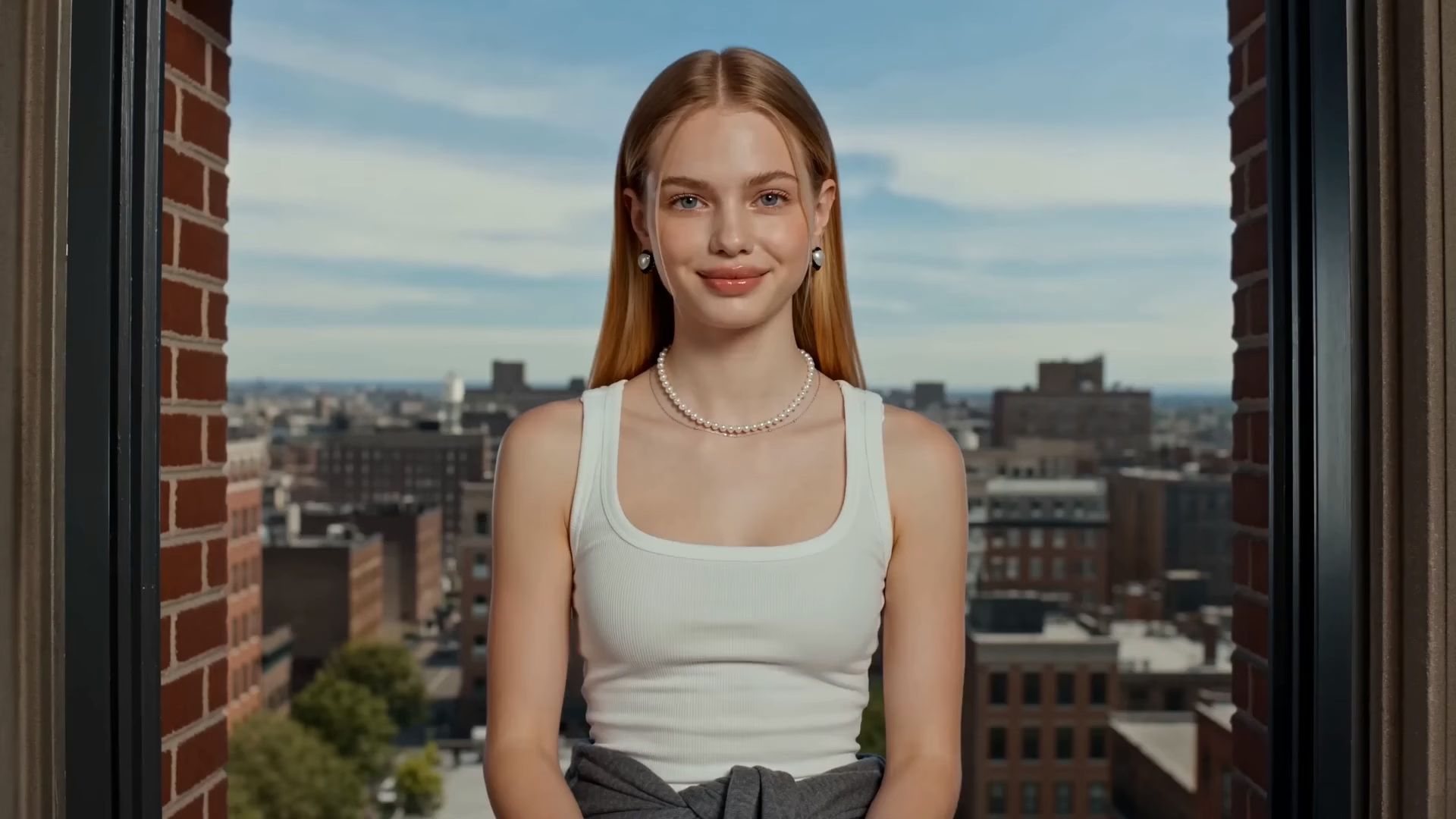
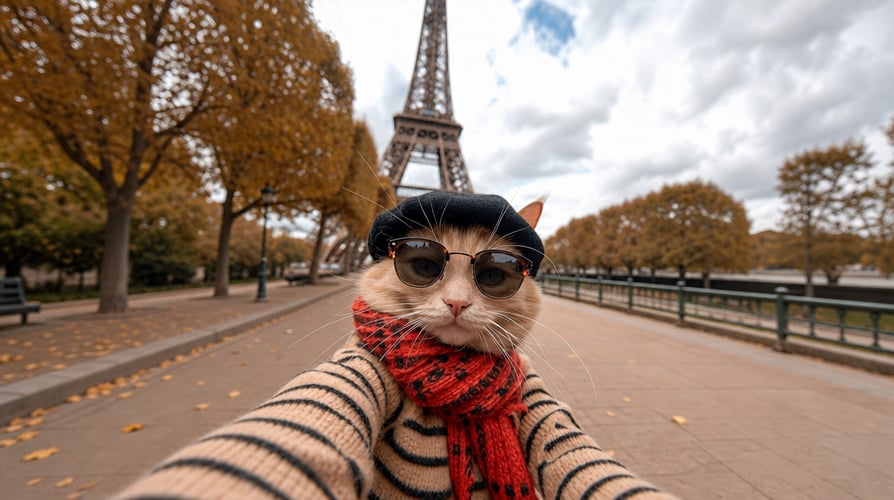
Extend Your Story to 40s
Continue your scene in 10-second increments for up to 40 seconds. Keep the story, characters, and visual direction moving forward without starting from scratch.
Define the first and last frames, generate everything in between, and extend your story up to 40 seconds. Start with cost-efficient 360p drafts, then upscale your final video to 4K.
Start with cost-efficient 360p drafts, then upscale your final video to 4K.
Continue your scene in 10-second increments for up to 40 seconds. Keep the story, characters, and visual direction moving forward without starting from scratch.
Define where your shot begins and where it ends. Gemini Omni generates the motion in between for smoother transitions, camera moves, and seamless loops.
Explore ideas faster with lightweight 360p drafts. Test different shots, movements, and creative directions before rendering your final video.
Take your selected video from an early draft to a polished, high-resolution result. Upscale your best ideas to 1080p or 4K for final delivery.
Bring your ideas to life with text, images, videos, and more. Combine multiple references to guide the look, movement, style, and story of your video.
Start with a prompt, add your references, and refine your video until it feels right.
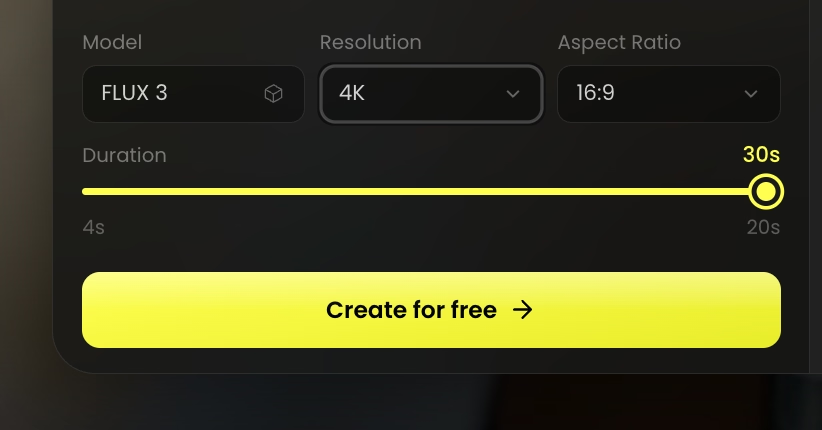 STEP 01
Select the Gemini Omni 1.1 Flash AI video model as your starting point.
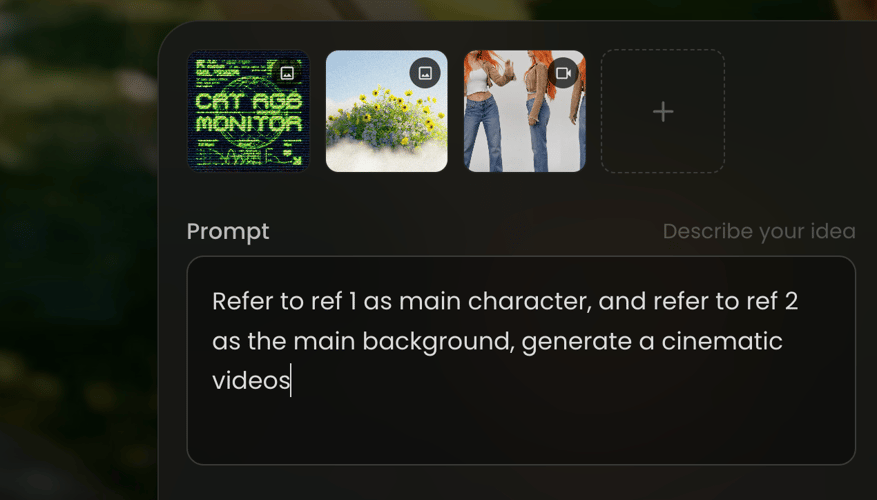 STEP 02
Enter a detailed prompt or upload a reference image, video, or audio file.
 STEP 03
Review the generated results and adjust your prompt and style.
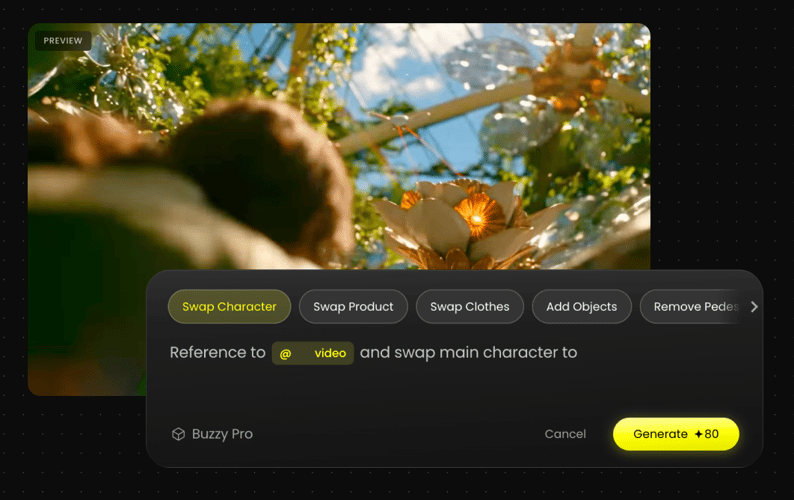
Modify specific elements in existing footage while keeping the original scene, subjects, camera movement, and visual details consistent.
Turn campaign ideas into visual concepts with prompts, product images, and references—then quickly explore different creative directions.
Turn a single product image into dynamic shots with camera moves, close-ups, reveals, and cinematic transitions.
Extend scenes in 10-second increments while keeping your story, characters, environment, and visual direction consistent.
Define the first and last frames, guide the motion in between, and refine your video with simple natural-language instructions.
Bring a prompt or a reference image and the agent brings its own look, pacing, and shot list.
Everything you need to know about creating AI videos with Gemini Omni 1.1 Flash.
Gemini Omni 1.1 Flash is an AI video generation and editing model for creating videos from text, images, and video references.
Create advertising concepts, product showcases, social media videos, storyboards, visual transitions, cinematic scenes, and more.
Yes. Add a first frame and a last frame, and Gemini Omni generates the motion between them for smoother, more controlled shots.
A single video can be up to 10 seconds long. You can extend your scene in 10-second increments for up to 40 seconds total.
Yes. Add images, videos, or other references to guide the subject, movement, style, and visual direction of your video.
Yes. Start with a fast 360p draft, then upscale your selected video to 1080p or 4K when it is ready.
Yes. Use natural-language instructions to adjust the camera, action, style, lighting, or environment.
Yes. Buzzy offers a free trial to help you get started. If you need more, try the 33-Day Unlimited Free Plan for extended access.
Generate and edit AI videos from text, images, and video references—all in Buzzy.