
Precision Editing Made Simple
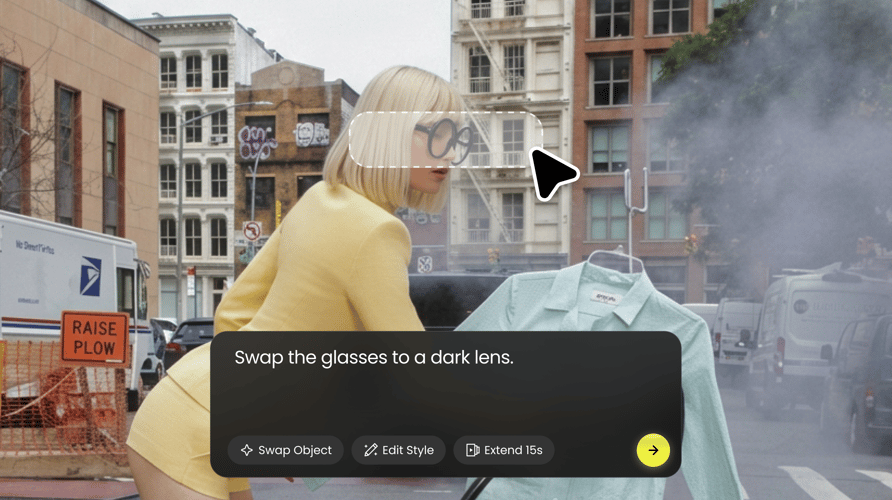
Make precise edits with natural-language instructions. Replace backgrounds, remove objects, adjust lighting, or refine details—while keeping the rest of your image intact.
Create and edit visuals with Nano Banana 2 on Buzzy, then turn your ideas into ads, storyboards, and videos.
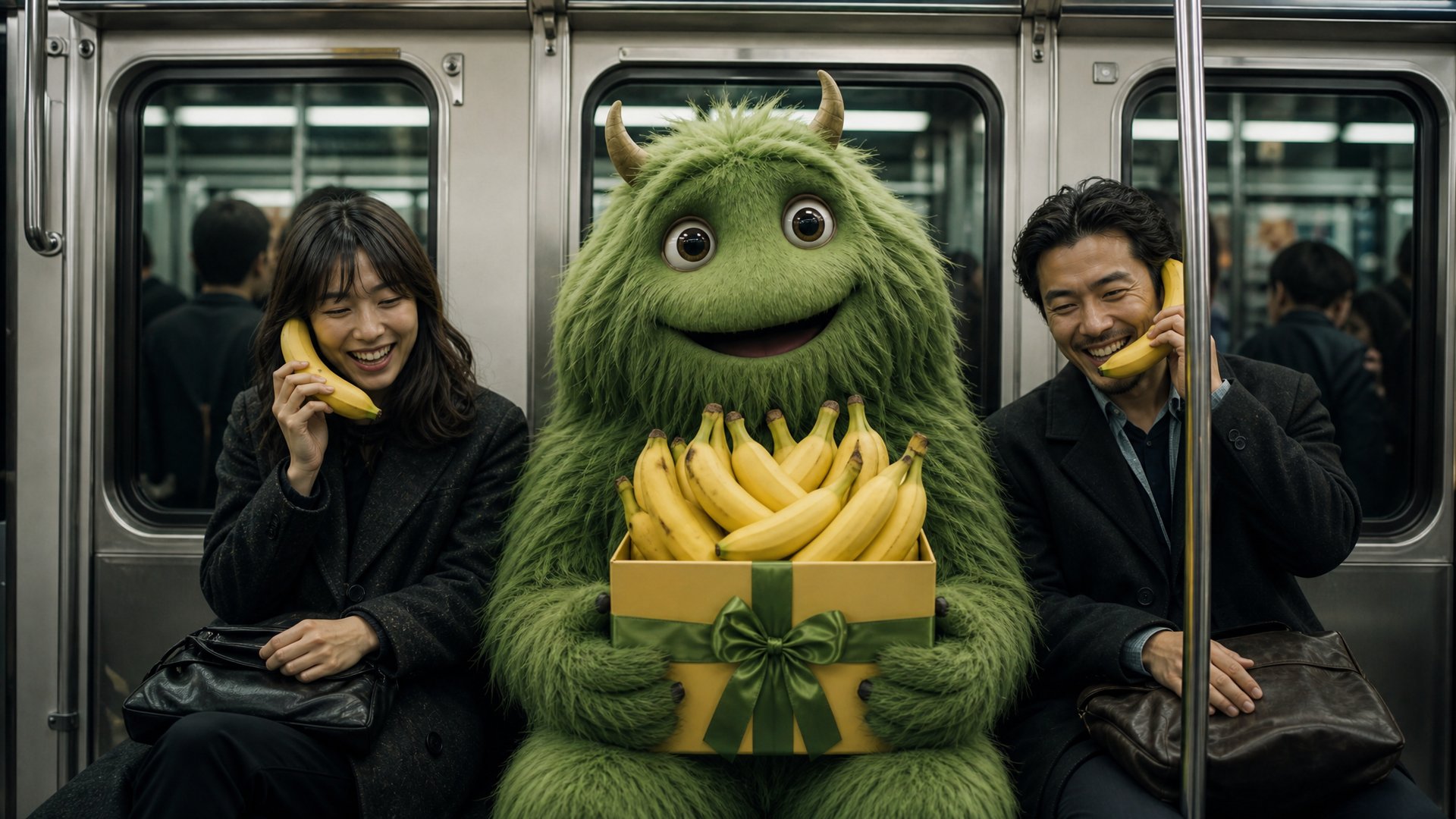
Create the image. Edit every detail. Bring it to life.
Make precise edits with natural-language instructions. Replace backgrounds, remove objects, adjust lighting, or refine details—while keeping the rest of your image intact.
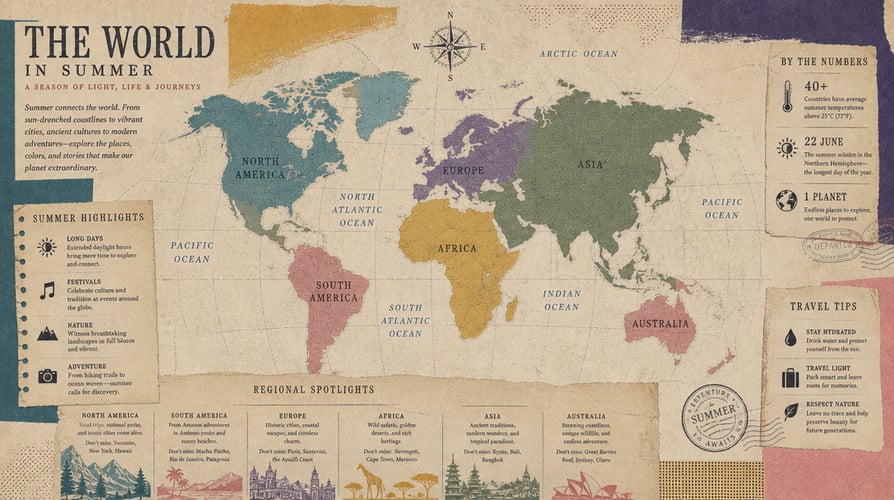
Create posters, packaging, ads, labels, and UI mockups with clean, readable typography. Nano Banana 2 handles headlines, captions, buttons, and multilingual text with precision.
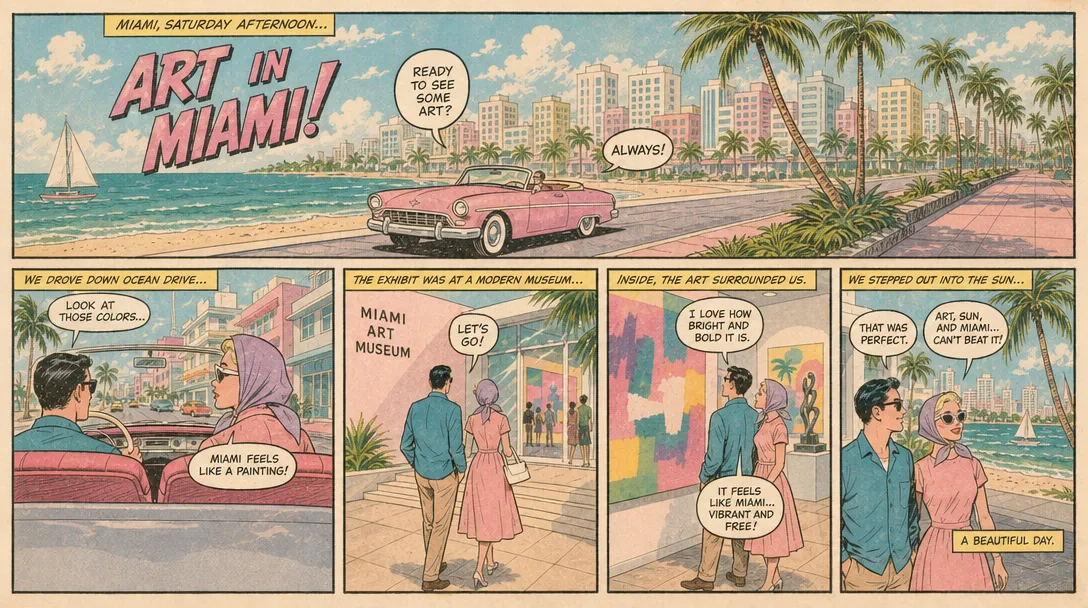
Maintain the same characters and visual details across scenes and generations. Create storyboards character sheets and new shots without losing identity.
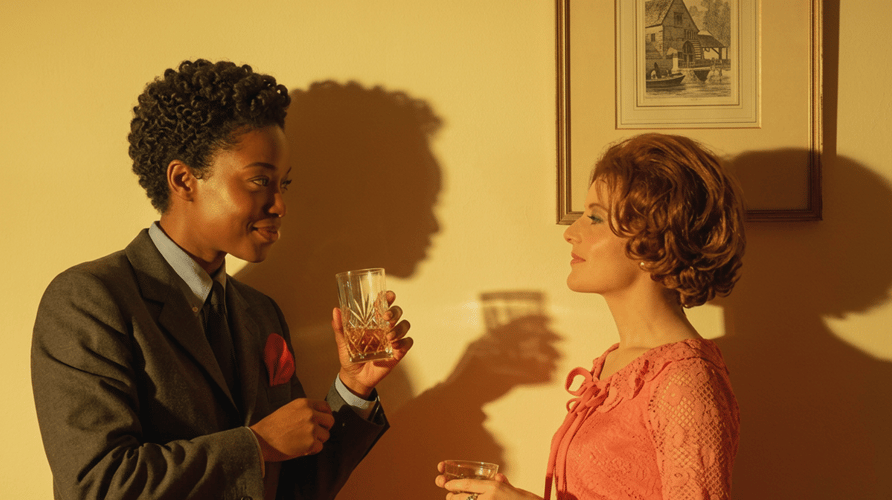
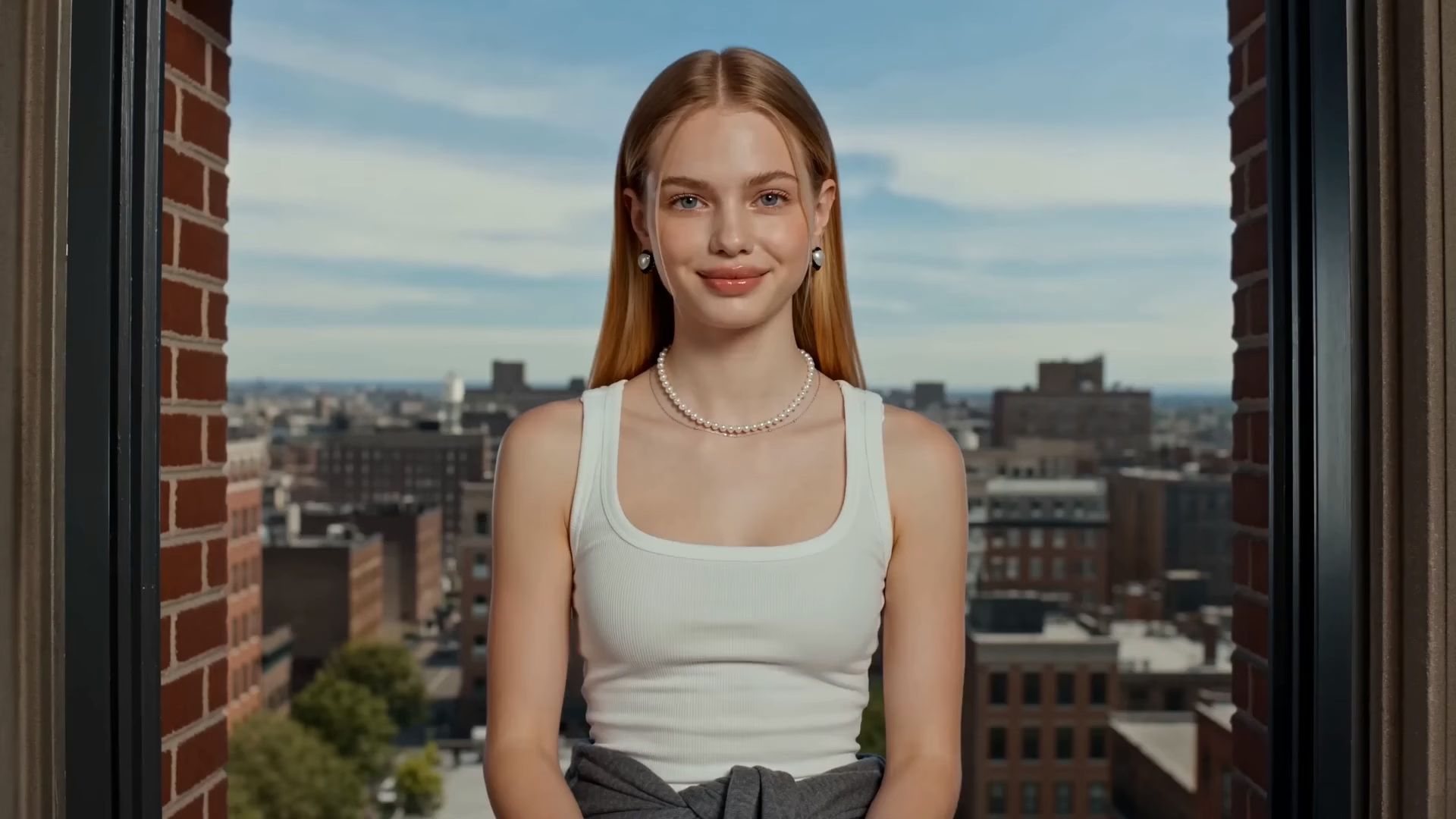
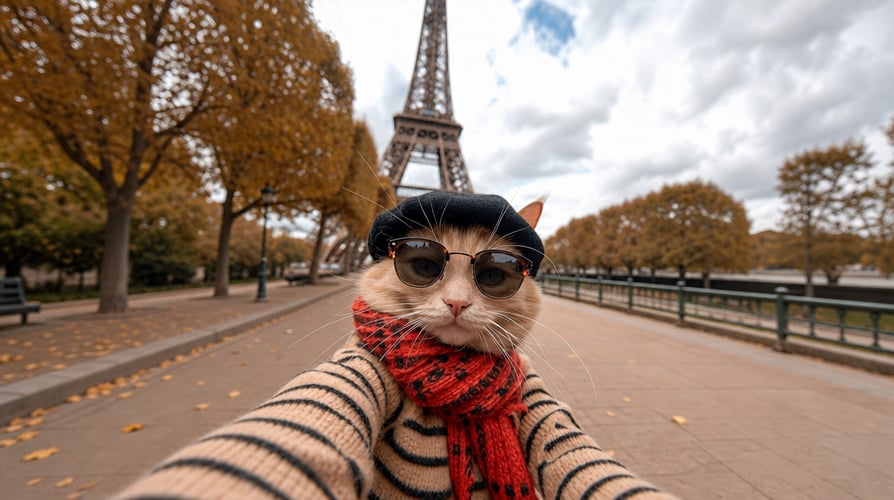
Generate images with lifelike lighting, materials, textures, and fine details. Ideal for product shots, portraits, scenes, and polished advertising visuals.
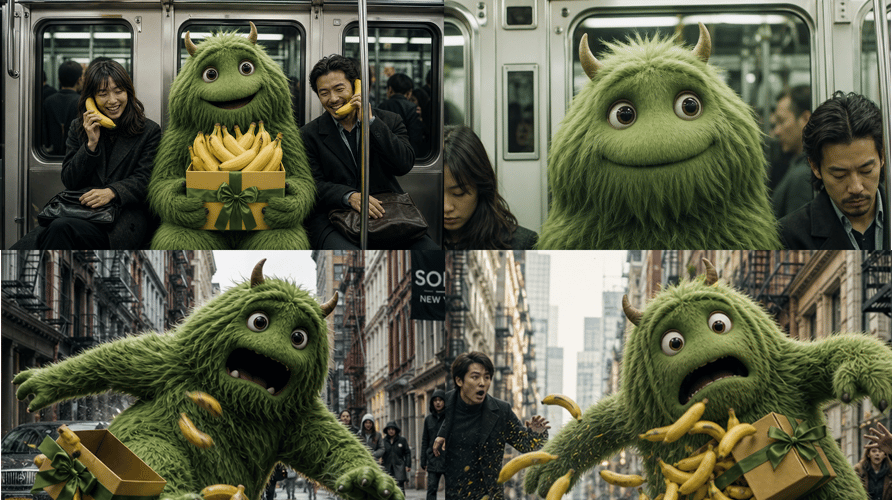
Generate, refine, and explore ideas faster. Test more concepts and move from your first prompt to production-ready visuals in less time.
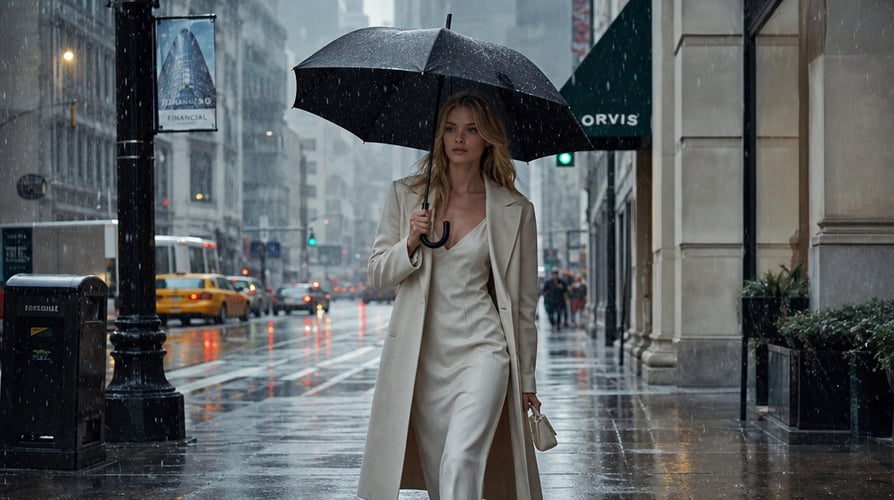
Use Gemini’s world knowledge and real-time web and image search to create accurate, context-aware visuals for places, people, products, infographics, and diagrams.
Go from a simple idea to a finished visual in three easy steps.
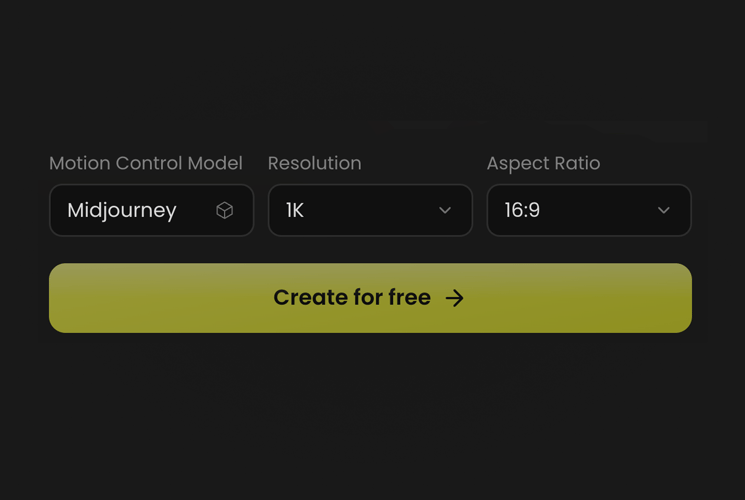 STEP 01
Choose Nano Banana 2, describe your idea, or upload.
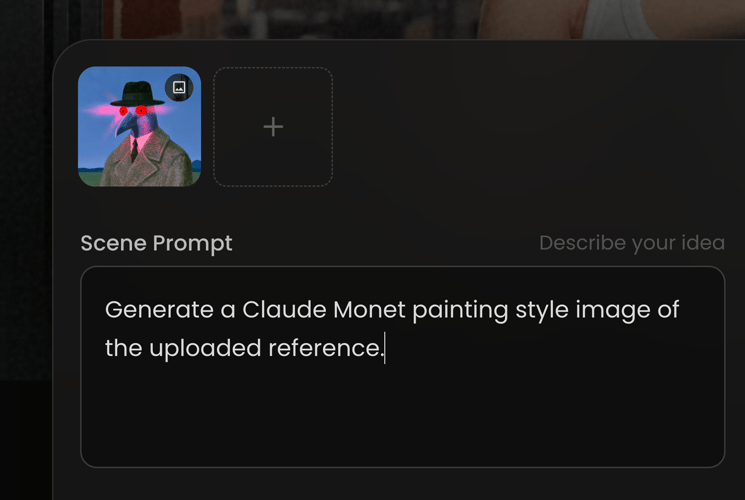 STEP 02
Refine the style, lighting, colors, text, and details.
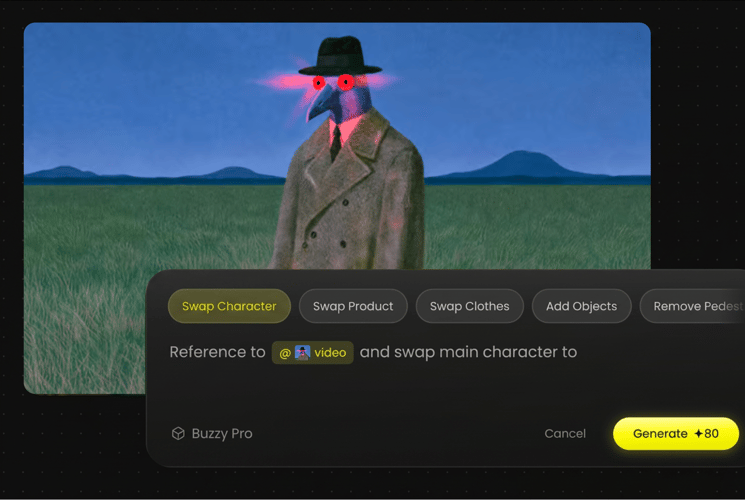 STEP 03
Download your image or turn it into video with Buzzy.
Turn ideas into detailed shot concepts, scenes, and visual references with strong control over composition, characters, and lighting.
Create polished posters, campaign visuals, and marketing graphics with accurate, readable text and flexible creative directions.
Build brochures, product catalogs, packaging, and brand collateral that combine visuals and text into cohesive designs.
Edit existing images with precision. Replace backgrounds, remove objects, adjust lighting, or refine details while keeping the rest intact.
Create photorealistic product images, ad creatives, and social content with natural lighting, rich detail, and consistent visual style.
Bring a prompt or a reference image and the agent brings its own look, pacing, and shot list.
Everything you need to know about creating and editing visuals with Nano Banana 2 on Buzzy.
Nano Banana 2 is Google’s image generation and editing model. Create images from text or reference images, then refine them through a simple conversation.
Yes. Upload a person, product, sketch, or visual reference and describe how you want to transform it. You can change the scene, style, lighting, perspective, and more.
Yes. Create posters, logos, invitations, packaging, and ad creatives with clear, accurate text. You can also edit and localize text directly within your image.
Yes. Ask Nano Banana 2 to change the background, adjust the lighting, refine the colors, move an object, or remove unwanted details. Keep refining until the image feels right.
Yes. Nano Banana 2 is designed to help keep characters, products, and objects recognizable across a visual series. It is ideal for storyboards, product showcases, and narrative content.
Create and refine your image, then take it further with Buzzy’s image and video models. Turn a still visual into cinematic motion, social content, ads, and more.
Nano Banana 2 supports multiple aspect ratios and output resolutions, including 0.5K, 1K, 2K, and 4K options. Availability may vary by product configuration.
Create with Nano Banana 2, refine every detail, and take your story further with Buzzy's all-in-one creative tools.