 01
Add the Performer
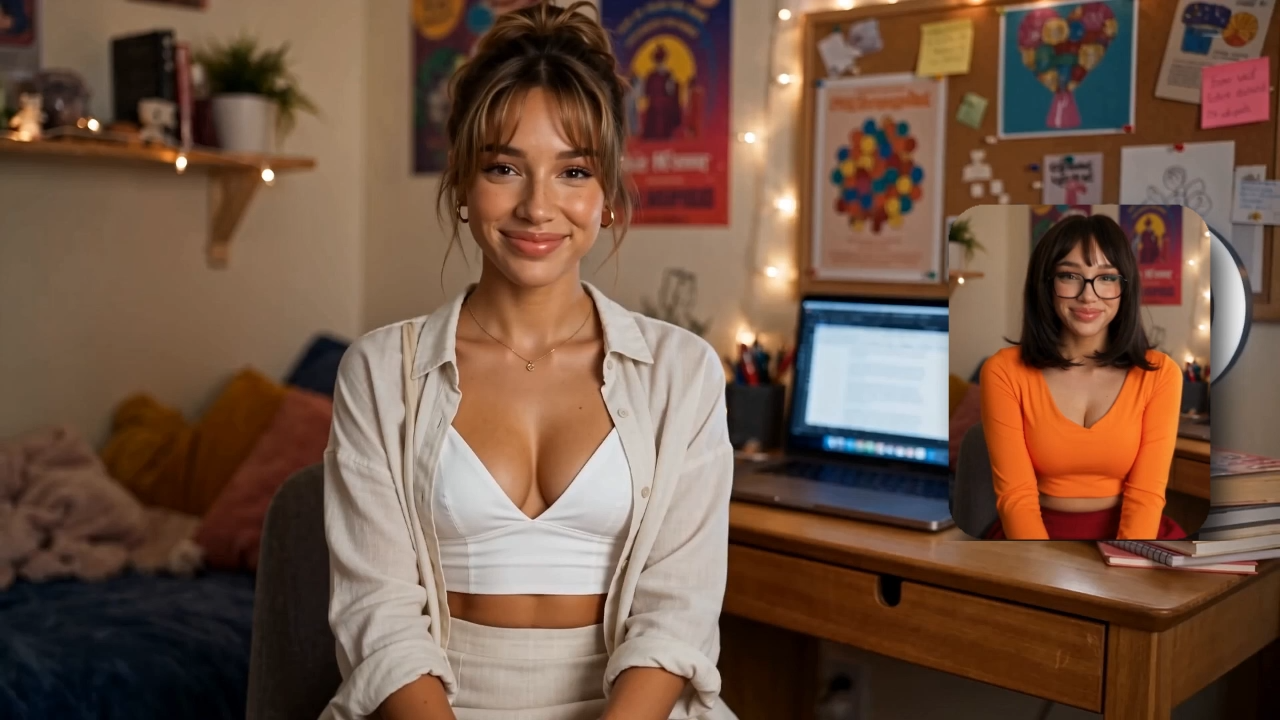
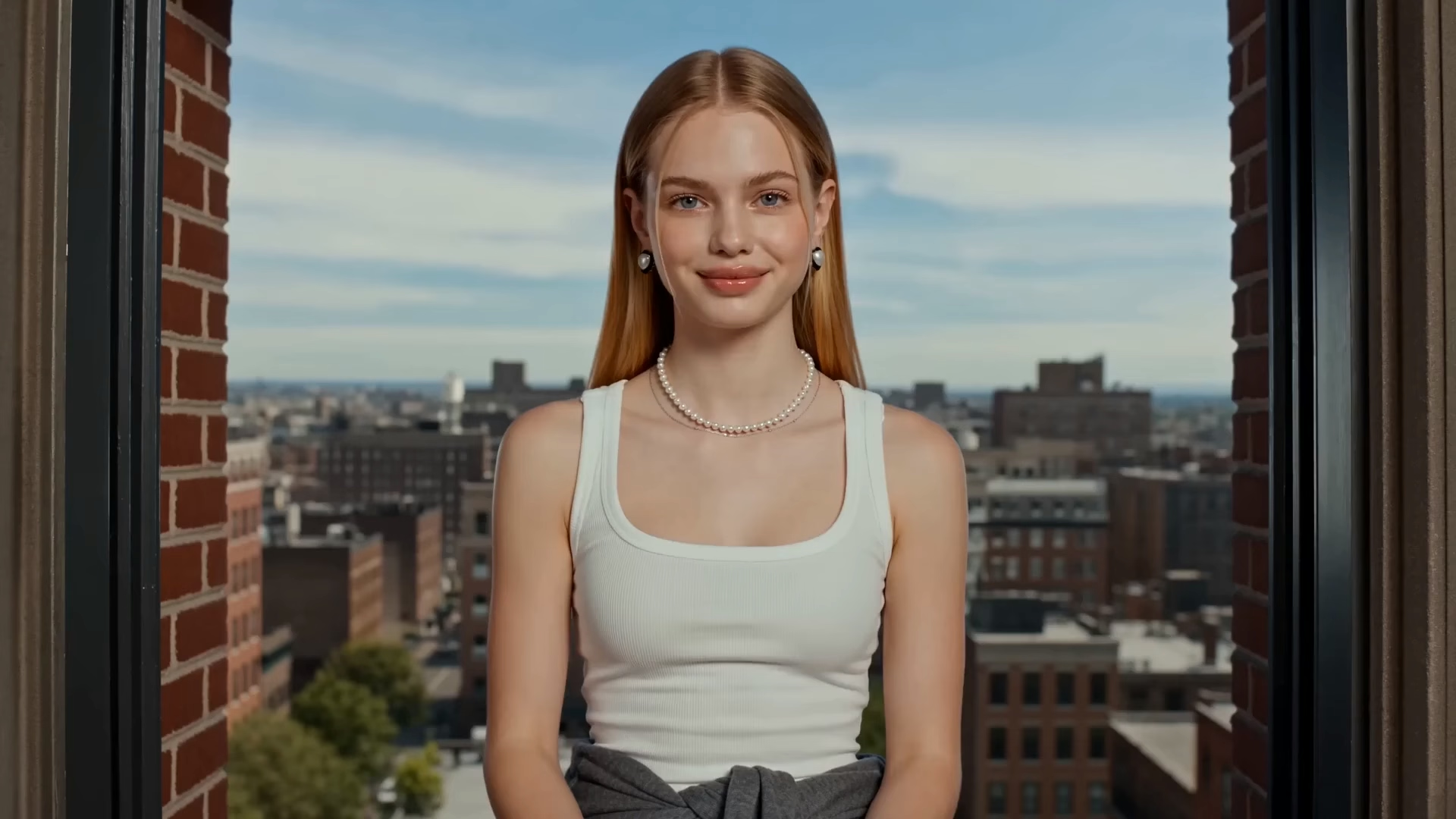
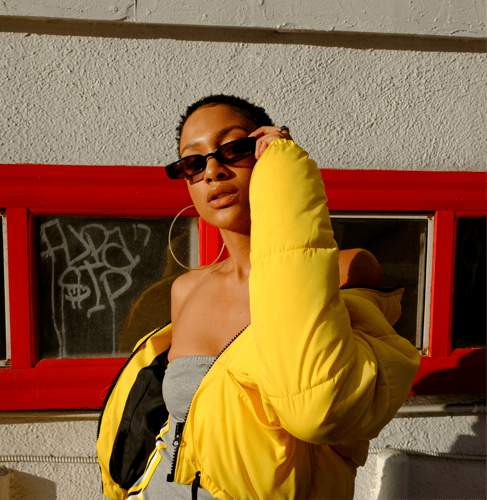
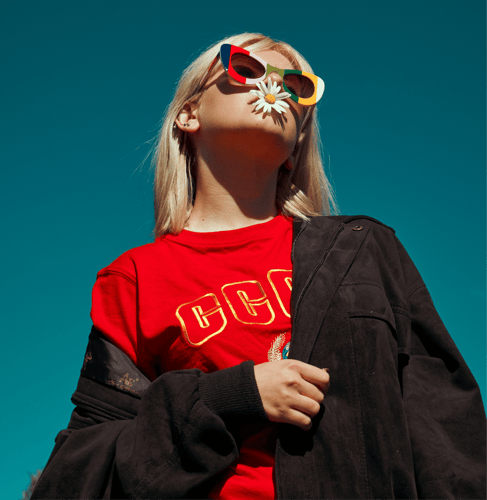
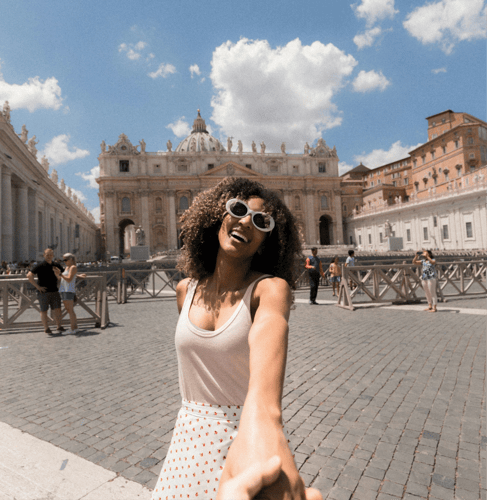
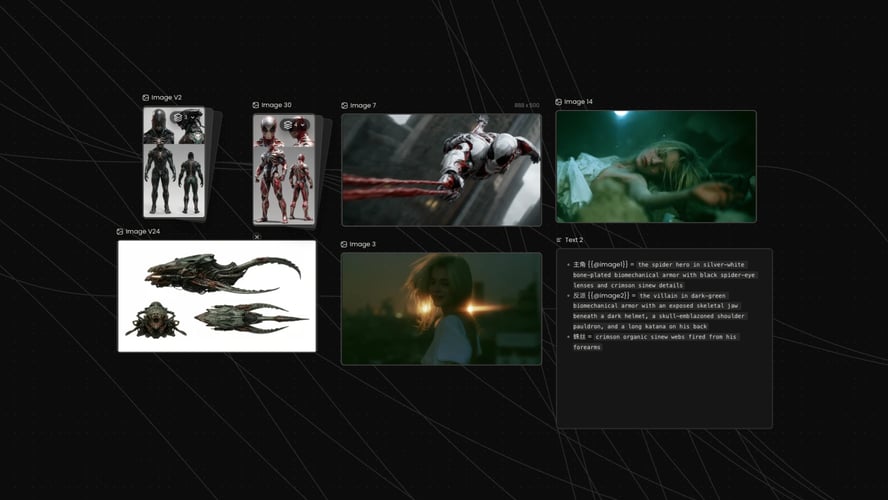
Choose one image where the face, torso, and limbs are easy to see. Front or three-quarter views usually transfer more cleanly than a distant crowd. Match the reference’s body orientation when you can. A profile photo against a front-facing performance is a common reason the first take twists. Note the outfit you want to keep. This step sets who performs. It does not outline a multi-scene film.
 02
Name What the Preview Carries
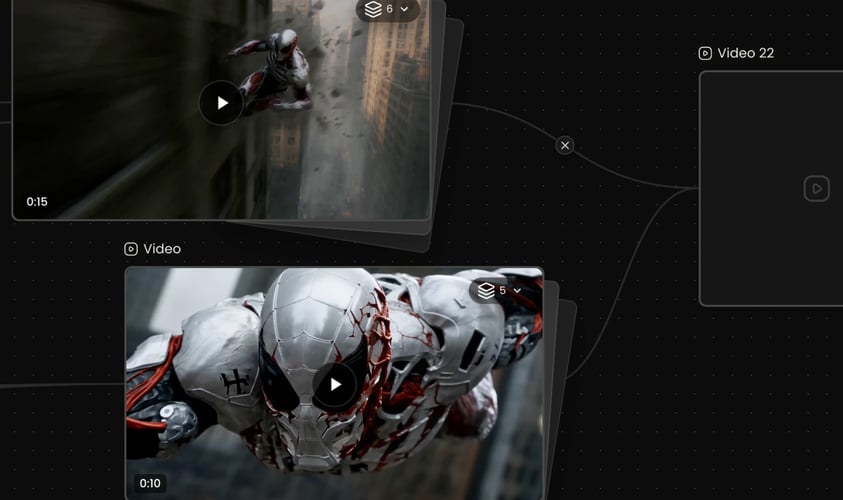
This AI Motion Transfer template uses the clip on this page as the performance to follow. Write one line for camera distance, outfit, and energy, and say which part should stay fixed, such as the face or the clothing color. Leave celebrity names and brand logos out of the brief.
 03
Check Identity Against the Move
Play the short result and watch the face, hands, and whether the timing still matches the preview. If the person drifts, simplify the image or the action and generate again. Change one instruction on the retry, such as camera distance or how much of the body stays in frame, instead of rewriting the whole brief. Open a model workspace when you need orientation or original audio. Credit use follows the allowance shown for your account.