Kling Motion Control: Pixel-Perfect Motion

Transfer every move, gesture, and expression from a reference video to your character—with precise control and consistent identity.

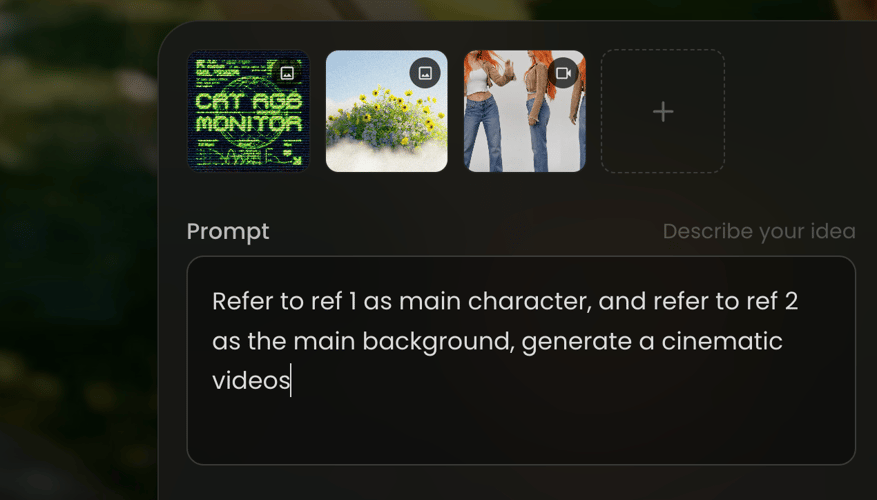
Upload character image or reference video
Prompt
Describe your idea
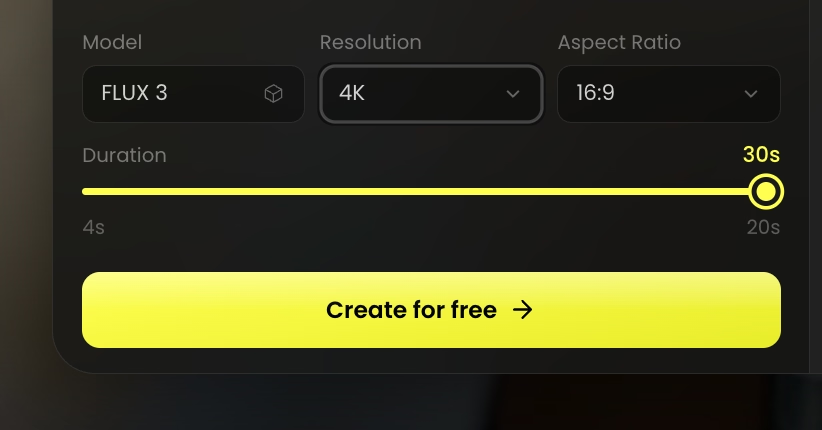
Motion Control Model
Kling Motion Control
Resolution
Aspect Ratio
Duration20s
5s20s
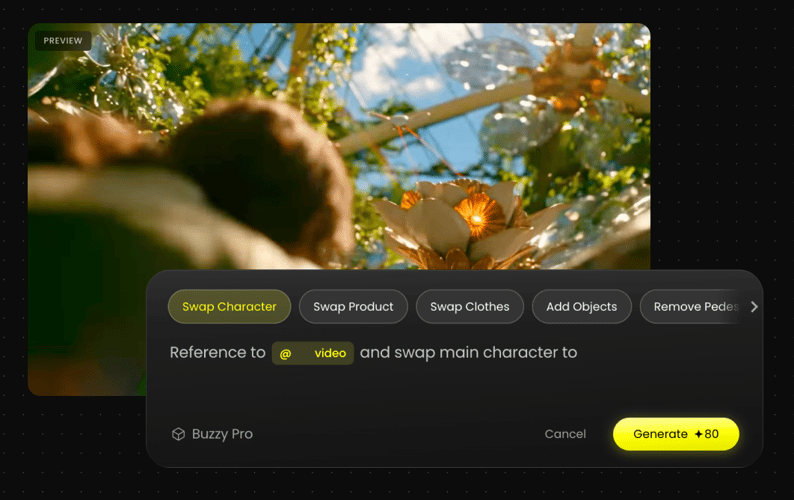
Motion Preview

Dance

Trending

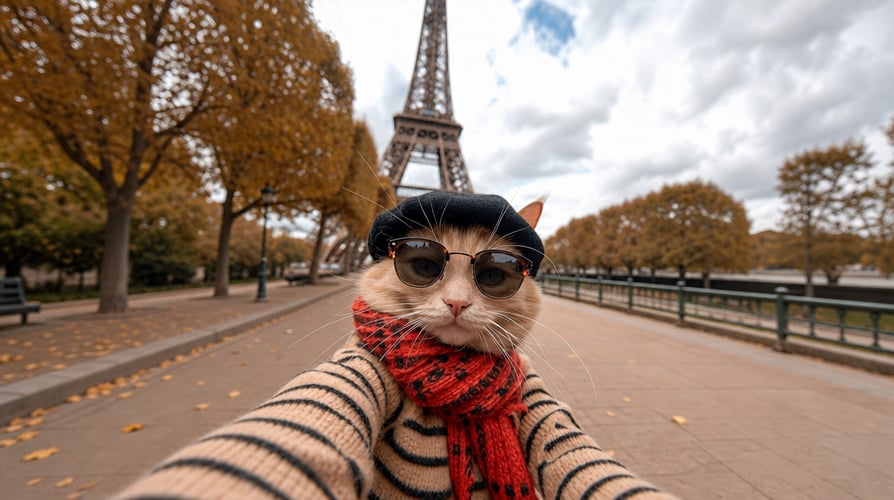
Pet Film

Key Features of Kling Motion Control

Transfer precise movement from reference videos to characters, then shape the camera, identity, and cinematic world around them.

Advanced Motion Control

Transfer complex movements from a reference video to your character, including dance, gestures, walking, martial arts, and choreography.

Precise Camera Direction

Control how the camera follows, frames, and presents the performance, creating dynamic shots while keeping the action clear.

Character Consistency

Preserve your character’s facial features, hairstyle, clothing, proportions, and overall identity throughout the video.

Cinematic Scene Control

Customize the background, lighting, atmosphere, color, and visual style with prompts while keeping the core motion intact.

How to Use Kling Motion Control

Turn a reference video and a character image into a precise, expressive motion-controlled video in three simple steps.

PICK THE MODEL
STEP 01

UPLOAD YOUR ASSETS

Add a character image and a reference video with the movement you want to recreate.

PROMPT/ADD IMAGE
STEP 02

DEFINE THE SCENE

Use a prompt to guide the background, lighting, camera direction, and visual style.

GENERATE AND ADJUST
STEP 03

GENERATE AND REFINE

Create your video, review the result, and adjust your references or prompt for the next take.

Frequently Asked Questions

Everything you need to know about creating controlled character motion with Kling Motion Control.

Kling Motion Control transfers movement from a reference video to a character image, including body motion, gestures, expressions, and choreography.

You typically need a character image and a motion reference video. Choose a clear clip where the subject and movement are easy to see.

It can be used with humans, anime characters, illustrations, 3D characters, and brand mascots. Supported movements include walking, dancing, gestures, martial arts, and complex choreography.

Yes. Use prompts to guide the background, lighting, atmosphere, camera direction, and visual style while preserving the transferred motion.

Kling Motion Control is designed to preserve recognizable details such as facial features, hairstyle, clothing, proportions, and overall character identity across the video.

Depending on the platform and workflow, you may be able to retain the reference audio or generate a silent video for custom music, voiceover, and sound design.

Put Your Vision in Motion

Turn a character image and a reference performance into a precise, cinematic video. Start creating with Kling Motion Control today.