AI character swap video — Recast the Performance

The movement works. Now try a different lead. Pair a character image with a reference video in Buzzy’s motion-control workflow, then shape the scene around the performance.

Character image · Reference motion · Creative direction

PROMPT
TEMPLATES
seedance 2.5 template cover
ASSETS
seedance 2.5 reference image
PREVIEW
CHARACTER & MOTION

Keep the action. Explore a different character.

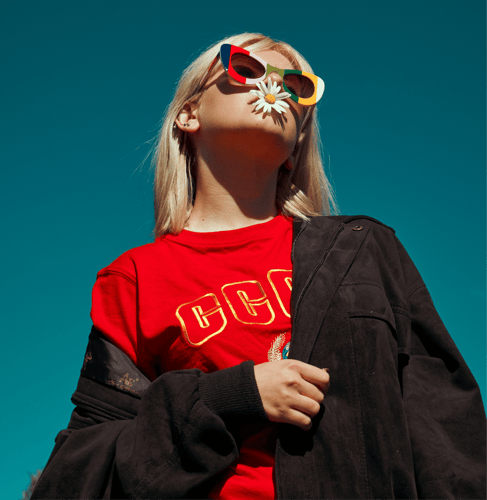
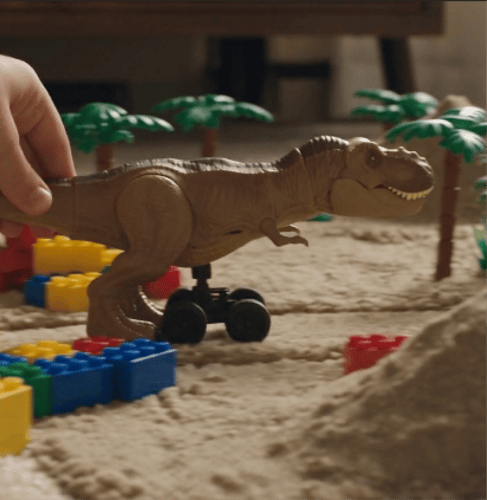
A character swap is more than a face overlay: appearance and performance have separate jobs. Your image guides the character’s look, while the reference video guides movement. Buzzy’s motion-led approach helps you explore that combination without writing every gesture into a text prompt.

Reference-led performance

Give a character the movement that makes the clip work: a dance phrase, a walk, an expressive gesture, or a choreographed action. Buzzy describes motion transfer from reference video, so the performance has a concrete starting point rather than relying on a written action alone.

A recognizable lead

Use a character image to guide facial features, hairstyle, clothing, and proportions. Buzzy’s character workflows are designed to carry recognizable appearance through movement and shot changes. The reference gives each take a visual anchor; it does not guarantee that every frame will match perfectly.

Room for your visual world

Direct the scene with a prompt for background, lighting, atmosphere, camera direction, and style. Keep the motion brief focused while exploring how the same performance could feel in another setting. This is a generated reinterpretation, not a promise that the original background remains unchanged.

More than realistic characters

Explore human, anime, illustrated, 3D, and brand-mascot directions supported by Buzzy’s motion-control guidance. Choose a visual treatment that fits the story or campaign instead of assuming a character replacement must look like a live-action face swap. Review the generated anatomy and identity before using a take.

Explore Character-Led Video Ideas

Use a performance reference to test who belongs in the scene. These creative directions use character appearance and motion as separate inputs; they are not promises of exact footage reconstruction.

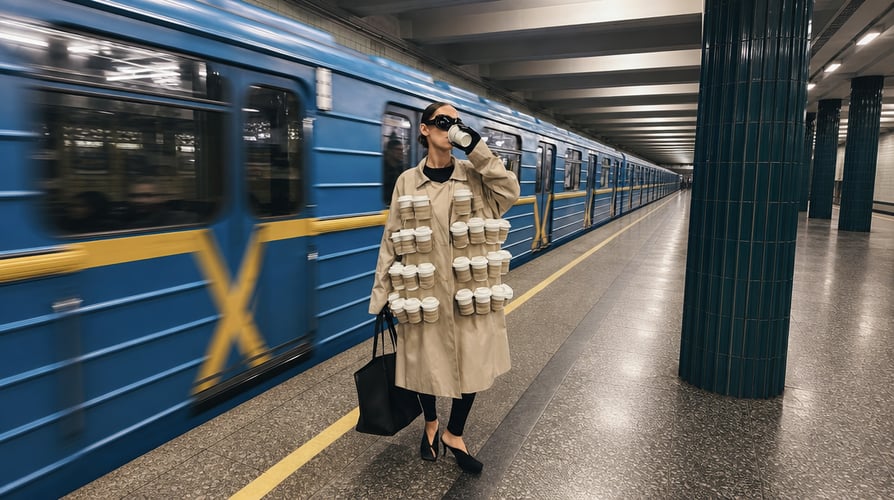
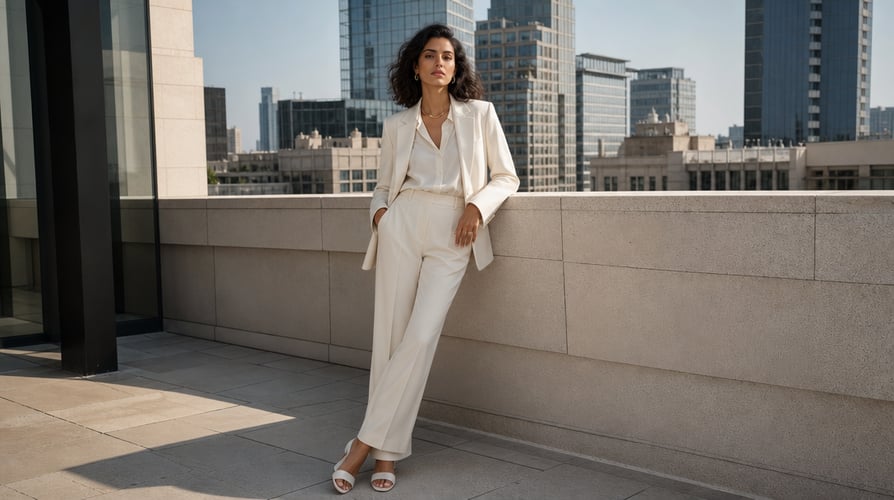
Reimagine a dance or gesture afterReimagine a dance or gesture before

Reimagine a dance or gesture

A familiar step can read differently with a new lead. Explore a dance, pose transition, or expressive gesture with a character you created. Use a reference where the action is easy to follow, then compare the rhythm, limb positions, and overall silhouette rather than judging only the opening frame.

Bring an illustrated character into motion afterBring an illustrated character into motion before

Bring an illustrated character into motion

Give an original anime design, illustration, or 3D character a performance reference. This is useful for exploring how the character might move before developing a longer scene. A clear image establishes the appearance; the video supplies movement. Check turns and expressions to see where the design needs a better reference.

Explore a mascot campaign concept afterExplore a mascot campaign concept before

Explore a mascot campaign concept

Try a brand mascot in a short performance-led concept for an ad or social post. Keep the distinguishing colors, clothing, and proportions clear in your character reference. Treat the first result as a creative study, and check those recognizable details before developing a campaign around the chosen direction.

Test a new lead for a story scene afterTest a new lead for a story scene before

Test a new lead for a story scene

Use a reference performance to explore a character’s physical attitude in a film idea: a hesitant entrance, a confident walk, or a more animated reaction. Compare casting and visual direction without treating the result as an approved final shot. For connected scenes, carry the same reference and appearance description into subsequent takes.

How to Create an AI character swap video

Build the result around three decisions: who the character is, what the performance does, and how the scene should look. Start in Buzzy’s motion-control workflow and check the controls available to your account.

PICK THE MODEL01

Choose the Character and Performance

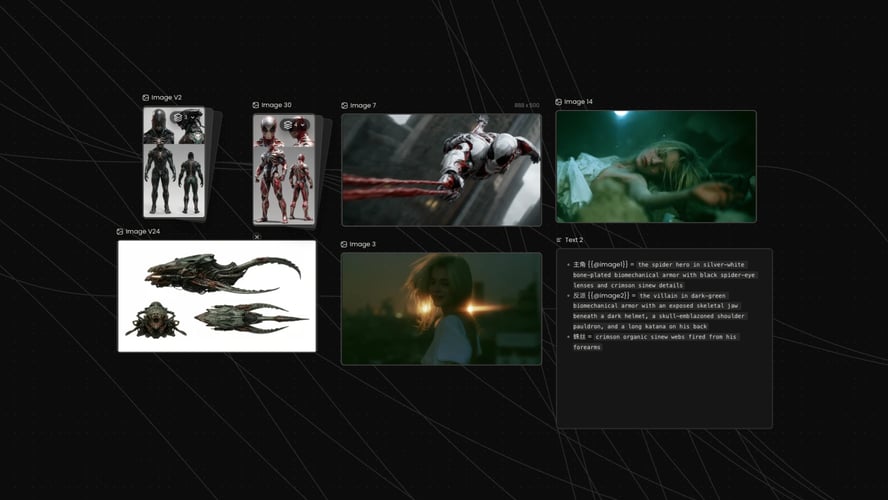
Add a character image and a reference video with the movement you want to recreate. Use material you own or have permission to use, including permission from any identifiable person. A clear view of the subject and action makes the inputs easier to assess. Check the current upload requirements in the active tool rather than assuming every file or clip length is supported.
PROMPT/ADD IMAGE02

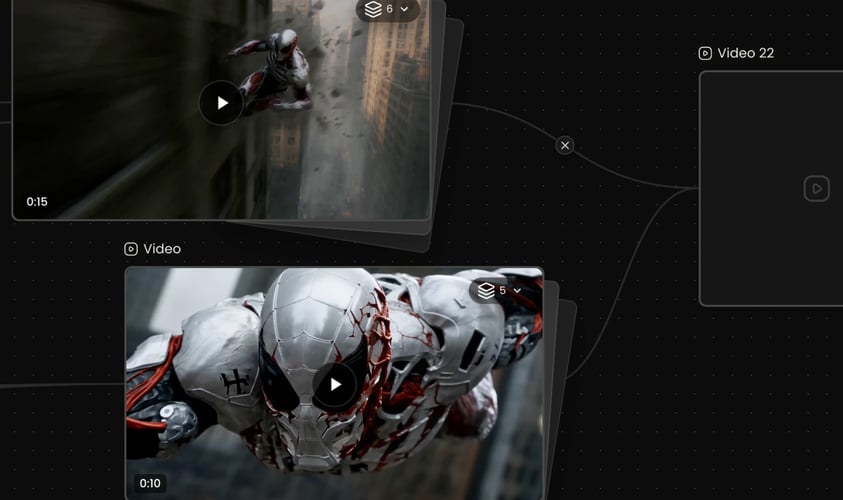
Direct the Scene Around the Motion

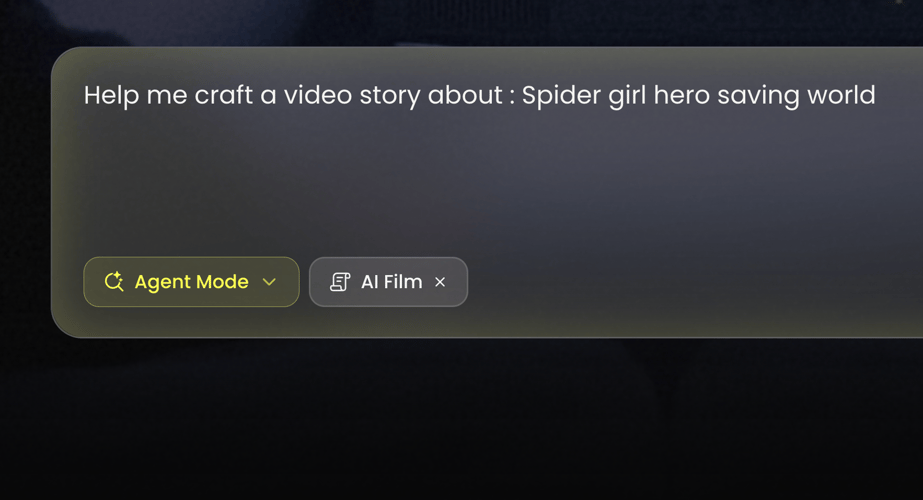
Describe the setting, lighting, atmosphere, camera direction, and visual style you want. Keep the same core character reference while refining the creative brief. Check the selected workflow and its output controls before generating. Character replacement, face-only swapping, and scene restyling solve different tasks; choose based on whether you want a new appearance, a new performance interpretation, or a different visual world.
GENERATE AND ADJUST03

Review the Take Before Moving On

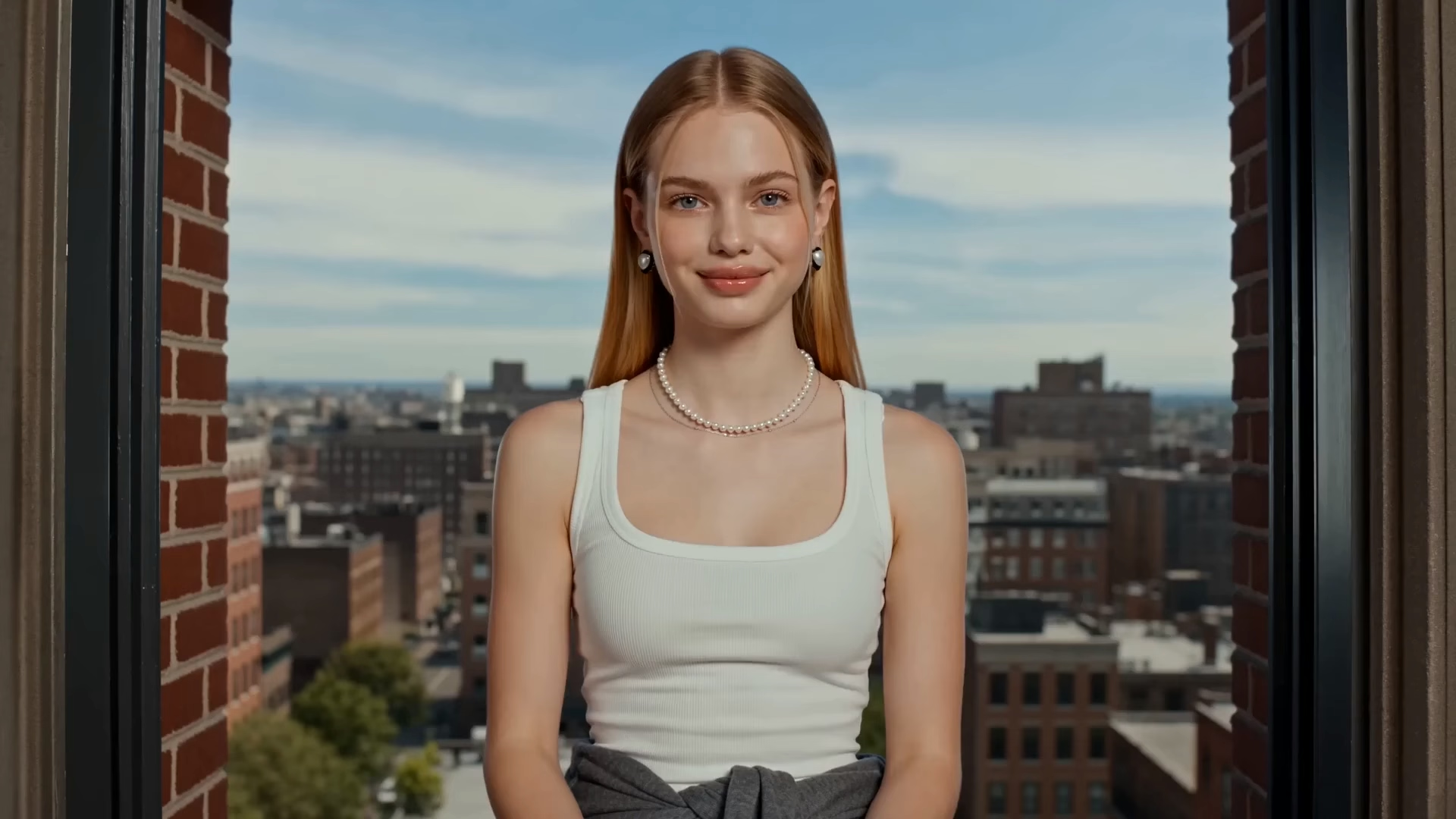
Generate a take, then watch it through. Check facial identity, hands, clothing, body proportions, motion, and framing across the sequence. If the result drifts, try a clearer image, a more readable reference performance, or more focused scene direction. Confirm whether the chosen workflow provides audio; do not assume the source sound survives. Review the applicable model and Buzzy terms before publishing commercially.

BEFORE YOU GENERATE

What should I know about character swaps?

A character image alone defines appearance, not the reference performance: this workflow pairs it with a video. Results may change scene details and need refinement. Generation costs depend on the active model and settings; check current pricing, credits, and upload access in your account. Free sign-up or a promotional offer does not guarantee unrestricted character swaps. Audio retention and commercial-use permissions also depend on the workflow and applicable terms.

Seedance 2.5 offers a free tier with a limited credit allocation for new users. Generating beyond the free allowance requires purchasing additional credits through the platform's paid plans.

Seedance 2.5 delivers generation times that are competitive within the current AI video category. In our testing, shorter clips at standard resolution completed noticeably faster than longer, high-resolution outputs.

Seedance 2.5 supports up to 1080p resolution and a maximum clip length of 30 seconds per generation. Higher resolution outputs consume more credits per generation.

Seedance 2.5 maintains character identity across separate shots through its dedicated multi-shot consistency architecture. We observed stable facial features, clothing, and body proportions across sequential clips generated from the same character reference.

Seedance 2.5 generates synchronized audio — including ambient sound, sound effects, and speech — natively alongside the video output. Audio generation is part of the multimodal pipeline, not a post-processing add-on.

Seedance 2.5 accepts both text prompts and static images as input, producing animated video from either source. Image-to-video mode animates the uploaded frame while preserving the visual style and subject of the original image.

Seedance 2.5 advances beyond the prior version across 4 core dimensions: multi-shot character consistency, native audio generation, expanded camera control options, and higher output resolution. The previous version lacked native audio and offered limited cross-shot identity retention.

YOUR NEXT TAKE

Same performance idea. A different lead.

Start with a character you can clearly recognize and a performance worth reimagining. Explore the motion-led workflow, review the generated take, and refine the scene until the creative direction is right.

Start Creating with Buzzy
logo
Buzzy
© 2026 Buzzy. All rights reserved.