
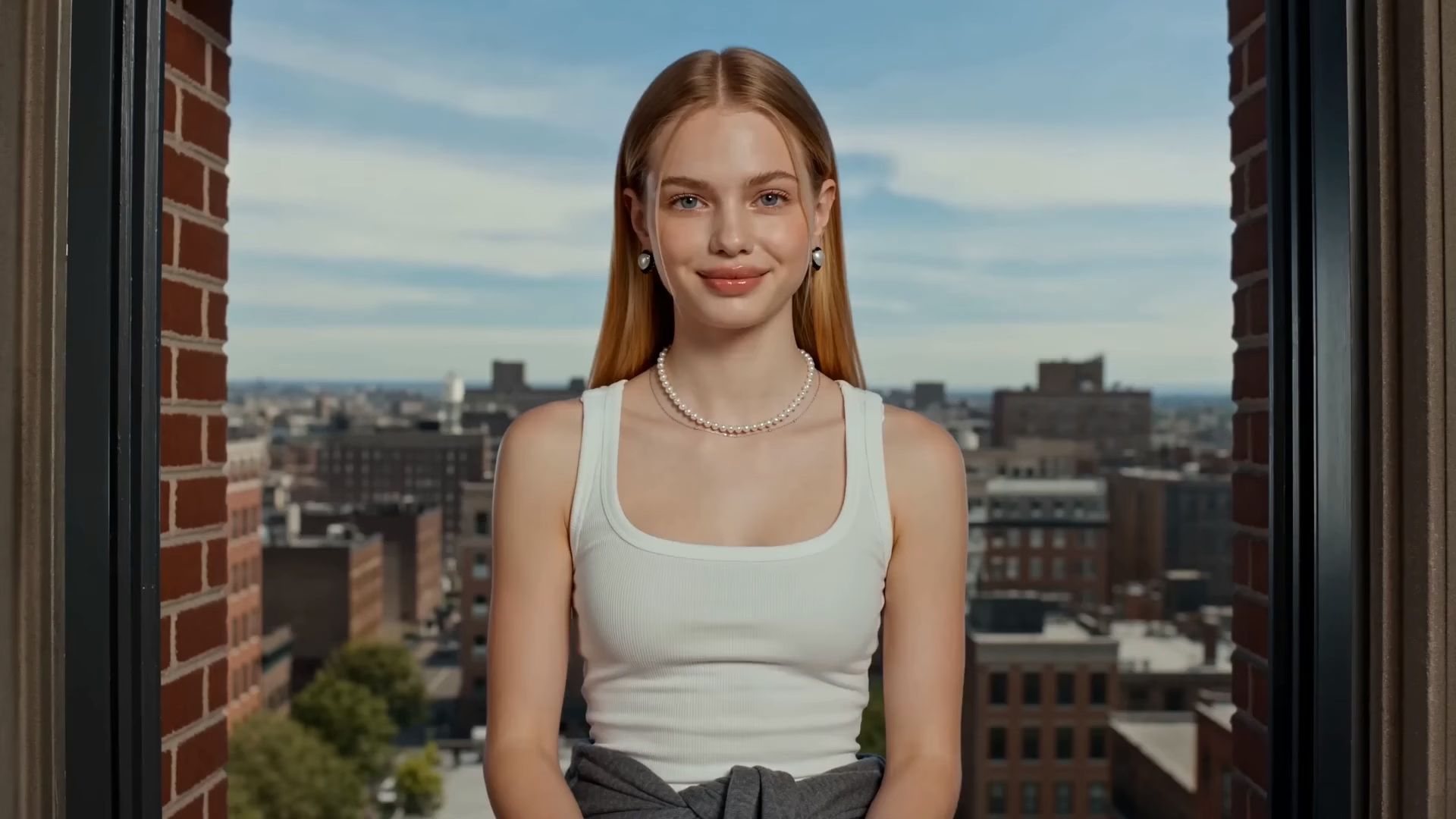
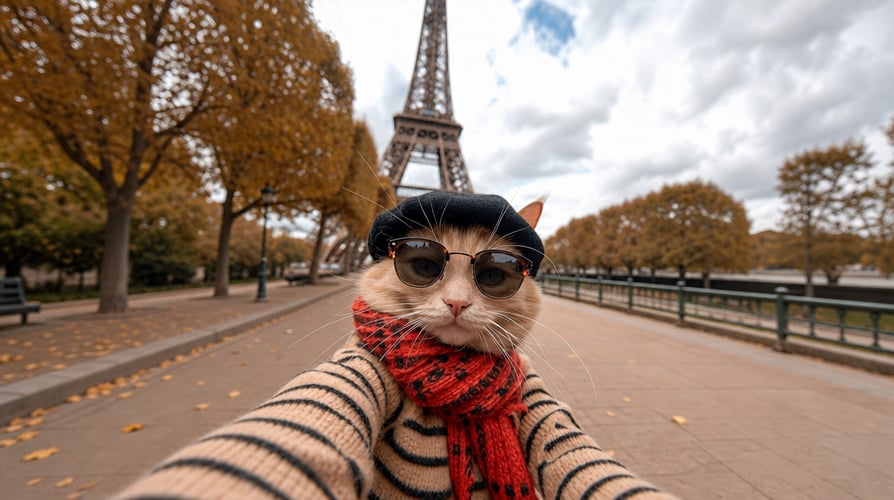



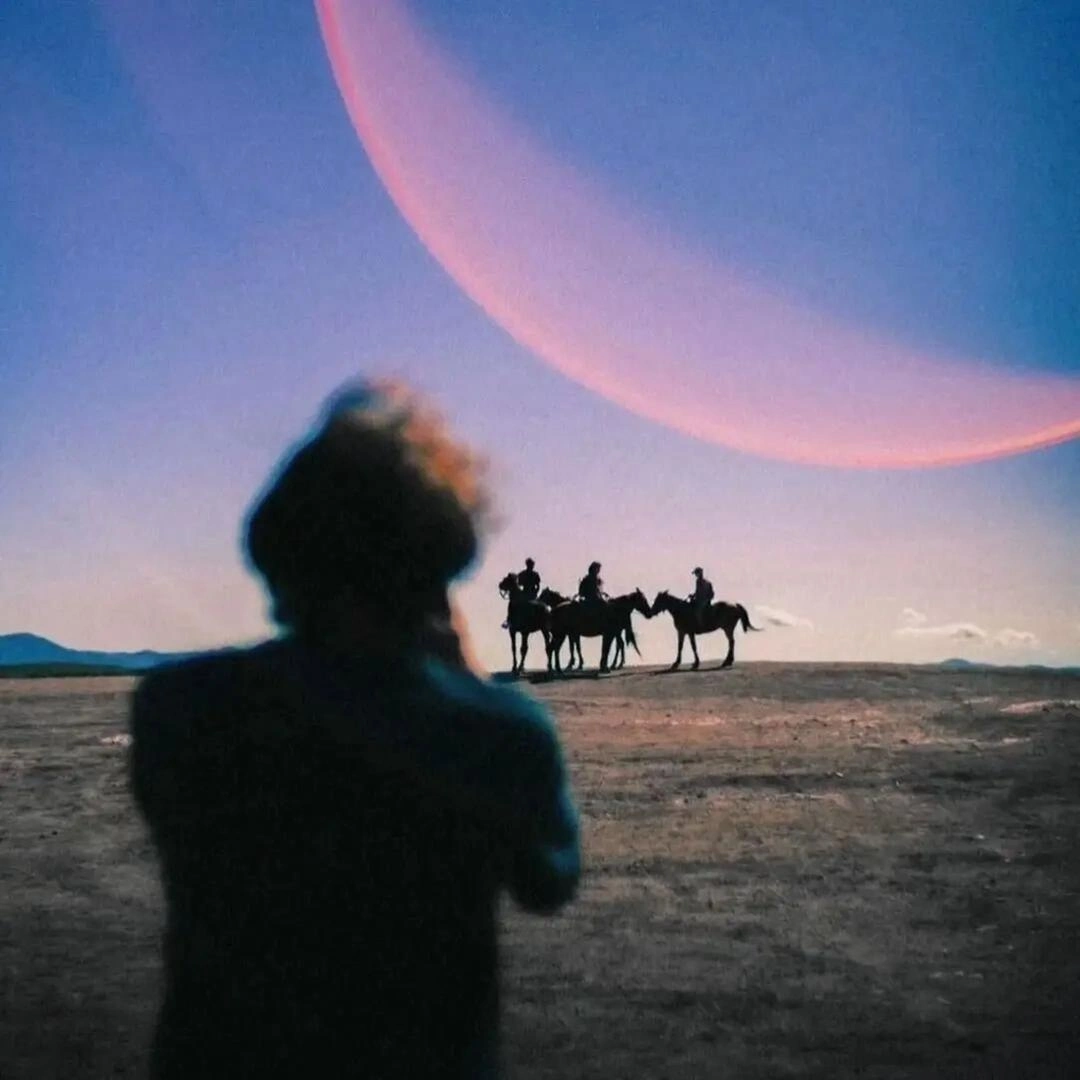

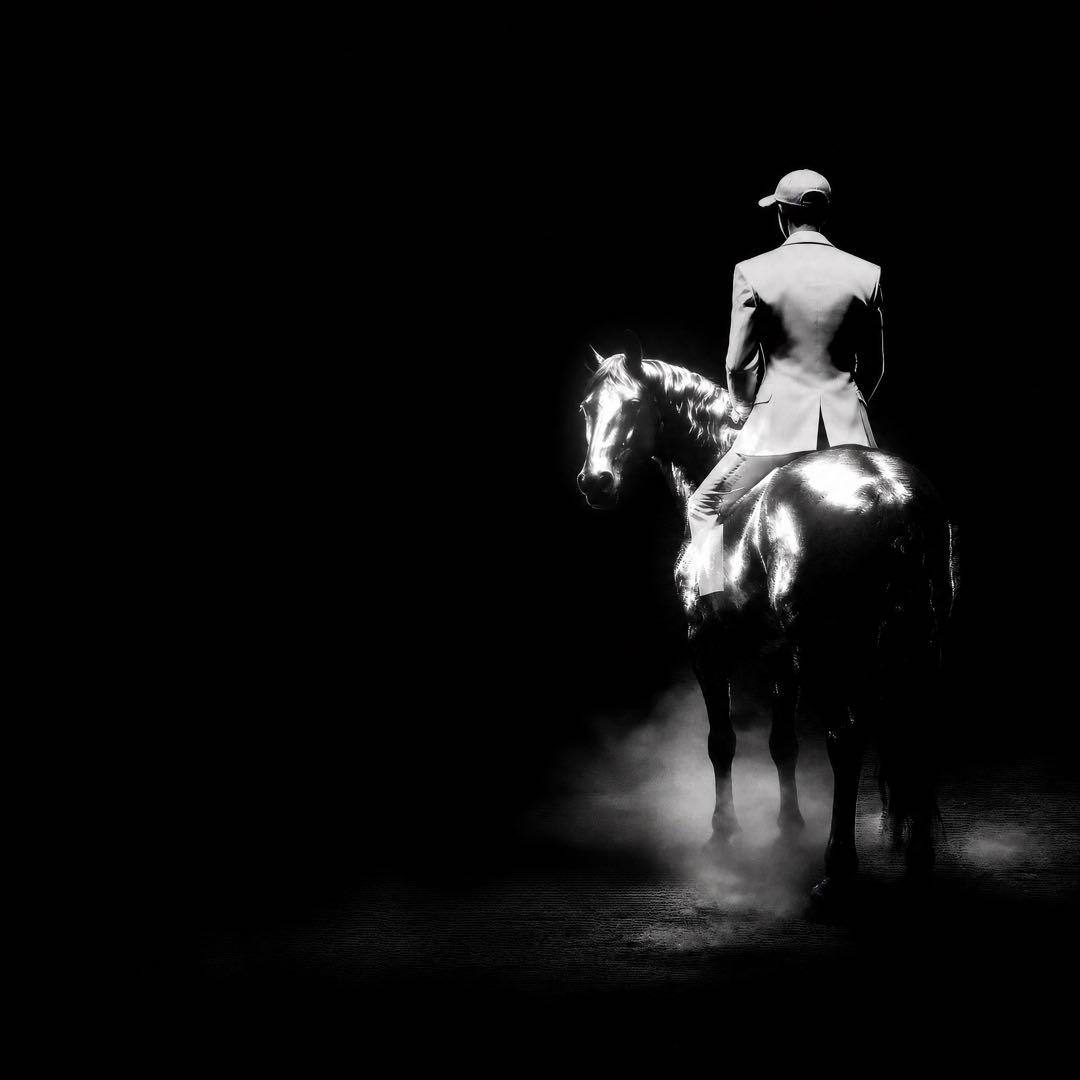






Turn an idea, a script beat, or a single image into an AI-generated video with Hailuo 2.3 on Buzzy. Start from a text prompt for text-to-video generation, upload a reference image for image-to-video, then direct the scene with motion, camera, style, composition, and character-expression guidance. Hailuo 2.3 gives creators a focused way to develop cinematic scenes, stylized animation, product moments, and short-form video without breaking the creative process into disconnected tools.
The Hailuo 2.3 model is built for visual performance. It helps translate physical action, object motion, dynamic camera movement, and facial micro-expressions into a more deliberate video result. Use it when a scene needs more than a static image: a character needs to react, an object needs to move with purpose, or a visual concept needs to become a sequence that feels ready for an audience.
Create Hailuo 2.3 Video from a Prompt or Image
Every Hailuo 2.3 workflow begins with a creative starting point. Write a concise text prompt when you want the model to build a scene from language. Upload an image when you want to preserve a visual direction, subject, setting, product render, illustration, or concept frame and bring it into motion.
| Start with | Use it for | Add to the prompt |
|---|---|---|
| Text-to-video | New scenes, visual concepts, story beats, ads, and cinematic experiments | Subject, action, setting, camera movement, lighting, mood, and style |
| Image-to-video | Product images, character art, still frames, key visuals, and reference-led scenes | The intended movement, camera direction, expression, timing, and composition |
| A style direction | Anime, illustration, game CG, realistic film looks, and other visual treatments | Color, texture, lighting, framing, atmosphere, and visual references |
For a stronger result, make the action concrete. Describe what moves, how it moves, where the camera is placed, and what should remain visually important. A useful Hailuo 2.3 prompt connects a subject, an action, a scene, and a visual language in one clear instruction. This gives the AI video model a creative brief rather than a list of disconnected keywords.
How Hailuo 2.3 Video Generation Works on Buzzy
Buzzy brings Hailuo 2.3 into a video-creation workflow designed for creators who want to move quickly from concept to scene. Use the model as a direct generation tool, then continue exploring adjacent ideas, formats, and production directions inside the same creative suite.
1. Define the scene
Choose text-to-video when the scene starts in language, or image-to-video when a still image already carries the visual direction. Define the subject, setting, action, and mood before adding details such as lighting, lens perspective, composition, or color. If you are building a sequence rather than a one-off clip, use each generated scene as a clear visual decision for the next one.
2. Direct motion, camera, and expression
Hailuo 2.3 is designed to respond to motion commands. Tell the model whether a character walks, turns, gestures, dances, reacts, or performs a complex physical action. Describe how an object moves through the frame, whether the camera pushes in, tracks sideways, tilts, circles, or holds a close-up, and how the scene should feel as the action unfolds.
For character-led video, add the emotional turn that matters. A small change in gaze, posture, smile, surprise, confidence, or tension can give a scene a more readable performance. For product and object scenes, describe grounded movement, placement, interaction, and camera timing to make the visual story easier to follow.
3. Generate, compare, and develop the best direction
Generate the first Hailuo 2.3 video, assess the movement and style, then refine the prompt or reference image for the next pass. Buzzy is a useful home for this iterative work because you can move from a single generated clip to broader AI video generation workflows, visual exploration, and production-ready creative directions without leaving the platform.
Direct Motion, Style, and Facial Expressions with Hailuo 2.3
Hailuo 2.3 is a strong choice when the video needs an intentional relationship between action and appearance. Rather than treating movement as an afterthought, use the prompt to establish the physical behavior, camera energy, visual style, and emotional detail that should guide the generation.
| Creative control | Prompt direction | Useful for |
|---|---|---|
| Character motion | Describe a specific action, pace, posture, gesture, or choreography | Film scenes, animation, music video, character stories, and social content |
| Camera movement | Name the framing and motion, such as close-up, tracking shot, slow push-in, orbit, or handheld energy | Cinematic storytelling, product video, dramatic reveals, and scene transitions |
| Facial expressions | State the emotional shift, eye line, reaction, and performance beat | Dialogue moments, reactions, portraits, and narrative scenes |
| Style consistency | Define visual references through medium, lighting, color, texture, composition, and atmosphere | Anime, illustration, realistic film, branded content, and campaign assets |
| Object motion | Explain what moves, how it moves, and how it interacts with the scene | Product ads, motion design, e-commerce visuals, and concept animation |
Use a reference image when the look is more important than the object description alone. It can anchor the character, product, environment, composition, or artistic treatment you want to develop. Then use the Hailuo 2.3 prompt to specify the motion and scene behavior that turn the image into video.
Hailuo 2.3 Video Resolution, Duration, and Fast Generation
Choose a format that fits the story beat and the production cycle. Hailuo 2.3 supports 768p output at 6 or 10 seconds and 1080p output at 6 seconds. These options give creators a practical way to choose between a shorter high-resolution shot and a longer scene for narrative motion, social content, ads, or concept development.
Hailuo 2.3 Fast is available when speed matters for iterative or batch creation. Use the Fast option when you want to test motion directions, compare prompt variations, develop multiple scene options, or build a larger set of short clips more efficiently. Keep the creative brief specific so faster iteration still produces useful visual choices.
| Option | Available video formats | Best use |
|---|---|---|
| Hailuo 2.3 | 768p at 6 or 10 seconds; 1080p at 6 seconds | Final-look exploration, motion-focused scenes, cinematic character performance, and style-led video generation |
| Hailuo 2.3 Fast | 768p at 6 or 10 seconds; 1080p at 6 seconds | Rapid prompt testing, multiple scene directions, high-volume variations, and faster creative iteration |
Hailuo 2.3 is part of a wider creative environment on Buzzy. Visit the Buzzy model library when you want to compare different image, video, audio, and 3D directions for a project. Keep the model choice connected to the actual job: use Hailuo 2.3 when expressive motion, visual stylization, and text- or image-led video generation are central to the scene.
Make Hailuo 2.3 Video for Film, Ads, Animation, and Social Content
Hailuo 2.3 can serve a broad range of video tasks because the starting point can be a prompt or an image and the result can be guided by movement, expression, camera, and style. Start with the audience and the storytelling job, then tailor the input and motion instructions to the channel.
| Use case | Hailuo 2.3 approach | Creative focus |
|---|---|---|
| AI film | Build a scene from a story beat, character action, and cinematic camera direction | Performance, atmosphere, lighting, and visual continuity |
| Product ads | Animate a product render or key image with controlled movement and composition | Product visibility, object motion, brand style, and a clear visual hook |
| Short-form content | Create a concise visual moment with a direct action and bold framing | Motion, pacing, facial reaction, vertical-safe composition, and fast iteration |
| Animation | Start from character art or an illustration, then describe the movement and expression | Style stability, gestures, character performance, and scene energy |
| Storyboards and concept work | Test a narrative moment from a prompt or reference image before expanding it | Camera, composition, scene design, and creative direction |
For more repeatable creative directions, explore Buzzy creative workflow skills for films, ads, branding, and animation. If the project begins with a still visual, the AI animation workflow can help you move from illustration or image-led concepts toward motion-focused output.
Hailuo 2.3 Prompt Ideas for Better Video Generation
A well-structured prompt makes the intended scene easier to interpret. Start with the subject and action, then add camera, setting, style, lighting, and emotional direction. Keep the description specific enough to guide the model, but avoid adding details that conflict with one another.
Cinematic character performance
A young traveler pauses at the edge of a rain-soaked platform, looks over her shoulder with growing concern, then steps into a warm train carriage. Slow tracking close-up, reflective puddles, soft blue exterior light shifting to amber interior light, cinematic realism, subtle facial expression.
Stylized image-to-video scene
Use the uploaded illustration as the visual reference. The character raises a lantern and walks through a wind-swept forest, fabric and hair moving naturally, camera follows from behind before revealing a wide painted landscape, detailed anime style, dramatic moonlight, gentle atmospheric motion.
Product motion concept
Use the uploaded product image as the reference. The bottle rotates slowly above a textured stone surface as water droplets rise around it, camera moves from a macro close-up to a clean hero frame, crisp studio lighting, premium skincare advertising, calm and modern color palette.