 01
Prepare the Cartoon Baby Character
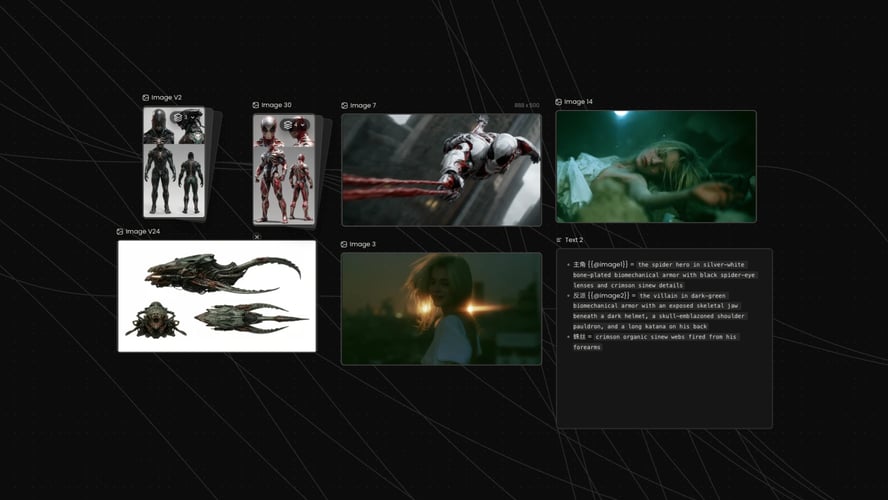
Choose a clear cartoon or illustrated baby image with a readable face, torso, and outfit. Front-facing or three-quarter views usually transfer better than extreme angles. Note the colors and props you want to keep. If the phrase claps or points, both hands need to be in the still, because a face-only crop cannot carry that motion. A busy background on the character plate competes with the dance, so prefer a simple plate. Confirm upload rules in the live recreate workflow before you start. This step sets identity only. It is not a kids story outline, a learning episode, or a sing-along script.
 02
Attach a Readable Dance Reference
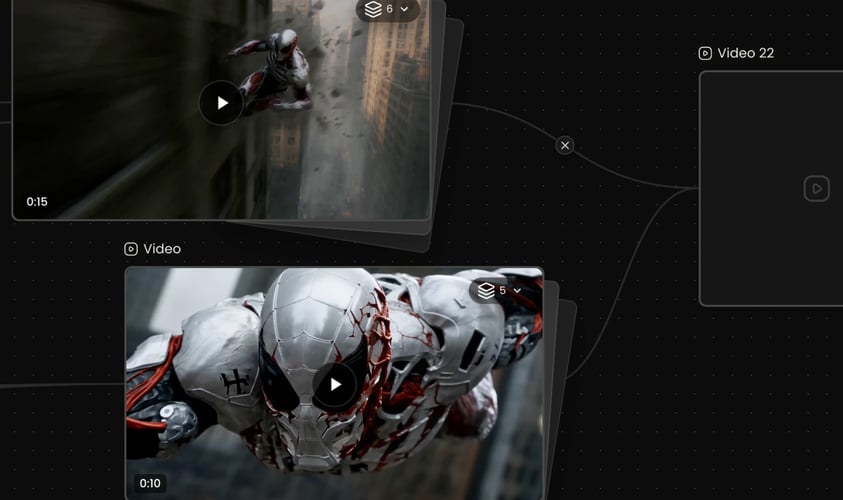
Add a short dance clip where feet, arms, and timing stay visible. Solo choreography that keeps one facing direction usually transfers more cleanly than a crowded routine or a clip that turns from front to back mid-phrase. Write one sentence for energy, camera distance, and background. Confirm accepted file types and the credit cost of the selected action in the workspace before you submit. Public trend pages may advertise a fixed baby-dance preset. On Buzzy, the verified path is a character image plus a reference you can watch.
 03
Generate, Verify, Then Extend
Create a short preview first. Inspect face stability, outfit continuity, hand and foot paths, and whether the baby still reads as the same cartoon character. Pause on the first frame and the last frame and compare face shape and onesie color before you spend more credits. If limbs twist or the face drifts, change one input, the dance or the character plate, and generate again. Buzzy offers a “Start for free” entry, but generation uses the credits and plan limits shown in your account. This page does not promise unlimited free baby dance videos. When the preview holds, extend the clip or refine one missed detail at a time.