







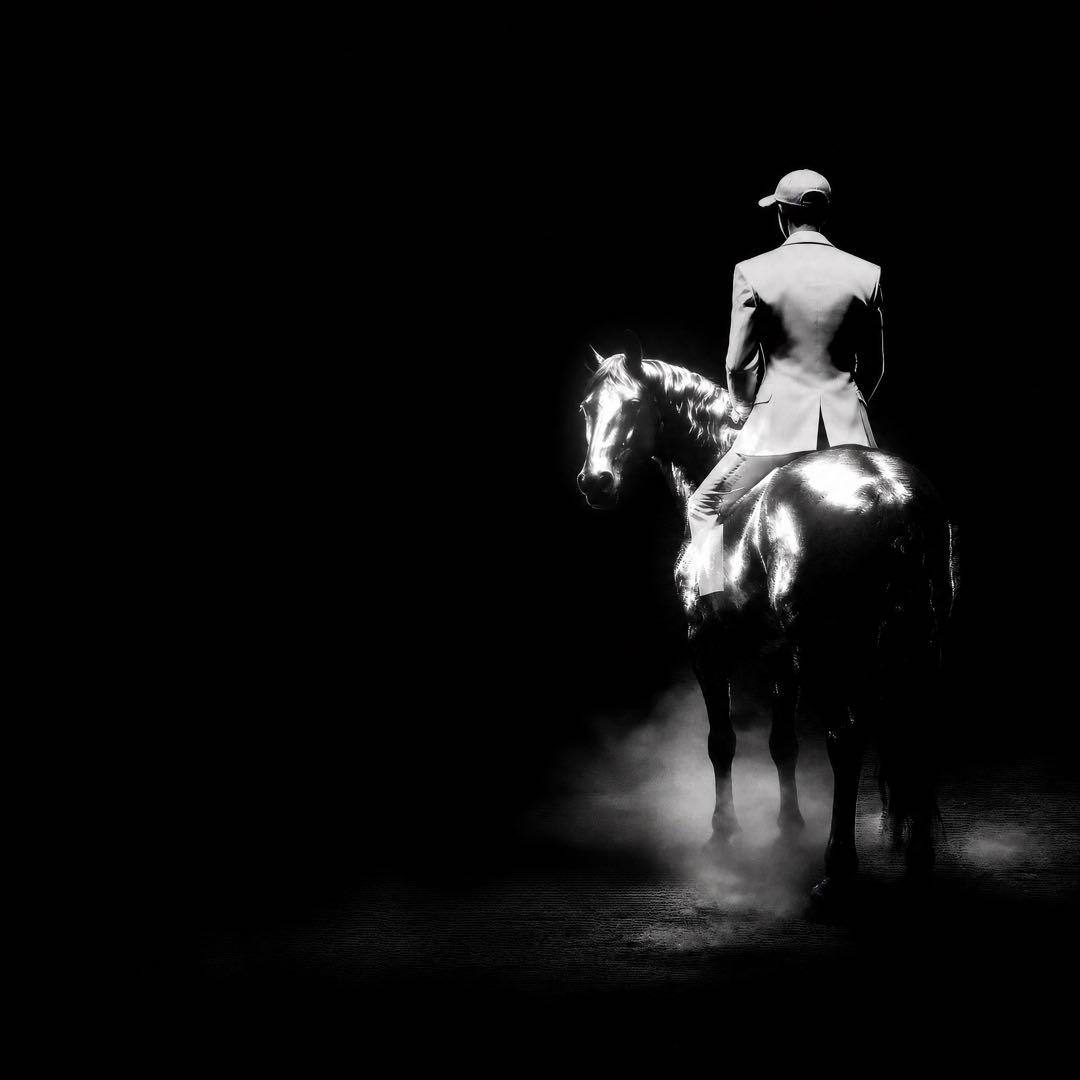



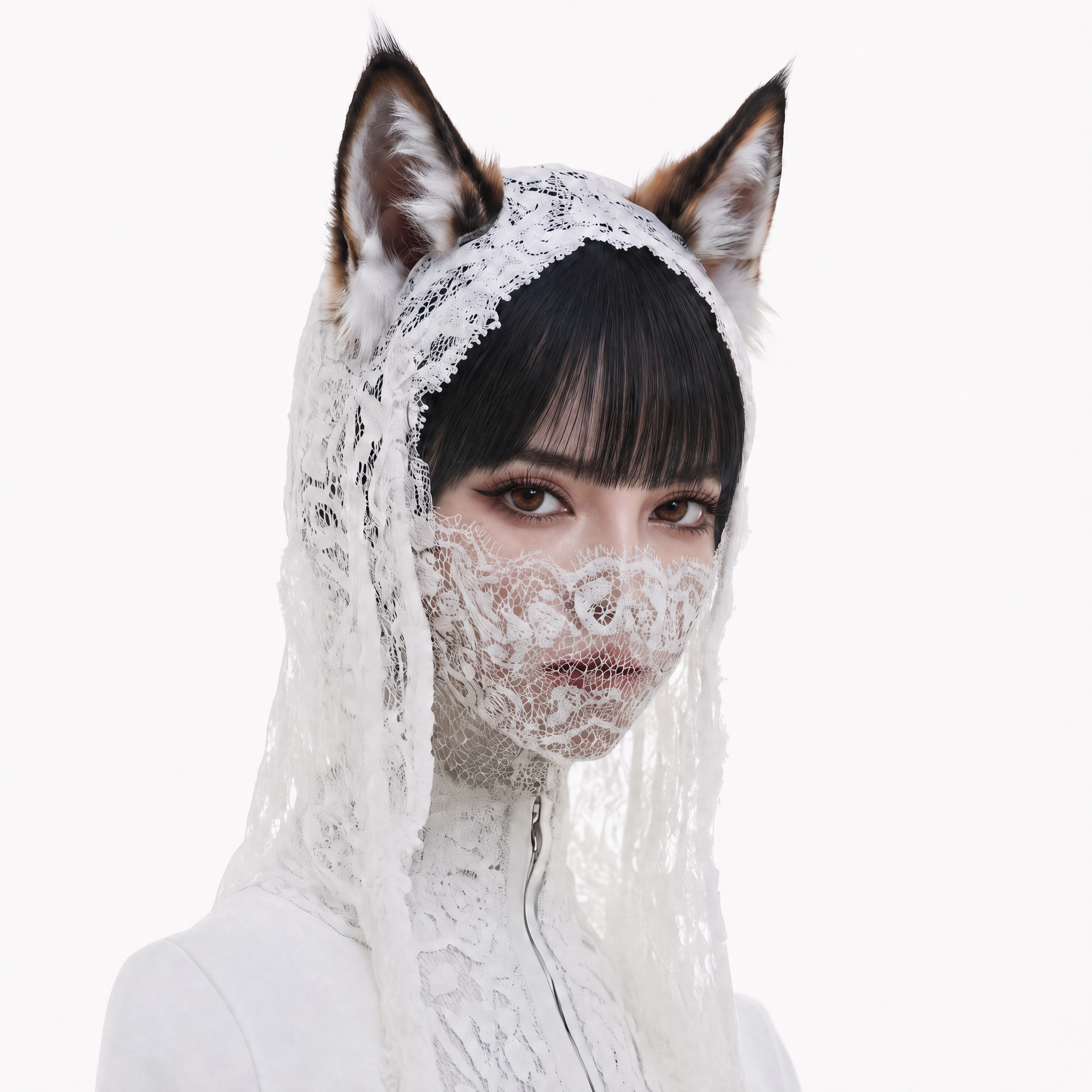


You have the product image, the character pose or the half-written hook. What you may not have is time to treat every unproven idea like a final production decision. This Fast video model gives creators a practical direction for exploring movement, style and composition while the concept is still easy to change. This focused test is intentionally small: it answers one visual question before the team spends more time on production.
On Buzzy, use Hailuo 2.3 Fast model to plan a Fast workflow around a clear reference image and one focused action. This workflow keeps the creative decision visible and easy to compare. When this model is enabled in your workspace, the aim is straightforward: make several purposeful tests, compare what reads best, and carry the strongest idea into deeper refinement.
Create your first AI video test on Buzzy
Benefits Snapshot
| Creative need | What this workflow helps you evaluate |
|---|---|
| More directions | Explore several image-to-video concepts before committing to one |
| Faster decisions | Compare movement, framing and opening hooks side by side |
| Better inputs | Learn which reference image and motion prompt communicate clearly |
| Focused refinement | Give deeper attention to concepts that already show promise |
Quick Fit Check
This approach is a strong fit when your first question is, "Which movement or opening image should we pursue?" Hailuo 2.3 Fast is especially useful at this early exploration point, before a broader brief is locked. Start with one readable reference image, one visible action and a short prompt that explains what changes over time. Social creators, product marketers, visual designers and small teams can all use that narrow question to test several creative routes without overbuilding the brief.
It is less suitable when you already need a highly finished sequence, complex shot continuity or a locked production specification. Use the early test to learn what works, then plan a more deliberate Hailuo 2.3 Fast workflow or another deliberate route that matches the final brief.
User Review
A useful review appears in the work itself rather than in a promise. With Hailuo 2.3 Fast, the review can focus on whether the motion supports the idea, not on whether the concept sounded convincing in writing. Lena begins with a board of ideas marked "to test." After the first pass, the same product visual can be considered across different motion directions. The conversation becomes concrete: the team can discuss pacing, composition and style instead of debating an untested concept. The speed supports judgement; it does not replace it.
Explore the Buzzy AI video generator workflow
Hailuo 2.3 Fast Workflow Showcase
1. Choose the Reference Image
Begin with a clean, readable first frame. A product packshot, character illustration or editorial still can provide a visual anchor. Keep the subject large enough to read, separate it from distracting background details and decide which elements must remain visually consistent.
2. Write One Motion Test
Keep the first prompt narrow. Describe the subject, action, camera behaviour and mood. For example: "A bright package turns slowly toward camera as soft studio light sweeps across the label, clean advertising motion." The purpose is not to write a whole storyboard. It is to isolate one creative question.
3. Compare, Refine and Select
When the model is enabled in your Buzzy workspace, generate several focused directions and compare the opening beat, subject readability, movement, style consistency and overall energy. That is the practical role of this model: quick comparison, followed by a more informed choice. Save the strongest route, adjust one variable at a time and prepare it for a more detailed production pass.
How to build better image-to-video tests
A Hailuo 2.3 Fast planning pass is most useful when a compact image-to-video test can settle one creative question. Keep the brief narrow and review every output against the same visual criterion.
For teams preparing several initial directions, Hailuo 2.3 Fast can frame rapid comparison before a more detailed production workflow is chosen. Confirm the active workspace settings before relying on a specific output option.
Good inputs make fast generation more useful. For this model, the reference image does much of the visual anchoring, so clarity matters more than a crowded prompt. Use one clear subject, avoid competing focal points and choose a reference image that already expresses the intended style. If style consistency matters, describe the visual language in practical terms such as flat illustration, soft studio product lighting, hand-painted texture or game-inspired environment. State the motion separately.
A useful prompt often follows this order: subject, action, camera, environment and mood. "A ceramic cup rotates gently on a warm kitchen counter; the camera makes a subtle push-in; morning light and calm lifestyle advertising style" gives the model a sequence to interpret. Treat each result as a motion test, not a promise of a finished advertisement.
Hailuo 2.3 Fast and Model Variants
The Hailuo family can be considered as a set of model variants with different creative priorities. The Fast option is positioned here for rapid, lower-friction exploration. A this model workflow may be useful for a second round of tests, while standard Hailuo 2.3 may be a better planning direction when a concept needs more deliberate refinement, nuanced performance or a carefully controlled final pass. Confirm exact availability, parameters and output options before production use.
Creators can browse Buzzy's model workspace to compare the shape of a brief with adjacent options and keep a strong creative direction moving. For a brief that depends on richer reference inputs or multi-shot planning, view the Kling 3.0 workflow as a comparison point.
When to Move Beyond a Fast Test
Choose another route when the project depends on a defined multi-shot story, extensive audio planning or specialised camera control. The right handoff is clear: retain the winning reference, motion idea and style note from the this model test, then expand them into a fuller brief rather than starting from zero.