 01
Start with Both Arms in Frame
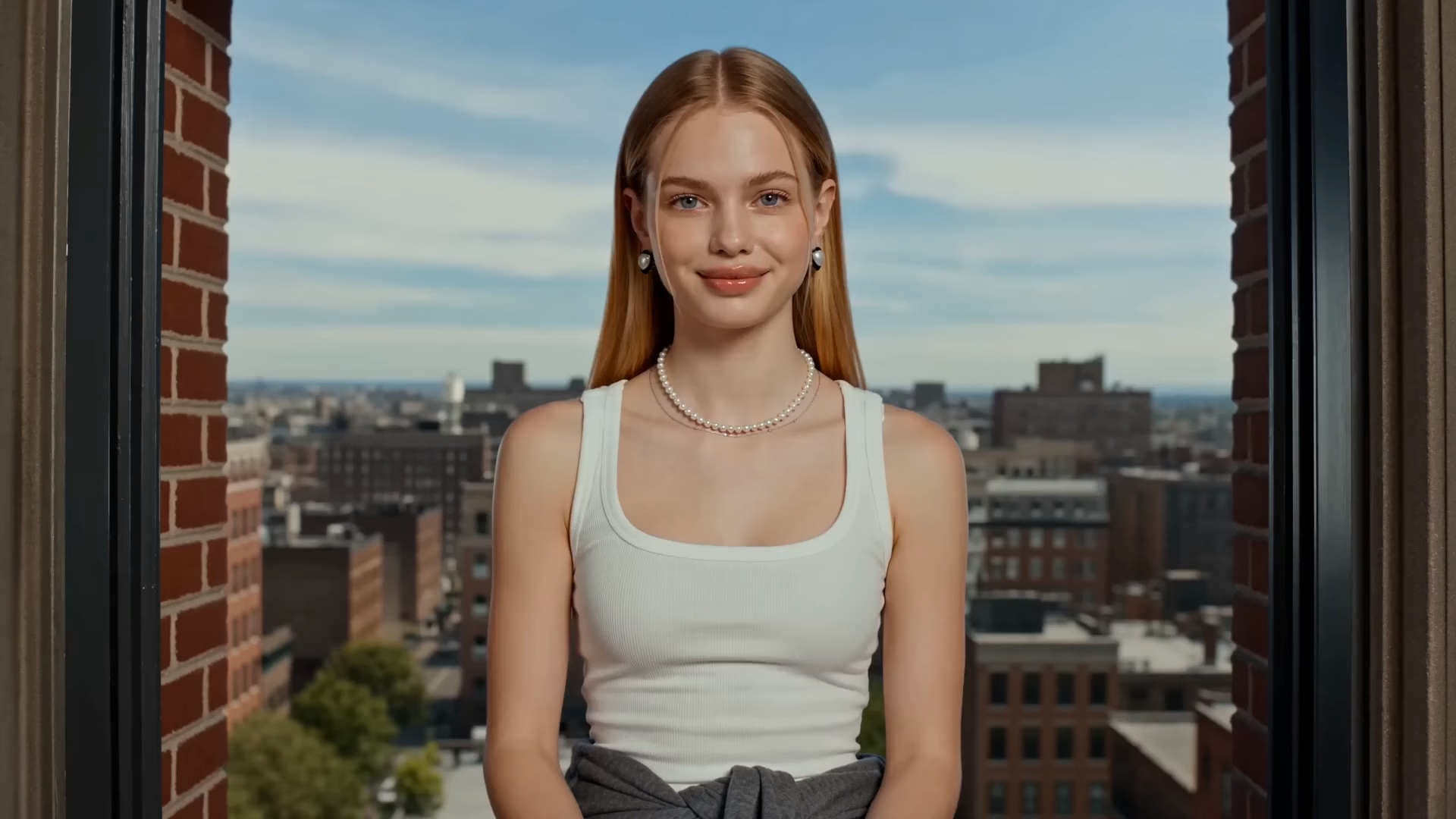
Use one photo where the face, both shoulders, and the upper arms are easy to see. A front view beats a side crop that hides an elbow. A coat or a crowded gym makes the arm line harder to judge.
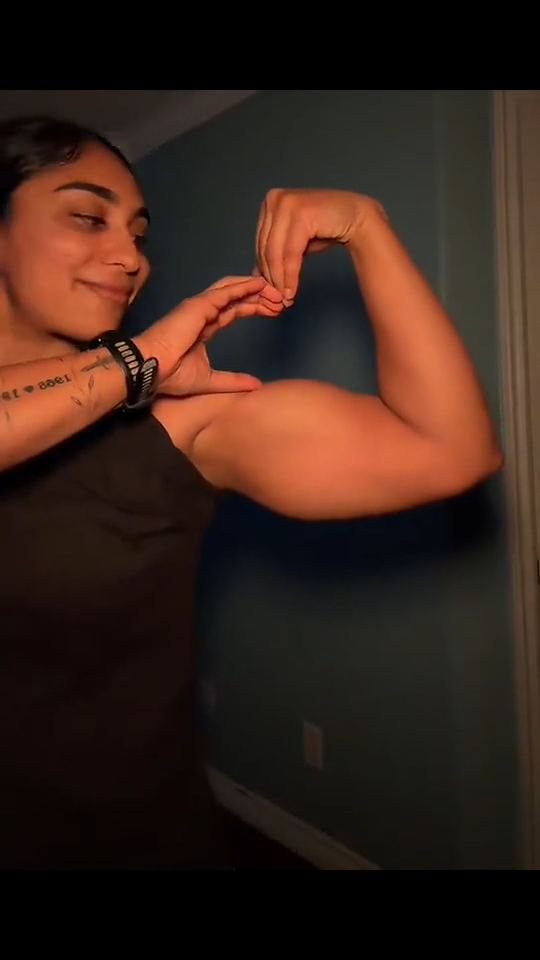
Upload a photo that already shows both shoulders. The preview on this page is the arm heart to follow: elbows out, forearms toward each other, and a gap that reads as a heart. Compare the face and both elbows with your upload before you extend the clip.
Recreate this arm heart
Add your photo and follow the pose in the preview.
Pose preview
The clip on this page is the pose to follow
Pose brief
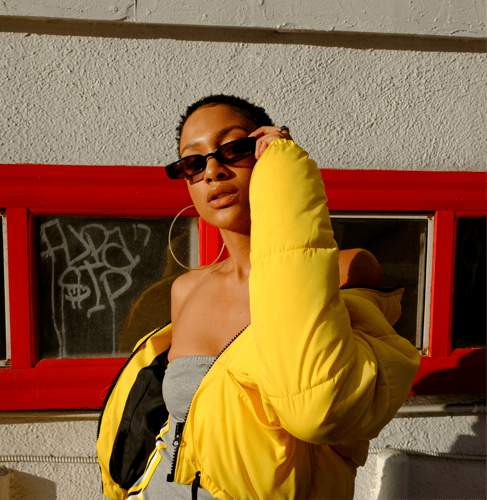
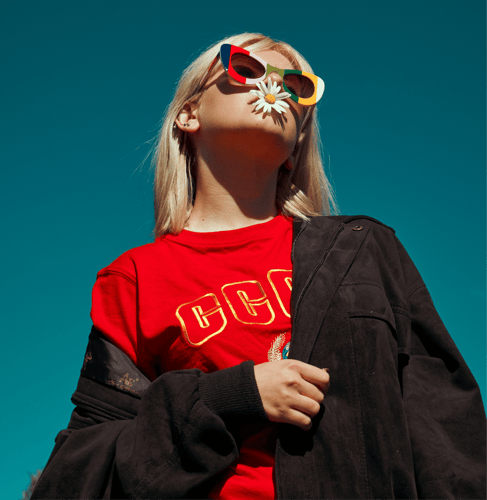
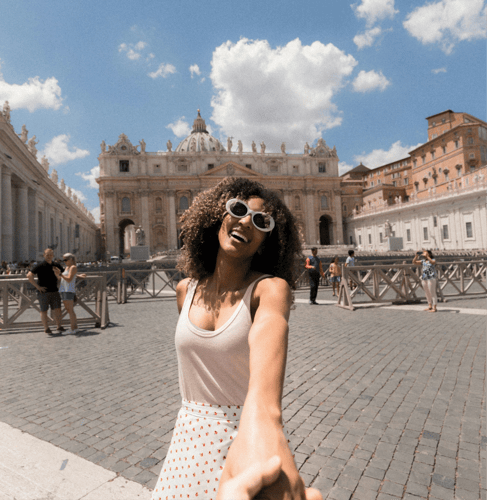
Follow the preview, add a photo with both shoulders visible, and name one arm path: a hold, or a raise into the heart. Watch the gap between the arms on the first take. The clip is a generated pose, not a training record.
01Use one photo where the face, both shoulders, and the upper arms are easy to see. A front view beats a side crop that hides an elbow. A coat or a crowded gym makes the arm line harder to judge.
 02
The Bicep Heart AI template takes the pose from the preview. Say if the arms hold or rise once, and name the outfit, light, and a waist-up frame. Leave celebrity names and size claims out.
 03
Play the short result and compare the face, the two elbows, and the gap between the arms with your upload. If one arm drops or the hands fuse, change the photo or the pose line before you extend the clip.
This page stays on one two-arm heart pose. Open a physique workflow when you want a broader athletic look, or a dance workflow when the job is a routine and the review is the footwork.
What the first take should prove, which photo keeps both arms readable, and why this clip is not a measure of arm size.
Judge one continuous take. Both elbows should sit out from the shoulders, the forearms should angle toward each other, and the empty space between the arms should read as a heart rather than a triangle or a circle. The face should still match the upload at the end of the hold. A result that flexes only one arm, drops one elbow, or merges the hands into a single shape above the head has not made the pose. Pause where the arms are highest and look at the wrists. Each wrist should still meet a forearm. If the neck widens to fill the gap, or the shoulders trade sides during the raise, simplify the photo before a longer clip.
Upload a clear image of a person or an original character with the face, both shoulders, and the upper arms in frame. A simple background beats a busy gym full of other people. A side view that hides one elbow gives the pose nothing to follow on that side. If the preview lifts the arms overhead, leave space above the head so the face stays in frame. A tank or a short sleeve makes the arm line easier to judge than a loose coat. If the coat stays on, say so, and check the sleeves at the end of the hold. Confirm the file types shown in the recreate panel before you submit. The preview clip is the pose reference, and your upload is the person that pose should follow. Only use a photo you have the right to depict. If one hand holds a phone, that arm cannot complete the heart.
You can replace the uploaded image, rewrite the pose brief, and use the recreate controls on the panel: subject photo, prompt text, and the reference clip. Useful brief edits are sleeve length, camera distance, whether the arms hold still or rise once, and how high the elbows sit. Ask for one change at a time so you can see what moved. Raising the elbows changes the gap more than changing the shirt color. If you need a chest-height heart instead of an overhead one, say that and look at the wrists again. Resolution, duration, and credit cost stay on the live action you select. This page does not publish a fixed export spec.
No. The clip is a generated pose based on your image and the preview. It is not a measurement of muscle gained, a before-and-after record, or a workout plan. Do not present the export as an unedited photograph of someone's arms if the pose was generated. If you need coaching or health guidance, use a qualified professional. Judge the frame for identity, both elbows, and whether the gap still reads as a heart. Leave medical claims, supplement names, and guaranteed size changes out of the brief and the caption. The preview shows one pose in one continuous shot. A thicker arm line is still a generated look.
Stay here when you want one arm-heart clip based on the preview. Open the athletic-look muscle template when the brief is a broader muscular physique rather than this two-arm heart. Open the reference dance template when the job is a routine and you need to review footwork, not a held pose. Do not force a training series, a narration, or a full choreography into this single-template brief.
The gap is the pose. Elbows can drop, one wrist can vanish, or the face can soften once the arms rise. A short first take shows whether the heart and the person survived. If the gap is right but the raise is muddy, change only the motion line. If one elbow disappears, simplify the photo or lower the arm path before you spend more credits. Extend only the take that still matches the upload. Buzzy shows a start-for-free entry, and generation still follows the credit and plan limits in your account. This page does not promise unlimited free exports, a fixed resolution, or a guaranteed runtime. Compare the upload and the take at the same moment in the raise, not only on the poster frame.
Follow Buzzy's current terms for generated media, and only upload images you have the right to use. A Bicep Heart AI result is still a generated clip under those terms. The template does not grant permission to depict a real person, a celebrity, or a branded athlete you do not represent. Review likeness rights before you publish, and label the clip as generated when a viewer could mistake it for an unedited photo. This template does not add captions, a voiceover, or a guaranteed audio track unless the live panel offers that control. If the clip will run in an ad or on a channel, confirm the usage rules in your account first.
Open the preview, add a photo with both shoulders in frame, and compare the gap between the arms with the upload before a longer hold.