 01
Start with a Full-Length Photo
Use one photo of an adult where the head, the outfit, and the shoes are easy to see. A front view on a simple background beats a crop that cuts off the sneakers.
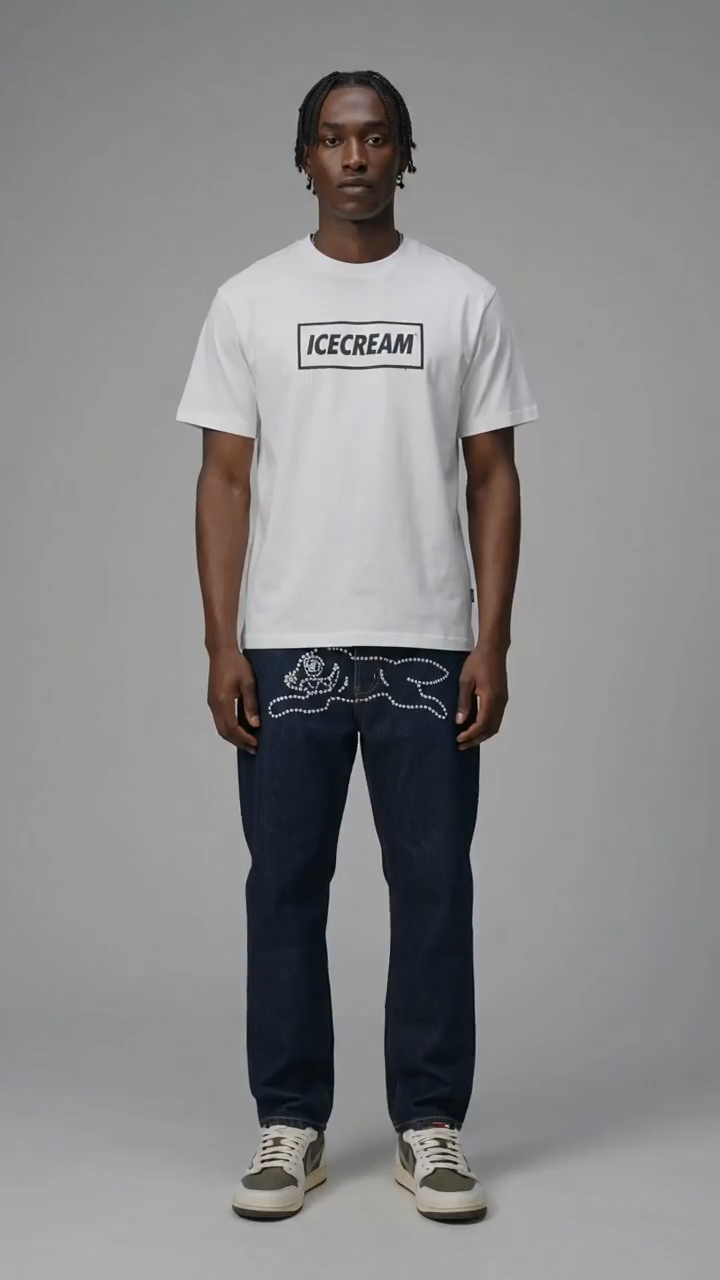
Upload one full-body photo of an adult. The preview is a gray studio: a white tee, dark denim, and low-top sneakers. The frame moves closer, one hand rests in a pocket, then the full length returns and the chest graphic changes. Compare the face, the graphic, and the shoes before you extend the clip.
Recreate this studio look
Add your photo and follow the outfit in the preview.
Look preview
The clip on this page is the look to follow
Outfit prompt
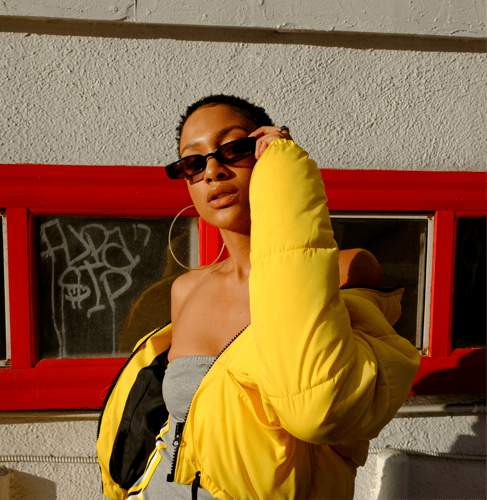
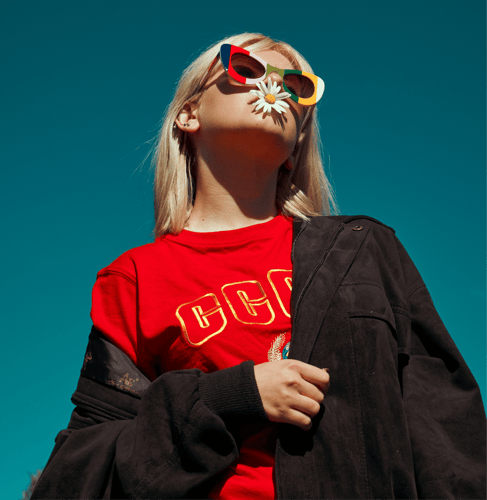
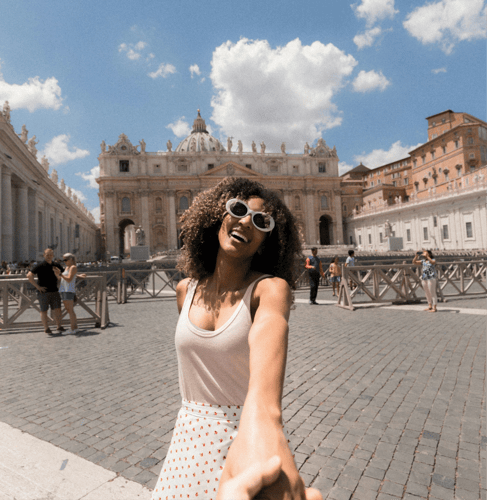
Follow the preview, add a full-body photo, and name the tee, the denim, the shoes, and one framing change. Watch the chest graphic and the shoes on the first take. The clip is a generated look, not a license to a brand.
01Use one photo of an adult where the head, the outfit, and the shoes are easy to see. A front view on a simple background beats a crop that cuts off the sneakers.
 02
The Streetwear Fashion AI Video Generator takes the outfit from the preview. Name the white tee, dark denim, sneakers, and one closer frame. Put an original graphic on the chest.
 03
Play the short result. Compare the face, the chest graphic, and both shoes with the upload. If the print melts or a shoe disappears, change the photo or the prompt before you extend the clip.
This page stays on one gray-studio streetwear clip. Open a clothing workflow when you need to replace garments on a clip you already have, or a motion workflow when the job is a longer performance.
What the first take should prove, which photo keeps the sneakers in frame, and why the sample graphics are not a brand license.
Judge one continuous portrait clip of about six seconds. One adult stands on a seamless gray set in a white tee, dark denim, and low-top sneakers. The frame moves closer, one hand can rest in a pocket, then the full body returns. The chest graphic can change: the sample starts with a boxed mark and later shows a second graphic lower on the tee. The face and both shoes should still match the upload at the end. A result that adds a second person, cuts to a street, or loses a shoe has not followed this preview. The reference on this page is the look to copy in structure, not a measurement of a collection.
Upload a clear photo of one adult with the head, the clothes, and the shoes in frame. A plain background beats a crowded sidewalk, because this preview is a studio, not a group shot. A front view transfers more cleanly than a side crop that hides one sneaker. Sunglasses or a hand over the face make the likeness check weaker. Use only a photo of an adult you have permission to depict. Do not upload anyone under 18. The preview clip is the outfit and the framing to follow. Your upload is the person that look should follow. Confirm the file types shown in the recreate panel before you submit.
You can replace the uploaded photo, rewrite the outfit prompt, and use the recreate controls on the panel: subject photo, prompt text, and the reference clip. Useful prompt edits are tee color, denim wash, sneaker color, whether the frame moves closer, and which original graphic sits on the chest. Ask for one change at a time so you can see what moved. Changing the graphic changes the clip more than a small shift in the gray background. The reference on this page is a vertical frame, 720 by 1280, about six seconds. Resolution, duration, and credit cost for your own export stay on the live action you select. This page does not publish a fixed export spec.
No. The preview shows a boxed wordmark and, later, a cone graphic on the tee, plus a studded animal motif on the jeans. Those marks belong to the sample. Writing them into your prompt does not give you trademark rights, and this template does not grant permission to sell or advertise that brand. Name an original graphic unless you represent the mark in the preview. Leave celebrity names and another label's logo out of the line. A convincing tee does not turn the export into an official campaign still. Compare the graphic you asked for with the graphic that appears before you publish.
Stay here when you want this gray-studio streetwear clip: one person, one outfit, one framing change. Open the clothes-changing workflow when you already have a clip and need to replace the garments on it. Open the motion transfer template when the job is to move a longer performance onto your subject. Do not force a runway show, a dialogue scene, or a logo you do not own into this single-template brief. This preview is not a lookbook with multiple outfits.
The closer frame can hide the sneakers, and the return to full length can redraw them. The chest graphic can melt when the second mark appears. A short first take shows whether the face, the print, and both shoes survived. If the denim is right but the graphic smears, change only that line. If the person no longer matches the upload, simplify the photo before you spend more credits. Extend only the take that still matches. Buzzy shows a start-for-free entry, and generation still follows the credit and plan limits in your account. This page does not promise unlimited free exports, a fixed resolution, or a guaranteed runtime.
Follow Buzzy's current terms for generated media, and only upload images you have the right to use. A result from this streetwear prompt is still a generated clip under those terms. The template does not grant permission to depict a real person, a celebrity, or a model you do not represent. Do not upload minors. Review likeness rights and trademark rights before you publish, and label the clip as generated when a viewer could mistake it for a brand campaign. This template does not add captions, a voiceover, or a guaranteed audio track unless the live panel offers that control. If the clip will run in an ad or on a channel, confirm the usage rules in your account first.
Open the preview, add one full-body photo, and compare the chest graphic and the shoes with the upload before a longer export.