AI Clothes Changer for Photos & Videos

Change any outfit without the skills. Buzzy AI clothes changer creates your new look for fashion videos, virtual try-ons, and everyday photos.

Image or VideoUpload image or video to change
Upload ClothesUpload the clothes you want to change

Clothes Preset

Change Your Look with AI Clothes Changer

Start with your own footage or photo and a clothing reference. Explore a new wardrobe in stills and in motion.

Change Any Outfit in Any Video

Upload a video and a clothing image to give your footage a new outfit without filming again. Restyle walking shots, dance clips, or talking-to-camera videos, and see the new look in motion. You can also upload a photo for a still-image outfit change.
Try On Any Style or Look

From casual outfits and tailored suits to evening dresses and themed costumes, explore new styles with your own clothing references. Use the garment’s colors, cut, and styling to guide your look, then try it in a photo or see it in motion in a video.

Keep Your Face and Body True

Change your outfit while keeping yourself recognizable. Your original photo or video guides your facial appearance, body proportions, pose, and surroundings. In videos, your gestures and movement also guide the result, helping the new clothes feel part of your original performance.

Change Clothes with AI in 3 Steps

One video or photo of a person, plus one clothing image. Start with what you have and create a new look.

Upload Your Video or PhotoStep 01

Upload a Video or Photo

Choose a clip or photo with the person and their outfit clearly visible. Use a video to create a look in motion.

Add Your Face ReferenceStep 02

Add Your Clothing Image

Upload a clear image of the clothes you want to try. Make sure the garment, colors, and key details are easy to see.

Generate and Review Your SwapStep 03

Generate Your New Look

Generate your outfit change and review the result. For videos, watch the full clip to check the clothing as the person moves.

New Outfits for Every Kind of Content

Preview your next look, refresh a work portrait, or build fashion content from existing footage. Create outfit changes for both photos and videos.

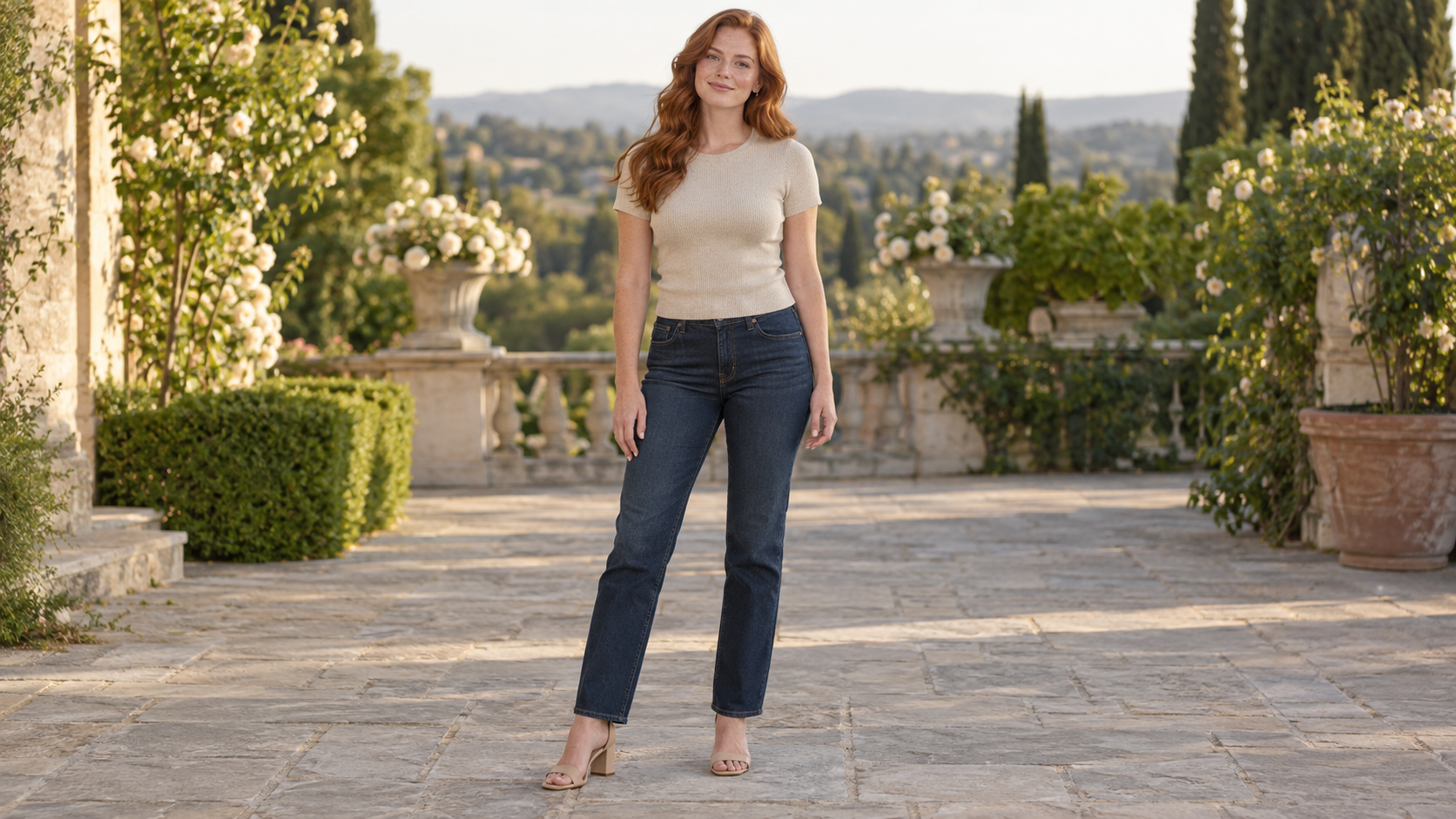
Try On Clothes Before Buying Online afterTry On Clothes Before Buying Online before

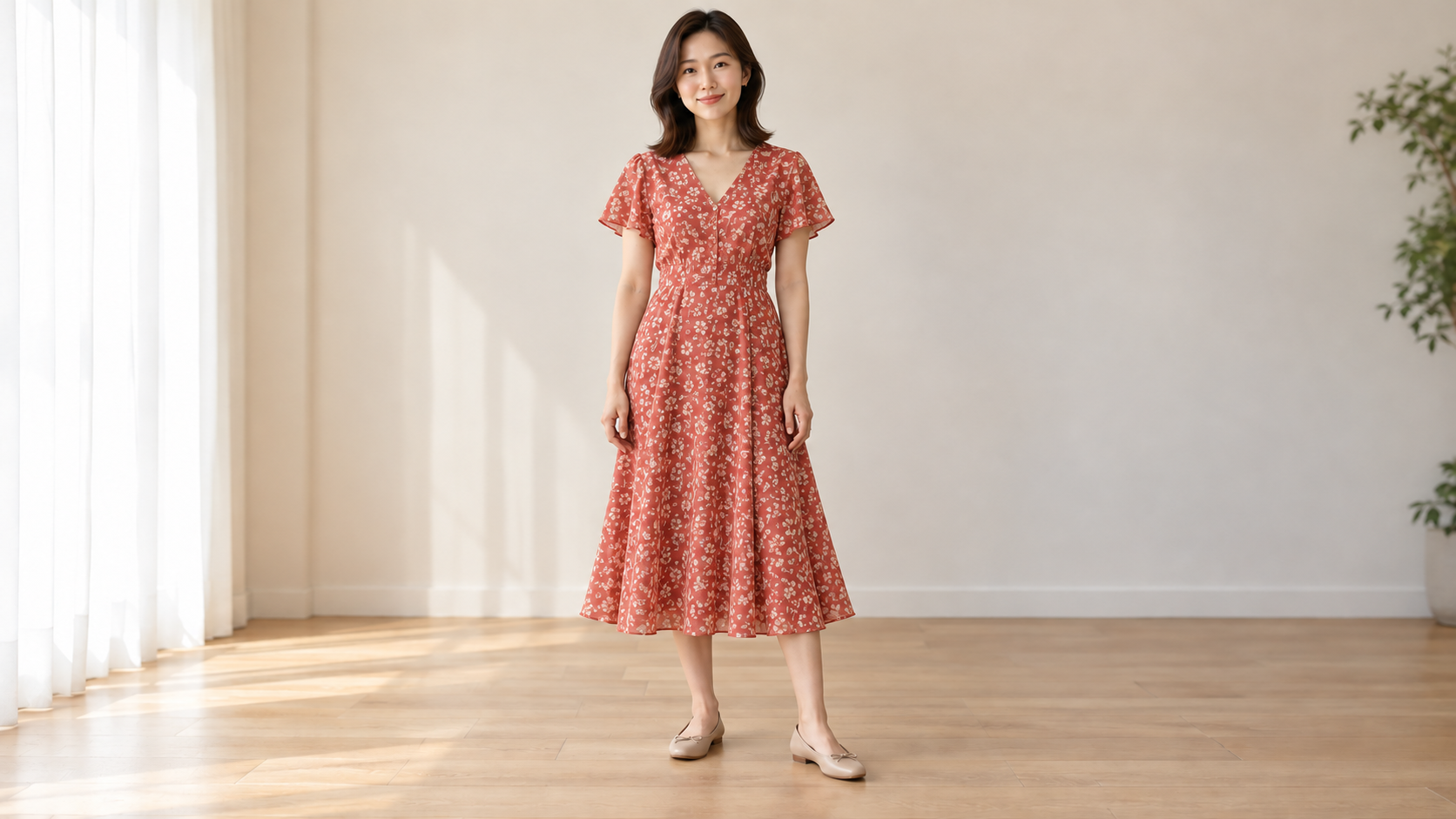
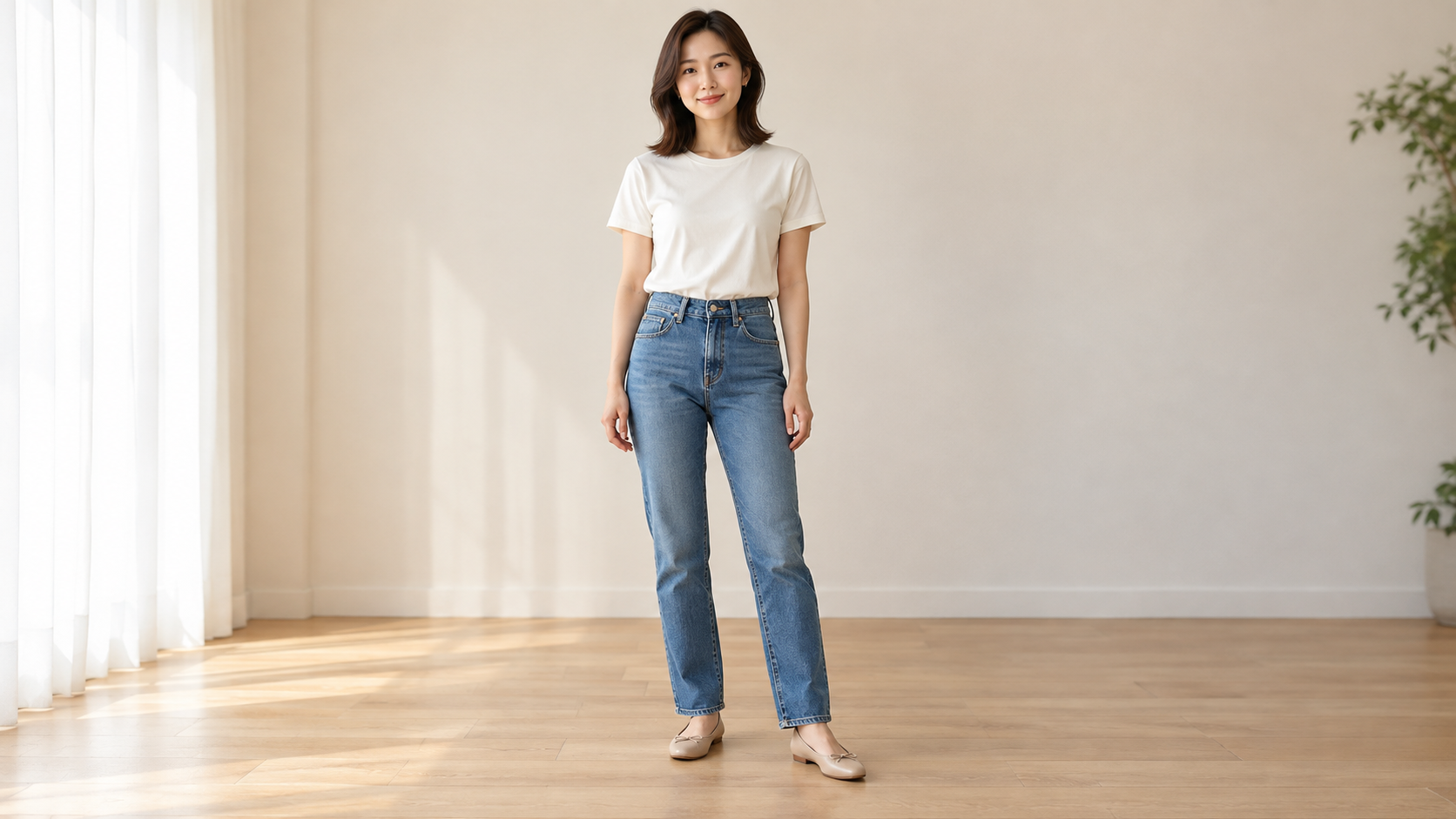
Try On Clothes Before Buying Online

Found a dress or jacket you like online? Upload its product image with your own photo to preview the look on yourself. Use a video to see the outfit as you walk or turn.

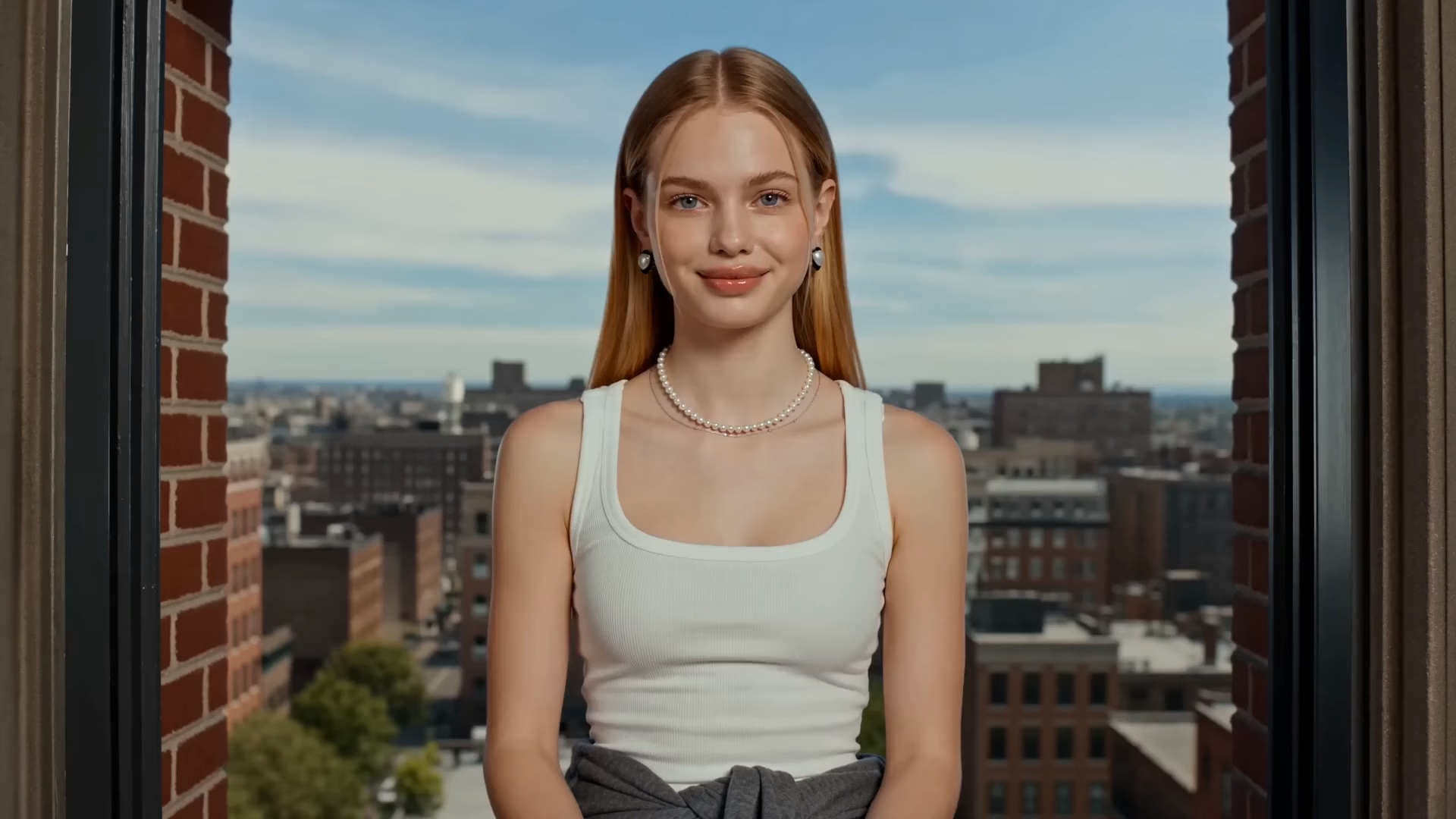
Swap a T-Shirt for a LinkedIn Look afterSwap a T-Shirt for a LinkedIn Look before

Swap a T-Shirt for a LinkedIn Look

Have a good portrait but the outfit feels too casual? Upload a suit or blazer reference to change what you’re wearing. You can also update the outfit in a professional introduction video.

Turn One Model Clip into Clothing Ads afterTurn One Model Clip into Clothing Ads before

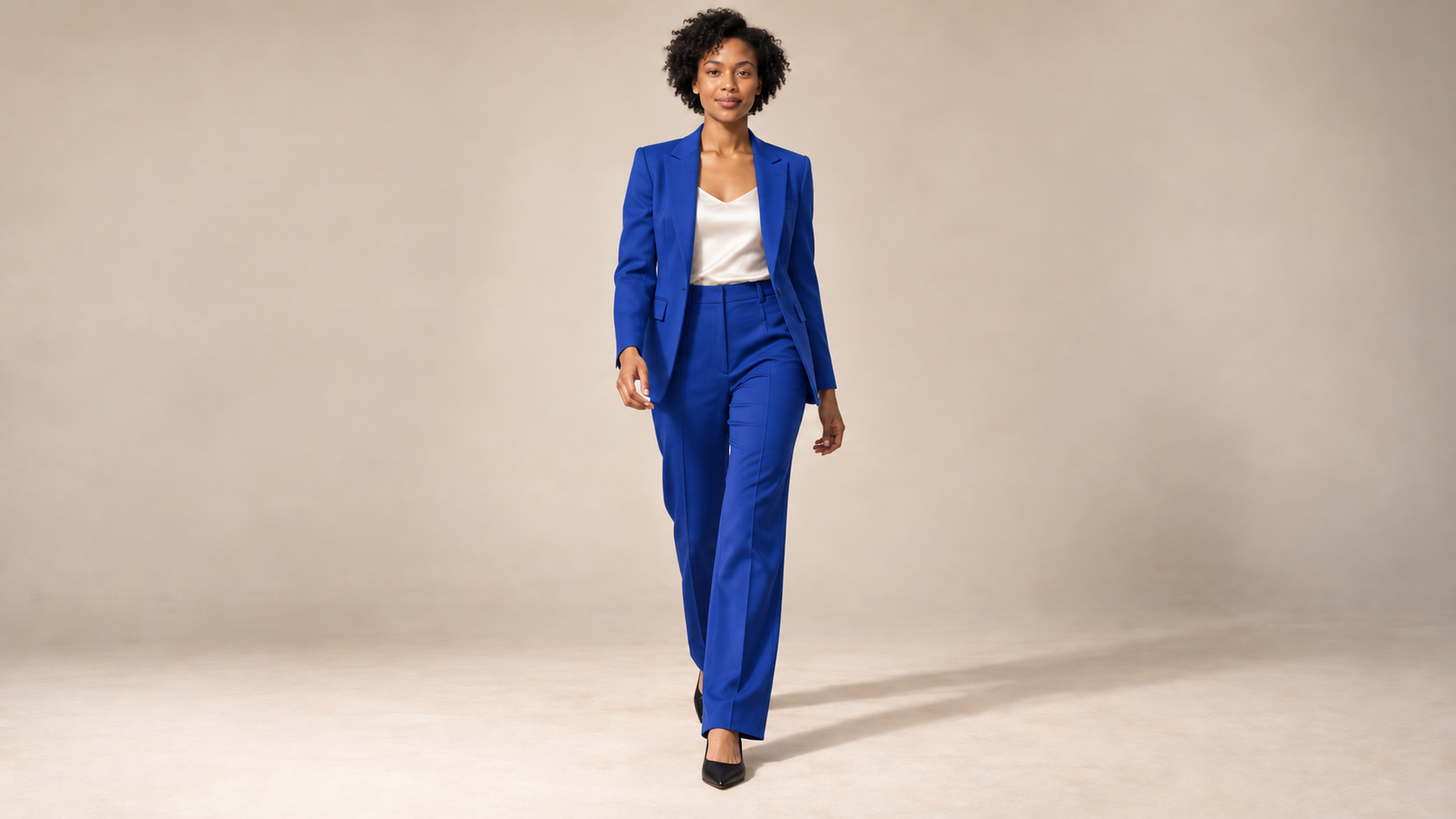
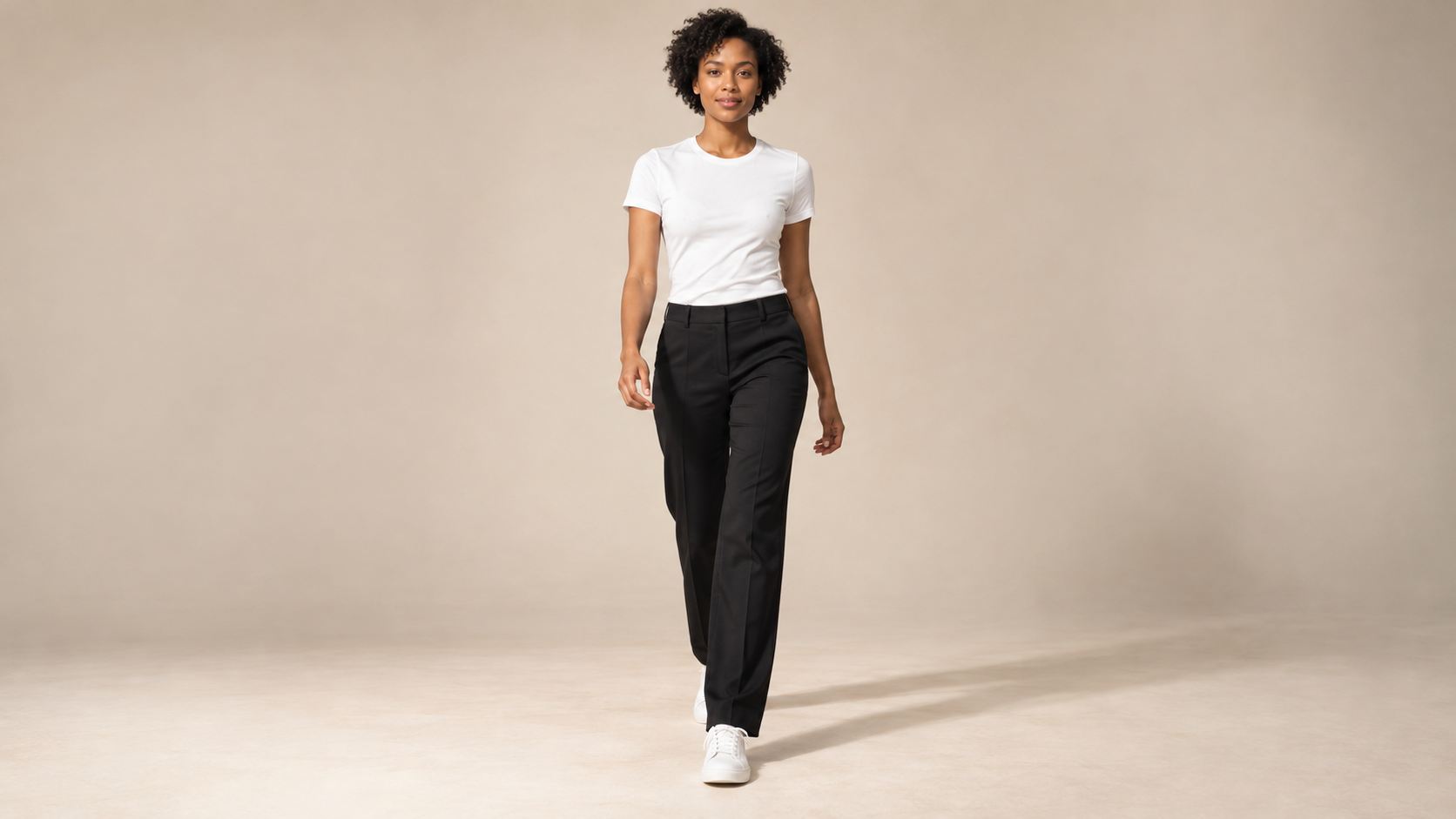
Turn One Model Clip into Clothing Ads

Have a video of a model walking or posing? Upload a clothing image to feature a different outfit in that clip. Repeat with other pieces to create videos for your store’s social posts and ads.

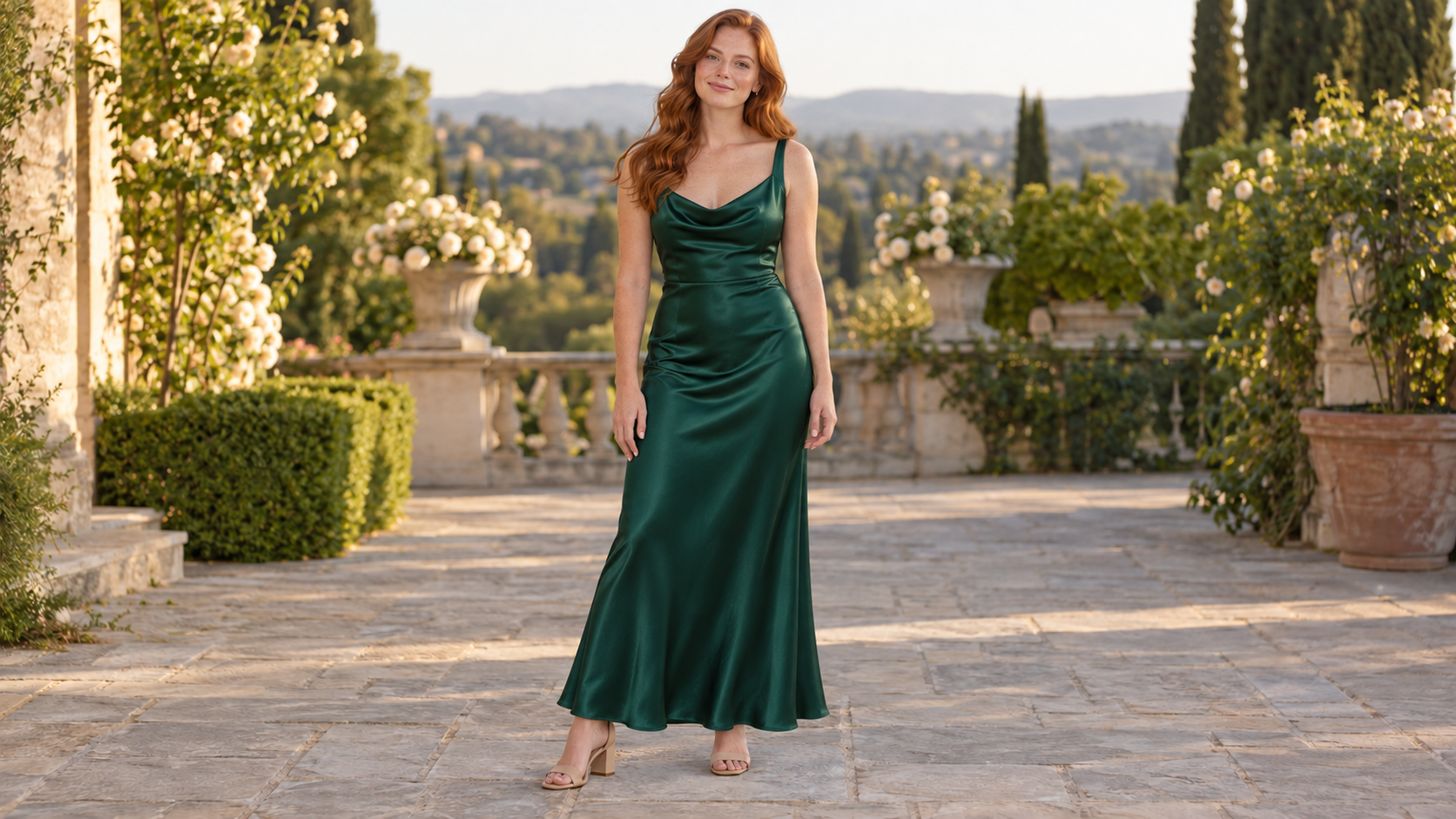
Try Wedding Guest Dresses or Halloween Costumes afterTry Wedding Guest Dresses or Halloween Costumes before

Try Wedding Guest Dresses or Halloween Costumes

Compare wedding guest dresses using your own photo before choosing a look. For Halloween content, upload a costume reference to give an existing dance or party video a themed outfit.

영감 얻기

More Buzzy Tools to Try

Explore more ways to create videos, images, and content with Buzzy.

Seedance 2.5 Flash
더 빠르고 저렴하게, SD2.5 품질 그대로
사용해 보기
블랙 프라이데이 · 특가
6개월 추가 무료 · 80% 할인
사용해 보기
Agentic Canvas
에이전트 기반 노드 캔버스
사용해 보기
Buzzy MCP
Claude와 ChatGPT에서 동영상 만들기
사용해 보기
Seedance 2.5
시네마틱 4K, 일관된 샷
사용해 보기
GPT Image 2.6
지금 GIF 만들기
사용해 보기
Kling 4.0
3~30초, 최대 4K 화질
사용해 보기
Nano Banana 2.1
빠르고 브랜드 수준의 이미지 생성
사용해 보기
Seedance 2.0
모션 기반 동영상 제작
사용해 보기
Google Omni
시네마틱 동영상 생성
사용해 보기
Kling
고정밀 물리 시뮬레이션
사용해 보기
Runway
차세대 크리에이티브 동영상 도구
사용해 보기
Nano Banana 2
경량 동영상 합성
사용해 보기
Veo 3.1
Google's advanced video generation
사용해 보기
GPT Image 2
포토리얼리스틱 이미지 생성
사용해 보기
Hailuo
빠르고 표현력 있는 동영상 초안
사용해 보기
Pixverse
스타일리시하고 역동적인 동영상 생성
사용해 보기

Frequently Asked Questions

Find out how to change clothes in videos and photos, choose your references, and review your new look.

Buzzy AI Clothes Changer changes the outfit worn by a person in a photo or video using a clothing reference image. Start with a photo for a new still image, or a video for a wardrobe change in motion.

Yes. Upload a video of a person and an image of the clothes you want them to wear. Buzzy generates a video with the new outfit, so you can restyle existing footage without filming another take.

Yes. Upload a photo of the person along with a clothing image to generate an outfit-change photo. Use this for portraits, outfit previews, and fashion imagery.

The edit focuses on clothing, with your source image or clip guiding the person and scene. Check the face, body, and outfit in the result, as generated details can vary.

Choose a sharp, well-lit image that clearly shows the garment, its colors, and its shape. Avoid heavy shadows or blocked details, and use a source photo or video where the person’s clothing is easy to see.

Watch the full clip, especially during turns or fast movement. Check garment edges, patterns, and any areas covered by hands or objects. Review fine details such as logos before using the result in product content.

You can start with just your source photo or video and a clothing image. Upload both, generate the outfit change, and review the result. Try another clothing reference to explore a different style.

Your Next Video. A Whole New Outfit.

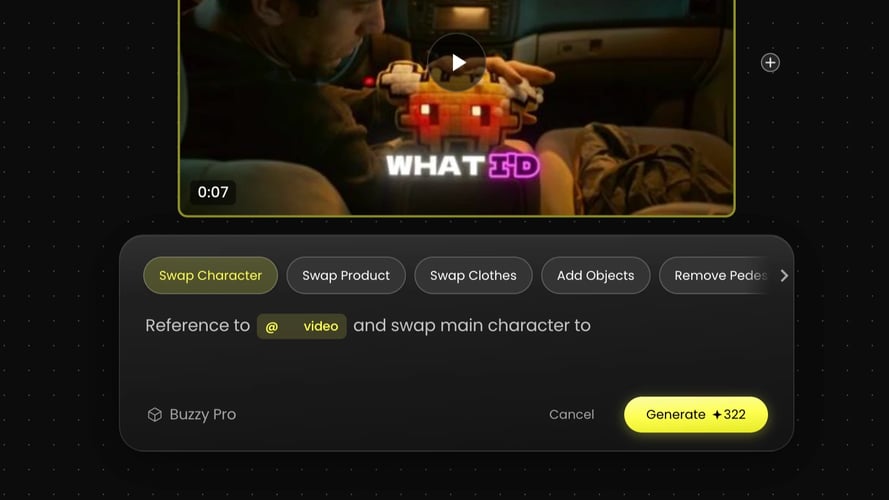
Put a new look in motion. Upload your video and a clothing image to get started, or use a photo for a still-image outfit change.
25M
사용자
190 개국
#1
이달의 제품
Product Hunt
4.8
G2
Buzzy