 01
Name the Four Panels
Write the page in reading order: top left, top right, bottom left, bottom right. Give each panel one place and one action. A photo with a clear face helps the same person hold across the grid.
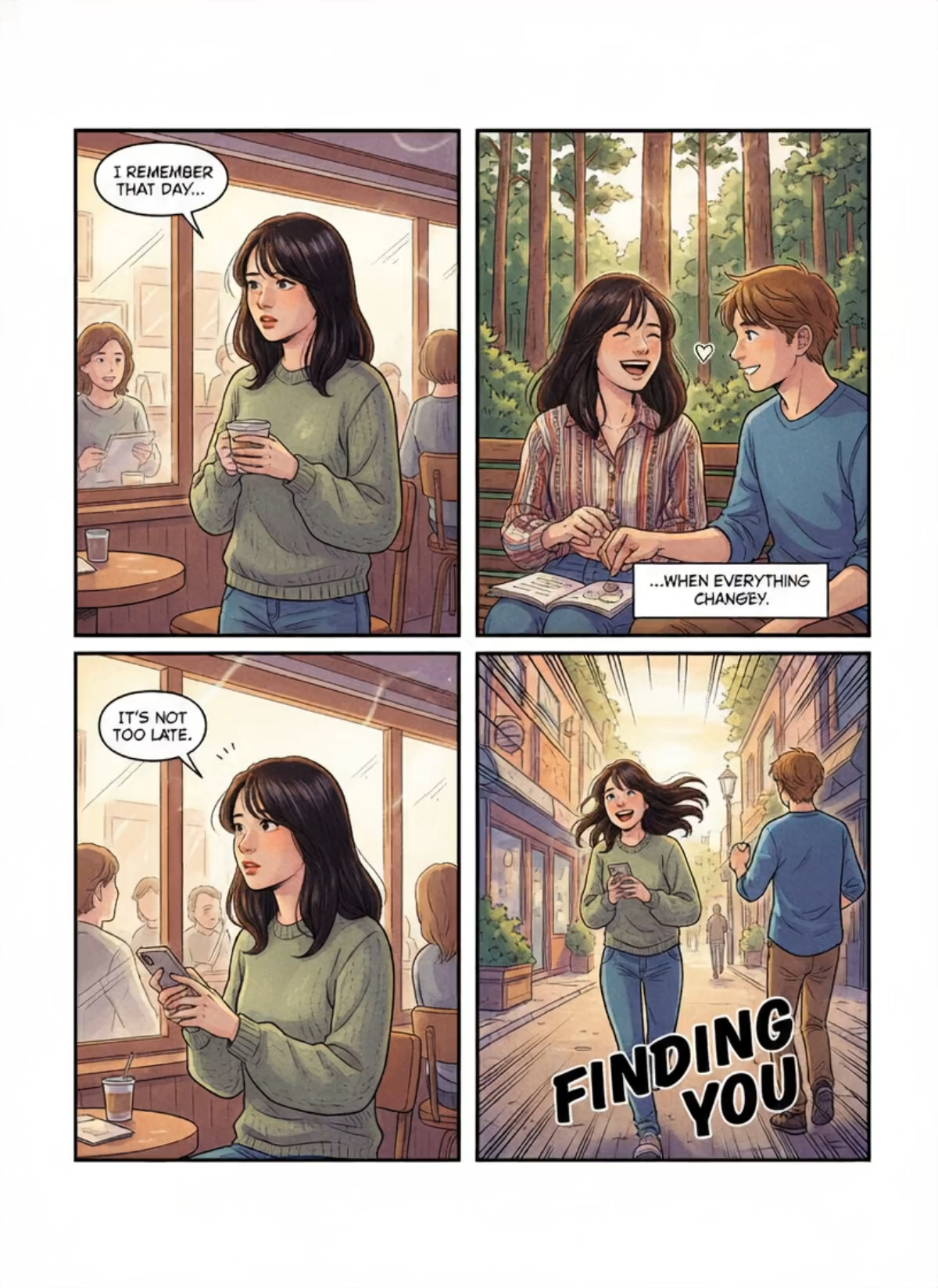
The preview is one painted comic page in a two-by-two grid. A cafe, a forest bench, a phone at the table, and a street walk stay in the same frames while hands and hair move. Read the bubbles on the first take before you extend the clip.
Recreate this four-panel page
Add your photo and follow the page in the preview.
Page preview
The clip on this page is the layout to follow
Panel brief
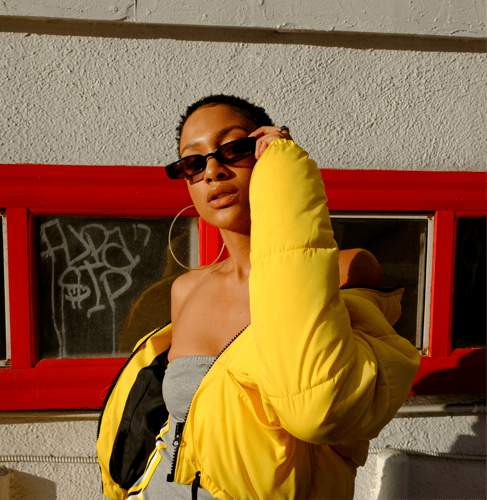
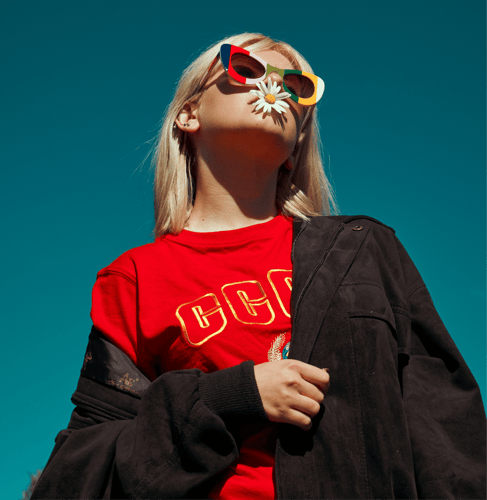
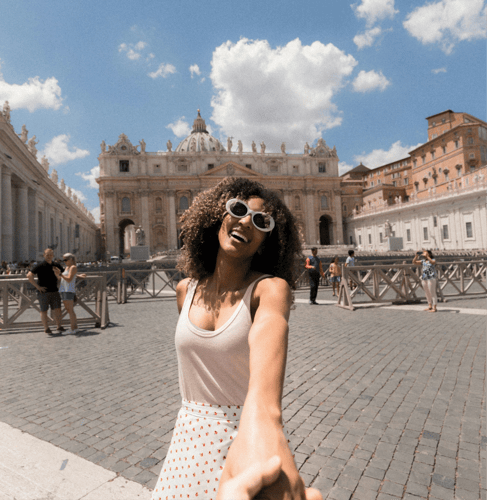
Follow the preview, name four panels in reading order, and keep the motion inside those frames. Read every bubble on the first take. The clip is a generated comic page, not a license to someone else's characters.
01Write the page in reading order: top left, top right, bottom left, bottom right. Give each panel one place and one action. A photo with a clear face helps the same person hold across the grid.
 02
The AI Comic Book Filter takes the page from the preview. Name one short original line and one small gesture per panel. Leave published characters and logos out of the brief.
 03
Play the short result. Check that the grid is still two by two, the words are the ones you wrote, and the face still matches. If a bubble scrambles, change only that line before you extend the clip.
This page stays on one comic grid. Open a cartoon workflow when you want a single illustrated clip without panels, or a film workflow when the job is connected scenes.
What the first take should prove, which photo helps a face hold across panels, and why every bubble still needs a read.
Judge one continuous page, about five seconds, taller than it is wide. The sample is a two-by-two grid with white gutters. Top left is a cafe and a cup. Top right is a bench under trees. Bottom left returns to the cafe with a phone. Bottom right is a sunny street with large display type. Hands, hair, and small gestures move inside the frames. The borders and the reading order stay put. The same dark-haired figure in a green sweater appears in three panels, and the forest panel changes the shirt to stripes. If a panel swaps places, or a fifth frame appears, the page has not held. The reference is 1200 by 1648. It is a generated comic page, not a finished print file.
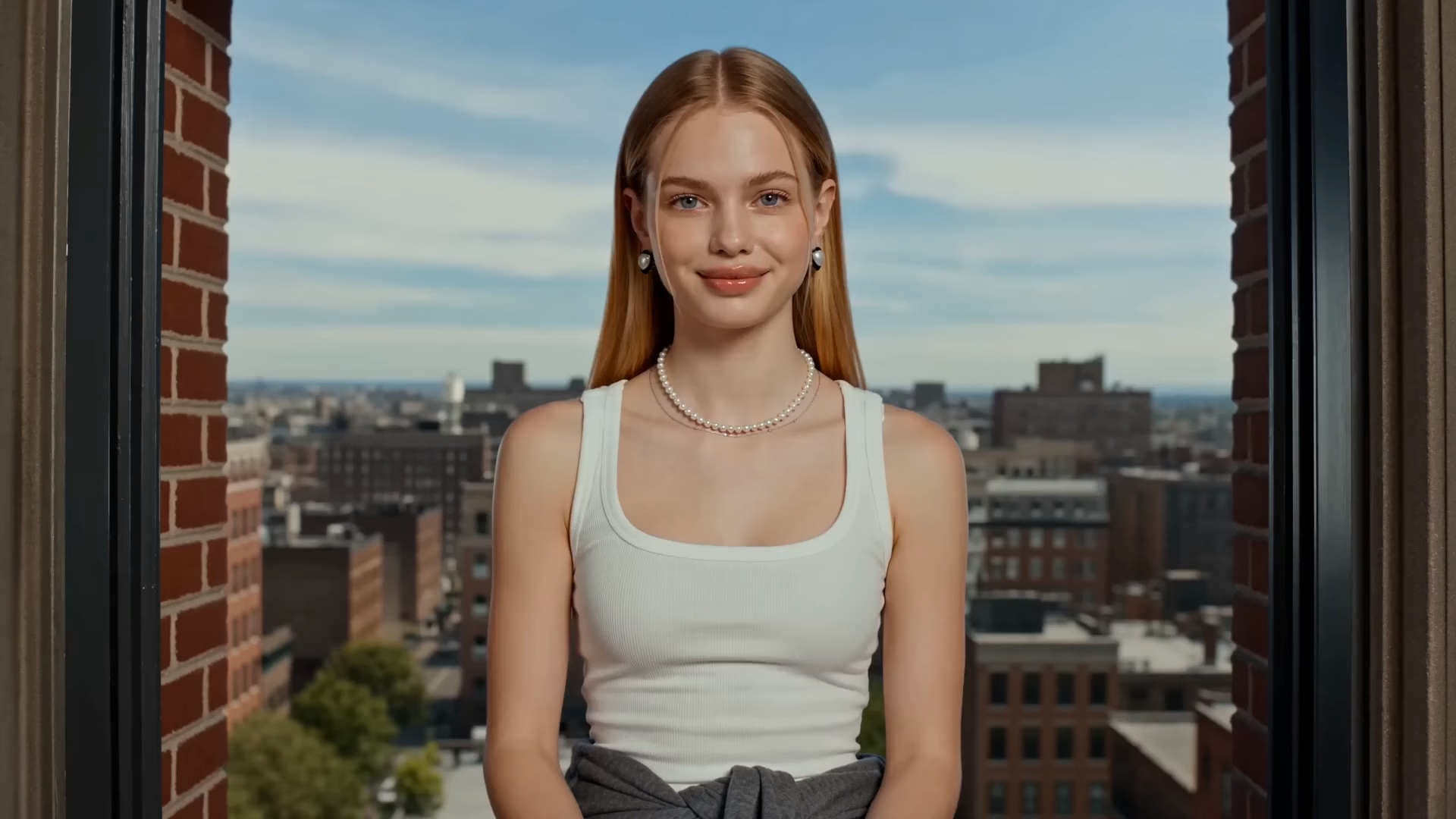
Upload a clear photo of one adult if you want that person to carry through the grid. A front view on a simple background beats a tiny face in a crowd. Sunglasses or a hand over the mouth make the likeness weaker once the drawing simplifies the features. Use only a photo of an adult you have permission to depict. Do not upload anyone under 18. The preview is the page layout and the ink style. Your upload is the person that style should follow. If you are drawing original characters with no photo, say so in the brief and still check that each face stays the same person from panel to panel. Confirm the file types shown in the recreate panel before you submit.
You can replace the uploaded photo, rewrite the panel brief, and use the recreate controls on the panel: subject photo, prompt text, and the reference clip. Useful brief edits are the place in each frame, one gesture, outfit color, and the short line in a bubble. Ask for one change at a time so you can see what moved. Changing a line of dialogue changes the page less than moving a panel to a new spot. The reference on this page runs about five seconds in a tall frame. Resolution, duration, and credit cost for your own export stay on the live action you select. This page does not publish a fixed export spec, a print size, or a bleed.
Yes. The sample page carries short lines in bubbles and a caption box, plus two large words in the street panel. Generated lettering can misspell, clip the edge of a bubble, or swap a line into the wrong panel. Read every word on the first take before you extend the clip. Write original lines. Do not paste dialogue, titles, or characters from a published comic you do not have rights to use. If a bubble is wrong, change only that line and generate again. A pretty panel does not make a scrambled sentence ready to post.
Stay here when you want one comic page whose borders stay still while the figures move. Open the cartoon clip template when you want a single illustrated shot without a panel grid. Open the AI Film Maker when the job is connected scenes, shot planning, and a longer story. Do not force chapter breaks, a logo, or another studio's characters into this one-page brief. This preview is not a multi-page issue.
The motion is supposed to stay inside the frames. A hand can cross a gutter, a face can drift toward a neighbor's panel, or the display type can slide off the street scene. A short first take shows whether the grid survived. If the ink is right but one gesture is muddy, change only that panel's line. If the person no longer matches the upload, simplify the photo before you spend more credits. Extend only the take whose borders and faces still hold. Buzzy shows a start-for-free entry, and generation still follows the credit and plan limits in your account. This page does not promise unlimited free exports, a fixed resolution, or a guaranteed runtime.
Follow Buzzy's current terms for generated media, and only upload images you have the right to use. An AI Comic Book Filter result is still a generated clip under those terms. The template does not grant permission to depict a real person you do not represent, or to copy a published comic's characters, logos, or lettering. Do not upload minors. Review likeness rights before you publish, and label the page as generated when a viewer could mistake it for a printed issue. This template does not add a guaranteed audio track unless the live panel offers that control. If the clip will run in an ad or on a channel, confirm the usage rules in your account first.
Open the preview, name the four panels in reading order, and read every bubble before a longer export.